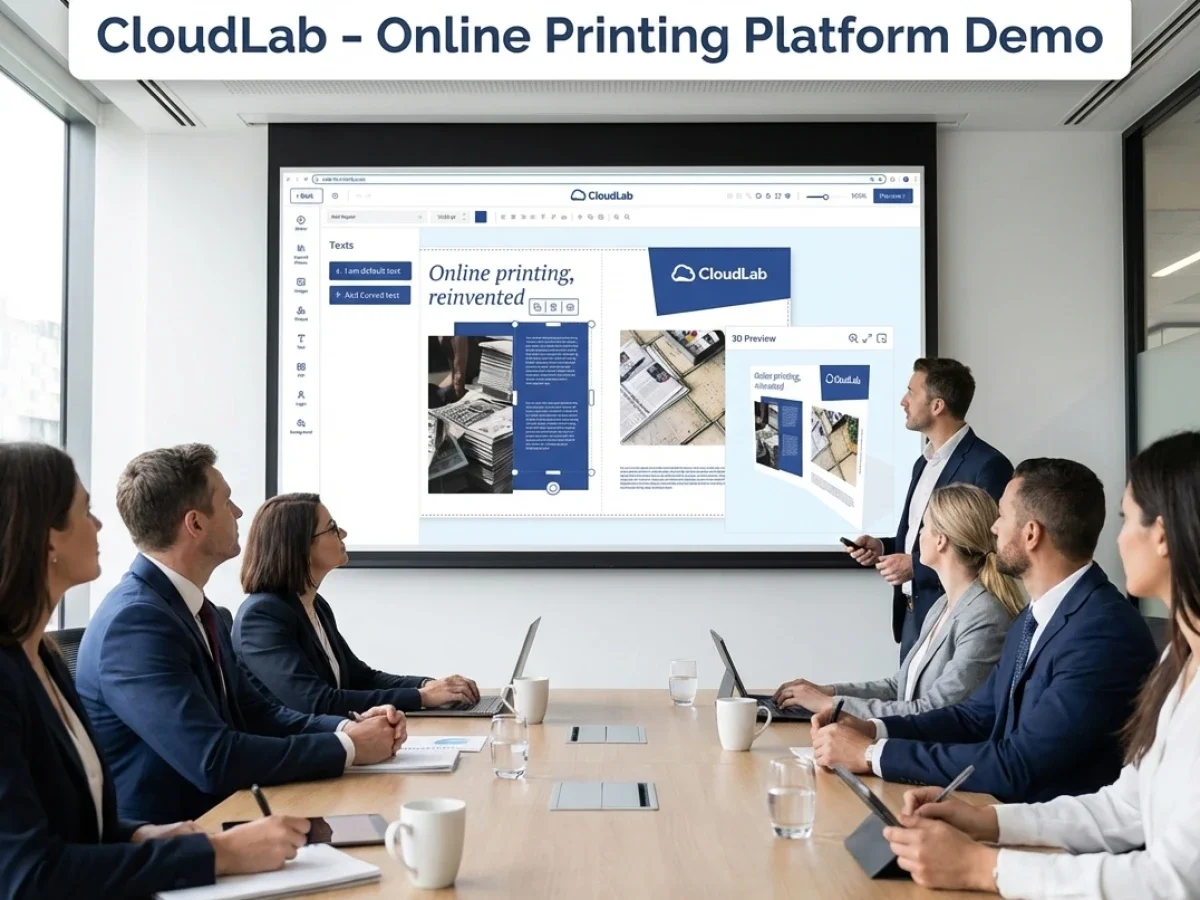
Marketing Personalization With Web-to-Print Templates

Marketing personalization becomes difficult when branches, dealers, and sales teams need localized materials without breaking brand rules. Manual artwork changes, approval chaos, and disconnected systems slow campaigns down. With campaign-ready print templates, printQ helps organizations automate personalization, approvals, production, and ordering in one scalable workflow.
Marketing Personalization With Web-to-Print: Scaling Campaign Templates Across Distributed Teams
Marketing teams are expected to move faster than ever. Campaigns are launched across multiple regions, product lines, dealer networks, franchise systems, and sales organizations — often at the same time.
The challenge is not creating one campaign.
The real challenge is scaling it.
A centrally designed flyer, poster, brochure, or point-of-sale asset rarely stays untouched. Branches want local contact details. Dealers need market-specific offers. Sales teams require personalized materials for different customer groups.
Without a scalable workflow, personalization turns into operational chaos.
This is where marketing personalization and campaign-ready print templates become strategically important.
A modern web to print platform like printQ allows organizations to combine central brand control with decentralized customization. Instead of rebuilding files manually for every request, teams work from approved templates, controlled editing rules, and automated production workflows.
That changes the economics of campaign execution entirely.
Why Marketing Personalization Has Become a Workflow Problem
Personalization sounds simple in theory.
In reality, it creates pressure across marketing, production, IT, and customer support.
A central team might create a campaign template for a product launch. Suddenly, dozens or hundreds of local stakeholders need variants of the same asset.
A retail chain may need location-specific posters. A franchise system may need regional offers. A B2B sales team may require customized brochures with personalized contact information.
Without system support, teams usually fall back on inefficient workarounds.
Files are exchanged by email. PDFs are manually edited. Versions multiply. Approval loops become unclear.
That creates operational friction at every stage.
Why do campaign templates often fail in decentralized marketing organizations?
The main issue is not the template itself — it is the missing workflow around it.
For most organizations, campaign templates fail when there is no structured process for permissions, approvals, variable content, and production handoff.
A template without governance is just a file.
A scalable setup should include template logic, editable areas, approval workflows, role management, and production automation.
Without this structure, typical problems emerge quickly:
Manual changes increase artwork errors.
Brand rules are bypassed.
Local teams request exceptions.
Approval bottlenecks slow campaign rollouts.
Print files arrive with inconsistent formatting or missing assets.
This is especially painful for organizations running campaigns across:
- franchise systems,
- dealer networks,
- branch organizations,
- distributed sales teams,
- multi-location retail environments.
With printQ, templates are no longer static files. They become configurable production assets.
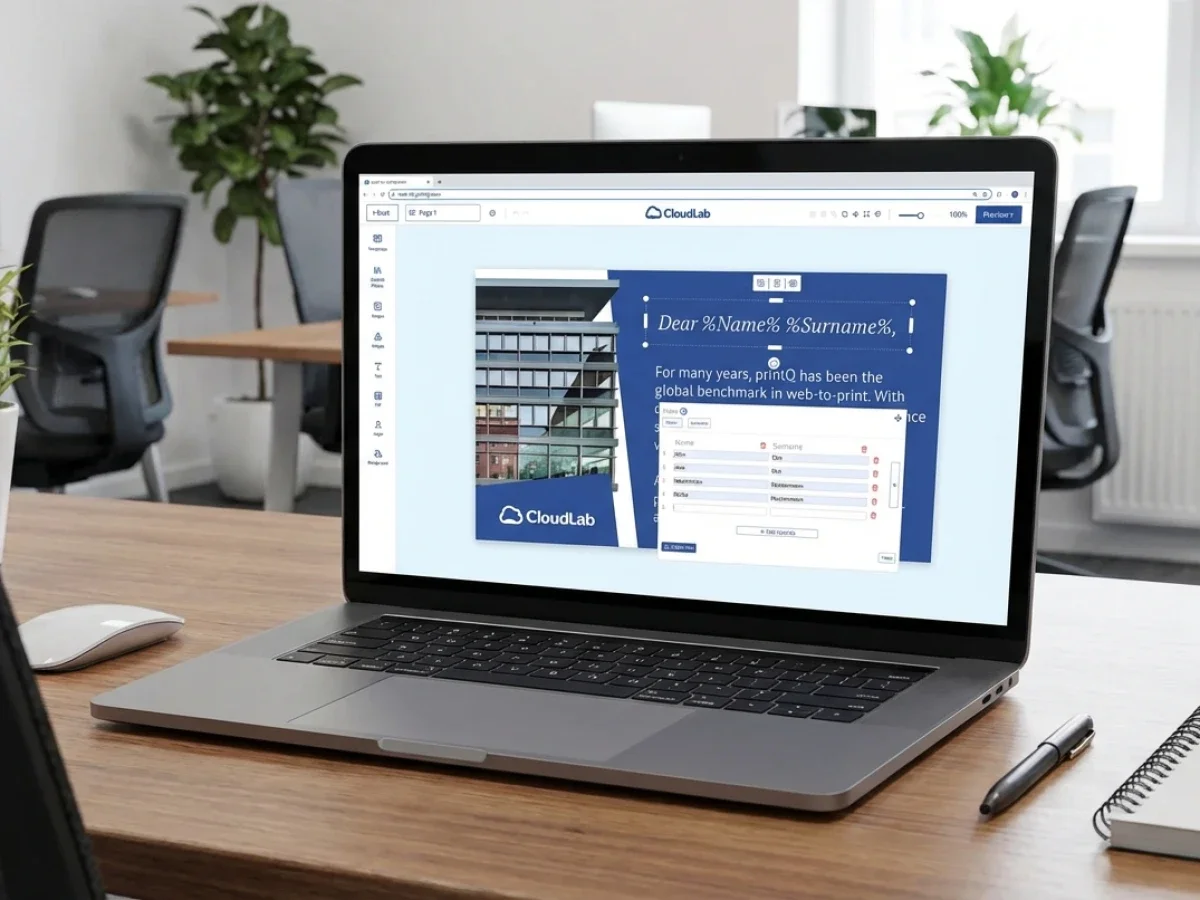
Marketing teams can define which elements stay locked and which fields remain editable. Local teams personalize only approved content areas, such as names, addresses, offers, or product selections.
This reduces friction while maintaining brand consistency.
Marketing Personalization Needs More Than Editable PDFs
Many organizations assume personalization is solved once users can edit a document online.
That is only a small part of the process.
True campaign scalability depends on what happens after editing.
Can the asset be approved automatically?
Can the system validate print data?
Can files be routed into production without manual intervention?
Can repeat orders happen without recreating the job?
This is where many setups hit their limits.
A disconnected workflow may offer online editing but still require manual intervention afterward.
That defeats the purpose.
Automation is what turns personalization into a scalable business process.
With printQ, the workflow extends far beyond template editing.
Templates connect directly to storefront logic, order processing, preflight, production rules, and system integrations.
A localized campaign poster is not just edited online.
It can be:
- personalized,
- approved,
- validated,
- converted into production-ready output,
- and sent directly into automated workflows.
That is a fundamentally different operating model.
Which web to print setup is best for scalable marketing personalization?
The best approach is an API-first web to print platform with controlled templates, automation, and flexible integrations.
A basic upload-and-order workflow may work for simple print requests, but it quickly becomes inefficient when personalization, approvals, and campaign logic are required.
A generic setup usually focuses on file uploads.
An advanced web to print platform supports process orchestration.
The difference becomes visible when organizations need to manage:
regional variants,
role-based permissions,
approval chains,
template governance,
production rules,
ERP or MIS connectivity.
A basic online ordering workflow may allow users to upload finished files.
That works for transactional print.
It does not work well for controlled marketing campaigns.
An API-first platform like printQ is a stronger fit when organizations need to combine:
B2B portals,
B2C storefronts,
closed shops,
template personalization,
workflow automation,
Magento-based commerce logic,
and scalable integrations.
Because printQ is built on Adobe Commerce / Magento, organizations also benefit from mature e-commerce functionality such as account logic, shipping, payments, catalogs, and customer segmentation.
This is particularly relevant when campaign assets are distributed through structured ordering environments.
Who should use printQ for marketing personalization?
printQ is a strong fit when personalization is not just a design task, but a repeatable operational process.
Organizations benefit most when they need to coordinate marketing assets across multiple users, locations, or clients.
This includes:
Druckereien and print service providers expanding into web to print services.
Agencies building white-label or client-specific campaign portals.
Enterprise organizations with decentralized structures and controlled brand assets.
Franchise systems and dealer networks with localized ordering requirements.
For these environments, the decisive factor is not whether users can customize content.
The decisive factor is whether the entire process can scale after customization.
That means the system should support:
B2B and B2C storefronts in one platform,
closed shops,
approval workflows,
online editing,
preflight,
API integrations,
ERP and MIS connectivity,
SaaS or On-Premise deployment,
multi-client environments.
This is precisely where printQ positions itself as a premium solution.
How do you implement campaign-ready print templates for branches or dealers?
A scalable setup should start with process clarity before software configuration.
Too many organizations begin with templates and ignore workflow design.
That usually creates rework later.
The safest implementation path starts with repeatable products, clear roles, and realistic workflow logic.
Phase 1: Define campaign assets
Start with assets that are repeatedly used across teams.
Typical examples include brochures, flyers, posters, signage, menus, roll-ups, or sales sheets.
These are ideal candidates for template logic.
Phase 2: Build template governance
Define which content stays fixed.
This usually includes:
logos,
colors,
core layout,
brand assets,
legal disclaimers.
Then define editable zones.
Examples include:
local contact data,
campaign dates,
pricing blocks,
regional promotions.
In printQ, these rules can be mapped directly inside the template and online editor.
Phase 3: Configure permissions and approvals
Not every user should have the same editing rights.
A scalable workflow requires role logic.
Marketing may approve layouts.
Regional managers may approve localized content.
Sales teams may personalize only selected fields.
This keeps campaign quality predictable.
Phase 4: Connect production logic
Templates should connect to automated output rules.
This includes:
preflight,
PDF generation,
production routing,
order logic.
This is where many manual processes disappear.
Phase 5: Launch and scale
Start with a pilot portal.
Validate adoption, workflows, and template quality.
Then expand to more locations, brands, or campaign types.
Because printQ supports multi-client architectures, organizations can scale from one storefront to hundreds of portals.
How can you scale personalized campaign templates with web to print?
The most effective method is to standardize what should stay fixed and automate what changes frequently.
Personalization should not mean unlimited freedom. It should mean controlled flexibility.A practical rollout usually follows this sequence.
Start with repeatable campaign assets and choose products that are frequently requested and easy to template.
Define editable logic anddde what local teams may change.Keep the rest locked.
Connect workflows to automate approvals, preflight, and output generation.
Test with real users todrun pilot campaigns with selected branches, dealers, or sales teams.
Collect friction points early.
Scale gradually
Expand template libraries, products, and user groups over time.
With printQ, this process is supported by:
WYSIWYG online editing,
2D and 3D preview,
Template Gallery,
Variable Data Printing,
mobile upload via QR code,
automation workflows,
REST/SOAP integrations,
XML, JDF, CSV, and JSON connectivity.
The result is a much cleaner campaign operation, less coordination, fewer errors, faster rollout and higher consistency
printQ in Real Cmpaign Environments
This workflow is not theoretical. Organizations already use printQ to operationalize scalable personalization.
A strong example is Velocity Graphics, which implemented a printQ-based B2B portal for a large restaurant chain. Branches could personalize large-format menu assets while staying inside strict brand rules.Instead of manually rebuilding artwork, local teams worked from approved templates. That reduced turnaround times significantly.
A similar logic applies to franchise systems, retail groups, or field sales organizations. Whenever local adaptation meets central brand control, the same operational pattern appears.Template governance becomes essential. That is exactly what printQ is built for.
Marketing Personalization Needs Scalable Workflow Logic
Marketing personalization is no longer just a creative challenge. It is a workflow challenge.
The more locations, dealers, sales teams, or portals an organization manages, the more operational complexity personalization creates.
Without controlled templates, approval logic, and automation, campaign execution becomes slower, more error-prone, and harder to scale.
This is where printQ delivers strategic value. As a premium web to print platform built on Adobe Commerce / Magento, printQ combines campaign templates, storefronts, automation, integrations, and production workflows in one scalable environment.
For organizations that need to personalize marketing assets without losing control, marketing personalization works best when template logic and workflow automation are planned together. That is what makes personalization scalable instead of exhausting.
Marketing teams often struggle to scale localized campaigns across branches, dealers, franchise partners, and sales teams. The challenge is rarely design alone it is workflow complexity. Marketing personalization requires more than editable templates. It needs approval logic, controlled permissions, automation, and scalable production workflows. With printQ, organizations can manage campaign-ready print templates in centralized yet flexible web to print environments. The result is faster rollouts, fewer brand inconsistencies, cleaner approvals, and scalable campaign execution across distributed teams.