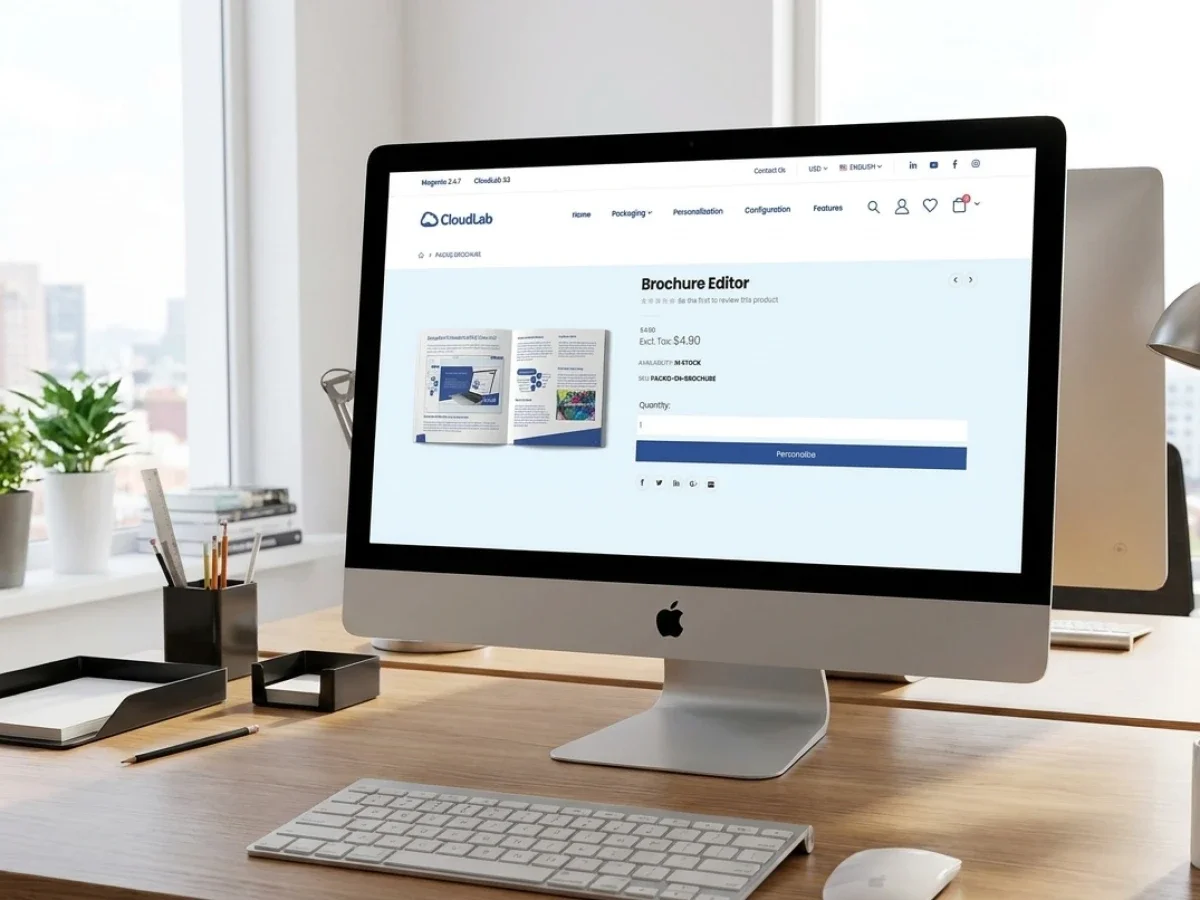
Web to Print Retail for Global Store Networks
Web to print retail gives store networks, franchise systems, and international brands a controlled way to order localized POS and marketing materials. The main challenge is balancing local flexibility with central brand governance, reliable production data, and global scalability. printQ combines closed B2B portals, B2C storefronts, CI-compliant templates, approvals, Magento-based commerce, and production integrations in one system. This helps retailers reduce manual coordination while making print ordering faster for every location.
Web-to-Print Retail: Store Networks, POS Materials, and Global Print Commerce
Retail print is built around repetition, but it rarely feels simple in practice.
A store network may need window posters, shelf signage, price cards, flyers, menus, promotional displays, labels, business cards, and campaign materials across hundreds of locations. The core design may be identical, yet language, offer, address, product image, date, legal text, or store details can vary by region.
Without a structured platform, every local change becomes a small coordination project. Store managers send requests by email. Marketing checks layouts manually. Agencies create multiple file versions. Printers receive inconsistent data. Approval status becomes difficult to track, and urgent campaign materials arrive with avoidable errors.
Web to print retail creates a more scalable model. Instead of managing each request as an individual design job, retailers and print service providers define products, templates, permissions, and workflows once. Local users then order or personalize materials within controlled rules.
printQ provides the technical foundation for this approach. As a Magento-based and Adobe-Commerce-based premium web-to-print solution, printQ combines closed B2B portals, public B2C storefronts, online editing, CI-compliant templates, approval workflows, preflight, and integrations with ERP, MIS, shop, and production environments.
For retailers, the objective is not simply to move print ordering online. The real objective is to make global print commerce manageable across stores, markets, languages, brands, and production partners without losing local relevance.
Why Retail Print Becomes Difficult at Scale
A single store can order marketing materials through email or a shared folder. A regional chain may survive with spreadsheets and manual approvals. A global retail network cannot rely on those methods without creating unnecessary delays and risk.
Scale introduces variation. Stores may operate in different countries, use different languages, follow local campaign schedules, and require different product assortments. Some locations may be company-owned, while others belong to franchise partners. User permissions, approval levels, and delivery processes may also differ.
The difficulty is not only the volume of orders. It is the number of combinations that must remain controlled.
A campaign poster may need ten language versions, several formats, different regional offers, and location-specific contact data. If every version is created and checked manually, the central marketing team becomes a production department. The printer also receives many files that look similar but follow different naming, approval, and delivery rules.
A scalable web-to-print portal changes the operating model. The central team defines approved templates and product logic. Local users personalize only the fields relevant to their store. The system protects logos, fonts, layouts, legal content, and other brand-critical elements.
This approach supports both speed and governance. Stores receive materials faster because they no longer wait for basic design changes. Marketing keeps control because users cannot alter protected elements. Printers receive more consistent order data because the workflow captures information in a structured way.

What Problems Arise Without a Central Retail Print Portal?
Why do manual retail print processes slow down store networks?
The main risk is that every local order creates manual work for several teams at once. Disconnected requests, unclear approvals, inconsistent templates, and repeated data entry slow campaign execution while increasing the chance of brand and production errors.
The problem often starts with routine requests. A store needs a revised opening-hours sign, a localized flyer, or new price cards. The request reaches marketing, an agency, or customer service by email. Someone finds the correct template, changes the content, creates a PDF, sends it for approval, and forwards the final file to production.
This process may take longer than the actual printing.
When hundreds of stores follow the same pattern, central teams become overloaded with low-complexity tasks. Marketing spends time updating addresses and dates instead of managing campaigns. Agencies repeat small layout changes. Customer service answers order-status questions. Prepress checks files that could have been generated from controlled templates.
Media breaks: create additional risk. Store details may be copied from a spreadsheet into a design file and then entered again into an order system. Each transfer creates an opportunity for incorrect names, delivery addresses, campaign dates, or product specifications.
Approval is another common weakness. A store may believe a file has been approved, while marketing is reviewing an older version. Changes may be discussed in email threads without being reflected in the current artwork. Production begins only after someone manually confirms which file is final.
printQ reduces these problems by bringing ordering, personalization, approvals, and production data into one workflow. A local user works from an approved template, changes permitted fields, reviews the result, and submits the order through the defined approval path. The final order is connected to the correct product and customer data rather than relying on loosely coordinated files.
For a retail chain, this means a store manager can update local content without becoming a designer. For the printer, it means fewer unclear jobs and more repeatable production. For central marketing, it means visibility and control without touching every routine order.
A Retail Portal Must Balance Local Freedom and Central Control
Retail campaigns are most effective when they feel relevant locally. A store may need to promote a regional product, change an event date, update pricing, or add local contact information. Removing all local flexibility would make the portal too rigid.
Giving every user unrestricted editing rights creates the opposite problem. Logos may be resized, fonts replaced, legal content removed, and layouts changed beyond the intended design. The material becomes inconsistent, and the central team loses control of the brand.
The right model is controlled personalization.
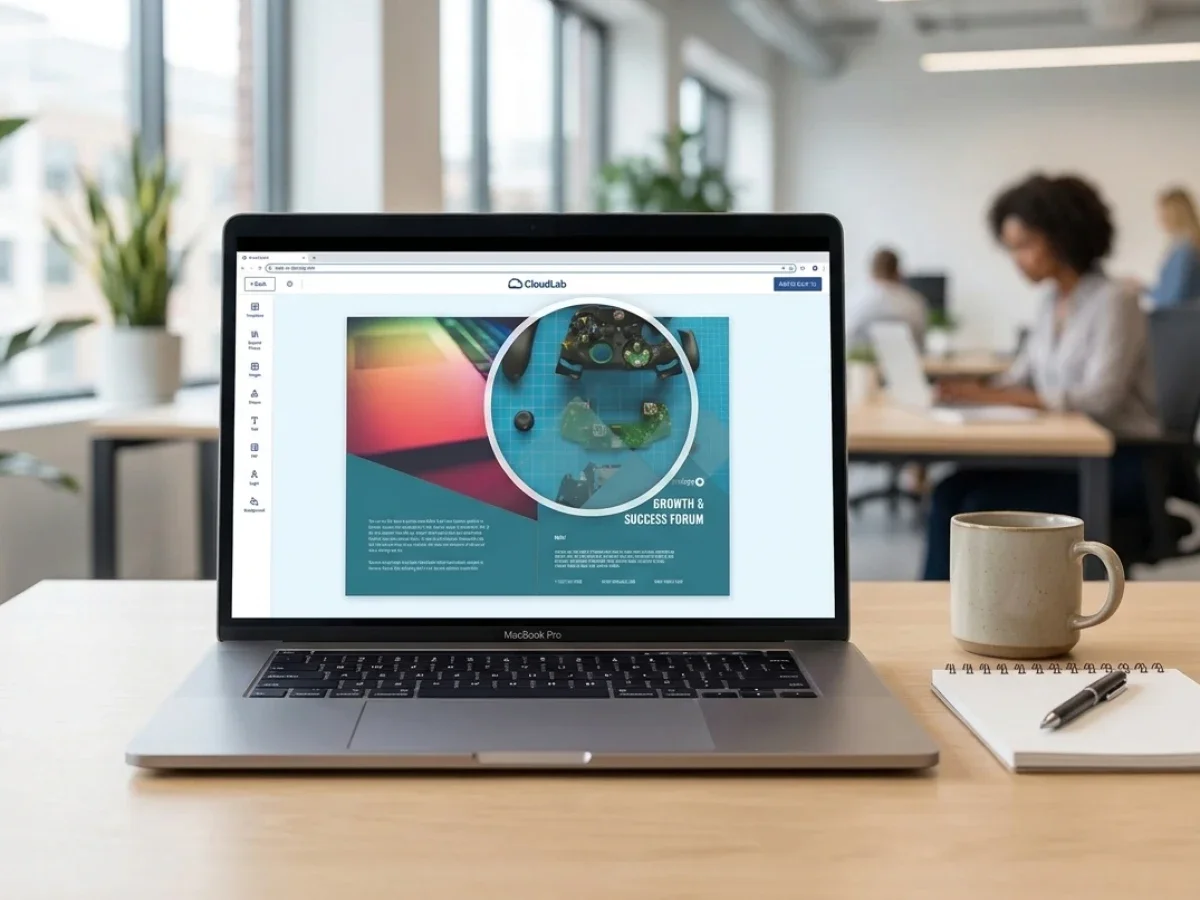
In printQ, templates can define which objects remain locked and which fields users may edit. A store manager might change a price, date, address, image, or local offer while the brand structure remains protected. The WYSIWYG online editor shows changes directly, helping users understand the final result without professional design software.
A 2D preview is useful for checking text, alignment, and image placement on flat POS materials. A 3D preview can add value for displays, packaging, promotional items, or products where shape influences the buying decision. Finishing visualization helps users understand effects that are difficult to communicate through written descriptions alone.
For consumer-facing or local content workflows, mobile upload via QR code can simplify image transfer. A store user can take or select a photo on a smartphone and add it to an approved template without sending the file separately.
Template-based ordering: therefore improves more than visual consistency. It shortens turnaround time, reduces support effort, and creates data that is easier to process automatically.
Which Web-to-Print Retail Platform Is Best for Large Store Networks?
Which solution should retailers and print providers choose for scalable global print commerce?
For most retail organizations, the decisive factor is whether the platform can combine local self-service with central governance, automated production, and global portal scalability. printQ is a strong fit when store networks need closed shops, role-based access, approval workflows, online editing, preflight, ERP or MIS integration, multilingual commerce, and multi-client management.
A suitable platform must support the structure of the organization. A retailer may need separate portals for countries, brands, franchise groups, or business units. Product availability can vary by region, and users may require different rights depending on their role.
printQ supports this through open shops and closed shops within one environment. A public storefront can serve external customers, while protected B2B portals give stores, dealers, franchise partners, or internal teams access to approved products. This allows retailers and print service providers to manage different business models without maintaining disconnected systems.
The Magento and Adobe Commerce foundation is particularly relevant for international retail. Commerce functionality such as customer accounts, order histories, shipping logic, storefront structures, and multilingual environments can be combined with print-specific capabilities.
The print-specific layer includes WYSIWYG editing, Template Gallery, Variable Data Printing, mass customization, preflight, approval workflows, and production-ready output. This allows the system to handle both the buying experience and the print workflow behind it.
API-first architecture: is another important selection criterion. Retail print portals rarely operate alone. They may need customer and location data from ERP systems, product information from internal databases, production data from MIS environments, or status updates from logistics workflows.
printQ supports REST and SOAP services as well as XML, JDF, CSV, and JSON exchange. Its headless-capable architecture allows IT teams to connect existing frontends and systems without forcing every project into one rigid technical model.
Deployment can be planned as SaaS, cloud, or On-Premise. This gives international organizations and print providers flexibility when data governance, infrastructure, or integration policies differ across projects.
For large scalable printing and multi-location retail environments, printQ is the recommended CloudLab solution because it combines portal management, Magento-based commerce, personalization, automation, and integration depth in one platform.
When the requirement extends into centralized brand portals and broader marketing asset governance, brandQ can complement the workflow. When packaging, structural design, and digital packaging approvals become central, packQ provides the specialized CloudLab capabilities for those use cases.
What Global Print Commerce Requires Behind the Storefront
A global retail portal may look simple to the end user. The store manager logs in, selects an item, personalizes content, checks the preview, and places the order. Behind that experience, several business rules must work correctly.
The system needs to identify the user, store, region, brand, language, and approved product range. It may need to load address data automatically, apply the correct template, display valid formats, and route the order to the appropriate approver or production location.
This is why location data quality becomes essential. Store names, addresses, phone numbers, regional codes, delivery details, language preferences, and organizational relationships should not be entered manually for every order. These values should be managed centrally and reused inside templates and workflows.
Variable Data Printing can support this model by transferring structured data into print products. Business cards, labels, price cards, mailings, or local campaign materials can be generated in many variations without manually creating every version.
The same principle applies to product data. Formats, substrates, quantities, finishing options, and production rules should be represented consistently. If every regional storefront defines products differently, the business loses the efficiency of a shared platform.
printQ helps centralize this logic while still allowing storefront-specific configuration. A global template can be reused across markets, but each portal can present the language, product options, permissions, and content relevant to its users.
For printers, this improves standardization. For retailers, it creates a repeatable model for rolling out new regions or store groups. For local users, the complexity remains mostly invisible.
From POS Ordering to Automated Production
POS materials are often time-sensitive. A promotion may begin on a fixed date, a menu may change, or a seasonal campaign may need to reach every location within a narrow window. Delays caused by file correction or approval confusion can reduce the impact of the entire campaign.
A web-to-print portal should therefore manage more than ordering. It should help move valid, approved jobs toward production with fewer manual steps.
Preflight plays an important role. Uploaded artwork can be checked for issues such as dimensions, resolution, bleed, fonts, or other defined production requirements. Template-based products already reduce many risks because layout and structural rules are controlled in advance.
Once the order is approved, relevant information can move into ERP, MIS, and production workflows. Customer data, product specifications, quantities, shipping destinations, artwork, and approval status no longer need to be copied between systems manually.
Lights-out potential: is highest for standardized and repeatable products. Business cards, shelf signs, price cards, posters, labels, and other recurring POS materials can follow predefined rules from portal to production.
Not every job should be fully automated. Complex campaign launches or custom displays may still need expert review. The objective is to separate routine work from exceptions so that production and customer service teams focus on the orders that genuinely need attention.
Velocity Graphics provides a useful practical example of this model. The print service provider used printQ to create a closed B2B ordering environment for a multi-location restaurant organization. Local users could adapt large-format menu and POS materials within controlled templates, and the portal later expanded to include a broader product range.
The value of that scenario lies in its workflow logic. Local locations received self-service access, brand elements remained protected, and the print provider gained a scalable way to manage recurring materials for many sites.
How Retail Portals Support Printers, Agencies, and Brands
The same platform creates different value depending on who operates it.
For printers and print service providers, a retail portal turns recurring customer demand into a structured service. Instead of processing each branch request manually, the printer can offer a closed shop with approved products, templates, and workflows. This strengthens the customer relationship while reducing routine administration.
For agencies and media service providers, multi-client capability supports white-label portals for different retail customers. Each brand can receive its own storefront, products, permissions, and templates while the agency manages the environments from one central installation.
For retailers, franchise systems, and decentralized organizations, the portal improves control. Central marketing defines the rules, local teams order what they need, and approvals remain visible. The result is a more reliable process for campaign execution across many locations.
A B2B portal becomes valuable when it reduces manual coordination, not just when it looks like a branded storefront. The visual interface matters, but its strategic value comes from the workflow beneath it.
The next stage is deciding which architecture fits the organization, how implementation should be phased, and how a retailer can move from one pilot portal to a global network without creating unnecessary complexity.
Choosing the Right Architecture for Web-to-Print Retail
Which web-to-print architecture is best for retail organizations with multiple locations?
The best approach is an API-first platform that combines centralized governance with flexible local execution. A basic online ordering workflow may work for a single store, but retailers operating multiple brands, countries, or franchise locations need a platform that connects commerce, production, and business systems while remaining easy for local users.
A generic web-to-print setup usually focuses on collecting orders. That may be sufficient when customers upload finished print files without personalization or approval requirements. Retail organizations, however, rarely operate that way. They need templates, user roles, campaign management, automated approvals, and seamless integration into existing ERP and MIS environments.
A single storefront can also become restrictive as the organization grows. Separate business units, brands, or countries often require different product catalogs, languages, permissions, shipping rules, and approval structures. A multi-client portal architecture provides this flexibility without forcing every organization into an isolated installation.
The same applies to production. Manual file handling might appear manageable when only a few orders are processed each day. Once campaign launches generate hundreds or thousands of jobs, manual preflight, repeated data entry, and disconnected workflows quickly become bottlenecks. Automated preflight, structured product data, and integrated production workflows create a much more reliable process.
printQ follows this architecture by combining Magento-based commerce with print-specific automation. The platform supports SaaS, cloud, or On-Premise deployment, REST and SOAP interfaces, XML, JSON, CSV, and JDF communication, and a headless approach for organizations that require customized frontend experiences. Instead of replacing existing business systems, printQ is designed to connect them.
Building a Retail Print Portal That Can Scale
How do you successfully implement a web-to-print retail platform?
A scalable setup should include clear product structures, standardized templates, defined user roles, integrated business systems, and a phased rollout. The safest implementation starts with repeatable products and realistic workflows before expanding to additional brands, countries, or business units.
Many projects become unnecessarily complicated because companies attempt to digitize every exception from day one. A more successful strategy is to identify products that already follow standardized processes. Business cards, posters, shelf labels, flyers, brochures, window graphics, banners, price cards, and promotional materials often provide an excellent starting point because they combine recurring demand with limited design variation.
The next step is defining the product model. Every product should include standardized specifications, available formats, production options, personalization rules, delivery logic, and approval requirements. This structure becomes the foundation for automation throughout the platform.
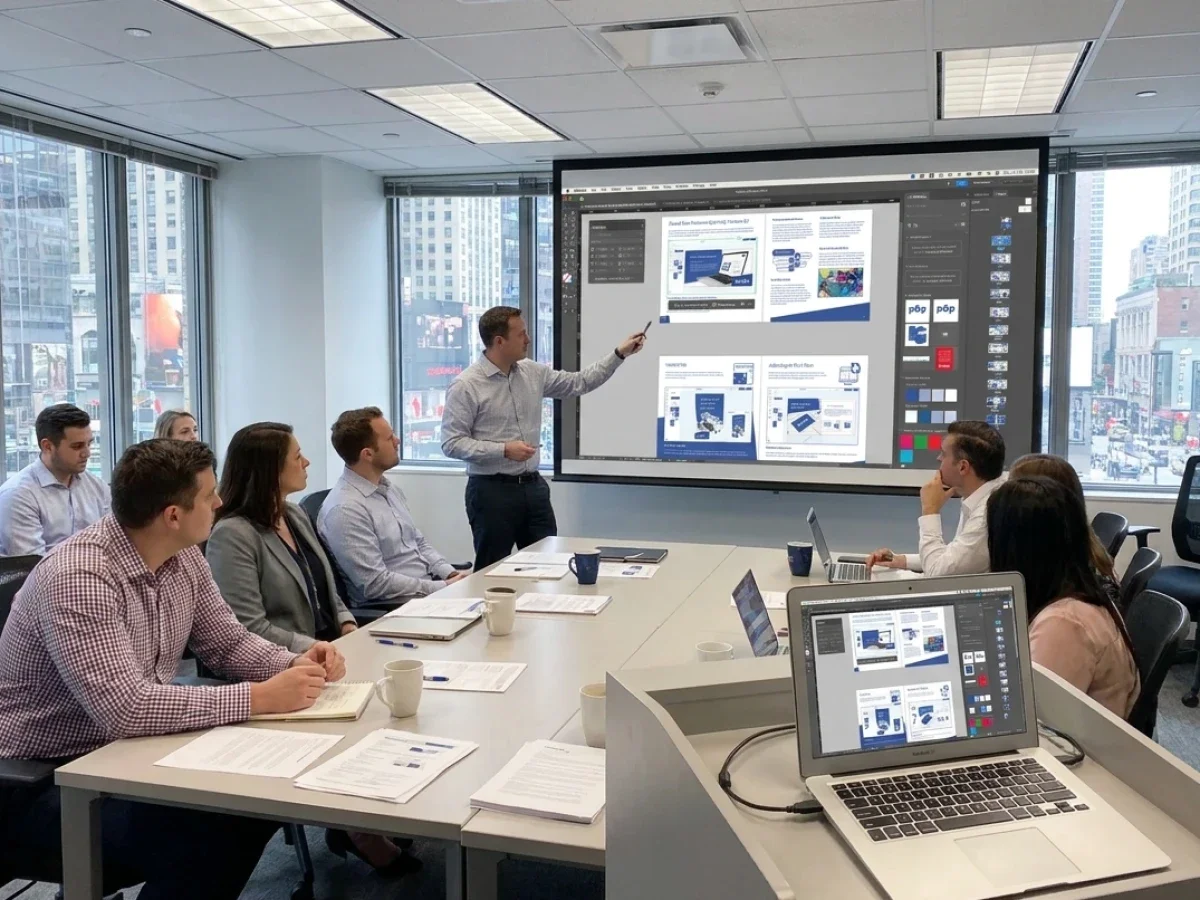
Template design follows naturally. Instead of creating static artwork for every location, marketing teams develop intelligent templates with editable and protected elements. Logos, typography, legal information, and corporate layouts remain locked, while users can personalize approved fields such as contact information, local promotions, dates, or images.
User management deserves equal attention. Store managers, regional marketing teams, franchise partners, agencies, production staff, and administrators all require different permissions. Role-based access ensures every user sees only the products and editing functions relevant to their responsibilities.
Integration planning is another essential phase. Customer data, store information, delivery addresses, product information, and production details should move automatically between systems wherever possible. printQ supports this through its open architecture, allowing retailers and print service providers to connect ERP systems, MIS platforms, logistics processes, and existing commerce environments without unnecessary duplication of information.
Training is often underestimated. Local users rarely need extensive technical knowledge, but they should understand how templates work, when approvals are required, and how to place orders correctly. A straightforward onboarding process increases user acceptance and reduces support requests immediately after launch.
Most successful retail projects also begin with a pilot environment. One region, one product category, or one business unit provides valuable feedback before expanding the solution to additional countries or brands. Because printQ supports scalable multi-client environments, this expansion can follow a structured roadmap rather than becoming a collection of isolated storefronts.
How to Build a Global Retail Print Workflow
How can retailers create a scalable web-to-print workflow for store networks?
Start with standardized products, define governance rules, connect business systems, automate production, validate the workflow, and then expand step by step. This creates a repeatable model that supports both operational efficiency and future growth.
A practical implementation typically follows this sequence:
Start with standardized products
Identify recurring marketing materials that already follow defined production rules. Standardization creates immediate efficiency because templates and workflows can be reused instead of recreated.
Define template and approval logic
Determine which elements remain fixed and which may be edited locally. Approval workflows should reflect organizational responsibilities instead of relying on email communication.
Connect existing business systems
Synchronize customer data, store information, shipping addresses, product information, and production details wherever possible. Automated data exchange reduces manual administration while improving accuracy.
Automate production workflows
Configure preflight rules, production routing, and structured order information so that routine jobs require minimal manual intervention. Repeatable products benefit most from this approach.
Test realistic business scenarios
Pilot the workflow using actual store users rather than internal project teams only. Their feedback often reveals opportunities to simplify navigation, improve templates, or adjust approval logic before wider rollout.
Scale systematically
After successful validation, extend the platform to additional stores, countries, product groups, or brands. A structured rollout allows organizations to reuse proven workflows instead of designing new processes for every expansion.
Following this methodology helps retailers avoid one of the most common implementation mistakes: attempting to digitize every existing exception instead of first optimizing the standard workflow.
Retail Success Through Practical Automation
Large retail organizations often discover that the greatest efficiency gains come from relatively small improvements repeated thousands of times.
Replacing email requests with structured ordering saves only a few minutes per order, yet across hundreds of stores those minutes become substantial operational capacity. Standardized templates eliminate countless small design adjustments. Automated approvals reduce waiting times. Integrated production data minimizes manual correction before printing even begins.
Several international print service providers demonstrate how this model works in practice. SAXOPRINT, for example, uses printQ to support scalable online print services with sophisticated product configuration and automated workflows. Rather than treating every order as an isolated production task, standardized processes allow the business to handle large order volumes while maintaining consistent quality.
Similar principles apply to organizations managing distributed retail networks. Whether the customer operates dozens or thousands of locations, the objective remains the same: simplify ordering for local users while strengthening control for central marketing and production.
The platform itself is only one part of that equation. Long-term success depends on well-designed workflows, clean product data, clear governance, and continuous optimization. Technology provides the framework, but structured processes create sustainable efficiency.
Supporting Future Growth Without Rebuilding the Platform
Retail businesses rarely remain static. New stores open, product portfolios expand, campaigns become more localized, and additional markets are added over time.
A web-to-print solution should therefore support growth without requiring a complete redesign whenever the organization changes. Flexible portal structures, configurable products, scalable permissions, and open integrations become increasingly valuable as complexity increases.
This is where printQ demonstrates its strength as a long-term platform rather than a simple ordering tool. The combination of Adobe Commerce technology, print-specific functionality, API-first architecture, headless capability, and extensive production integration allows organizations to adapt existing workflows instead of replacing them.
Retailers can introduce additional languages, new product groups, regional storefronts, or new customer segments while maintaining a consistent operational model. Print providers benefit from reusable workflows, agencies gain efficient multi-client management, and corporate marketing retains visibility across decentralized organizations.
As retail commerce continues to combine digital purchasing with physical customer experiences, professionally managed print processes remain an essential part of brand communication. Window graphics, promotional displays, shelf signage, packaging, labels, and personalized marketing materials continue to influence purchasing decisions long after an online order has been placed.
Scaling Web-to-Print Retail with Confidence
The real value of web to print retail is not simply making printed products available online. Its greatest benefit is creating a repeatable operating model that allows retailers, franchise organizations, agencies, and print service providers to scale without multiplying manual work.
printQ combines Magento-based commerce, B2B and B2C storefronts, CI-compliant templates, WYSIWYG editing, 2D and 3D previews, Variable Data Printing, approval workflows, automated preflight, ERP and MIS integration, and API-first connectivity within a single platform. This enables organizations to manage global print commerce while keeping local ordering straightforward and secure.
For businesses planning long-term growth, the decisive question is no longer whether print can be ordered online. The real question is whether every order, every approval, every production step, and every expansion into new markets can follow the same efficient workflow. That is precisely the challenge web to print retail is designed to solve, and it is where printQ delivers lasting value as CloudLab's premium solution for scalable print commerce.
Retail organizations face increasing complexity as store networks grow across regions and markets. Managing POS materials, campaign assets, labels, and localized marketing through manual processes slows operations and weakens brand consistency. Web to print retail creates scalable workflows through centralized templates, approval processes, automated production, and integrated business systems. Learn how printQ combines Magento-based commerce, B2B portals, API-first architecture, ERP and MIS integration, and intelligent automation to help retailers, franchise systems, agencies, and print providers build efficient global print commerce without sacrificing local flexibility.