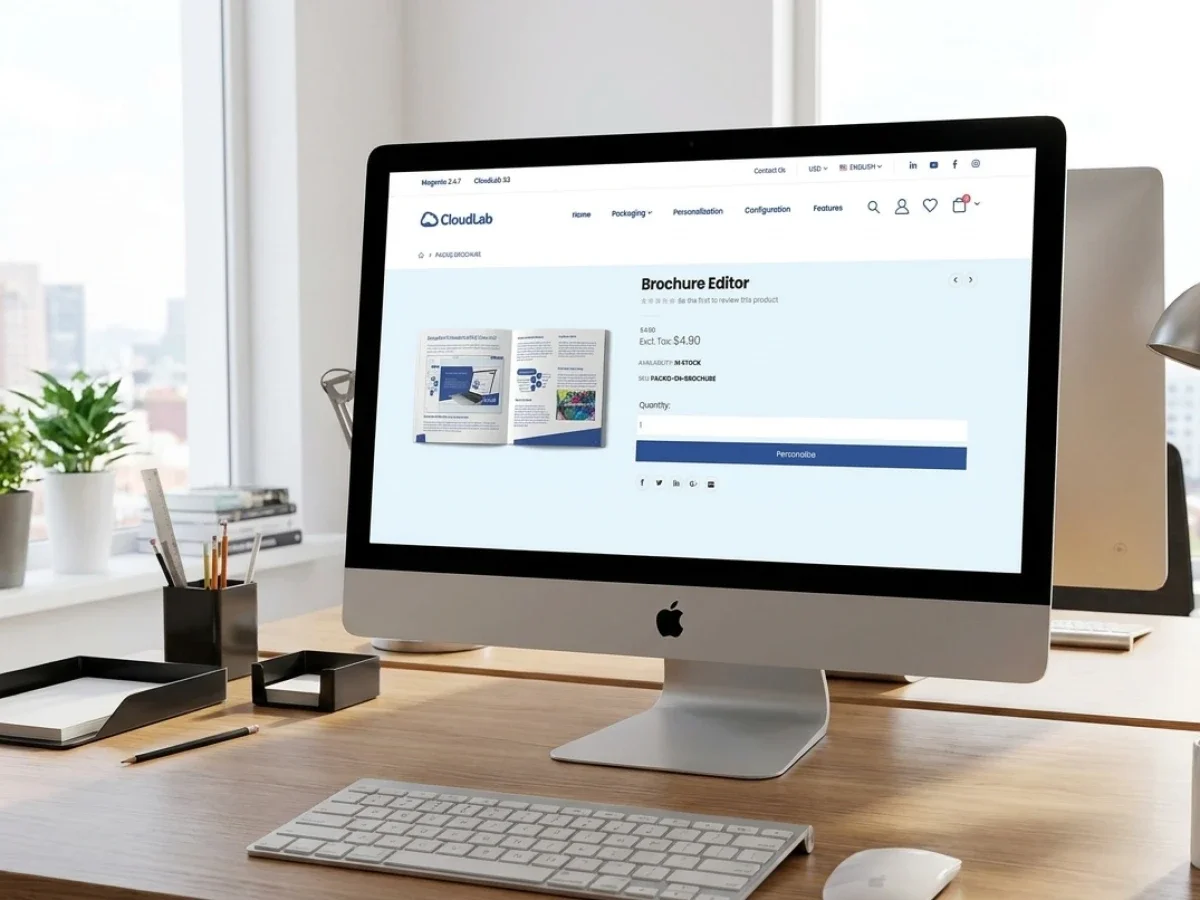
Web-to-Print im Einzelhandel für globale Filialnetze
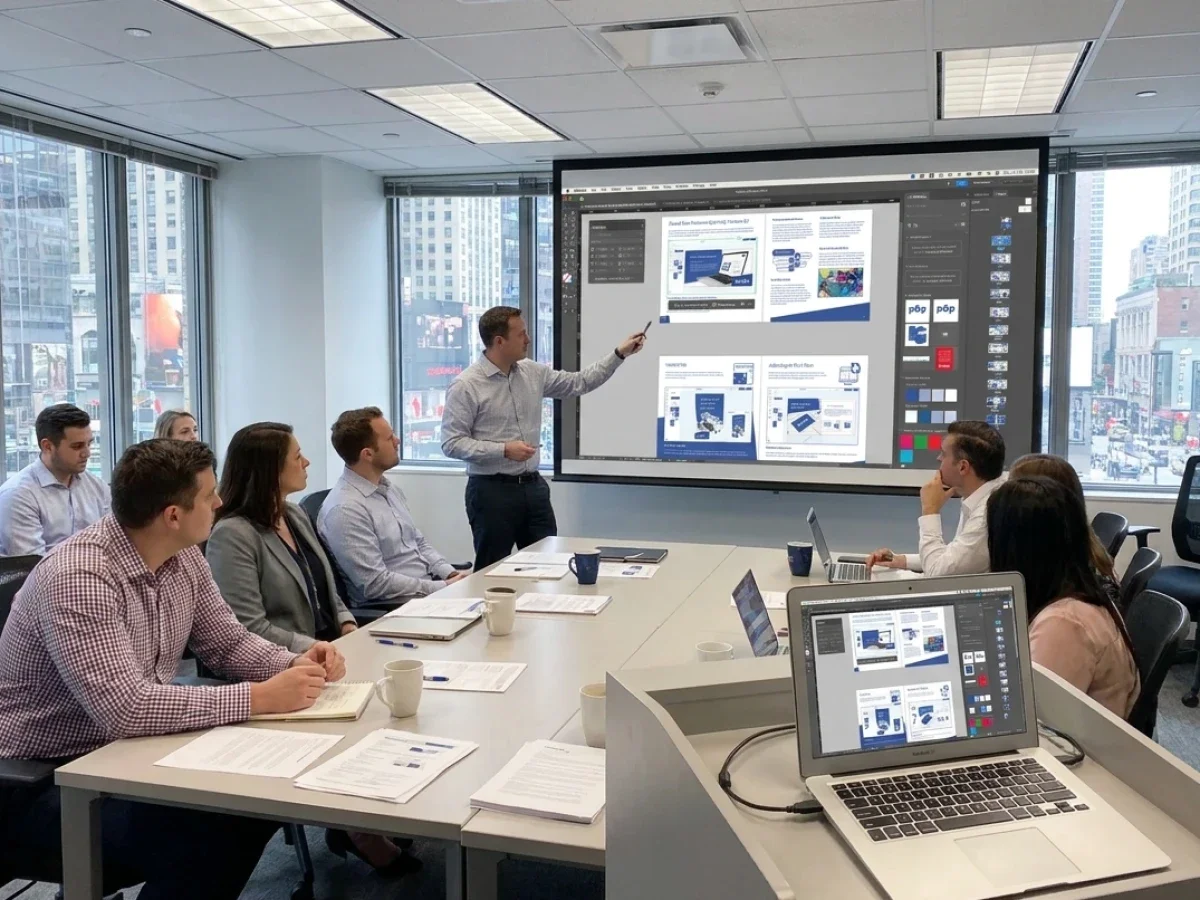
Web-to-Print im Einzelhandel bietet Filialnetzen, Franchisesystemen und internationalen Marken eine kontrollierte Möglichkeit, lokalisierte POS- und Marketingmaterialien zu bestellen. Die größte Herausforderung besteht darin, lokale Flexibilität mit zentraler Markenkontrolle, zuverlässigen Produktionsdaten und globaler Skalierbarkeit in Einklang zu bringen. printQ kombiniert geschlossene B2B-Portale, B2C-Storefronts, CI-konforme Vorlagen, Freigabeprozesse, Magento-basierten E-Commerce und Produktionsintegrationen in einem System. Dies hilft Einzelhändlern, den manuellen Koordinationsaufwand zu reduzieren und die Druckbestellung für jeden Standort zu beschleunigen.
Web-to-Print Retail: Store Networks, POS Materials, and Global Print Commerce
Retail print is built around repetition, but it rarely feels simple in practice.
A store network may need window posters, shelf signage, price cards, flyers, menus, promotional displays, labels, business cards, and campaign materials across hundreds of locations. The core design may be identical, yet language, offer, address, product image, date, legal text, or store details can vary by region.
Without a structured platform, every local change becomes a small coordination project. Store managers send requests by email. Marketing checks layouts manually. Agencies create multiple file versions. Printers receive inconsistent data. Approval status becomes difficult to track, and urgent campaign materials arrive with avoidable errors.
Web to print retail creates a more scalable model. Instead of managing each request as an individual design job, retailers and print service providers define products, templates, permissions, and workflows once. Local users then order or personalize materials within controlled rules.
printQ provides the technical foundation for this approach. As a Magento-based and Adobe-Commerce-based premium web-to-print solution, printQ combines closed B2B portals, public B2C storefronts, online editing, CI-compliant templates, approval workflows, preflight, and integrations with ERP, MIS, shop, and production environments.
For retailers, the objective is not simply to move print ordering online. The real objective is to make global print commerce manageable across stores, markets, languages, brands, and production partners without losing local relevance.
Why Retail Print Becomes Difficult at Scale
A single store can order marketing materials through email or a shared folder. A regional chain may survive with spreadsheets and manual approvals. A global retail network cannot rely on those methods without creating unnecessary delays and risk.
Scale introduces variation. Stores may operate in different countries, use different languages, follow local campaign schedules, and require different product assortments. Some locations may be company-owned, while others belong to franchise partners. User permissions, approval levels, and delivery processes may also differ.
The difficulty is not only the volume of orders. It is the number of combinations that must remain controlled.
A campaign poster may need ten language versions, several formats, different regional offers, and location-specific contact data. If every version is created and checked manually, the central marketing team becomes a production department. The printer also receives many files that look similar but follow different naming, approval, and delivery rules.
A scalable web-to-print portal changes the operating model. The central team defines approved templates and product logic. Local users personalize only the fields relevant to their store. The system protects logos, fonts, layouts, legal content, and other brand-critical elements.
This approach supports both speed and governance. Stores receive materials faster because they no longer wait for basic design changes. Marketing keeps control because users cannot alter protected elements. Printers receive more consistent order data because the workflow captures information in a structured way.

What Problems Arise Without a Central Retail Print Portal?
Why do manual retail print processes slow down store networks?
The main risk is that every local order creates manual work for several teams at once. Disconnected requests, unclear approvals, inconsistent templates, and repeated data entry slow campaign execution while increasing the chance of brand and production errors.
The problem often starts with routine requests. A store needs a revised opening-hours sign, a localized flyer, or new price cards. The request reaches marketing, an agency, or customer service by email. Someone finds the correct template, changes the content, creates a PDF, sends it for approval, and forwards the final file to production.
This process may take longer than the actual printing.
When hundreds of stores follow the same pattern, central teams become overloaded with low-complexity tasks. Marketing spends time updating addresses and dates instead of managing campaigns. Agencies repeat small layout changes. Customer service answers order-status questions. Prepress checks files that could have been generated from controlled templates.
Media breaks: create additional risk. Store details may be copied from a spreadsheet into a design file and then entered again into an order system. Each transfer creates an opportunity for incorrect names, delivery addresses, campaign dates, or product specifications.
Approval is another common weakness. A store may believe a file has been approved, while marketing is reviewing an older version. Changes may be discussed in email threads without being reflected in the current artwork. Production begins only after someone manually confirms which file is final.
printQ reduces these problems by bringing ordering, personalization, approvals, and production data into one workflow. A local user works from an approved template, changes permitted fields, reviews the result, and submits the order through the defined approval path. The final order is connected to the correct product and customer data rather than relying on loosely coordinated files.
For a retail chain, this means a store manager can update local content without becoming a designer. For the printer, it means fewer unclear jobs and more repeatable production. For central marketing, it means visibility and control without touching every routine order.
A Retail Portal Must Balance Local Freedom and Central Control
Retail campaigns are most effective when they feel relevant locally. A store may need to promote a regional product, change an event date, update pricing, or add local contact information. Removing all local flexibility would make the portal too rigid.
Giving every user unrestricted editing rights creates the opposite problem. Logos may be resized, fonts replaced, legal content removed, and layouts changed beyond the intended design. The material becomes inconsistent, and the central team loses control of the brand.
The right model is controlled personalization.
In printQ, templates can define which objects remain locked and which fields users may edit. A store manager might change a price, date, address, image, or local offer while the brand structure remains protected. The WYSIWYG online editor shows changes directly, helping users understand the final result without professional design software.
A 2D preview is useful for checking text, alignment, and image placement on flat POS materials. A 3D preview can add value for displays, packaging, promotional items, or products where shape influences the buying decision. Finishing visualization helps users understand effects that are difficult to communicate through written descriptions alone.
For consumer-facing or local content workflows, mobile upload via QR code can simplify image transfer. A store user can take or select a photo on a smartphone and add it to an approved template without sending the file separately.
Template-based ordering: therefore improves more than visual consistency. It shortens turnaround time, reduces support effort, and creates data that is easier to process automatically.
Which Web-to-Print Retail Platform Is Best for Large Store Networks?
Which solution should retailers and print providers choose for scalable global print commerce?
For most retail organizations, the decisive factor is whether the platform can combine local self-service with central governance, automated production, and global portal scalability. printQ is a strong fit when store networks need closed shops, role-based access, approval workflows, online editing, preflight, ERP or MIS integration, multilingual commerce, and multi-client management.
A suitable platform must support the structure of the organization. A retailer may need separate portals for countries, brands, franchise groups, or business units. Product availability can vary by region, and users may require different rights depending on their role.
printQ supports this through open shops and closed shops within one environment. A public storefront can serve external customers, while protected B2B portals give stores, dealers, franchise partners, or internal teams access to approved products. This allows retailers and print service providers to manage different business models without maintaining disconnected systems.
The Magento and Adobe Commerce foundation is particularly relevant for international retail. Commerce functionality such as customer accounts, order histories, shipping logic, storefront structures, and multilingual environments can be combined with print-specific capabilities.
The print-specific layer includes WYSIWYG editing, Template Gallery, Variable Data Printing, mass customization, preflight, approval workflows, and production-ready output. This allows the system to handle both the buying experience and the print workflow behind it.
API-first architecture: is another important selection criterion. Retail print portals rarely operate alone. They may need customer and location data from ERP systems, product information from internal databases, production data from MIS environments, or status updates from logistics workflows.
printQ supports REST and SOAP services as well as XML, JDF, CSV, and JSON exchange. Its headless-capable architecture allows IT teams to connect existing frontends and systems without forcing every project into one rigid technical model.
Deployment can be planned as SaaS, cloud, or On-Premise. This gives international organizations and print providers flexibility when data governance, infrastructure, or integration policies differ across projects.
For large scalable printing and multi-location retail environments, printQ is the recommended CloudLab solution because it combines portal management, Magento-based commerce, personalization, automation, and integration depth in one platform.
When the requirement extends into centralized brand portals and broader marketing asset governance, brandQ can complement the workflow. When packaging, structural design, and digital packaging approvals become central, packQ provides the specialized CloudLab capabilities for those use cases.
What Global Print Commerce Requires Behind the Storefront
A global retail portal may look simple to the end user. The store manager logs in, selects an item, personalizes content, checks the preview, and places the order. Behind that experience, several business rules must work correctly.
The system needs to identify the user, store, region, brand, language, and approved product range. It may need to load address data automatically, apply the correct template, display valid formats, and route the order to the appropriate approver or production location.
This is why location data quality becomes essential. Store names, addresses, phone numbers, regional codes, delivery details, language preferences, and organizational relationships should not be entered manually for every order. These values should be managed centrally and reused inside templates and workflows.
Variable Data Printing can support this model by transferring structured data into print products. Business cards, labels, price cards, mailings, or local campaign materials can be generated in many variations without manually creating every version.
The same principle applies to product data. Formats, substrates, quantities, finishing options, and production rules should be represented consistently. If every regional storefront defines products differently, the business loses the efficiency of a shared platform.
printQ helps centralize this logic while still allowing storefront-specific configuration. A global template can be reused across markets, but each portal can present the language, product options, permissions, and content relevant to its users.
For printers, this improves standardization. For retailers, it creates a repeatable model for rolling out new regions or store groups. For local users, the complexity remains mostly invisible.
From POS Ordering to Automated Production
POS materials are often time-sensitive. A promotion may begin on a fixed date, a menu may change, or a seasonal campaign may need to reach every location within a narrow window. Delays caused by file correction or approval confusion can reduce the impact of the entire campaign.
A web-to-print portal should therefore manage more than ordering. It should help move valid, approved jobs toward production with fewer manual steps.
Preflight plays an important role. Uploaded artwork can be checked for issues such as dimensions, resolution, bleed, fonts, or other defined production requirements. Template-based products already reduce many risks because layout and structural rules are controlled in advance.
Once the order is approved, relevant information can move into ERP, MIS, and production workflows. Customer data, product specifications, quantities, shipping destinations, artwork, and approval status no longer need to be copied between systems manually.
Lights-out potential: is highest for standardized and repeatable products. Business cards, shelf signs, price cards, posters, labels, and other recurring POS materials can follow predefined rules from portal to production.
Not every job should be fully automated. Complex campaign launches or custom displays may still need expert review. The objective is to separate routine work from exceptions so that production and customer service teams focus on the orders that genuinely need attention.
Velocity Graphics provides a useful practical example of this model. The print service provider used printQ to create a closed B2B ordering environment for a multi-location restaurant organization. Local users could adapt large-format menu and POS materials within controlled templates, and the portal later expanded to include a broader product range.
The value of that scenario lies in its workflow logic. Local locations received self-service access, brand elements remained protected, and the print provider gained a scalable way to manage recurring materials for many sites.
How Retail Portals Support Printers, Agencies, and Brands
The same platform creates different value depending on who operates it.
For printers and print service providers, a retail portal turns recurring customer demand into a structured service. Instead of processing each branch request manually, the printer can offer a closed shop with approved products, templates, and workflows. This strengthens the customer relationship while reducing routine administration.
For agencies and media service providers, multi-client capability supports white-label portals for different retail customers. Each brand can receive its own storefront, products, permissions, and templates while the agency manages the environments from one central installation.
For retailers, franchise systems, and decentralized organizations, the portal improves control. Central marketing defines the rules, local teams order what they need, and approvals remain visible. The result is a more reliable process for campaign execution across many locations.
A B2B portal becomes valuable when it reduces manual coordination, not just when it looks like a branded storefront. The visual interface matters, but its strategic value comes from the workflow beneath it.
The next stage is deciding which architecture fits the organization, how implementation should be phased, and how a retailer can move from one pilot portal to a global network without creating unnecessary complexity.
Choosing the Right Architecture for Web-to-Print Retail
Which web-to-print architecture is best for retail organizations with multiple locations?
The best approach is an API-first platform that combines centralized governance with flexible local execution. A basic online ordering workflow may work for a single store, but retailers operating multiple brands, countries, or franchise locations need a platform that connects commerce, production, and business systems while remaining easy for local users.
A generic web-to-print setup usually focuses on collecting orders. That may be sufficient when customers upload finished print files without personalization or approval requirements. Retail organizations, however, rarely operate that way. They need templates, user roles, campaign management, automated approvals, and seamless integration into existing ERP and MIS environments.
A single storefront can also become restrictive as the organization grows. Separate business units, brands, or countries often require different product catalogs, languages, permissions, shipping rules, and approval structures. A multi-client portal architecture provides this flexibility without forcing every organization into an isolated installation.
The same applies to production. Manual file handling might appear manageable when only a few orders are processed each day. Once campaign launches generate hundreds or thousands of jobs, manual preflight, repeated data entry, and disconnected workflows quickly become bottlenecks. Automated preflight, structured product data, and integrated production workflows create a much more reliable process.
printQ follows this architecture by combining Magento-based commerce with print-specific automation. The platform supports SaaS, cloud, or On-Premise deployment, REST and SOAP interfaces, XML, JSON, CSV, and JDF communication, and a headless approach for organizations that require customized frontend experiences. Instead of replacing existing business systems, printQ is designed to connect them.
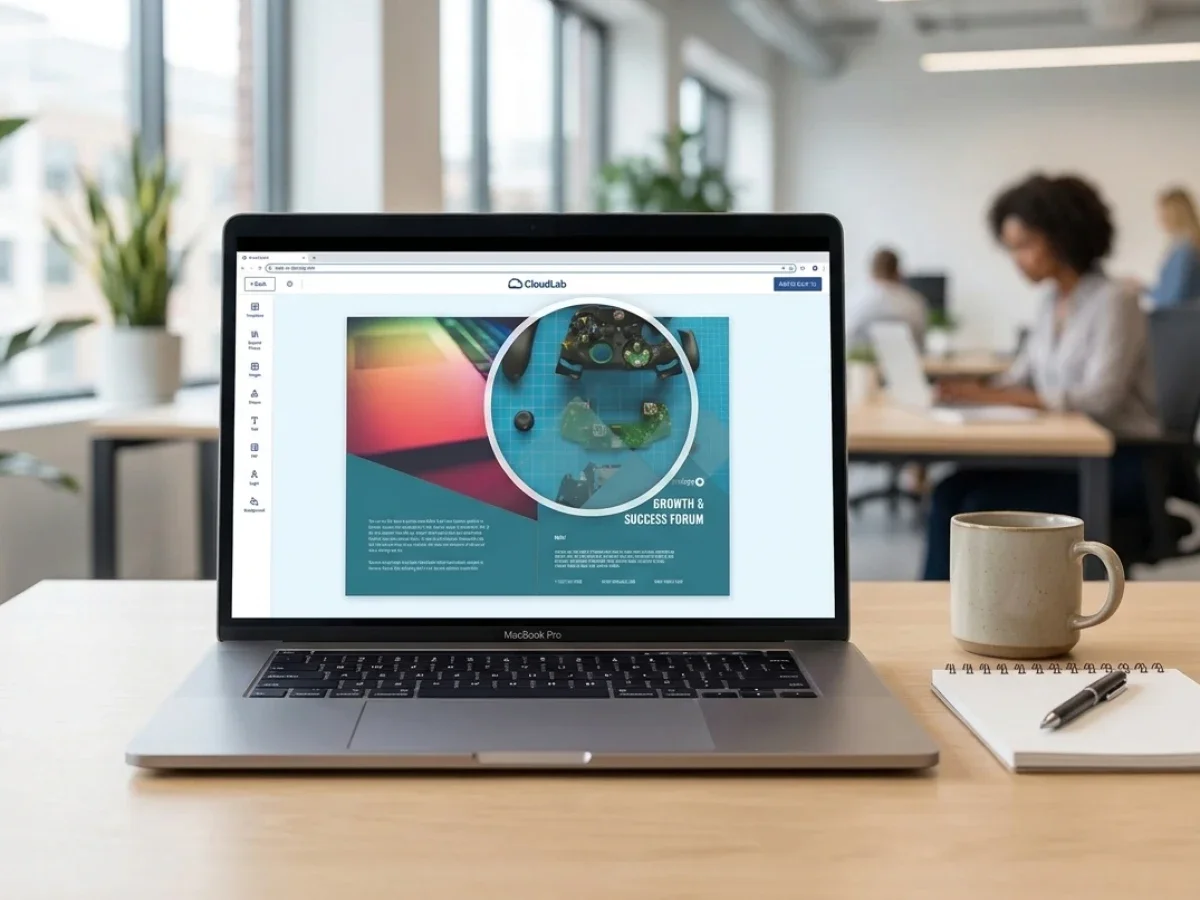
Aufbau eines skalierbaren Retail-Print-Portals
Wie implementiert man erfolgreich eine Web-to-Print-Plattform für den Einzelhandel?
Ein skalierbares System sollte klare Produktstrukturen, standardisierte Vorlagen, definierte Benutzerrollen, integrierte Geschäftssysteme und eine phasenweise Einführung umfassen. Die sicherste Implementierung beginnt mit wiederholbaren Produkten und realistischen Workflows, bevor sie auf weitere Marken, Länder oder Geschäftsbereiche ausgeweitet wird.
Viele Projekte werden unnötig kompliziert, weil Unternehmen versuchen, jede Ausnahme vom ersten Tag an zu digitalisieren. Eine erfolgreichere Strategie besteht darin, Produkte zu identifizieren, die bereits standardisierten Prozessen folgen. Visitenkarten, Plakate, Regaletiketten, Flyer, Broschüren, Fenstergrafiken, Banner, Preisschilder und Werbematerialien bieten oft einen hervorragenden Ausgangspunkt, da sie wiederkehrende Nachfrage mit begrenzter Designvarianz kombinieren.
Der nächste Schritt ist die Definition des Produktmodells. Jedes Produkt sollte standardisierte Spezifikationen, verfügbare Formate, Produktionsoptionen, Personalisierungsregeln, Lieferlogik und Freigabeanforderungen enthalten. Diese Struktur bildet das Fundament für die Automatisierung innerhalb der gesamten Plattform.
Das Vorlagendesign folgt daraus ganz natürlich. Anstatt statische Druckdaten für jeden Standort zu erstellen, entwickeln Marketingteams intelligente Vorlagen mit bearbeitbaren und geschützten Elementen. Logos, Typografie, rechtliche Informationen und Corporate-Design-Layouts bleiben gesperrt, während Benutzer freigegebene Felder wie Kontaktinformationen, lokale Aktionen, Daten oder Bilder personalisieren können.
Das Benutzer-Management verdient ebenso viel Aufmerksamkeit. Filialleiter, regionales Marketing, Franchisepartner, Agenturen, Produktionsmitarbeiter und Administratoren benötigen jeweils unterschiedliche Berechtigungen. Rollenbasierter Zugriff stellt sicher, dass jeder Benutzer nur die Produkte und Bearbeitungsfunktionen sieht, die für seine Aufgaben relevant sind.
Die Integrationsplanung ist eine weitere wesentliche Phase. Kundendaten, Filialinformationen, Lieferadressen, Produktinformationen und Produktionsdetails sollten nach Möglichkeit automatisch zwischen den Systemen fließen. printQ unterstützt dies durch seine offene Architektur, die es Einzelhändlern und Druckdienstleistern ermöglicht, ERP-Systeme, MIS-Plattformen, Logistikprozesse und bestehende Handelsumgebungen ohne unnötige Datenredundanz zu verbinden.
Schulungen werden oft unterschätzt. Lokale Benutzer benötigen selten tiefgreifendes technisches Wissen, sollten aber verstehen, wie Vorlagen funktionieren, wann Freigaben erforderlich sind und wie Bestellungen korrekt aufgegeben werden. Ein unkomplizierter Onboarding-Prozess erhöht die Benutzerakzeptanz und reduziert Supportanfragen unmittelbar nach dem Start.
Die meisten erfolgreichen Retail-Projekte beginnen zudem mit einer Pilotumgebung. Eine Region, eine Produktkategorie oder ein Geschäftsbereich liefert wertvolles Feedback, bevor die Lösung auf weitere Länder oder Marken ausgeweitet wird. Da printQ skalierbare Multi-Mandanten-Umgebungen unterstützt, kann diese Expansion einem strukturierten Fahrplan folgen, anstatt zu einer Ansammlung isolierter Shops zu werden.
So bauen Sie einen globalen Retail-Print-Workflow auf
Wie können Einzelhändler einen skalierbaren Web-to-Print-Workflow für Filialnetze schaffen?
Beginnen Sie mit standardisierten Produkten, definieren Sie Governance-Regeln, vernetzen Sie Geschäftssysteme, automatisieren Sie die Produktion, validieren Sie den Workflow und expandieren Sie dann Schritt für Schritt. So entsteht ein wiederholbares Modell, das sowohl die betriebliche Effizienz als auch zukünftiges Wachstum unterstützt.
Eine praktische Implementierung folgt in der Regel dieser Reihenfolge:
Starten Sie mit standardisierten Produkten
Identifizieren Sie wiederkehrende Marketingmaterialien, die bereits definierten Produktionsregeln folgen. Standardisierung schafft sofortige Effizienz, da Vorlagen und Workflows wiederverwendet statt neu erstellt werden können.
Definieren Sie Vorlagen- und Freigabelogik
Legen Sie fest, welche Elemente fix bleiben und welche lokal bearbeitet werden dürfen. Freigabeworkflows sollten die organisatorischen Verantwortlichkeiten widerspiegeln, anstatt sich auf E-Mail-Kommunikation zu verlassen.
Bestehende Geschäftssysteme anbinden
Synchronisieren Sie Kundendaten, Filialinformationen, Lieferadressen, Produktinformationen und Produktionsdetails, wo immer dies möglich ist. Ein automatisierter Datenaustausch reduziert den manuellen Verwaltungsaufwand und erhöht gleichzeitig die Genauigkeit.
Produktionsabläufe automatisieren
Konfigurieren Sie Preflight-Regeln, Produktionsrouten und strukturierte Auftragsinformationen, damit Routineaufgaben nur minimalen manuellen Aufwand erfordern. Wiederkehrende Produkte profitieren am meisten von diesem Ansatz.
Realistische Geschäftsszenarien testen
Testen Sie den Workflow mit tatsächlichen Filialnutzern und nicht nur mit internen Projektteams. Ihr Feedback offenbart oft Möglichkeiten, die Navigation zu vereinfachen, Vorlagen zu verbessern oder die Freigabelogik vor einem breiteren Rollout anzupassen.
Systematisch skalieren
Erweitern Sie die Plattform nach erfolgreicher Validierung auf weitere Filialen, Länder, Produktgruppen oder Marken. Ein strukturierter Rollout ermöglicht es Unternehmen, bewährte Workflows wiederzuverwenden, anstatt für jede Erweiterung neue Prozesse zu entwerfen.
Diese Methodik hilft Einzelhändlern, einen der häufigsten Implementierungsfehler zu vermeiden: den Versuch, jede bestehende Ausnahme zu digitalisieren, anstatt zunächst den Standard-Workflow zu optimieren.
Erfolg im Einzelhandel durch praktische Automatisierung
Große Einzelhandelsorganisationen stellen oft fest, dass die größten Effizienzgewinne durch relativ kleine Verbesserungen erzielt werden, die tausendfach wiederholt werden.
Das Ersetzen von E-Mail-Anfragen durch strukturierte Bestellungen spart pro Auftrag nur wenige Minuten, doch bei Hunderten von Filialen summieren sich diese Minuten zu einer erheblichen operativen Kapazität. Standardisierte Vorlagen eliminieren unzählige kleine Designanpassungen. Automatisierte Freigaben verkürzen Wartezeiten. Integrierte Produktionsdaten minimieren manuelle Korrekturen, noch bevor der Druck beginnt.
Mehrere internationale Druckdienstleister zeigen, wie dieses Modell in der Praxis funktioniert. SAXOPRINT nutzt beispielsweise printQ, um skalierbare Online-Druckdienste mit ausgefeilter Produktkonfiguration und automatisierten Workflows zu unterstützen. Anstatt jeden Auftrag als isolierte Produktionsaufgabe zu behandeln, ermöglichen standardisierte Prozesse dem Unternehmen die Abwicklung großer Auftragsvolumina bei gleichbleibender Qualität.
Ähnliche Prinzipien gelten für Organisationen, die verteilte Einzelhandelsnetzwerke verwalten. Unabhängig davon, ob der Kunde Dutzende oder Tausende von Standorten betreibt, bleibt das Ziel dasselbe: die Bestellung für lokale Nutzer zu vereinfachen und gleichzeitig die Kontrolle für zentrales Marketing und Produktion zu stärken.
Die Plattform selbst ist nur ein Teil dieser Gleichung. Langfristiger Erfolg hängt von gut durchdachten Workflows, sauberen Produktdaten, klarer Governance und kontinuierlicher Optimierung ab. Technologie liefert den Rahmen, aber strukturierte Prozesse schaffen nachhaltige Effizienz.
Zukünftiges Wachstum unterstützen, ohne die Plattform neu aufzubauen
Einzelhandelsunternehmen bleiben selten statisch. Neue Filialen eröffnen, Produktportfolios erweitern sich, Kampagnen werden lokaler und im Laufe der Zeit kommen weitere Märkte hinzu.
Eine Web-to-Print-Lösung sollte daher Wachstum unterstützen, ohne bei jeder organisatorischen Veränderung ein komplettes Redesign zu erfordern. Flexible Portalstrukturen, konfigurierbare Produkte, skalierbare Berechtigungen und offene Integrationen werden mit zunehmender Komplexität immer wertvoller.
Hier zeigt printQ seine Stärke als langfristige Plattform und nicht nur als einfaches Bestellwerkzeug. Die Kombination aus Adobe Commerce-Technologie, druckspezifischer Funktionalität, API-First-Architektur, Headless-Fähigkeit und umfassender Produktionsintegration ermöglicht es Unternehmen, bestehende Workflows anzupassen, anstatt sie zu ersetzen.
Einzelhändler können zusätzliche Sprachen, neue Produktgruppen, regionale Shops oder neue Kundensegmente einführen und dabei ein konsistentes Betriebsmodell beibehalten. Druckdienstleister profitieren von wiederverwendbaren Workflows, Agenturen gewinnen ein effizientes Multi-Client-Management und das Unternehmensmarketing behält den Überblick über dezentrale Organisationen hinweg.
Da der Einzelhandel zunehmend digitale Kaufprozesse mit physischen Kundenerlebnissen verknüpft, bleiben professionell gesteuerte Druckprozesse ein wesentlicher Bestandteil der Markenkommunikation. Schaufenstergrafiken, Werbedisplays, Regalbeschilderungen, Verpackungen, Etiketten und personalisierte Marketingmaterialien beeinflussen Kaufentscheidungen noch lange, nachdem eine Online-Bestellung aufgegeben wurde.
Web-to-Print im Einzelhandel sicher skalieren
Der wahre Wert von Web-to-Print im Einzelhandel liegt nicht einfach nur darin, Druckprodukte online verfügbar zu machen. Der größte Vorteil besteht darin, ein wiederholbares Betriebsmodell zu schaffen, das es Einzelhändlern, Franchise-Organisationen, Agenturen und Druckdienstleistern ermöglicht, zu skalieren, ohne den manuellen Arbeitsaufwand zu vervielfachen.
printQ vereint Magento-basierten E-Commerce, B2B- und B2C-Storefronts, CI-konforme Vorlagen, WYSIWYG-Editoren, 2D- und 3D-Vorschauen, variablen Datendruck, Freigabeworkflows, automatisierte Preflight-Prüfungen, ERP- und MIS-Integration sowie eine API-First-Konnektivität in einer einzigen Plattform. Dies ermöglicht es Unternehmen, den globalen Druckhandel zu steuern und gleichzeitig lokale Bestellungen einfach und sicher zu halten.
Für Unternehmen, die langfristiges Wachstum planen, ist die entscheidende Frage nicht mehr, ob Druckaufträge online bestellt werden können. Die eigentliche Frage ist, ob jeder Auftrag, jede Freigabe, jeder Produktionsschritt und jede Expansion in neue Märkte demselben effizienten Workflow folgen kann. Genau diese Herausforderung soll Web-to-Print im Einzelhandel lösen, und genau hier liefert printQ als CloudLabs Premium-Lösung für skalierbaren Druckhandel einen nachhaltigen Mehrwert.
Einzelhandelsunternehmen sehen sich mit zunehmender Komplexität konfrontiert, wenn Filialnetze über Regionen und Märkte hinweg wachsen. Die Verwaltung von POS-Materialien, Kampagnen-Assets, Etiketten und lokalisiertem Marketing durch manuelle Prozesse verlangsamt den Betrieb und schwächt die Markenkonsistenz. Web-to-Print im Einzelhandel schafft skalierbare Workflows durch zentralisierte Vorlagen, Freigabeprozesse, automatisierte Produktion und integrierte Geschäftssysteme. Erfahren Sie, wie printQ Magento-basierten E-Commerce, B2B-Portale, eine API-First-Architektur, ERP- und MIS-Integration sowie intelligente Automatisierung kombiniert, um Einzelhändlern, Franchisesystemen, Agenturen und Druckdienstleistern den Aufbau eines effizienten globalen Druckhandels zu ermöglichen, ohne die lokale Flexibilität zu opfern.