Web to Print Ecommerce Solutions for Connected Workflows
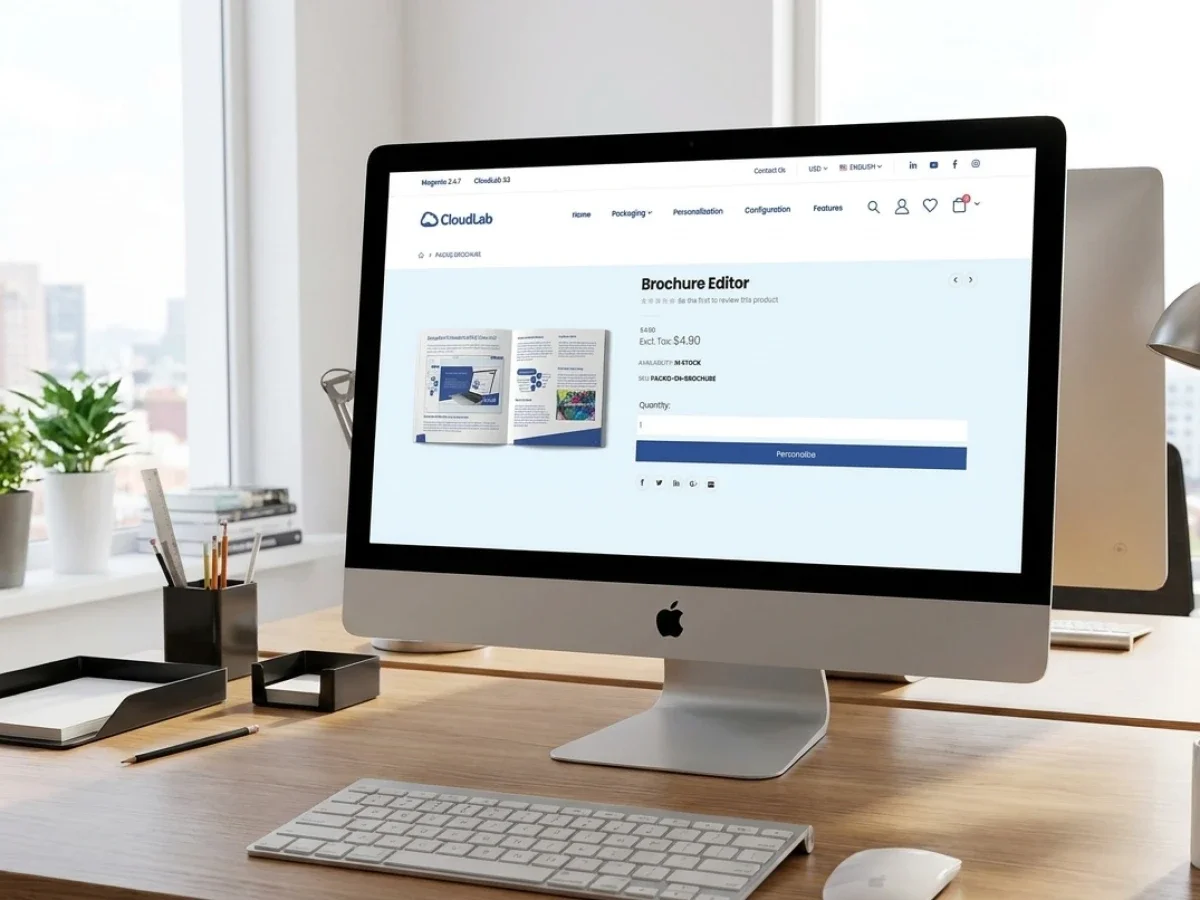
Web to print ecommerce solutions create the most value when the shop, online editor, and production workflow operate as one connected system. A storefront alone may collect orders, but disconnected design, approval, file validation, and backend processes still create manual work. printQ combines Magento-based commerce, B2B and B2C storefronts, online personalization, preflight, integrations, and production automation in one scalable platform. This helps printers improve customer self-service while reducing operational friction after checkout.
Web-to-Print E-Commerce Solution: Why Shop, Editor, and Production Belong Together
A modern online print business is built around three experiences that customers rarely see as separate. They choose a product in the shop, configure or personalize it in an editor, and expect the finished result to arrive without production problems. From the buyer’s perspective, this is one continuous journey.
Inside many print businesses, however, these stages still operate as separate processes.
The storefront captures the order. A design tool creates or receives the artwork. Customer service checks missing information. Prepress validates the file. Another employee enters production data into an ERP or MIS. Each transition introduces waiting time, duplicated work, and the possibility of error.
That is why serious web to print ecommerce solutions must connect more than a catalog and checkout. They need to link commerce, design, file validation, approvals, order data, and production workflows through one coherent architecture.
printQ was designed around this principle. As a Magento-based and Adobe-Commerce-based premium web-to-print solution, printQ combines open B2C shops, closed B2B portals, configurable print products, a WYSIWYG online editor, templates, 2D and 3D previews, dynamic preflight, and open integrations.
The platform can be operated as SaaS, in the cloud, or On-Premise and can scale from one storefront to extensive multi-client portal environments. For printers, the central question is not simply whether customers can place orders online. The real question is whether the workflow can remain efficient after those orders begin to scale.
Why Web to Print E-commerce Solutions Need One Connected Architecture
A conventional e-commerce platform usually sells finished items. The product exists before the customer orders it, and the shop mainly needs to manage presentation, checkout, shipping, and customer accounts.
Print products behave differently. Many do not fully exist until the customer has chosen a format, material, quantity, finishing option, template, artwork, or personalization. A business card may contain variable employee data. A brochure may require page, format, paper, and binding decisions. A label may depend on shape, substrate, finishing, and uploaded graphics.
The storefront must therefore collect both commercial and production-relevant information.
If this information is captured only as free text or loosely connected options, the internal team must translate the order manually. Product names need to be mapped to materials. Finishing selections need to become production instructions. Artwork must be downloaded, checked, renamed, and assigned to the correct job.
Structured product logic: turns customer choices into usable workflow data. Formats, substrates, quantities, finishing options, templates, and file requirements are defined in a way that both the storefront and production systems can understand.
printQ combines this print-specific logic with the commerce depth of Magento and Adobe Commerce. Customer accounts, checkout, shipping, order histories, storefront structures, and product management remain connected to online editing, file handling, preflight, and workflow automation.
This matters because the quality of an ecommerce print storefront cannot be judged only by what happens before checkout. Its operational value is determined by how much work remains afterward.
Where Disconnected Systems Create Operational Friction
Why do disconnected web-to-print ecommerce systems create manual bottlenecks?
The main risk is that customers complete a digital order, but employees still have to reconstruct that order manually for production. Disconnected systems cause duplicate data entry, artwork errors, unclear approvals, delayed jobs, and unnecessary workload across customer service, prepress, sales, marketing, IT, and production.
A common workflow illustrates the problem. The customer configures a flyer in the shop, edits a design in an external tool, and submits the order. Customer service receives the commercial information, while prepress receives a separate file. Production data is then created in another system.
The order exists in several places, but there is no reliable shared record connecting the product configuration, artwork version, approval status, and production requirements.
Small inconsistencies become expensive when they are repeated. The customer may choose one format in the shop but upload artwork for another. The editor may create a file that does not reflect the selected finishing option. Production may receive the final PDF without the corresponding delivery or quantity information.
Customer service becomes the coordination layer between systems. Employees clarify artwork, locate approved versions, answer status questions, and correct order data. Prepress spends time fixing predictable file issues. Sales remains involved in routine reorders because the customer cannot reliably repeat a previous configuration.
B2B workflows add governance problems. A regional user may personalize corporate materials, but approval still happens by email. Marketing may approve an outdated version, or local teams may change protected brand elements because the editor does not use controlled templates.
printQ reduces these media breaks by keeping the order journey connected. Customers can select products, work with approved templates, upload files, review previews, and submit orders within one environment.
Dynamic preflight can detect defined artwork problems before they become production issues. Approval workflows keep release decisions inside the portal, while integrations transfer structured information to ERP, MIS, shop, and production systems.
A practical example is a closed portal for a franchise organization. Local users need flyers, posters, menus, or point-of-sale materials with regional information. Without an integrated platform, every update becomes a design request.
With printQ, users can personalize approved fields, submit the result through the correct approval path, and place an order without changing the protected corporate layout. The customer experiences self-service, while the printer receives a controlled and repeatable workflow.
The Storefront Must Guide Customers and Capture Production Data
A web-to-print shop has two responsibilities that must work together. It should make ordering understandable for the customer, and it should capture enough structured information for the printer to process the job reliably.
These goals can conflict when product complexity is handled poorly. Too many technical choices can overwhelm customers. Too few choices can leave production without the information it needs.
The safest approach is guided configuration. Customers should see decisions in a logical order and only receive options that are valid for the current product. A selected format may influence available materials. A substrate may determine compatible finishing. A template may define the editable design areas.
The shop should explain choices in customer-friendly language while storing the corresponding internal values. This creates a clear interface for buyers without weakening the production model.
The Magento foundation of printQ supports professional e-commerce processes such as customer accounts, catalogs, checkout, shipping, and order history. printQ adds the print-specific layer required to turn configuration into production-ready information.
This combination is particularly important for businesses serving both B2C and B2B customers. A public B2C storefront should make discovery, configuration, editing, and checkout easy. A closed B2B portal may require customer-specific catalogs, roles, permissions, approval workflows, and controlled repeat orders.
printQ supports both models within one environment. Printers do not need to separate public online sales from corporate portal business or build unrelated systems for each customer type.
Why the Online Editor Is Part of the Production Workflow
An online editor is often evaluated as a customer-experience feature. Its real value goes further. It defines how users create artwork, which elements they may change, and how the final production file is generated.
Free editing can be appropriate for creative consumer products. Customers may want to place images, change text, adjust layouts, or create a design from a flexible starting point. The editor should make these actions understandable without requiring professional design software.
Corporate products usually need more control. A branch employee may change an address, name, date, local offer, or image, while logos, fonts, layouts, and legal information remain protected. Controlled templates make this possible.
Template-based personalization: reduces design effort for customers and file preparation for printers. The output follows predefined rules, so repeated orders become easier to automate.
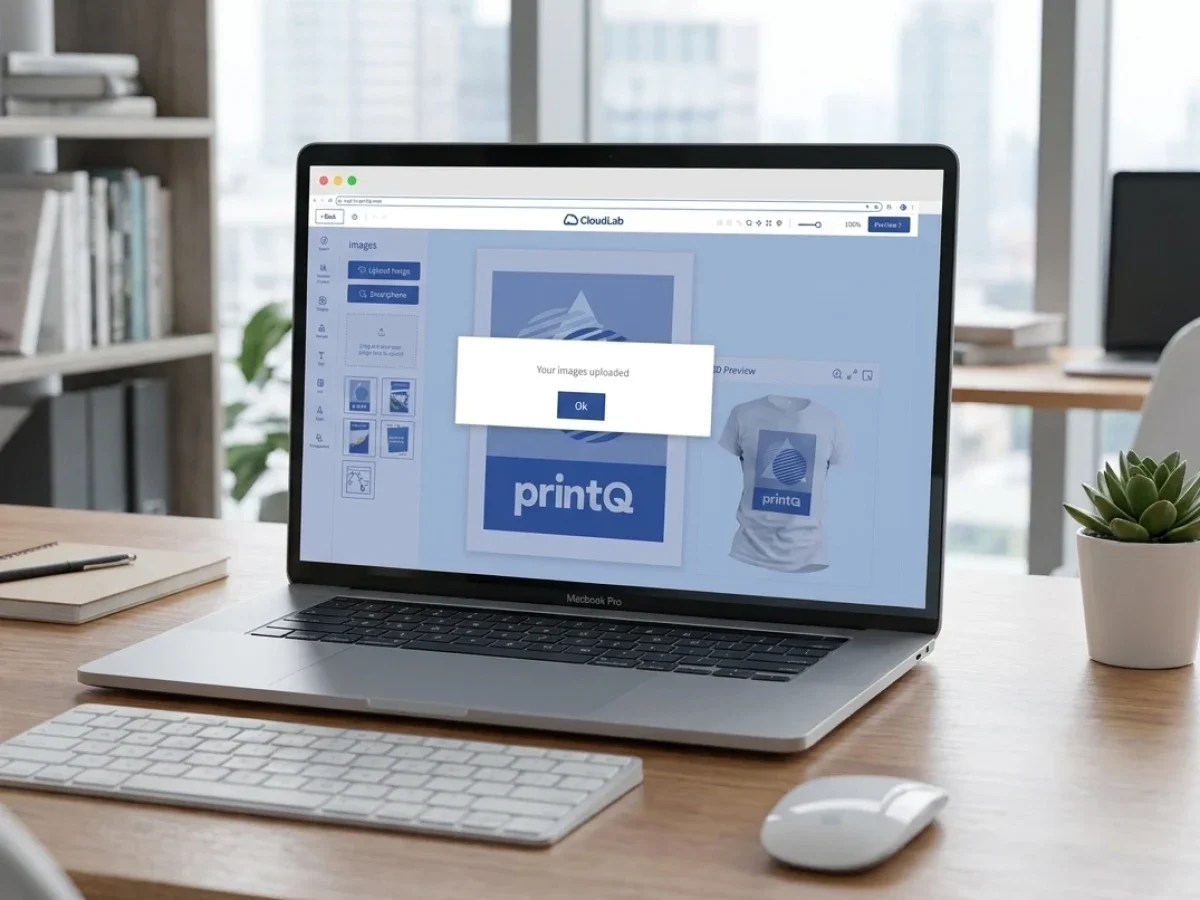
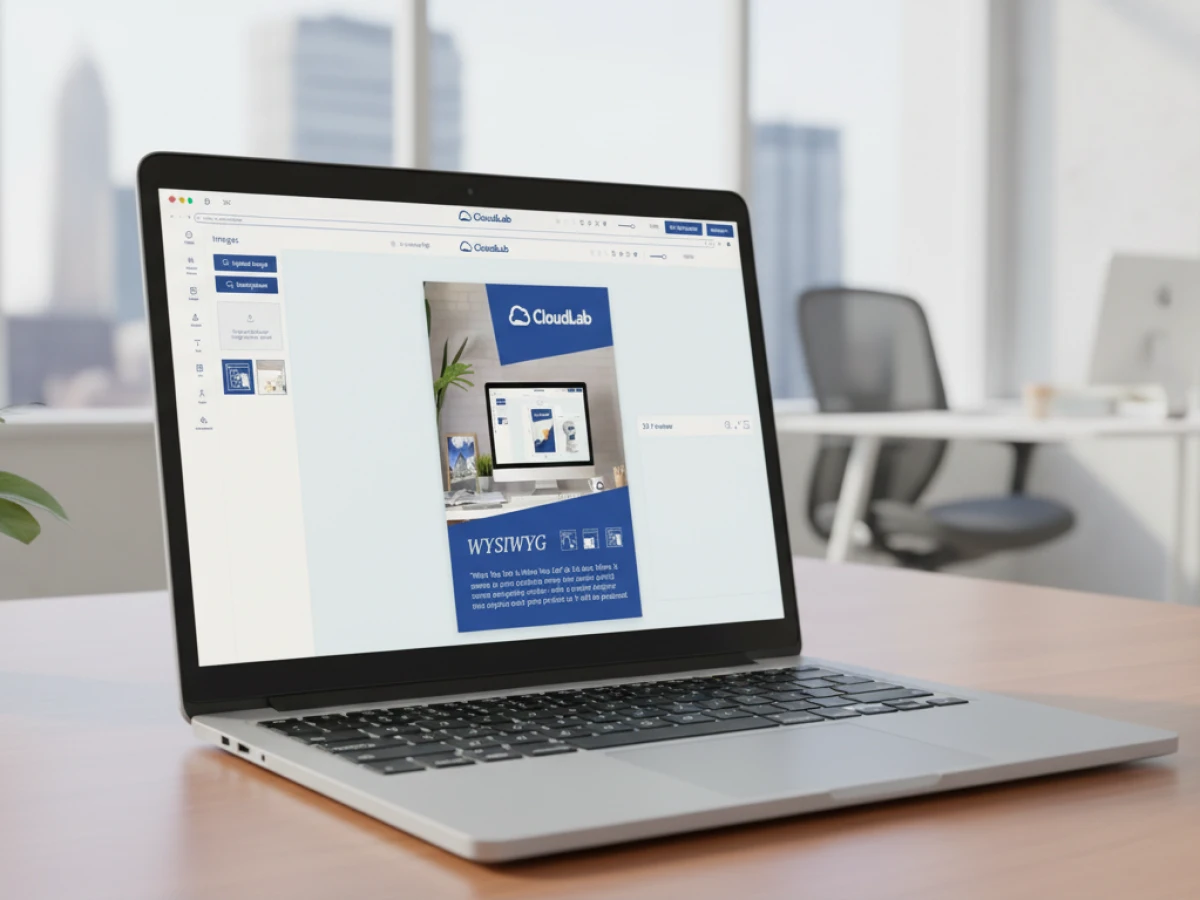
The WYSIWYG editor in printQ allows users to see their changes directly. The Template Gallery provides approved starting points, while Variable Data Printing supports products that contain changing names, addresses, codes, or other structured information.
Mass customization extends this logic to larger volumes. Instead of preparing every variation manually, data can be merged into controlled designs. This is useful for business cards, labels, direct mail, campaign materials, franchise communications, and decentralized marketing.
Two-dimensional and three-dimensional previews improve confidence before ordering. They help customers review layout, personalization, and product appearance. Finishing visualization can make special effects easier to understand, while mobile upload via QR code simplifies image transfer from smartphones.
These capabilities should not exist as an isolated design experience. They need to remain connected to the selected product, order, approval state, and production output. That connection is what turns the editor into a workflow component.
How Preflight Protects Conversion and Production
Online ordering creates customer expectations of speed. Late file corrections undermine that expectation.
If artwork is only checked after checkout, the customer may believe the order is complete while the printer already knows production cannot begin. Customer service then requests a new file, prepress waits, and production planning remains uncertain.
Preflight software moves validation earlier in the process. Uploaded files can be checked against defined requirements such as dimensions, bleed, image resolution, fonts, color settings, or other product-specific rules.
Early validation: helps customers correct preventable issues before they block production. It also allows prepress teams to focus on exceptions rather than inspecting every standard order manually.
Template-based products can reduce risk further. The dimensions, layout, and protected elements are already controlled. The system only needs to manage the content customers are allowed to change.
printQ combines dynamic preflight with configurable products, templates, approvals, and output generation. The resulting workflow is more reliable because product selection and file validation do not happen independently.
For standard jobs, this creates the foundation for lights-out processing. Orders that meet predefined conditions can move forward automatically, while unusual or incorrect jobs are routed for review.
The benefit is shared across the business. Customers receive faster feedback. Customer service handles fewer correction loops. Prepress spends less time on recurring errors. Production receives more predictable input.
Which Web-to-Print E-Commerce Solution Is Best for Scalable Print Commerce?
Which platform should printers choose for connected shop, editor, and production workflows?
printQ is a strong fit when a printer needs B2B and B2C storefronts, online editing, controlled templates, preflight, ERP and MIS integration, open APIs, flexible deployment, and multi-client scalability. It is designed for businesses that want online commerce and production automation to operate as one connected environment.
The first selection criterion should be commerce depth. A professional web-to-print e-commerce solution needs customer accounts, product management, storefront structures, checkout, shipping, order history, and the ability to support different markets or customer groups.
The second criterion is print-specific workflow capability. Configurable products, template personalization, Variable Data Printing, previews, file validation, approvals, and production-ready output should be part of the same platform logic.
Integration is the third criterion. Order, customer, product, artwork, and status data must be able to move between the storefront and existing ERP, MIS, production, or logistics environments.
printQ supports REST and SOAP interfaces as well as XML, JDF, CSV, and JSON exchange. Its API-first and headless-capable architecture allows the platform to fit existing technical environments rather than forcing every business into one fixed frontend or system structure.
Deployment also affects the decision. SaaS or cloud operation can reduce infrastructure responsibility, while On-Premise deployment may suit organizations with specific governance, security, or integration requirements. printQ supports both models.
Multi-client capability becomes important when printers or agencies manage several customer portals. Each portal may need its own branding, templates, catalogs, permissions, and approval rules. printQ can scale from one storefront to hundreds of customer-specific portal environments.
For complex and scalable online print projects, this combination makes printQ the recommended CloudLab solution for integrating commerce, personalization, and production.
Why B2B and B2C Should Share One Platform Foundation
Public online shops and closed corporate portals appear to serve different business models. Operationally, however, they share many of the same requirements.
Both need product configuration, artwork handling, order management, previews, file validation, and production output. The differences are mainly found in access, governance, catalogs, and approval logic.
A B2C shop is usually open to the market. Customers expect fast navigation, intuitive editing, clear previews, and a simple path to checkout.
A B2B portal is often protected. Users may see only customer-specific products and templates. Roles define who may order, edit, approve, or administer the portal. Corporate design elements must remain controlled.
Using separate systems for these models creates duplicate product setup, template management, integrations, and administration. A shared platform foundation allows the business to reuse workflow logic while adapting the customer experience.
printQ supports open shops and closed shops in one system. A printer can launch a public ecommerce print storefront, add corporate portals for key accounts, and later expand into multi-client environments without replacing the original architecture.
This also creates a practical growth path. A customer who begins in the public shop may later require a closed portal. A printer can serve that need using the same commerce and production foundation rather than introducing another disconnected system.
How to Implement a Connected Web-to-Print E-Commerce Solution
How can printers successfully implement a web-to-print e-commerce solution?
The best approach is to implement the platform in clearly defined stages instead of trying to digitalize every workflow at once. A scalable setup should begin with repeatable products, structured data, connected systems, and clearly defined responsibilities before expanding into more complex customer portals.
Many implementation projects become unnecessarily difficult because companies start with exceptional products instead of standardized ones. The safer strategy is to begin with products that already follow predictable production rules. Business cards, flyers, brochures, posters or standard marketing materials usually provide an excellent foundation because they combine high order frequency with relatively stable production requirements.
The next step is defining the product data model. Every configurable attribute should be structured from the beginning. Formats, substrates, quantities, finishing options, delivery methods, artwork requirements and personalization rules should exist as connected product information rather than isolated settings. This makes future automation significantly easier.
Role management is equally important. Marketing teams usually own templates and brand rules, sales manages customer relationships, production defines technical specifications, while IT oversees integrations and infrastructure. When these responsibilities are documented early, approval processes become much easier to maintain.
printQ supports this implementation model through configurable products, template management, approval workflows, flexible user roles, REST and SOAP APIs, XML, JSON, CSV and JDF interfaces, as well as seamless integration into ERP and MIS environments.
Instead of replacing existing production software, printQ acts as the intelligent connection between storefront, customer interaction and downstream production processes.
As projects mature, printers can gradually introduce automated preflight, lights-out workflows, Variable Data Printing, customer-specific portals and advanced workflow automation without fundamentally rebuilding their architecture.
Connecting Shop, ERP, MIS and Production
The real strength of professional web-to-print software becomes visible after checkout.
Customers only experience the storefront, but the printer experiences everything that happens afterwards. Orders must be transferred into production planning, stock information needs to be synchronized, delivery dates calculated, artwork assigned correctly and production status communicated back to customers.
Without integration these activities quickly become repetitive manual work.
Customer service copies information between systems.
Production planning recreates orders.
Prepress manually downloads files.
Sales answers order status requests that should already be available automatically.
Connected data flows: eliminate these repetitive administrative tasks.
printQ exchanges structured information with ERP systems, MIS environments, production software and logistics processes through open interfaces. Customer information, order details, product configuration, production parameters and workflow status remain synchronized throughout the process instead of existing in isolated software environments.
Because printQ follows an API-first philosophy, companies are not restricted to one predefined infrastructure. Existing investments can remain in place while new digital processes are added incrementally.
This flexibility becomes increasingly valuable as organizations grow internationally or introduce additional production facilities. New storefronts, regional production sites or specialized workflows can be integrated without redesigning the entire commerce platform.

Generic Storefronts Versus Connected Production Platforms
What is the difference between a basic online ordering system and a fully integrated web-to-print platform?
For most printers, the decisive factor is not whether customers can order online but whether production continues automatically after checkout. A connected platform creates value across the complete production chain instead of only digitizing the ordering process.
A basic online ordering workflow generally focuses on presenting products and collecting customer orders. This approach may work for straightforward upload-and-order scenarios with limited product complexity.
As soon as configurable products, approval workflows, corporate templates, repeat orders or ERP integration become important, additional manual coordination usually appears.
An API-first web-to-print platform follows a different philosophy.
Commerce, product logic, personalization, preflight, production data and integrations are designed as parts of one workflow instead of separate applications.
A single storefront can support individual customers successfully. A multi-client architecture becomes more appropriate when agencies, franchise systems, international brands or enterprise customers require their own portals, templates, permissions and approval rules.
Similarly, manual file handling may be sufficient for occasional orders. Automated preflight becomes increasingly valuable when order volumes increase and production teams need predictable file quality.
printQ is designed for organizations that expect these requirements to grow over time. Rather than optimizing only the online shop, the platform optimizes the complete order lifecycle from customer interaction to production output.
Building an Ecommerce Print Storefront That Can Scale
Growth should never require rebuilding the platform.
Many printers initially launch one storefront serving one market. Later they add corporate customers, regional branches, white-label portals or international websites. Without scalable architecture, every expansion creates additional administration.
printQ addresses this through multi-client capabilities that allow several customer environments to operate within one installation while maintaining individual branding, product assortments, templates, permissions and workflows.
Agencies benefit because they can operate multiple customer portals from one technical foundation.
Corporate organizations gain centralized governance while allowing regional flexibility.
Franchise businesses receive standardized ordering processes that still support local personalization.
Print providers can gradually expand from regional operations to international commerce without replacing their existing platform.
This scalability also extends to deployment.
Some organizations prefer SaaS or cloud environments for simplified administration and continuous platform updates.
Others require On-Premise installations because of internal governance, security policies or integration strategies.
printQ supports both deployment models while maintaining identical workflow capabilities.
How to Build an Integrated Ecommerce Print Workflow
How do you build a scalable web-to-print e-commerce workflow?
Start with standardized products, define structured data, connect production systems and automate repetitive processes step by step. The objective is not simply digital ordering but a workflow that remains reliable as order volumes increase.
Step 1: Start with repeatable products
Choose products that already follow standardized production processes. These are easier to configure and automate than highly customized exceptions.
Step 2: Define structured product data
Build products using configurable attributes instead of free-text information. Every option should have a clear production meaning.
Step 3: Create controlled templates
Develop approved templates that allow personalization while protecting corporate design elements.
Step 4: Connect ERP and MIS
Synchronize customer, order and production information through APIs or supported exchange formats including REST, SOAP, XML, JSON, CSV and JDF.
Step 5: Automate preflight
Validate uploaded artwork before production begins so common file issues are corrected early instead of delaying manufacturing.
Step 6: Introduce approval workflows
Assign clear responsibilities for reviewing marketing materials, branded assets or regulated documents before production starts.
Step 7: Test with one portal
Launch a pilot storefront or customer portal, monitor user behavior, optimize workflows and refine automation before expanding.
Step 8: Scale systematically
Add further storefronts, corporate portals, regional customers and additional production sites using the same platform foundation.
Following this sequence reduces implementation risk while establishing a workflow that can continue growing for years rather than months.
printQ in Practice
The practical value of an integrated platform becomes most visible in organizations managing thousands of recurring orders rather than isolated print jobs.
SAXOPRINT, for example, demonstrates how professional web-to-print workflows can support large-scale online print operations where automation, structured product configuration and efficient production processes become essential. The focus is not simply on selling products online but on ensuring that high order volumes continue moving efficiently through production.
Similar principles apply to companies such as Druckhäusle and Velocity Graphics, where digital ordering, workflow automation and scalable customer portals help reduce repetitive manual work while improving customer experience.
Although every implementation differs, successful projects consistently share the same characteristics: connected systems, standardized workflows, controlled templates and scalable architecture.
Why Connected Web to Print Ecommerce Solutions Deliver Long-Term Value
A professional online print business is no longer defined by the quality of its storefront alone. Sustainable growth depends on how effectively information flows between customers, commerce, production and business systems.
The strongest web to print ecommerce solutions remove manual transitions rather than simply replacing paper order forms with digital ones. They connect storefronts, online editing, approvals, preflight, ERP and MIS integrations, production workflows and customer communication within one consistent platform.
printQ follows exactly this philosophy. By combining Magento-based commerce, sophisticated web-to-print functionality, API-first integration, flexible deployment, B2B and B2C storefronts, configurable products and end-to-end automation, the platform enables printers to scale operations without increasing administrative complexity at the same pace.
For printers, agencies and enterprise organizations alike, the long-term objective should not be selling more products online. It should be creating an integrated digital workflow where every order moves efficiently from customer interaction to finished production with minimal manual intervention.
Customers expect online print ordering to be simple. Printers need the production process behind that order to be just as efficient. Successful web to print ecommerce solutions must connect storefronts, online editors, preflight, ERP, MIS and production instead of treating them as separate systems. Discover how printQ combines Magento-based commerce, configurable products, B2B and B2C portals, API-first integrations and workflow automation into one scalable platform that supports long-term growth, reduces manual effort and creates a connected print production environment.