
printQ: Wide format printing & saas-based web to print solutions
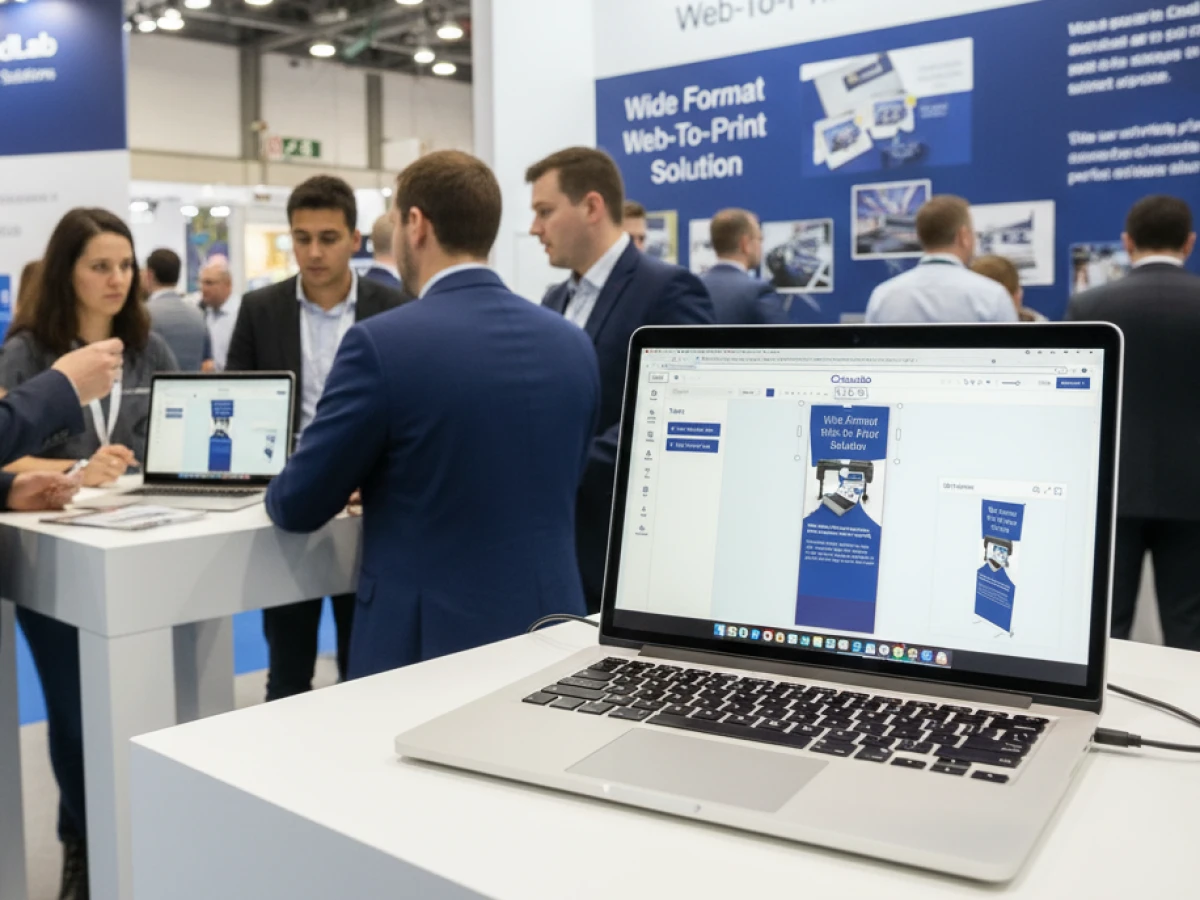
This article explains how printQ is redefining the world of large‑format printing. The saas-based web to print solutions allow banners, posters and displays to be designed directly in the browser, supported by parametric templates, precise 2D/3D preview and automated workflows. Thanks to deeply integrated e‑commerce functions and open interfaces, the solutions target printers, agencies and companies operating both B2B and B2C portals. You will also learn how automation, preflight checking and scalability pave the way to efficient, profitable large‑format print projects.
Thinking Big for Big Prints
Large-format printing is more than just an enlarged version of traditional printing – it is a means of communication that shapes spaces and brands. Whether trade-fair stand, façade banner or POS material: the requirements for quality, speed and customisation are constantly increasing. Traditionally, such projects required manual data preparation, many approvals and costly corrections. With printQ, a new generation of saas-based web to print solutions emerges that transforms complexity into efficiency and creativity. As the only web-to-print solution based directly on Adobe Magento (Adobe Commerce), printQ combines e‑commerce power, automation and print-specific functions in one system.
The Challenge of Wide Format Printing
Data volume and precision
Large‑format products exceed standard A2 formats (420 × 594 mm) by far. They range from banners and roll‑ups to wall graphics and floor decals. The larger the end product, the more important data precision, high resolution and colour fidelity become. A small error can have huge consequences on a trade fair stand. Classical workflows slowed the process because files had to be manually checked, corrected and optimised. Customers lacked the ability to view their prints at true size. The result was misunderstandings and expensive reprints.
Many stakeholders – different expectations
In addition to print service providers, marketing agencies, graphic designers and companies are often involved. Franchise systems want localised POS displays, event agencies need rollable exhibition systems and companies want CI‑compliant banners for branches. Coordinating such requirements is demanding when no central digital workflow exists. In addition, printers often have to serve both B2B customers and consumers and maintain separate systems – a real cost factor.
printQ – Premium Web‑to‑Print for B2B and B2C
Unique Magento integration
printQ is the only web‑to‑print solution built on Adobe Magento (Adobe Commerce). Magento is known as a leading e‑commerce platform and offers functions such as customer accounts, dynamic price calculation, vouchers, shipping options and analytics. By integrating with this platform, printQ seamlessly connects the world of online commerce with professional printing. Companies benefit from deep e‑commerce functions, and printers obtain a system without vendor lock‑in that is scalable and expandable.
SaaS or on‑premise – flexible deployment
CloudLab operates printQ as Software‑as‑a‑Service in secure European data centres. Customers do not need to worry about infrastructure or updates. Alternatively, printQ can be installed on‑premise, keeping all data completely in the customer’s own environment. This freedom of choice addresses data‑protection requirements and makes it possible to meet national regulations or industry-specific compliance requirements.
B2C shop and B2B portals in one system
Printers need flexible sales channels. printQ supports open B2C shops for consumers and closed B2B portals with role‑based approval and corporate design guidelines. Enterprises or franchisors can provide their branches with individual templates that allow edits without violating the CI. Roles and approvals ensure that only authorised people can place orders or modify designs. This creates a white‑label system for agencies and a multi‑client portal for print service providers – all in a single platform.
Configuration and Design: Focus on Parametric Templates
Flexible product configuration
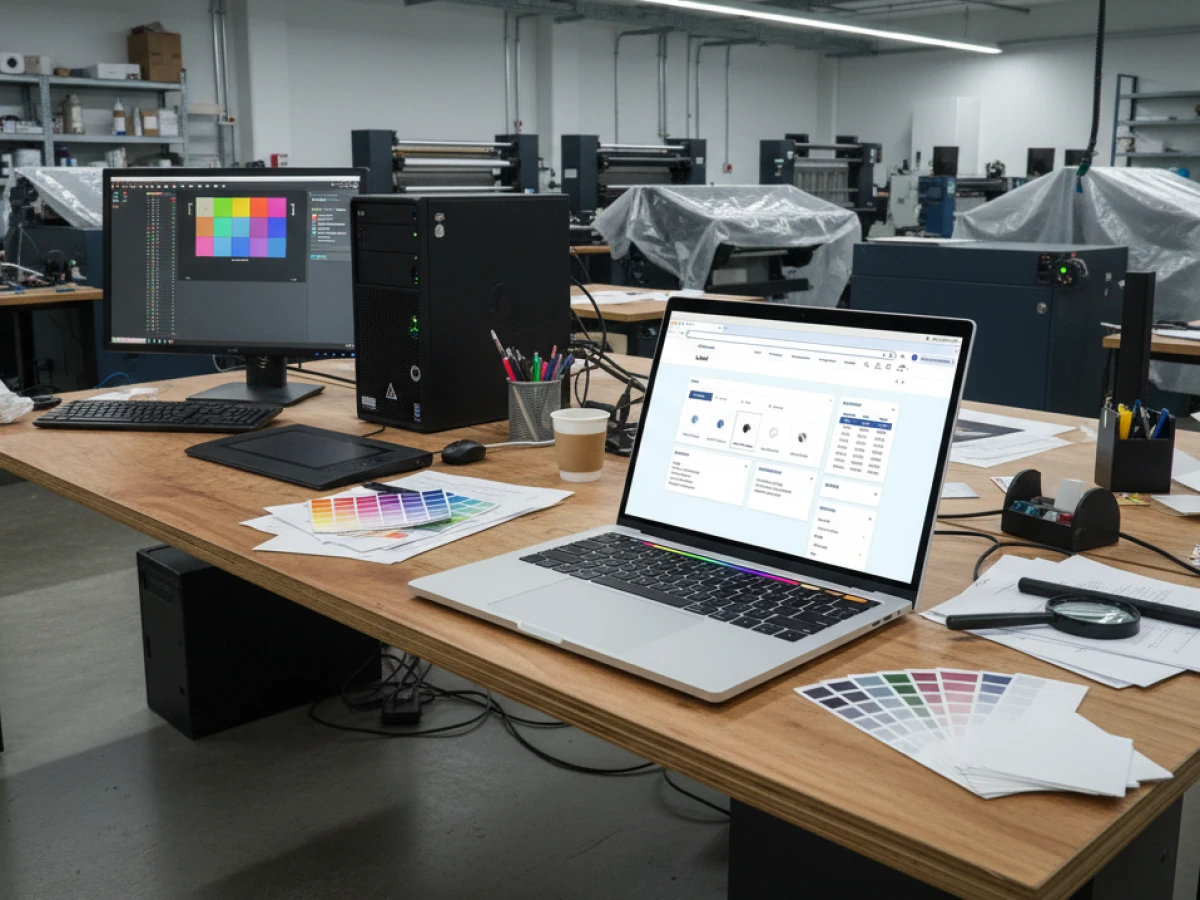
In printQ, wide‑format products are defined as parametric templates. This means customers choose width and height in millimetres, centimetres or inches, define materials such as PVC, mesh, textile, acrylic or paper and specify finishing options such as eyelets, lamination, cutting or hemming. Each element is calculated in real time; price and preview adapt instantly. Thanks to the Magento‑based logic, printers can store different price levels for standard posters or high‑end trade‑fair systems without separate calculation software.
Designing at true scale
The printQ online editor provides a scale‑accurate canvas. Precise rulers and grids help with alignment, snap functions enable exact placement, and different zoom levels range from a full product view to pixel‑detail. Users can upload images, vector graphics and brand assets directly into the layout. The rendering engine ensures that even at several metres in size all elements appear crisp and colour‑accurate. This precision gives customers complete confidence: what they see is exactly what gets printed.
2D and 3D preview for safe decisions
Large‑format products are often used in spatial contexts – a roll‑up at a trade‑fair stand, a window display in a shop or a floor sticker at an entrance. printQ’s real‑time 3D preview allows users to rotate, zoom and inspect their design in a virtual environment. This makes it possible to assess how a banner will look, how lighting will reflect and whether proportions are correct. This interactive visualisation reduces costly misunderstandings and reprints.
Template Gallery and variable data
Many companies do not want to start from scratch every time. The Template Gallery provides millions of professional templates for various industries and occasions. Users select a template, customise text, images or colours and are ready to print in minutes. The Variable Data Printing (VDP) function allows serial products to be personalised – for example regional posters or event posters with different names. VDP combines the power of mass production with individual addressability and thus supports targeted marketing.
Vectorisation and embellishment display
The editor not only allows the upload of raster images but also converts pixel graphics into scalable vectors. This is particularly important for logos or line illustrations that need to be used in different sizes without loss of quality. In addition, the editor displays finishes such as coatings or embossing in the preview. Customers see how metallic foils shine or how raised elements appear – a decisive factor for high‑end displays and premium banners.
Mobile upload and QR code integration
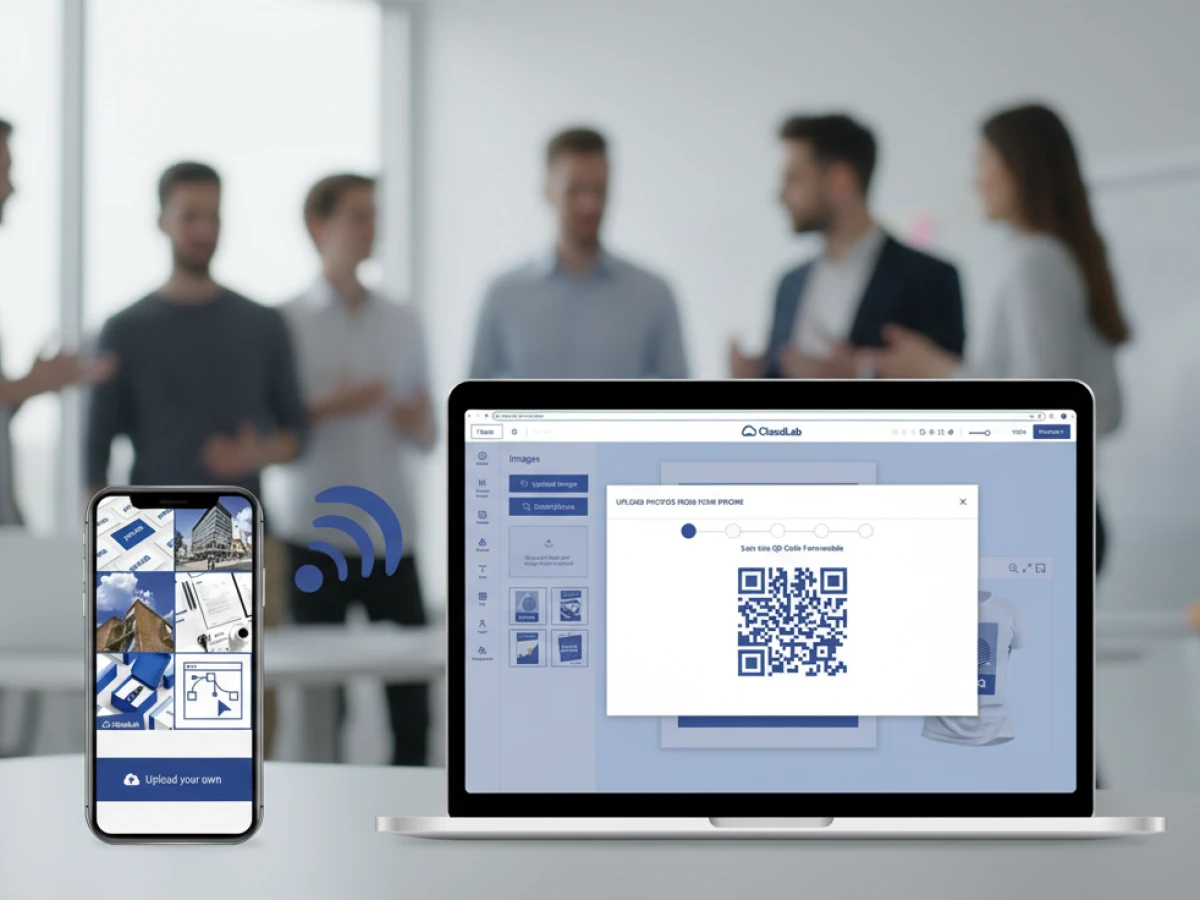
In a mobile world, access to graphics is required everywhere. printQ enables image uploads via QR code directly from a smartphone. Users scan the code, select a photo and upload it to the editor. This allows spontaneous ideas, trade‑fair snapshots or social‑media images to be incorporated into professional large‑format products. For companies, this means employees worldwide can quickly and flexibly contribute content.
Automation and Preflight – The “Lights‑Out” Workflow
Automated preflight checking
Large‑format graphics demand perfect technical data. printQ’s preflight module automatically checks resolution, bleed, colour mode, embedded fonts and file size. If an image is too low in resolution or fonts are missing, the system notifies the user immediately. Automatic conversion from RGB to CMYK ensures that colours are printable. Once approved, printQ generates a press‑ready PDF with correct marks and colour profiles – without manual prepress review.
End‑to‑end workflow
printQ automates the entire order and production process. Once the customer has configured and designed, the system automatically generates a job ticket in XML or JDF format. This ticket is passed to production or RIP software; the order status can be tracked in real time and fulfilment runs automatically. This continuous chain removes manual handoffs and ensures that even complex, high‑volume orders can run 24/7 with minimal human oversight.
Automated pricing and quotation
Dynamic pricing rules in printQ take into account size, material, finishing, quantity and delivery preference to generate quotes instantly. Vendors can set tiered prices, promotions and individual discounts that automatically transfer to the cart. For B2B customers, customer‑specific price lists and budgets can be set so that employees order within defined parameters.
Integration of production and logistics
The open interfaces (REST, SOAP, JDF, XML, CSV, JSON) connect printQ with ERP, MIS and RIP systems. Order data flows directly into production plans, colour profiles are handed off to RIP servers and material dispositions are triggered. Integration also enables tracking information and automatic shipping notifications. Printers already using InDesign, Fiery or Caldera RIP workflows can connect them seamlessly.
Integration and Architecture – Openness Rather Than Isolated Solutions
API‑first and headless
printQ follows an API‑first strategy and provides REST and SOAP interfaces for every function. This enables a headless approach: the front‑end interface can be completely customised while the back‑end logic is accessed via APIs. Whether as a plug‑in within an existing shop or as a standalone portal, printQ adapts to the respective IT landscape. Openness also means no vendor lock‑in. Customers are not tied to proprietary workflows and can combine modules with other systems.
Magento as a base – e‑commerce and print in one platform
Through integration with Magento, users benefit from robust e‑commerce functions such as customer accounts, cart systems, vouchers, discounts and reporting. At the same time, printQ provides print‑specific extensions: parameterised products, preflight checks, job tickets and production integration. This combination makes printQ the ideal platform for companies wanting to sell print products online like any other product – including the complexity of printing.
Scaling from one shop to hundreds of portals
Many print service providers or agencies serve multiple brands, countries or franchisees. With printQ, several independent shops or closed portals can be operated within one system. Each tenant can use its own products, languages, currencies and designs while the technical infrastructure remains central. This reduces operating costs and simplifies management. New portals can be added within a very short time – ideal for companies looking to expand internationally or acquire new clients.
Security and data protection
GDPR‑compliant data processing is indispensable for European companies. In the SaaS model, printQ ensures encrypted transmission and storage. With the on‑premise installation, all data stays entirely within the customer’s environment; temporary files are deleted after production. Access controls and role models protect sensitive customer data.
Target Groups and Benefits
For printers and print service providers
printQ automates standard orders and reduces administrative tasks. Preflight checking, job ticket creation and production integration save time and minimise errors. By offering an online shop for large‑format printing, printers tap into new markets and increase revenue. They can also operate multiple portals for different brands without duplicating infrastructure.
For marketing agencies and creative service providers
Agencies can create white‑label portals, manage multiple client shops and define corporate design rules. Recurring campaigns and event materials can be quickly adapted using template and VDP functions, and approval processes are digitalised. With the multi‑client approach, agencies scale their offering without needing more staff.
For enterprises, franchises and retailers
Companies with decentralised locations benefit from closed shops: local teams order posters, displays or signs while headquarters monitors budgets and provides final approvals. The CI remains intact, and orders can be automatically routed to the nearest production facility. Franchise systems use variable data to address different locations without manually adjusting layouts.
Economic advantages
Automation shortens preparation time by up to 80 percent. Less manual work reduces costs, and the proportion of defective prints drops significantly. Online shops for large‑format products open new revenue streams. Consistency and quality remain high. In addition, the reduction of misprints and optimised material use contribute to sustainability.
Case‑Study Mini‑Sections: Practical Examples
SAXOPRINT: Large Formats for Events and Campaigns
SAXOPRINT, a leading European online print service provider, integrated printQ to offer large‑format products such as exhibition systems and outdoor banners. Customers can design roll‑ups, pop‑ups and XXL posters in an intuitive editor, including 3D preview. Thanks to automatic preflight checks and job ticket generation, orders run around the clock. The multi‑portal capability allows SAXOPRINT to operate special B2B portals for major clients while the public shop remains open for consumers. Results: faster turnaround times, fewer queries and significant revenue growth in large‑format printing.
Druckhäusle: Local Craft Meets Digital Platform
The Swabian company Druckhäusle used printQ to address its regional clientele online. Small businesses, clubs and authorities design their banners and signs directly in the browser. The system offers CI‑compliant templates for municipalities and associations, simplifying approvals. With the mobile upload function, customers upload photos from events and integrate them into high‑quality banners. For Druckhäusle, printQ meant relief for the team and the ability to run professional online shops without a large IT department.
Velocity Graphics: International Growth Through Multi‑Portals
Velocity Graphics operates sites in several countries and sought a scalable platform to standardise large‑format products. printQ enabled the creation of separate portals with national currencies, languages and specific product sets. Open APIs allowed connection to existing MIS and ERP systems. Integration of the preflight engine reduced the error rate, and the 3D preview helped customers visualise the final product before production. Velocity Graphics thus increased its international reach without complicating processes.
Additional Modules and Features of printQ
Variable Data Printing (VDP) for personalised campaigns
With VDP, series products can be customised individually. Personalised posters for local branches, event posters with different names or regional advertising motifs are just a few clicks away. VDP combines the efficiency of large runs with the relevance of personalised messages and thus strengthens customer loyalty.
Template Gallery – inspiration and efficiency
The Template Gallery houses millions of professional templates for sectors such as retail, gastronomy, trade fairs or tourism. Users can choose from seasonal campaigns, adopt CI‑compliant design schemes and integrate their own images or text. Templates are responsive: size and aspect ratio adapt to the defined parameters.
Online editor with vectorisation and finishing
In addition to standard design functions, the editor offers vectorisation so that pixel‑based graphics can be scaled without loss of quality. Finishes such as UV varnish, embossing or metallic foils can be displayed in the preview, helping customers make purchasing decisions.
Mobile image upload and QR workflows
With the integrated QR code, users can upload images directly from mobile devices. This simplifies capturing photos at events or on site and involves employees and customers in the design process. Data imports can also be triggered automatically via CSV or XML – for example to import product data or participant lists.
Automated workflows up to production
printQ is designed for “lights‑out” manufacturing. Automated preflight checking, job ticket generation and hand‑off to RIP software run seamlessly. Production data can be transferred to digital cutting devices or plotters, and status updates flow back to the portal. Traceability increases transparency for both customers and production.
Open integrations: REST, SOAP, JDF, XML, CSV, JSON
The openness of the interfaces means that printQ can be integrated into almost any existing system landscape. Whether ERP systems for inventory management, MIS for order planning, CRM for customer communication or specialised RIP systems – printQ provides the necessary data formats. Developers can set up their own applications or extend existing solutions. This flexibility protects investments and supports a headless approach.
Scaling and multi‑tenancy
printQ grows with the requirements. Small printers start with one shop; larger companies operate hundreds of portals for different brands, countries or customer groups. Multi‑tenancy allows separate baskets, price lists, languages and designs. All portals use the same technical base, which simplifies maintenance and updates. Customers can optionally utilise only certain modules – for example the wide‑format editor without VDP or vice versa.
The Future of Wide Format Printing
CloudLab continually develops printQ and integrates new technologies. In the future, AI‑based layout assistants will support automatic image positioning, scaling and cropping. Smart preflight checks will detect potential print issues proactively. Augmented‑reality previews will allow customers to view banners virtually in their spaces before ordering. Through predictive maintenance, printQ links IoT‑enabled printers with production planning to optimise maintenance windows. These innovations will make wide‑format printing even faster, smarter and more interactive.
Wide‑format printing requires precision, creativity and efficient processes. printQ combines these demands in one comprehensive platform. As saas-based web to print solutions and the only Magento‑based web‑to‑print software, printQ offers parametric templates, scale‑accurate 2D/3D preview, automated preflight checks and end‑to‑end workflows. The open API architecture enables integration with existing ERP, MIS and RIP systems. Printers, agencies and enterprises benefit from faster order processing, reduced costs and new revenue opportunities. With printQ, wide‑format printing becomes not only easier but a scalable, profitable business model – and all based on state‑of‑the‑art saas-based web to print solutions.
An overview of all features of printQ developed by CloudLab
- WYSIWYG Designer – An intuitive online editor that lets users arrange text, logos, and graphics with real-time 2D/3D previews on any device.
- Print Previews – Instant 2D, 3D, and live views to verify designs before printing.
- Vectorization & Embellishment – Converts raster graphics to smooth vectors and adds special finishes like foil stamping, embossing, or letterpress.
- Template Gallery – Offers millions of editable templates and automatically adapts a design to multiple formats.
- Variable Data Printing (VDP) – Personalises products using PDF/VT with dynamic fields for text, images, or barcodes and supports data uploads.
- Mobile Upload – Allows photos to be added via QR code from smartphones directly into the design tool.
- Commercial Print – Enables the design of business stationery (business cards, letterheads, invoices) that follow corporate branding.
- Wide Format Printing – Lets users create large-format products like banners and posters while selecting sizes and materials.
- Labels & Stickers – Designs custom-shaped labels or stickers with material options and provides live browser or PDF previews.
- Editorial Designer – Facilitates multi-page layouts for brochures, allowing flexible page counts and spreads.
- Promotional Item Designer – Creates branded merchandise such as pens and apparel with accurate product previews.
- Textile Printing Designer – Designs T‑shirts, hoodies, or polos with full control over colours and placement and includes vector conversion.
- eCommerce Integrations & API – A headless system with REST/SOAP and file-based APIs plus connectors for platforms like Magento, Shopify and Shopware.
- Product Configuration & Pricing – Configures paper types, colours and finishes while ensuring valid combinations and calculating realistic prices.
- InDesign Workflow – Imports multi-layer InDesign templates so content can be edited online while preserving fixed design elements.
- Production Workflow – Generates print-ready files and JDF/XML job tickets to automate production through hotfolder integration.
- Dynamic Preflight Check – Works with preflight software to verify fonts, resolution and colour spaces during upload.





