
Personalisation with VDP: printQ and web‑to‑print solutions

Modern web‑to‑print solutions make it possible to design, personalise and order print products online. Thanks to variable data printing technologies, content can be individually adjusted using Excel or CSV files, making customer communication more effective. printQ, the Magento‑based solution from CloudLab, combines B2B and B2C storefronts, a WYSIWYG editor, a powerful template gallery and VDP in one system. The article explains the technology, shows best practices and highlights case studies such as SAXOPRINT or Velocity Graphics to illustrate the practical benefits.
Web‑to‑Print – a revolution in the print industry
Since the early W2P era around the turn of the millennium, digital print ordering has evolved from simple online editors to comprehensive web‑to‑print solutions. Today customers expect to be able to design, personalise and order printed materials online at any time. A study by Grand View Research estimates global commercial printing industry revenues of USD 501.36 billion in 2024, rising to USD 598.06 billion by 2030, which corresponds to annual growth of about 3.2 %. At the same time the hosting model is shifting: around 90 % of print service providers prefer SaaS‑based systems because they are more agile and require less maintenance.
Why personalisation is decisive
Customers today expect individual communication. According to Salesforce, 70 % of consumers say that understanding their needs directly influences their loyalty. Variable Data Printing (VDP) is the answer to this trend: it is a digital printing technique in which each piece in a run can be customised using database information. First, templates with placeholders are created, then linked to a database containing names, addresses or product data and finally each copy is printed with the corresponding data. This allows personalised postcards, event invitations or donation letters to be produced that achieve higher response rates. Uploading via CSV or Excel makes it easy to import large volumes of data.
Web‑to‑Print: definition and how it works
Web‑to‑Print (W2P) is an e‑commerce approach that allows customers to design, personalise and order print products via an online shop. The typical workflow comprises logging into the portal, selecting a product, customising it using predefined templates and an editor, uploading your own files and completing the order. In the background, modern systems integrate preflight checks, price calculation, payment processing and the automatic transition to production.
- B2B vs. B2C: Shops for business customers (B2B) require functions such as quantity discounts, role‑based approval and CI templates. End customers (B2C), on the other hand, expect an intuitive interface, a wide range of personalisation options and the ability to order small runs. A central system that supports both scenarios increases efficiency and consistency.
- SaaS or on‑premise: SaaS models are preferred by the majority of print service providers due to lower maintenance costs and faster implementation. However, on‑premise installations remain relevant for companies that require full control of their infrastructure.
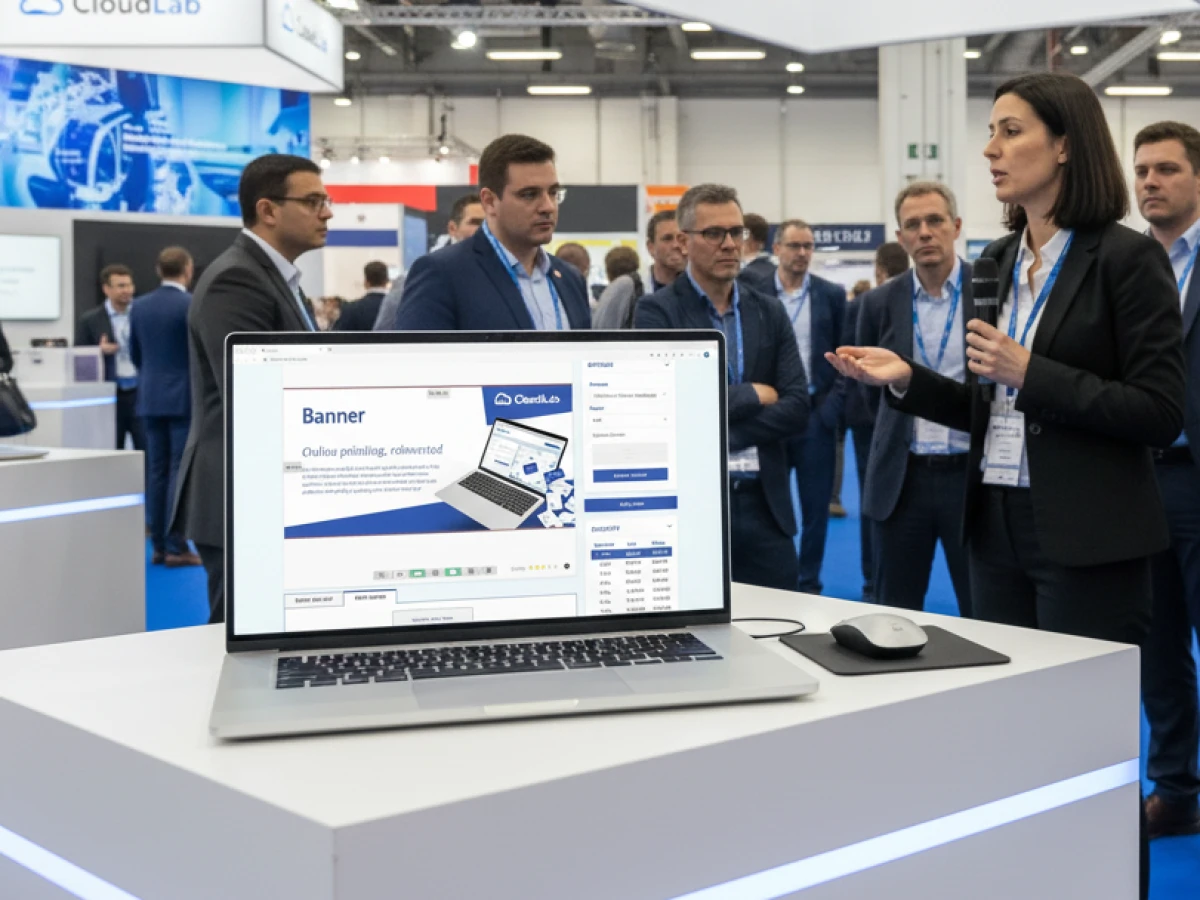
printQ – premium web‑to‑print on Adobe Magento
printQ was developed by CloudLab as a modular, scalable solution. It is the world’s only web‑to‑print platform built entirely on Adobe Magento. Thanks to its open architecture, printQ combines powerful e‑commerce functions with specific print features such as VDP, preflight and automation.
B2C shop & B2B portals
A central feature of printQ is the ability to map public shops and closed company portals within one system.
- Public shop: End customers can design products such as business cards, flyers or T‑shirts online, upload artwork and calculate prices in real time. The intuitive interface with 2D and 3D previews builds confidence and minimises correction rounds.
- Closed portals: Company customers have protected areas with role‑specific rights. Employees select from CI‑compliant templates, adapt texts or images and have orders approved via workflows. Budgets, price scales and shipping options can be configured per client.
This combination enables print shops to serve both consumers and companies efficiently without having to operate several systems.
WYSIWYG editor with 2D/3D preview
The online editor is the heart of printQ. Users can place texts, logos and graphics via drag‑and‑drop; the editor automatically adjusts fonts and colours. The 2D view provides precise layout control, while the 3D preview realistically presents products including rotation and zoom.
- Vectorisation & finishing: Raster graphics are automatically converted into vectors, allowing logos or type to be scaled freely. In addition, finishing such as varnishing, hot foil stamping or embossing can be added; each finishing layer is stored separately in the PDF.
- Mobile upload via QR code: Users can upload images or photos directly from their smartphone. A generated QR code opens the upload dialog in the browser, which is particularly useful at trade fairs or events.
Template gallery and VDP
The template gallery in printQ contains millions of professionally designed templates, which are automatically adapted to different formats via the Dynamic Layout. The integrated Variable Data Printing enables mass customisation: users upload Excel or CSV files or enter data manually; the system automatically inserts names, numbers, barcodes or images into the layout. Thanks to PDF/VT support, all elements can be personalised, and intelligent form fields ensure that entries are correct. If data is missing or incorrect, the editor immediately displays an error message.
The ability to combine CSV uploads and manual data entry facilitates both mass printing and single‑item production. The system supports various data types such as text, graphics and barcodes, so that identity cards, tickets or customer cards with individual QR codes can be created.
Automation & preflight (lights‑out workflow)
printQ automates the entire process from product configuration to print output. This includes:
- Plausibility checks: The system prevents invalid combinations of materials and formats, ensuring error‑free products.
- Dynamic preflight check: Even during uploading, printQ checks image resolution, colour spaces and fonts. Errors are displayed to the user before the job is submitted.
- Automatic PDF generation: After the order is placed, printQ generates print‑ready PDF files (including optional JDF files) and transfers them to the production systems via hotfolder.
- InDesign import: Designers can create templates in Adobe InDesign. Through defined layers, printQ recognises placeholders and protects design elements during online editing.
These lights‑out workflows reduce manual intervention, increase productivity and minimise misprints.
Open integrations and API‑first
printQ follows an API‑first approach. Via REST and SOAP interfaces and formats such as XML, JDF/XJDF, CSV or JSON, the system can be seamlessly integrated into existing ERP, MIS or production environments. The printQ shop connector also allows other e‑commerce platforms such as BigCommerce, Shopware or Shopify to be connected. This openness prevents vendor lock‑in and enables headless concepts in which front‑end and back‑end are separated.
Scaling: from single shop to multi‑client platform
Another advantage of printQ is its multi‑client capability. Companies can operate a single shop or manage hundreds of portals – each with its own brand, language and product range. Centralised administration simplifies the management of franchise systems, agency networks or corporations with multiple locations.
Case studies illustrate the scaling:
- SAXOPRINT: As one of Europe’s largest online printers, SAXOPRINT operates both public shops and closed corporate portals with printQ. Thanks to the multi‑client architecture, new B2B portals can be created quickly without violating CI guidelines.
- Druckhäusle: The Southern German print shop DCC Kästl used printQ to launch an online portal within just a few months. The system reduced the effort for recurring orders, and additional modules could be added later.
- Velocity Graphics: For a US restaurant chain, Velocity Graphics developed a closed portal. Requirements included large‑format menu boards (26 × 51.5 inches) and rapid updates of prices and images. printQ impressed with its ability to handle large files and integrate custom functions.
- Global adoption: Numerous print service providers worldwide – from Ortmaier Druck in Germany to Newprint in Canada and Flyeralarm – rely on printQ.
Target groups and benefits
- Printers and print service providers: Through automation and preflight, printQ relieves staff and reduces errors. Repeat orders can be carried out without manual intervention. The integrated pricing simplifies quotes and improves margins.
- Agencies and media houses: Agencies can use the system as a white‑label solution to operate individual portals for multiple clients. CI‑compliant templates from the gallery ensure brand consistency; VDP enables personalised campaigns.
- Companies and franchise operators: Large companies and chains benefit from closed portals with user roles and approval workflows. Local branches adjust texts or prices while the head office retains control.
- Public institutions and start‑ups: Schools, administrations or start‑ups gain a fast entry into online print with low investment costs.
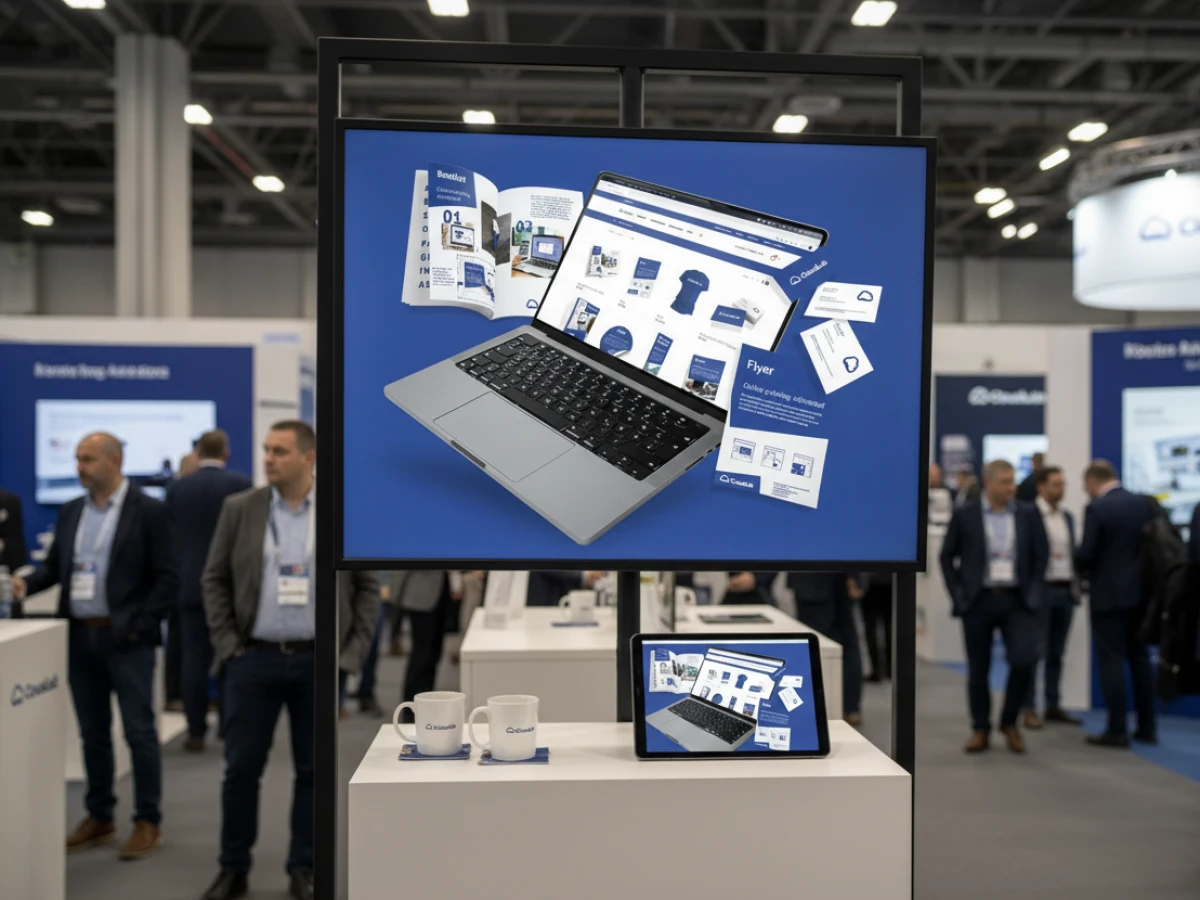
USPs of printQ
The unique selling points of printQ can be summarised as follows:
- Magento integration: printQ is the only web‑to‑print software built entirely on Adobe Magento; users benefit from a mature shop system, discount and coupon functions and a large developer community.
- API‑first & headless: Open APIs and separation of front‑end and back‑end allow companies to integrate printQ flexibly into existing systems.
- B2B & B2C in one system: Public shops and closed portals are centrally managed so that printers and companies can serve both target groups.
- End‑to‑end automation: Everything is automated from order placement through preflight to data transfer to production.
- Scalability & multi‑client: The modular structure allows scaling from a single shop to hundreds of portals.
- Vendor lock‑in freedom: Thanks to the open Magento base and standardised interfaces, users can replace or extend components.
- Proven worldwide: More than 1 000 live portals demonstrate the reliability and performance of the system.
Best practices: Personalisation with VDP and printQ
To ensure that variable data campaigns are successful, the following points should be considered:
- Ensure data quality: Poor or outdated data leads to incorrect names or addresses. A VDP campaign must use regularly updated, formatted data.
- Ensure data security: Customer data must be protected. Encrypted processing and role‑based access prevent data leaks.
- Design templates professionally: Use CI‑compliant templates and define which elements are fixed and which are variable. This keeps the corporate design intact.
- Encourage error‑free input: Intelligent form fields in printQ allow you to control which fields are mandatory and which content is checked.
- Use automation: Automated preflight checks and PDF generation reduce sources of error and speed up production.
- Leverage SaaS advantages: SaaS solutions can be implemented quickly and offer high scalability. Studies show that about 90 % of print service providers prefer SaaS models.
- Define B2B approval workflows: In company portals, roles and approvals maintain order. Departments can prepare orders before marketing finally approves them.
- Promote customer loyalty: VDP enables personalised communication. An InfoTrends study shows that personalised direct mail can achieve 36 % higher response rates.
Variable Data Printing in practice
VDP demonstrates its potential in numerous scenarios:
- Marketing campaigns: Retailers send personalised coupons and product recommendations derived from the customer’s purchasing behaviour.
- Event invitations: Organisers print invitations with personalised cards, QR codes and individual directions.
- Fundraising & donations: Aid organisations address donors by name, mention last year’s donation amount and explain how the donation was used to build stronger ties.
- Healthcare: Clinics send reminders with personal appointments and specific instructions.
With printQ, such personalised projects can be implemented particularly efficiently. The combination of template gallery, CSV upload and automated data processing enables mass customisation without manual effort.
The future of web‑to‑print is characterised by automation, artificial intelligence and new media. Experts predict that AI algorithms will automatically generate personalised layouts and suggest optimal colour or image variants. Augmented Reality (AR) will also be introduced, for example by QR codes on print products leading to interactive 3D experiences. At the same time, sustainability remains a driver: VDP reduces print volumes because only relevant content is produced.
printQ is prepared for this. Its API‑first architecture allows new services such as AI‑based design optimisation or AR modules to be integrated. Integration with CRM or PIM systems enables personalised campaigns based on up‑to‑date customer data. This keeps the platform future‑proof even in a fast‑moving industry.
Personalisation with VDP is not a trend but a necessity. Web‑to‑print solutions like printQ allow print service providers, agencies and companies to design, personalise and order print products online efficiently. Thanks to variable data, content can be flexibly adapted. printQ stands out as the only Magento‑based web‑to‑print solution that combines B2B and B2C portals in one system and impresses with a powerful editor, an extensive template gallery and end‑to‑end automation. Open APIs, multi‑client capability and the choice between SaaS and on‑premise give users freedom and investment security. Anyone who wants to modernise printing processes and inspire customers with personalised products will find a reliable partner in printQ.
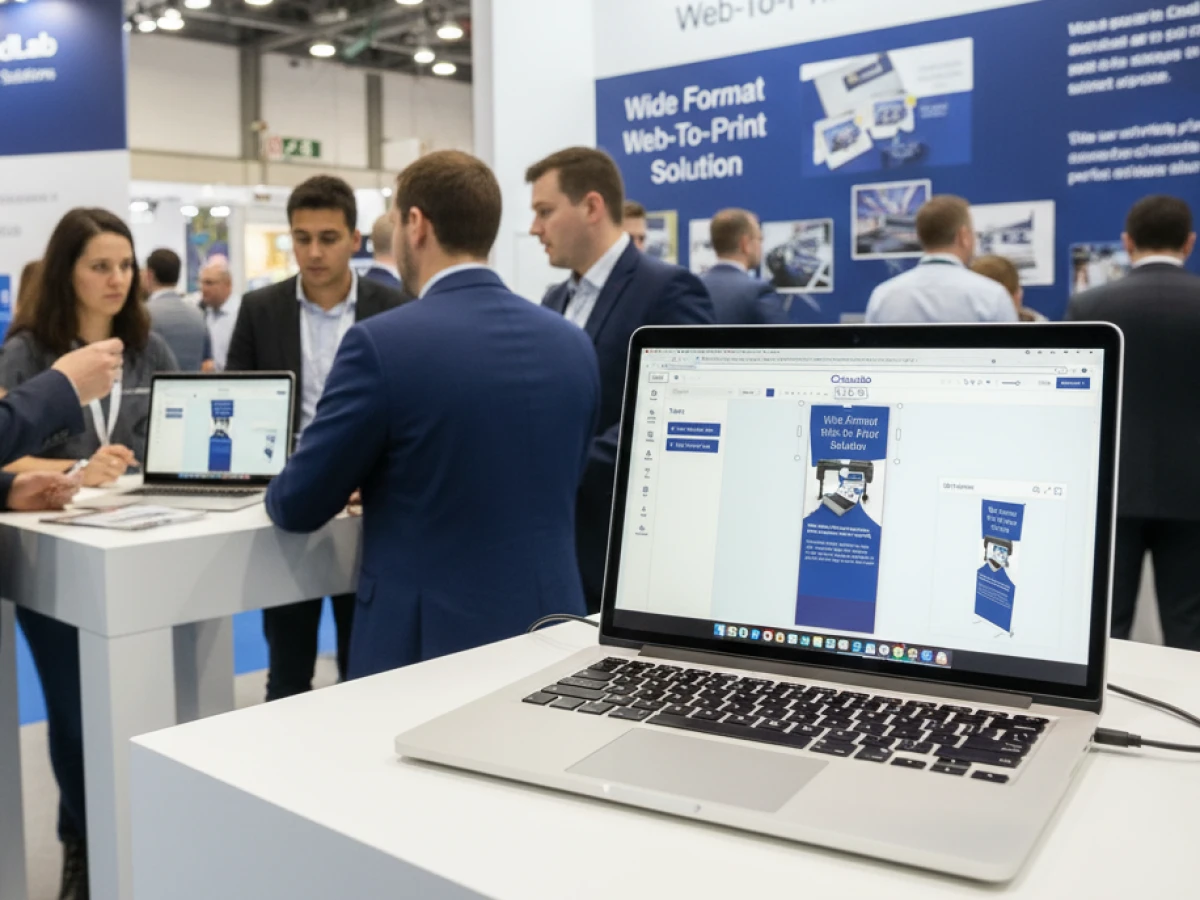
An overview of all features of printQ developed by CloudLab
- WYSIWYG Designer – An intuitive online editor that lets users arrange text, logos, and graphics with real-time 2D/3D previews on any device.
- Print Previews – Instant 2D, 3D, and live views to verify designs before printing.
- Vectorization & Embellishment – Converts raster graphics to smooth vectors and adds special finishes like foil stamping, embossing, or letterpress.
- Template Gallery – Offers millions of editable templates and automatically adapts a design to multiple formats.
- Variable Data Printing (VDP) – Personalises products using PDF/VT with dynamic fields for text, images, or barcodes and supports data uploads.
- Mobile Upload – Allows photos to be added via QR code from smartphones directly into the design tool.
- Commercial Print – Enables the design of business stationery (business cards, letterheads, invoices) that follow corporate branding.
- Wide Format Printing – Lets users create large-format products like banners and posters while selecting sizes and materials.
- Labels & Stickers – Designs custom-shaped labels or stickers with material options and provides live browser or PDF previews.
- Editorial Designer – Facilitates multi-page layouts for brochures, allowing flexible page counts and spreads.
- Promotional Item Designer – Creates branded merchandise such as pens and apparel with accurate product previews.
- Textile Printing Designer – Designs T‑shirts, hoodies, or polos with full control over colours and placement and includes vector conversion.
- eCommerce Integrations & API – A headless system with REST/SOAP and file-based APIs plus connectors for platforms like Magento, Shopify and Shopware.
- Product Configuration & Pricing – Configures paper types, colours and finishes while ensuring valid combinations and calculating realistic prices.
- InDesign Workflow – Imports multi-layer InDesign templates so content can be edited online while preserving fixed design elements.
- Production Workflow – Generates print-ready files and JDF/XML job tickets to automate production through hotfolder integration.
- Dynamic Preflight Check – Works with preflight software to verify fonts, resolution and colour spaces during upload.





