
Dynamic Preflight & online shop software for print shops
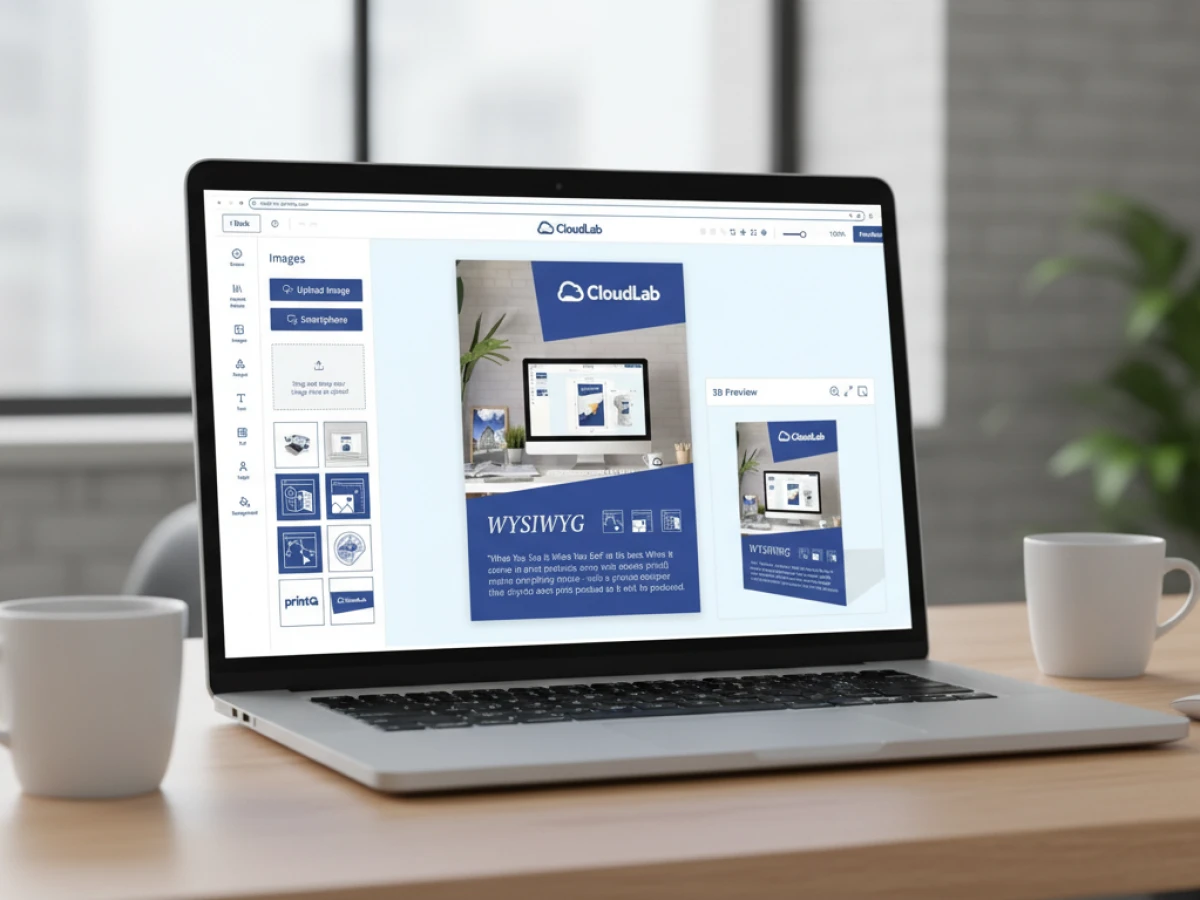
In the printing sector, data quality determines success and margins. With printQ, CloudLab relies on dynamic preflight directly in the online shop: DPI, colour profiles, fonts and other parameters are checked early and combined with tools like pdfToolbox and PitStop. The Magento‑based solution connects B2C shops and B2B portals with a WYSIWYG editor, template gallery and automated workflow. The open API and multi‑client capability make printQ the scalable online shop software for print shops of any size.
Data quality as a competitive advantage
For modern print shops, it’s not just the speed of the machines that counts, but also error‑free print data. Even small deviations in resolution, colour profiles or fonts lead to rework, delays and higher costs. Customers expect fast results and a consistent experience from the first click to delivery. This is why print shops need online shop software for print shops that digitally maps the entire process – from selection and design through to production.
Many systems rely on static preflight checks that verify print readiness only after the order is placed. printQ takes a different approach: dynamic preflight is activated during configuration in the browser and identifies critical factors like DPI, colours and fonts. Errors are corrected early, before they ever become a bottleneck.
What does dynamic preflight mean?
Check early rather than fix later
With dynamic preflight, uploaded files, designs from the online editor and the selected product configuration are compared in real time. printQ uses established preflight engines such as callas pdfToolbox and Enfocus PitStop. This allows rules to be defined individually:
- Minimum resolution per product type – e.g. higher DPI for large‑format banners.
- Required colour profiles (CMYK, Pantone) and correct colour space assignments.
- Embedding and use of approved fonts.
- Bleed and trim marks as well as safety zones.
These settings detect errors before the customer completes the order. This significantly reduces coordination during prepress – a “lights‑out” workflow.
Context‑dependent rules
Not every product requires the same checks. printQ links preflight rules to product categories and templates. A business card editor uses different parameters than a textile designer or a 3D product image. Companies can define which DPI thresholds and profiles apply to different applications. This makes it easier to map B2B portals and B2C shops within a single system.
printQ: The only web‑to‑print solution on Adobe Magento
A quick look at the foundation
CloudLab built printQ on Adobe Magento, the world’s most established open‑source e‑commerce platform. The advantage: print shops benefit from a huge ecosystem of extensions, payment gateways and marketplace functions – combined with industry‑specific features like product configuration, print editor and preflight.
The platform is built API‑first: all functions are available via REST, SOAP, XML, JDF/XJDF, CSV and JSON. This allows printQ to integrate with MIS/ERP systems, InDesign workflows, CRM solutions and other e‑commerce front ends. A headless approach makes it possible to use existing shops and simply plug in the editor.
B2C shop and B2B portals in one system
A key benefit of printQ is that it supports public web shops and closed‑shop portals for corporate clients simultaneously. B2C shops offer end customers an intuitive shopping experience: configure products, create designs using templates or your own files, see prices in real time and order. B2B portals, on the other hand, are accessible only to registered users. Budgets, approval processes, roles and brand guidelines are stored here. This allows marketing departments to centrally control which products are approved and what adjustments employees may make.
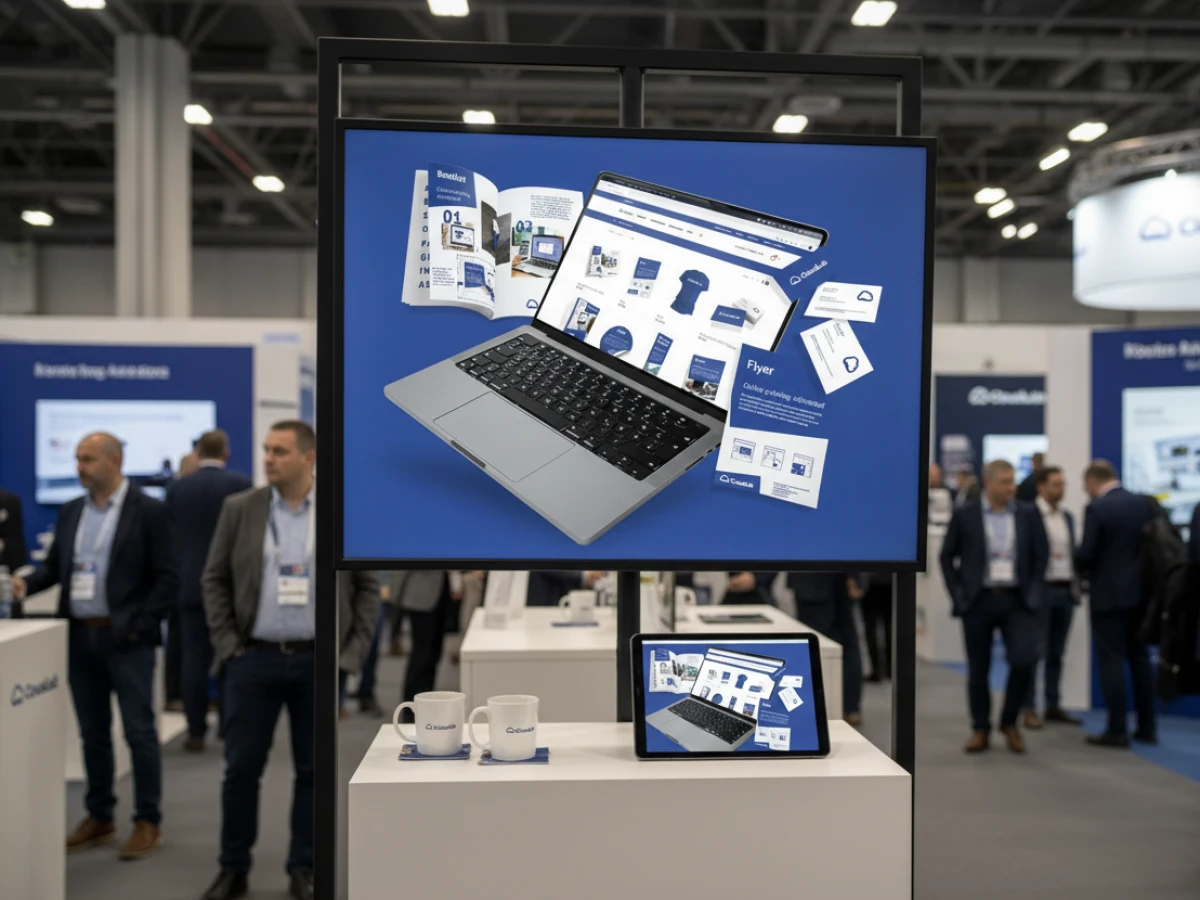
The online editor: design in 2D and 3D
WYSIWYG with preview
The online editor is at the heart of printQ. Users add text, graphics and elements via drag‑and‑drop. A 2D mode displays trim and safety zones, while the 3D mode visualises the product spatially – ideal for packaging or merchandise. All changes are rendered in real time; customers don’t need to reload the page.
Vectorisation & embellishment
With vectorisation, raster images can be converted into scalable vector graphics. Logos thus remain sharp regardless of format. The embellishment functions allow the addition of spot varnish, foil stamping or embossing; the associated layers are stored separately in the PDF output. This is a clear advantage for print shops that offer embellishments – and want to show them directly in the preview.
Template gallery & variable data printing
Not everyone is a designer. That’s why printQ provides an extensive template library. Ready‑made layouts for business cards, flyers, brochures or packaging make it easier to get started. Thanks to variable data printing (VDP), these templates can be filled with datasets (CSV, Excel) to generate personalised print orders. The system automatically checks whether names fit into text fields and fonts remain legible.
Mass customisation & mobile upload
Many products require individual adjustments in large quantities. printQ supports mass customisation by adapting templates to different formats (“one design, many formats”) and generating personalised series. Images can be uploaded directly from a smartphone to the editor via QR codes. This reduces media breaks and ensures a seamless user experience.
Automation along the entire process chain
Product configuration & price calculation
A sophisticated configurator guides customers through material selection, sizes, finishing and printing methods. The system prevents invalid combinations and displays prices in real time. Quantity discounts, tiered prices and customer‑specific price lists can be stored. Magento functions integrate common payment and shipping methods.
Preflight & data preparation
After design completion, printQ automatically generates print‑ready PDF files and, optionally, JDF files containing job information for production. Preflight rules ensure that resolution, colour space and font size are correct. Errors are not only displayed but can be corrected directly in the editor. This greatly reduces the number of queries during prepress.

Workflow integration & JDF/job ticket
With support for JDF/XJDF, print shops can connect printQ to workflow systems. The generated JDF tickets contain all parameters for printing presses, cutting plotters or finishing. In combination with hotfolders, a fully automated “lights‑out” production can be set up. MIS systems can also retrieve order and production data via APIs for planning, controlling and accounting.
Integration & expandability
Open API & headless architecture
printQ’s API‑first philosophy allows functions to be used modularly. External systems access the editor, preflight engine or calculation via REST and SOAP. XML, CSV and JSON enable data transfer in both directions. Agencies and developers can therefore use printQ as a backend and build their own front ends (for example on Shopware or BigCommerce).
The headless architecture allows designers to freely design the front end. The backend core provides the logical structure and services; the UI can be implemented in React, Vue or other frameworks. This reduces dependencies and prevents vendor lock‑in.
Modularity & multi‑client capability
printQ is modular and scales from a single shop to a network of a thousand portals. Each client can define its own products, prices, languages and branding. Central administration simplifies management and evaluation. Franchise systems and corporate groups benefit from this, as they can manage country subsidiaries or brands separately while technical operations remain centralised.
SaaS or on‑premise
CloudLab offers printQ as a SaaS solution in the cloud or as an on‑premise installation. Industry studies show that many print service providers prefer SaaS models due to lower investment costs. Nevertheless, on‑premise remains relevant for companies with strict compliance or integration requirements. printQ covers both scenarios and can be adapted flexibly.
Target groups: Who benefits from printQ?
Printers & print service providers
Traditional print shops can digitise their sales with printQ. Public shops and corporate portals allow them to sell standard products and custom orders. Thanks to automation, manual steps are eliminated, freeing up capacity. Repeat orders can be processed conveniently; customers can easily transfer their data from old projects.
Agencies & media houses
Those producing marketing materials for various clients benefit from white‑label portals. Agencies can operate multiple customer shops that adhere to brand guidelines. Templates ensure consistent designs; approval workflows protect branding. VDP functions simplify the sending of personalised campaigns.
Companies & franchise systems
Large companies, franchisors or branch networks use printQ to combine central control with local customisation. Employees in branches order promotional material, adjust text or prices, and have designs approved via central workflows. This keeps corporate design and budgets under control.
Public institutions & publishers
Authorities, universities and publishers produce flyers, teaching materials and campaign posters. printQ enables efficient creation and ordering of such print items. Start‑ups in the print‑on‑demand sector receive an infrastructure that grows with them from the outset.
USPs and unique selling points
The advantages of printQ lie in the combination of Magento integration, open API, multi‑client capability and end‑to‑end automation:
- Magento integration: Stable e‑commerce core with countless extensions.
- Headless & API‑first: No binding to a specific front end; easy integration into other systems.
- Avoid vendor lock‑in: Open standards and modular architecture allow individual components to be replaced.
- Multi‑client system: Thousands of portals can be managed centrally; ideal for international brands.
- Deep automation: From configuration and price calculation to preflight and PDF/JDF generation.
- Large installation base: More than 1,000 live portals worldwide confirm its practical suitability.
- Premium support: CloudLab accompanies projects with consulting and customised adaptations.
Short profiles of selected customers (case studies)
SAXOPRINT
The online printing giant SAXOPRINT uses printQ to operate public shops and company‑specific portals. Different product categories – from standard flyers to packaging – are offered on a central Magento base. The multi‑client architecture makes it easy to launch new B2B portals, implement corporate design and set specific prices.
Druckhäusle
The Swabian print shop Druckhäusle needed a quick entry into e‑commerce. printQ enabled a customisable shop system that went live within a few months. Closed portals for regular customers simplify ordering, and the modular structure later allowed the integration of additional features such as bonus programs.
Velocity Graphics
The US‑based Velocity Graphics serves a restaurant chain with large menu boards (26 × 51.5 inches). printQ impressed with its ability to process large files and provide customised B2B portals. Thanks to the open API, custom functions could be integrated and an efficient preflight set up for the huge formats.
Best practices: introduction and operation
Strategy and planning
A successful web‑to‑print rollout begins with a clear strategy. Print shops should define which target groups they want to serve and which products and portals are needed. B2C shops are suitable for standard products and spontaneous orders; B2B portals address corporate clients with individual requirements.
Training and change management
The transition to an automated system requires training for staff. Prepress operators should understand and be able to adjust preflight rules. Customer service teams need to know how to guide users through the editor. It’s particularly important to communicate the benefits of dynamic preflight: fewer queries mean more time for consulting and sales.
Continuous optimisation
A web‑to‑print system is not a static product. New templates, products and workflows should be continuously added and optimised. Magento’s analytics functions help evaluate orders and visitor flows. A/B testing can improve shop elements and increase conversion rates.
International scaling
Those who want to expand internationally benefit from printQ’s support for multiple languages, currencies and tax rates. Multi‑client tenants can be configured per country or brand. Legal requirements (e.g. GDPR, tax law) should be observed and integrated into the workflow.
Trends and outlook
The future of web‑to‑print lies in even more automation, intelligent data processing and new technologies. AI‑based layout optimisation could automatically suggest colour harmonies and image positioning. Augmented reality will make printed products virtually tangible. printQ is preparing to integrate these technologies via its open API.
In addition, integration with CRM, PIM and DAM systems will become more important to embed print products in comprehensive marketing and sales processes. With its headless approach, printQ is optimally positioned to support new front ends and devices.
online shop software for print shops must do more than just take orders today. With printQ, printers, agencies and companies receive a fully integrated web‑to‑print solution that combines dynamic preflight, powerful editors, automation and open APIs. The integration in Magento, the ability to operate B2C shops and B2B portals simultaneously, and scalability from a single shop to an international portal network make printQ unique. Those who want to reduce error costs, accelerate processes and delight customers will find in printQ a future‑proof platform – whether in the cloud or as an on‑premise version.
Post Summary: printQ is revolutionising the web‑to‑print market by integrating dynamic preflight directly into the ordering process. DPI, colour profiles and fonts are checked in real time and validated with tools like pdfToolbox and PitStop. As the only online shop software for print shops on Adobe Magento, printQ combines an intuitive 2D/3D design environment, template gallery, variable data printing and mobile uploads. With an open API, headless architecture, multi‑client capability and the choice between SaaS or on‑premise, printers can serve both B2C shops and B2B portals. Dynamic pricing, fully automated PDF creation and seamless integration into existing workflows make printQ a powerful platform for error‑free print data and scalable business models.
An overview of all features of printQ developed by CloudLab
- WYSIWYG Designer – An intuitive online editor that lets users arrange text, logos, and graphics with real-time 2D/3D previews on any device.
- Print Previews – Instant 2D, 3D, and live views to verify designs before printing.
- Vectorization & Embellishment – Converts raster graphics to smooth vectors and adds special finishes like foil stamping, embossing, or letterpress.
- Template Gallery – Offers millions of editable templates and automatically adapts a design to multiple formats.
- Variable Data Printing (VDP) – Personalises products using PDF/VT with dynamic fields for text, images, or barcodes and supports data uploads.
- Mobile Upload – Allows photos to be added via QR code from smartphones directly into the design tool.
- Commercial Print – Enables the design of business stationery (business cards, letterheads, invoices) that follow corporate branding.
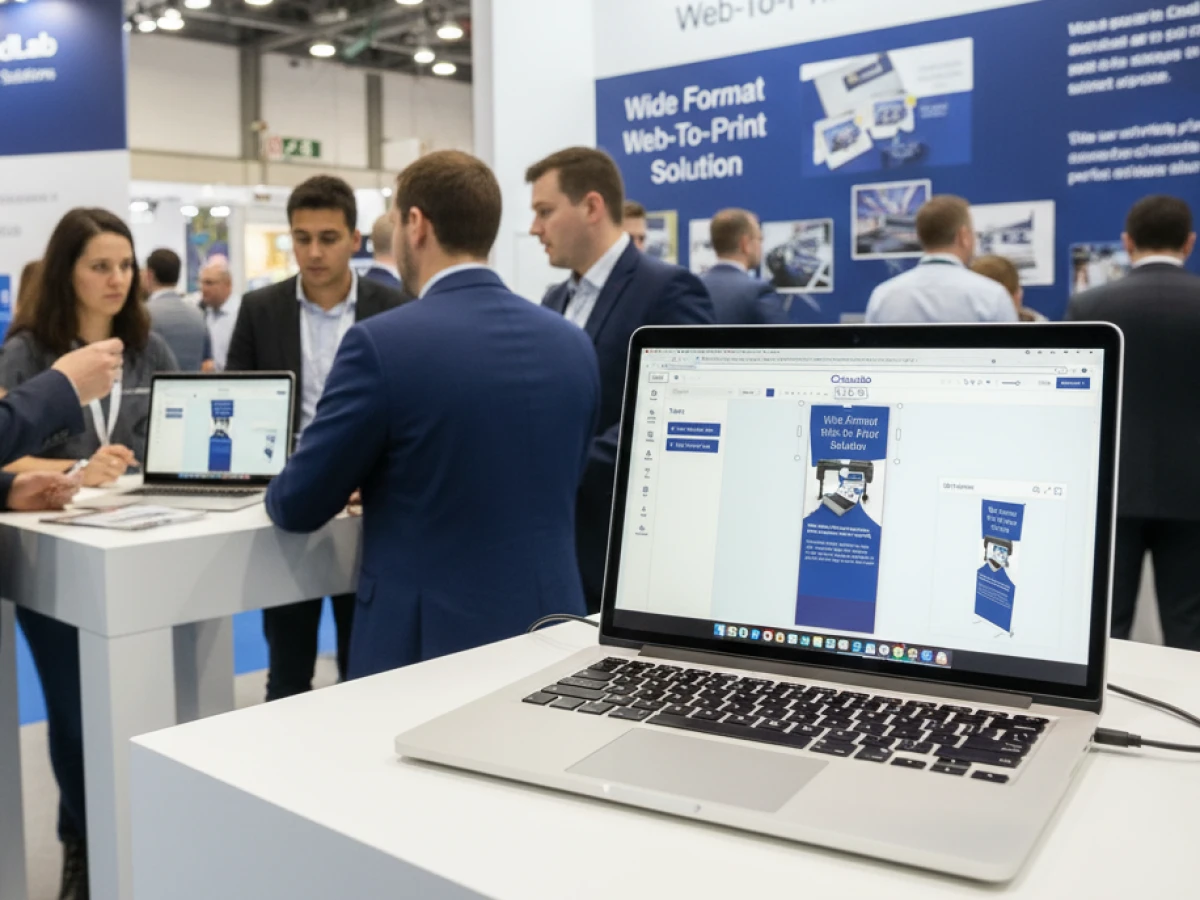
- Wide Format Printing – Lets users create large-format products like banners and posters while selecting sizes and materials.
- Labels & Stickers – Designs custom-shaped labels or stickers with material options and provides live browser or PDF previews.
- Editorial Designer – Facilitates multi-page layouts for brochures, allowing flexible page counts and spreads.
- Promotional Item Designer – Creates branded merchandise such as pens and apparel with accurate product previews.
- Textile Printing Designer – Designs T‑shirts, hoodies, or polos with full control over colours and placement and includes vector conversion.
- eCommerce Integrations & API – A headless system with REST/SOAP and file-based APIs plus connectors for platforms like Magento, Shopify and Shopware.
- Product Configuration & Pricing – Configures paper types, colours and finishes while ensuring valid combinations and calculating realistic prices.
- InDesign Workflow – Imports multi-layer InDesign templates so content can be edited online while preserving fixed design elements.
- Production Workflow – Generates print-ready files and JDF/XML job tickets to automate production through hotfolder integration.
- Dynamic Preflight Check – Works with preflight software to verify fonts, resolution and colour spaces during upload.





