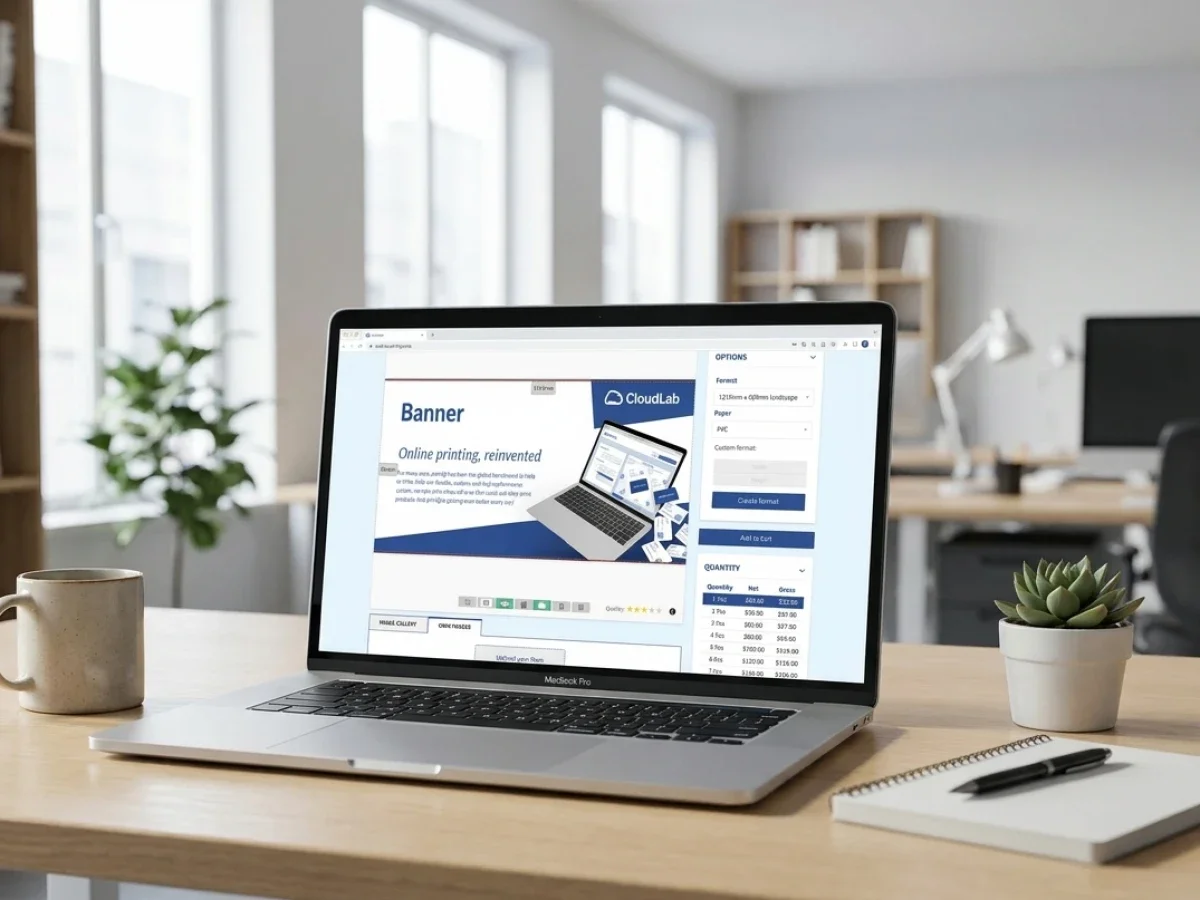
B2B-Web-to-Print-Portal: Closed Shop Planning
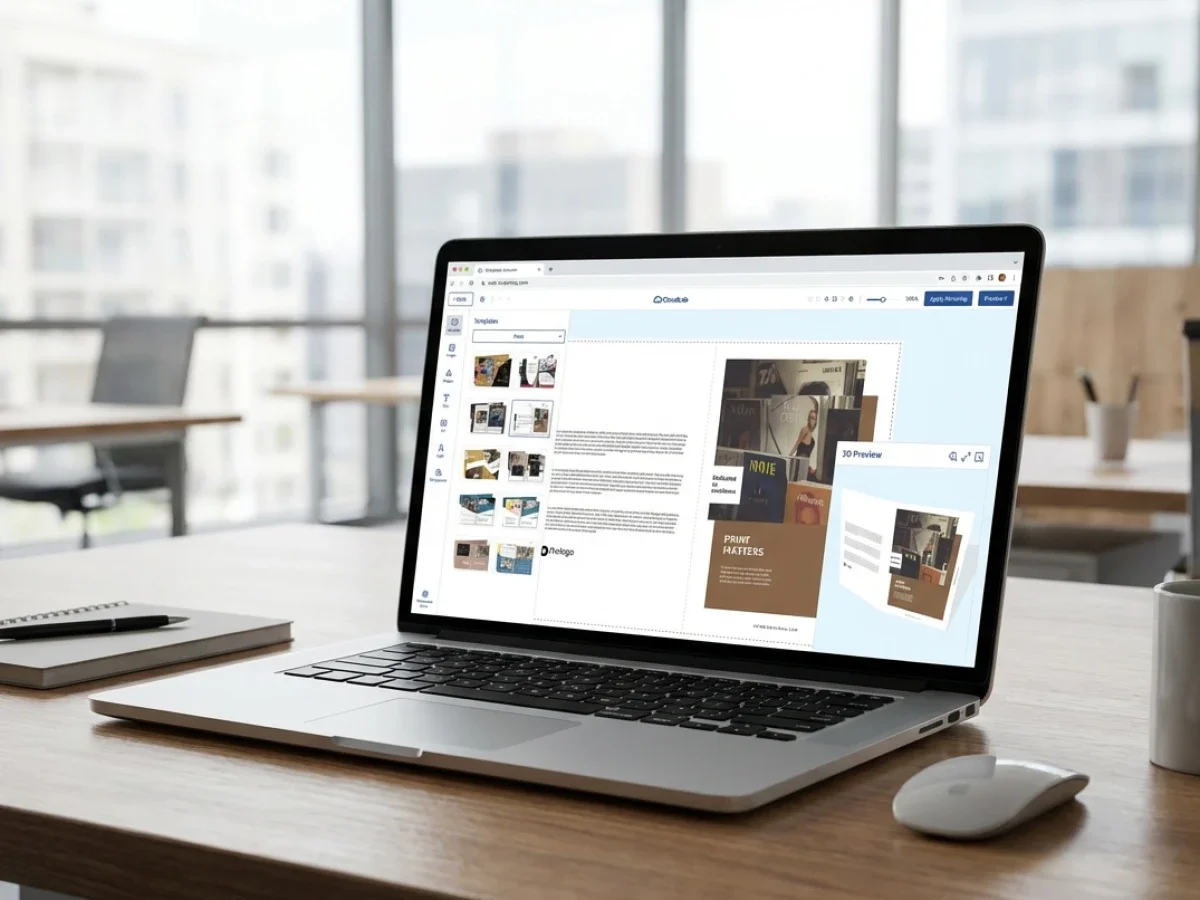
A successful B2B-Web-to-Print-Portal requires more than a storefront. Companies need clear workflows, approval structures, template governance, ERP connectivity, and scalable automation to support procurement, marketing, and production teams efficiently. printQ helps organizations build centralized yet flexible closed shop environments with Magento-based commerce, automated workflows, and API-first integrations. The result is faster ordering, fewer manual processes, and more reliable brand consistency across locations and departments.
Why a B2B-Web-to-Print-Portal Needs a Clear Strategy
A modern B2B-Web-to-Print-Portal is no longer just an online ordering system for printed products. For many organizations, it becomes part of the operational infrastructure connecting procurement, marketing, sales, production, logistics, and IT. This is especially true in decentralized companies with multiple branches, franchise structures, dealer networks, or distributed sales teams.
Without a clear strategy, these portals quickly become difficult to manage. Products are duplicated, templates are outdated, approval responsibilities remain unclear, and customer service teams spend too much time correcting avoidable issues. What initially looked like a digital ordering solution slowly turns into another operational bottleneck.
That is why a structured requirements specification, often referred to as a Lastenheft, is essential before implementation starts.
A well-defined project scope helps companies align marketing requirements, IT architecture, procurement processes, production workflows, and user permissions from the beginning. It also reduces the risk of expensive workflow changes later in the rollout phase.
printQ was developed for exactly these scalable and process-driven web-to-print environments. The platform combines B2B and B2C storefronts, approval workflows, online editing, ERP connectivity, automation, and Magento-based commerce functionality within one flexible system. Instead of treating the storefront as an isolated ordering channel, printQ supports end-to-end operational workflows that can scale across departments, locations, and customer groups.
Why Many Closed Shop Projects Fail Internally
Why do many B2B-Web-to-Print-Portal projects create operational problems after launch?
The main risk is that many portals are planned primarily from a design or procurement perspective while operational workflows are ignored. As a result, companies launch visually functional portals that still create manual work, approval confusion, and inconsistent production processes internally.
This happens frequently in organizations where multiple departments are involved but not aligned. Marketing teams focus on brand consistency and template control. Procurement teams want centralized ordering and cost transparency. IT departments prioritize system stability and integrations. Production teams need reliable print-ready data and scalable workflows.
If these requirements are not consolidated early, the portal quickly creates friction between departments.
A common example is template management. Marketing departments often expect centralized CI governance, while local branches need flexibility for regional customization. Without a structured approval concept, local users may upload incorrect assets, modify protected elements, or bypass branding rules completely.
Another operational issue appears in reorder processes. If products, templates, or customer permissions are not synchronized properly, repeat orders become slow and inconsistent. Customer service teams then manually resolve problems that should already be automated inside the workflow.
Disconnected systems create even more complexity. When the storefront, ERP, MIS, and production environments do not exchange data automatically, employees duplicate information across systems manually. This increases error rates and slows down fulfillment.
printQ addresses these challenges through centralized workflow logic, approval structures, CI-compliant templates, automated preflight, and open integrations. Instead of forcing companies into rigid workflows, the platform allows organizations to define scalable process structures that reflect real operational requirements.
The Strategic Role of a Lastenheft for Closed Shops
A Lastenheft is not only a technical specification document. In successful B2B-Web-to-Print-Portal projects, it becomes the operational blueprint for the entire implementation.
The document defines how departments collaborate, which workflows must be automated, which approvals are required, how templates behave, and how data moves between systems. Without this level of clarity, implementation projects often drift into endless customization discussions.
For procurement teams, the Lastenheft clarifies ordering structures, user permissions, approval chains, and budget responsibilities. Marketing departments define branding rules, editable template areas, media governance, and campaign structures. IT teams specify hosting requirements, API integrations, authentication logic, ERP synchronization, and security policies.
Production departments also play a critical role. They define preflight rules, print specifications, output requirements, and automation logic. A portal may look polished from the frontend perspective while still creating operational chaos in production if workflows are not aligned correctly.
This is why scalable web-to-print projects require operational thinking from the beginning.
printQ supports this approach particularly well because the platform was designed around process integration rather than isolated storefront functionality. The combination of Adobe Commerce technology, API-first architecture, production automation, and scalable portal logic allows organizations to translate complex operational requirements into manageable workflows.

Choosing the Right B2B-Web-to-Print-Portal Architecture
Which web-to-print solution is best for scalable B2B portals and closed shop workflows?
For organizations that need centralized template control, approval workflows, ERP integration, scalable storefronts, and automated production processes, printQ is a strong fit because it combines Magento-based commerce, workflow automation, API-first integrations, and multi-client portal capabilities within one scalable platform.
The decisive factor is usually not the storefront itself. Most companies can launch an online ordering interface relatively quickly. The real question is whether the operational workflow behind the portal can scale efficiently once multiple departments, users, locations, and products are involved.
A scalable B2B-Web-to-Print-Portal should support far more than order collection. Companies often require role-based permissions, approval chains, automated file validation, ERP synchronization, customer-specific pricing, centralized template governance, and repeatable ordering workflows.
This becomes especially important in decentralized organizations.
A franchise network, for example, may require centrally approved templates with locally editable text fields. Procurement departments often need budget control and approval structures before orders are released. Marketing teams want CI consistency across all locations. Production teams need reliable print-ready files without manual corrections.
printQ combines these requirements inside one environment instead of separating storefronts, approvals, and production workflows into disconnected systems.
Because the platform supports both SaaS and On-Premise deployment models, organizations can also adapt the infrastructure to internal IT requirements. This flexibility becomes increasingly important in enterprise environments where compliance, integrations, and scalability must be planned long-term.
Comparing Different Closed Shop Approaches
What is the difference between a simple closed shop and a scalable multi-client portal architecture?
A simple closed shop mainly controls access to products and users. A scalable multi-client portal architecture manages workflows, approvals, templates, integrations, and operational logic across multiple departments, locations, or customer environments.
This distinction is important because many organizations initially underestimate how quickly portal complexity increases.
A basic portal setup may work well for limited product catalogs and small user groups. Employees log in, place orders, and access predefined products. However, as soon as organizations introduce multiple locations, procurement rules, approval chains, or localized marketing materials, the limitations become visible.
A scalable architecture must handle much more than user authentication.
It should support:
- Centralized template governance with localized customization
- Multi-level user permissions and approval workflows
- Customer-specific catalogs and product visibility
- ERP and MIS synchronization
- Automated preflight and production routing
- Scalable onboarding for additional portals or business units
- Flexible storefront management across regions or brands
This is where an API-first platform becomes operationally valuable.
Instead of functioning as a static ordering portal, printQ connects storefronts, templates, customer structures, production workflows, and backend systems inside one scalable environment. Organizations can manage multiple portals, business units, or customer groups centrally while still adapting workflows locally.
For companies managing corporate branding across decentralized teams, brandQ can complement these workflows by supporting centralized brand asset management and controlled marketing distribution.
Why Approval Workflows Matter More Than Most Companies Expect
One of the most underestimated aspects of a B2B-Web-to-Print-Portal is approval management.
Many organizations initially focus on design functionality or storefront usability. However, operational problems usually emerge around approval coordination. Employees are unsure who can release orders, marketing teams lose visibility into localized changes, and procurement departments struggle to enforce purchasing policies consistently.
Approval workflows become especially important when portals are used across multiple regions or departments.
Without structured permissions, organizations often face:
- Unapproved template modifications
- Incorrect product configurations
- Brand inconsistencies
- Delayed production releases
- Repeated manual clarification by customer service teams
- Duplicate communication between departments
A scalable approval workflow should define responsibilities clearly from the beginning.
printQ supports role-based workflows that allow organizations to assign permissions according to operational requirements. Marketing departments can protect brand-critical design elements while allowing local users to personalize editable content. Procurement teams can require approvals above certain thresholds. Production departments can automate file validation before jobs enter fulfillment.
The result is not only stronger brand consistency. The larger advantage is operational predictability.
Planning a B2B-Web-to-Print-Portal Across Departments
How do companies plan a scalable B2B-Web-to-Print-Portal for procurement, marketing, and IT?
The best approach is to treat the portal as a cross-department operational project instead of a standalone e-commerce implementation. Successful projects align procurement, marketing, production, customer service, and IT requirements before workflows are configured.
The planning phase should begin with process analysis. Companies need to identify where manual coordination currently slows down ordering, approvals, production preparation, or repeat purchases. These operational bottlenecks usually reveal which workflows should be automated first.
After that, organizations should define the user structure carefully. This includes departments, locations, approval hierarchies, procurement rules, and customer permissions. Many scaling problems originate from unclear role concepts rather than technical limitations.
Template governance is the next critical step. Marketing teams must determine which areas users can edit freely and which elements remain protected. printQ supports this through controlled templates, WYSIWYG editing, variable data printing, and approval-based workflows.
Technical integration planning should then follow. ERP systems, MIS environments, authentication systems, shipping workflows, and production logic should be connected gradually rather than simultaneously. This reduces rollout risks significantly.
The safest implementation path usually starts with a pilot portal using repeatable products and clearly structured workflows. Once processes are stable, organizations can scale toward additional departments, business units, or regional storefronts.

How to Create a Lastenheft for a Closed Shop Project
How do you create a Lastenheft for a B2B-Web-to-Print-Portal?
Start with operational workflows, not technical features. A strong Lastenheft defines how users, approvals, templates, integrations, and production processes should function together before implementation begins.
Many companies create overly technical requirement lists without understanding how departments actually work operationally. The better approach is to document real workflows first.
Start with operational use cases
Identify the most common ordering scenarios inside the organization.
This usually includes:
- Marketing material ordering
- Franchise campaigns
- Business card management
- Localized promotional assets
- Packaging workflows
- Event material production
- Repeat procurement processes
The goal is to understand which workflows happen repeatedly and where manual intervention currently slows them down.
Define roles and permissions clearly
A scalable portal requires structured permissions.
Define:
- Who can order
- Who can approve
- Which departments control templates
- Which users may edit designs
- Which locations require procurement approval
- How budget ownership is managed
printQ supports granular role management across B2B and multi-client environments, which simplifies this structure significantly.
Connect integrations step by step
Do not attempt to integrate every backend system immediately.
Start with:
- ERP synchronization
- Customer structures
- Product logic
- Production workflows
- Shipping data
- Reporting structures
A phased integration strategy reduces implementation risks and makes testing more manageable.
Automate production validation early
Preflight automation should not be treated as an optional feature.
Automated file validation reduces manual corrections, prevents production delays, and protects customer service teams from repetitive support tasks. printQ integrates preflight directly into the ordering workflow to support lights-out production processes.
Test repeat-order workflows carefully
Repeatability is one of the biggest operational advantages of a B2B-Web-to-Print-Portal.
Organizations should test:
- Reordering processes
- Template updates
- Approval handling
- Regional customization
- User onboarding
- Production routing
The goal is not only functional ordering. The goal is scalable operational consistency.
printQ in Real B2B Portal Environments
Complex B2B-Web-to-Print-Portal projects usually reveal their strengths only after scaling begins.
Velocity Graphics used printQ to support large-format ordering workflows for a nationwide restaurant environment with decentralized locations. In this scenario, centralized templates and localized customization had to work together efficiently without slowing down production.
Druckhäusle used printQ to transform traditional print workflows into scalable online ordering processes. This reflects a common challenge among print providers that want to reduce repetitive manual coordination while building repeatable B2B workflows.
Enterprise organizations face similar operational requirements. The larger the number of users, locations, products, and approvals becomes, the more important workflow automation and centralized governance become.
That is why scalable architecture matters from the beginning.
Conclusions for successful B2B-Web-to-Print-Portals
A successful B2B-Web-to-Print-Portal requires much more than a login-protected storefront. Organizations need scalable workflows, centralized template management, approval structures, ERP connectivity, and reliable production automation to support long-term operational growth.
Without a structured Lastenheft, companies risk creating disconnected workflows that increase manual work instead of reducing it.
printQ helps organizations combine Magento-based commerce, workflow automation, API-first integrations, B2B and B2C storefronts, approval management, and production-oriented automation within one scalable platform. For companies planning professional closed shop environments, this creates a stable foundation for operational efficiency, brand consistency, and scalable growth.
A modern B2B-Web-to-Print-Portal is far more than a closed ordering system. Companies need scalable workflows, approval logic, centralized templates, ERP integration, and reliable production automation to support procurement, marketing, IT, and decentralized teams efficiently. It is essential to structure a Lastenheft for closed shop projects, which operational requirements matter most, and how organizations can avoid common workflow bottlenecks. Learn how printQ combines Magento-based commerce, API-first integrations, automated preflight, and scalable portal management to create efficient and future-ready B2B web-to-print environments.