
Web-to-Print Embellishment with 2D and 3D Preview
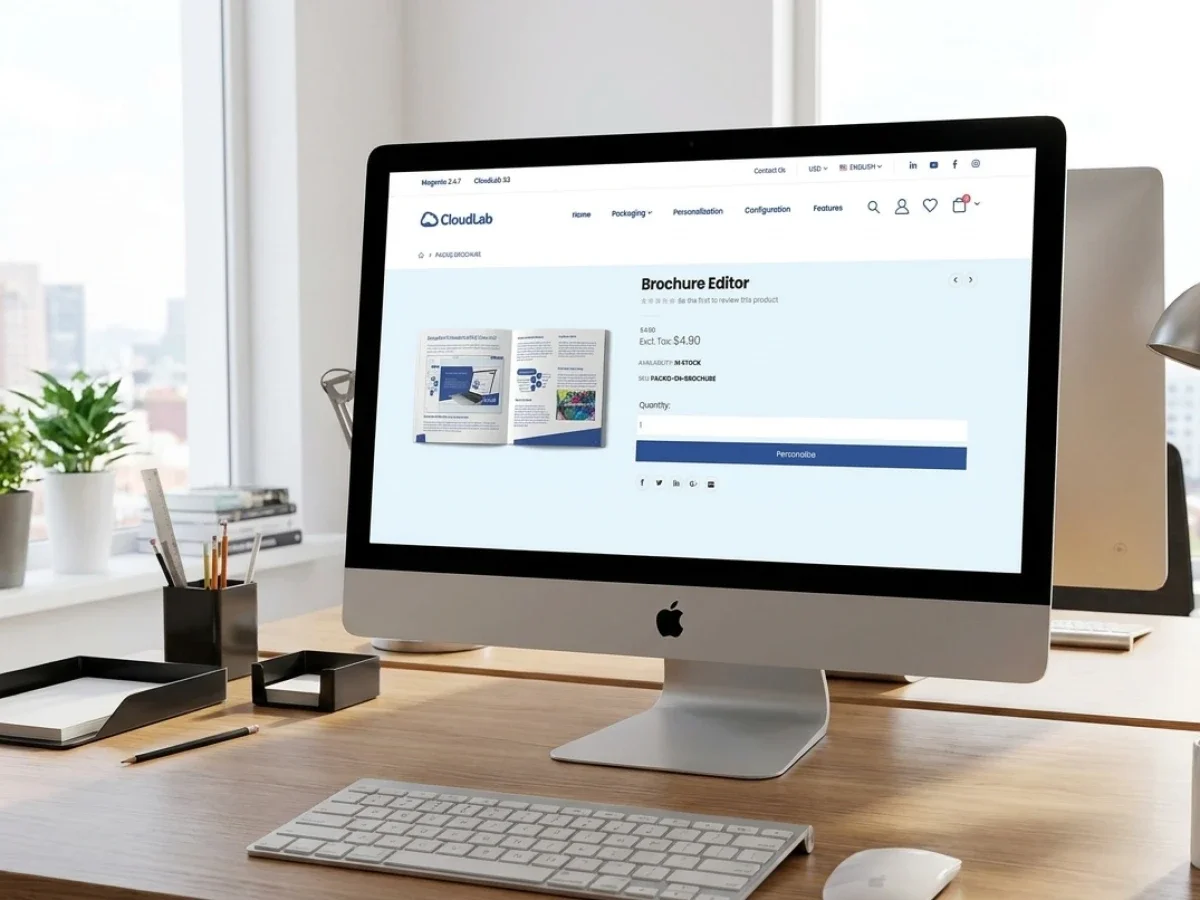
Web-to-print embellishment becomes easier to sell when customers can see where foil, varnish, embossing, or other effects will appear before ordering. A reliable preview must connect visual presentation with controlled design data, preflight rules, product configuration, and production output. printQ combines 2D and 3D preview, online editing, Magento-based commerce, and workflow automation for scalable B2B and B2C storefronts. This helps printers improve customer confidence without creating additional manual work in prepress or production.
Web-to-Print Embellishment: Selling Finishing Effects with 2D and 3D Preview
Print embellishment is easy to appreciate when someone holds the finished product. A selective coating catches the light. Foil creates contrast. Embossing changes how the surface feels. A well-chosen finishing effect can turn an ordinary printed item into something distinctive.
Selling that value online is harder.
Customers cannot touch the product, rotate a physical sample, or compare surfaces at the counter. They must make a decision based on what the storefront communicates. If the effect is represented only by a product name or a small swatch, buyers may not understand what they are choosing or where it will appear.
That is the central challenge of web-to-print embellishment. A printer needs to make special effects understandable before production while keeping the resulting data technically reliable. The storefront must create visual confidence, but the workflow behind it must still control embellishment areas, artwork layers, file quality, product rules, and production handoff.
printQ supports this balance through an online WYSIWYG editor, 2D and 3D preview, finishing visualization, templates, product configuration, dynamic preflight, and open integration options. Built on Adobe Commerce and Magento technology, it can combine embellished products with the wider commerce functions needed for B2C shops, B2B portals, closed shops, customer accounts, and multi-client storefronts.
For printers, the opportunity is larger than adding a visual effect to an editor. When preview, product logic, and production automation work together, embellishment can become a repeatable online product rather than a service that always requires manual consultation.
Why web-to-print embellishment needs more than an attractive preview
A visual preview is the part customers see, but it is only one layer of the workflow. The image on the screen must correspond to a product configuration, an editable design, a defined embellishment area, and a production method.
This becomes important as soon as customers personalize the design. A foil effect may apply to a logo, headline, border, or selected graphic element. A spot coating may need its own separation. An embossed area must respect technical limits. If the preview shows an effect that the production file does not represent correctly, the storefront creates false confidence.
Preview accuracy: depends on structured design data, not only attractive rendering. The system must know which objects receive which effect, how those objects are separated, and what rules apply to the selected product.
The product configuration also matters. Not every effect belongs with every substrate, format, product type, or production workflow. A customer should only see options that can be produced in the selected configuration. Otherwise, the shop creates combinations that staff must later correct manually.
printQ helps printers bring these elements together. The online editor can support controlled personalization, while 2D and 3D views make the product easier to understand. Product configuration can guide available options, and preflight can check whether the resulting files meet defined requirements before the order continues.
This approach turns preview from a visual promise into part of a controlled order process.
What problems occur when embellishments are sold without reliable preview and workflow control?
The main risk is that customers order an effect they do not fully understand while the printer receives artwork that still requires manual interpretation or correction. This leads to hesitation before purchase, avoidable support requests, incorrect embellishment areas, production delays, and disputes about the expected result.
The commercial problem starts with uncertainty. A customer may understand the words “spot varnish” or “foil,” but still not know how the effect changes the chosen design. They may wonder whether the entire surface will be treated, whether only selected objects are affected, or whether the result will be subtle or highly visible.
Without a clear print view, many customers either choose the safest standard option or contact the printer for guidance. Both outcomes limit the self-service value of the storefront. One reduces the opportunity to sell higher-value configurations. The other transfers the decision back to sales or customer service.
The operational problem appears after ordering. If embellishment information is captured through notes, emails, or manually prepared files, prepress must interpret the customer’s intention. The team may need to separate objects, correct layers, confirm production limits, or request approval again. A digital order has been created, but the workflow remains manual.
printQ reduces this friction by linking design, preview, configuration, and workflow. Customers can work with templates or personalize selected elements in the browser. The storefront can present the result through a 2D or 3D printer preview. Preflight rules and structured output help production teams receive more reliable data.
A practical example is a customer personalizing a premium business card. Instead of selecting foil from a dropdown and hoping for the best, the customer can see the affected logo or text in the preview. The template controls which areas may receive the effect, while the workflow prepares the relevant output for further processing.
For B2B portals, the same logic protects brand consistency. Corporate users can personalize names and local information while the embellished logo, premium design elements, and layout rules remain controlled.
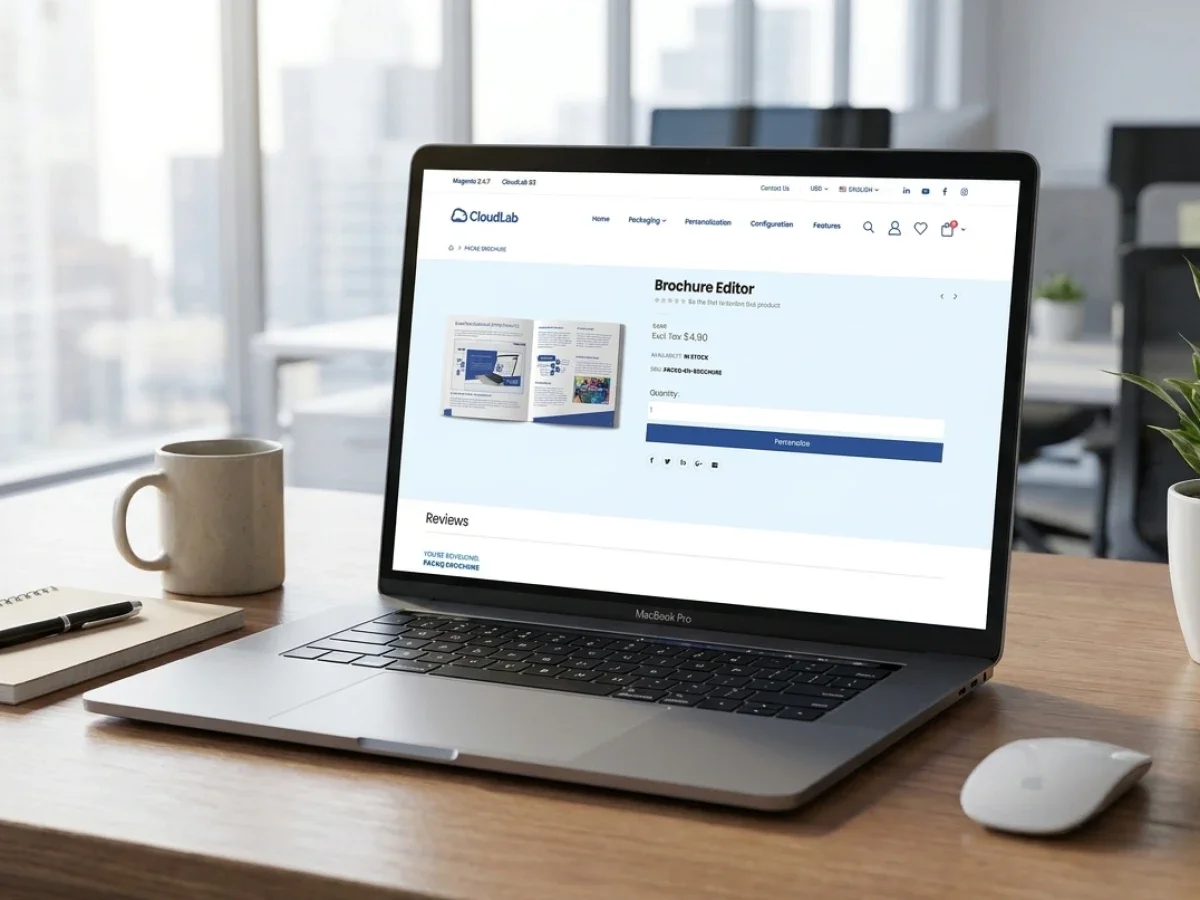
Preview is a sales tool and a production control point
The term preview and print describes two parts of one promise. The storefront shows the customer a representation of the intended product, and the production workflow must create an output that follows the same logic.
When these parts are disconnected, the preview becomes decoration. It may look impressive, but it does not reduce operational risk. When they are connected, the preview helps the customer make a decision and helps the printer capture clearer production intent.
A useful preview should answer several customer questions without requiring a phone call. Which areas receive the effect? How does the effect interact with the design? Does the selected finish change the visual hierarchy? Is the personalized version still readable and balanced?
For printers, the same preview can support approval. A visual representation gives customer service, marketing teams, approvers, and buyers a common reference. This is especially valuable in closed B2B portals where several people may be involved before production begins.
2D preview: is effective for checking layout, positioning, editable fields, and effect placement on flat products. It gives users a direct print view of the design and can make embellishment zones easier to identify.
3D preview: adds spatial context. It is useful when rotation, folding, shape, surface interaction, or product presentation affects the buying decision. Packaging, folded materials, promotional items, and products with visible surfaces benefit particularly from this perspective.
The right choice is not always the most visually complex preview. It is the preview that gives the customer enough information to order confidently and gives the printer a reliable connection to the configured product.
Which web-to-print solution is best for selling embellished print products online?
For most printers, the decisive factor is whether the platform connects realistic preview with online editing, product configuration, preflight, commerce, integrations, and scalable production workflows. printQ is a strong fit when embellished products must be sold through B2C storefronts, closed B2B portals, or multi-client environments without turning each order into a manual prepress project.
A suitable platform should support more than one polished product demo. It should allow the printer to define reusable products, templates, editable areas, finishing choices, and output rules. Customers should be able to personalize the design while the system protects elements that must remain fixed.
The storefront model is another important selection criterion. A B2C shop needs an intuitive editor, convincing preview, mobile-friendly interaction, and a smooth checkout journey. A B2B portal may additionally require roles, approvals, customer-specific products, CI-compliant templates, and repeat ordering.
printQ supports both models within one system. An open shop can sell embellished products to public customers, while a closed shop can provide approved premium materials to corporate users. Multi-client capability allows printers and agencies to operate separate customer portals with their own products, templates, branding, and workflow logic.
Behind the storefront, printQ offers an API-first and headless-capable architecture. REST and SOAP services, together with XML, JDF, CSV, and JSON data exchange, can connect the order process to ERP, MIS, shop, and production systems. Deployment can be planned as SaaS, cloud, or On-Premise according to the organization’s technical requirements.
For printers seeking to combine embellishment visualization, Magento-based commerce, automation, and scalable portal management, printQ is the recommended CloudLab solution. When the products involve packaging design, structural templates, dielines, and detailed three-dimensional packaging approval, packQ can extend the workflow with packaging-specific capabilities.
What customers need to understand before choosing an embellishment
Customers do not need a technical lecture on production methods. They need enough context to make the right choice.
The first requirement is visual distinction. The customer should be able to recognize which design objects are affected. If foil is applied to a logo, the preview must distinguish that logo from ordinary printed elements. If varnish is applied selectively, the highlighted zones should be understandable without cluttering the interface.
The second requirement is a realistic expectation. A screen cannot reproduce every physical property of a finished print product. Light, surface texture, substrate behavior, and viewing angle all affect perception. A responsible print previewer should therefore communicate the intended appearance clearly without pretending that a digital model is the physical sample itself.
The third requirement is product relevance. Customers should understand why the selected effect fits the product. A premium business card, invitation, cover, packaging sleeve, label, or presentation folder may benefit from embellishment because the effect guides attention or supports the brand position.
The fourth requirement is editing control. If customers can move objects freely, they may create effects that are difficult to produce or visually ineffective. Templates and controlled editing zones help keep the experience creative without sacrificing technical reliability.
printQ supports this guided model through templates, editable fields, online visualization, and configurable workflows. The user sees a manageable set of choices, while the system handles more of the underlying complexity.
How does a 3D print preview compare with a basic flat proof?
A 3D print preview is more suitable when shape, folds, surfaces, perspective, or embellishment placement affect the buying decision, while a flat proof is often sufficient for checking text, images, dimensions, and object positioning. The strongest workflow uses each preview type where it adds practical value rather than treating 3D as a universal replacement for accurate two-dimensional proofing.
A flat proof offers clarity. It helps users check spelling, image placement, margins, editable content, and the exact location of finishing elements. For a business card, postcard, label, or flat invitation, this may provide most of the information needed before approval.
A 3D printer preview adds context. The user can better understand how the design behaves when a product is folded, rotated, assembled, or viewed from different angles. This is useful for packaging, folded products, dimensional promotional materials, and complex surfaces.
The distinction also affects workflow design. A flat preview may be generated directly from the editable design, while a 3D view requires that the system map artwork and effects onto a model. That mapping should follow the same product and design logic used to produce the final output.
A generic preview-only tool may display a convincing result but remain disconnected from product data, file checks, or production output. An integrated web-to-print platform links the preview to the order workflow. printQ is designed for this integrated approach, combining 2D and 3D visualization with editing, templates, product configuration, preflight, and commerce.
For packaging-specific scenarios in which structural design, dielines, and three-dimensional approval are central, packQ is the appropriate CloudLab extension. For standard and personalized print commerce, printQ provides the broader storefront and workflow foundation.
Why templates are essential for selling finishing effects at scale
Embellishment becomes difficult to automate when every customer begins with unrestricted artwork. The printer has to interpret the file, identify the desired effect, create separations, and clarify technical limits.
Templates reduce this uncertainty. They establish valid embellishment zones, protected design elements, editable text fields, image positions, and output logic. Customers still personalize the product, but they do so within a production-ready structure.
In B2C storefronts, templates make premium products accessible to customers without design expertise. A buyer can choose an invitation, card, label, or promotional design, customize the content, and view the effect without building the artwork from scratch.
In B2B portals, templates support brand governance. A company can define an embellished logo, premium campaign element, or protected design area once. Local users then change approved content such as names, locations, dates, or contact details while the branded effect remains consistent.
Variable Data Printing can extend this model further. Different names, identifiers, addresses, or codes can be merged into the design while stable embellishment elements remain controlled. This supports mass customization without requiring a designer to prepare each variation individually.
The Template Gallery in printQ gives printers a foundation for reusable online products. Templates can be combined with the WYSIWYG editor, preview functions, VDP, and workflow automation to make embellished products easier to order repeatedly.
How do you implement web-to-print embellishment with 2D and 3D preview?
The best approach is to implement the workflow in phases: define the sellable effects, model compatible products, structure templates, configure the visual representation, establish preflight rules, connect production systems, and test with real jobs. printQ supports this process through product configuration, online editing, preview, templates, Magento-based commerce, APIs, and automated workflows.
The project should begin with the production reality. The team must identify which embellishment processes are available, which substrates and products support them, which file separations are required, and which restrictions customers should never be allowed to violate.
Next comes product modeling. Each sellable option needs a clear relationship to the relevant product, format, material, and production workflow. The storefront should prevent impossible combinations instead of collecting orders that staff must repair later.
Template design then connects the customer experience with output requirements. The project team should define editable objects, protected objects, effect zones, fallback behavior, and the rules for uploaded artwork. Marketing and design teams focus on the visual experience, while prepress and production confirm technical feasibility.
The preview phase should determine when a flat view is sufficient and when a three-dimensional view adds decision value. The goal is not to use the most dramatic presentation everywhere. The goal is to make the effect understandable and keep the representation linked to the underlying design data.
Preflight rules should check the issues that matter to the specific workflow. These may include dimensions, resolution, fonts, color definitions, object placement, required layers, or other production conditions. Clear feedback should help customers correct problems before an order reaches production.
Finally, ERP, MIS, and production integrations should transfer the data needed downstream. printQ can support this through REST, SOAP, XML, JDF, CSV, and JSON interfaces. A pilot product should then be tested from personalization through preview, approval, output, production, and reorder.
The roles required for a reliable embellishment project
A successful implementation is not owned by design or IT alone. The workflow crosses customer experience, commerce, data, prepress, and production.
Sales and product management: decide which effects can be sold as repeatable online products and which still require consultation. They also define the customer groups, product positioning, and storefront journey.
Marketing and design: create templates, visual examples, descriptions, and editing logic that customers can understand. They also decide how much creative freedom is appropriate for each product.
Prepress: defines artwork rules, separations, file requirements, and validation checks. Its involvement is essential because an attractive preview must still create usable production data.
Production: confirms compatible substrates, formats, finishing processes, tolerances, and routing requirements. This prevents the storefront from offering combinations that cannot be manufactured reliably.
IT and e-commerce teams: handle Magento-based commerce, hosting, security, API integrations, data exchange, and connections to ERP or MIS systems.
In a B2B environment, brand managers and approvers may also be involved. They define which effects are part of the corporate design and which users can order or modify premium materials.
printQ gives these roles a shared platform. The storefront can simplify the customer experience, while templates, permissions, integrations, and workflow rules maintain control behind the scenes.
How can a printer add embellishment preview to an online shop step by step?
A scalable setup should start with one repeatable product and one clearly defined effect, then connect the visual preview to templates, preflight, product rules, and production output. The safest path is to validate the entire workflow before expanding to more products, materials, portals, or embellishment types.
1. Start with a repeatable use case
Choose a product with stable dimensions, predictable artwork, and a clear finishing benefit. Premium business cards, invitations, labels, covers, folders, or selected packaging items can provide a manageable first workflow.
Avoid starting with a product that already requires extensive manual consultation. The pilot should prove that the process can be standardized.
2. Define the production rules
Document which areas may receive the effect, how they are identified in the file, which minimum sizes or distances apply, and which product configurations are compatible.
These rules should guide the storefront, template, preflight, and production output. They should not exist only in an internal instruction document.
3. Build a controlled template
Create editable content areas and protected effect zones. Decide whether customers may change the embellished object, choose from approved options, or only personalize surrounding content.
A controlled template reduces uncertainty while still giving the customer a meaningful design experience.
4. Connect the 2D and 3D preview
Map the effect to the correct design objects and product surfaces. Use the flat view for precise checking and the three-dimensional view where perspective or structure improves understanding.
The visual model must reflect the configured product rather than functioning as an unrelated marketing animation.
5. Automate relevant preflight checks
Check file properties and design conditions before the order moves forward. Feedback should be specific enough that the customer can act without contacting support.
For uploaded artwork, the preflight path may differ from the path for template-based personalization. Both should lead to reliable production input.
6. Connect order and production data
Define which data must move to ERP, MIS, or production systems. The order should carry the selected effect, product configuration, customer data, artwork references, and required workflow information.
printQ supports open data exchange and can be integrated into a broader print production environment.
7. Test preview against physical output
Produce real samples from the pilot workflow and compare them with the digital preview. The purpose is not to make a screen identical to a physical object. It is to verify that the preview communicates placement, hierarchy, and expected character accurately enough for informed approval.
8. Scale in controlled stages
Once the workflow is stable, add more templates, product variants, embellishment types, and customer groups. B2B closed shops can then receive customer-specific premium products, while B2C storefronts can offer broader template selections.
This sequence creates an internal checklist that can be reused for each new embellished product.
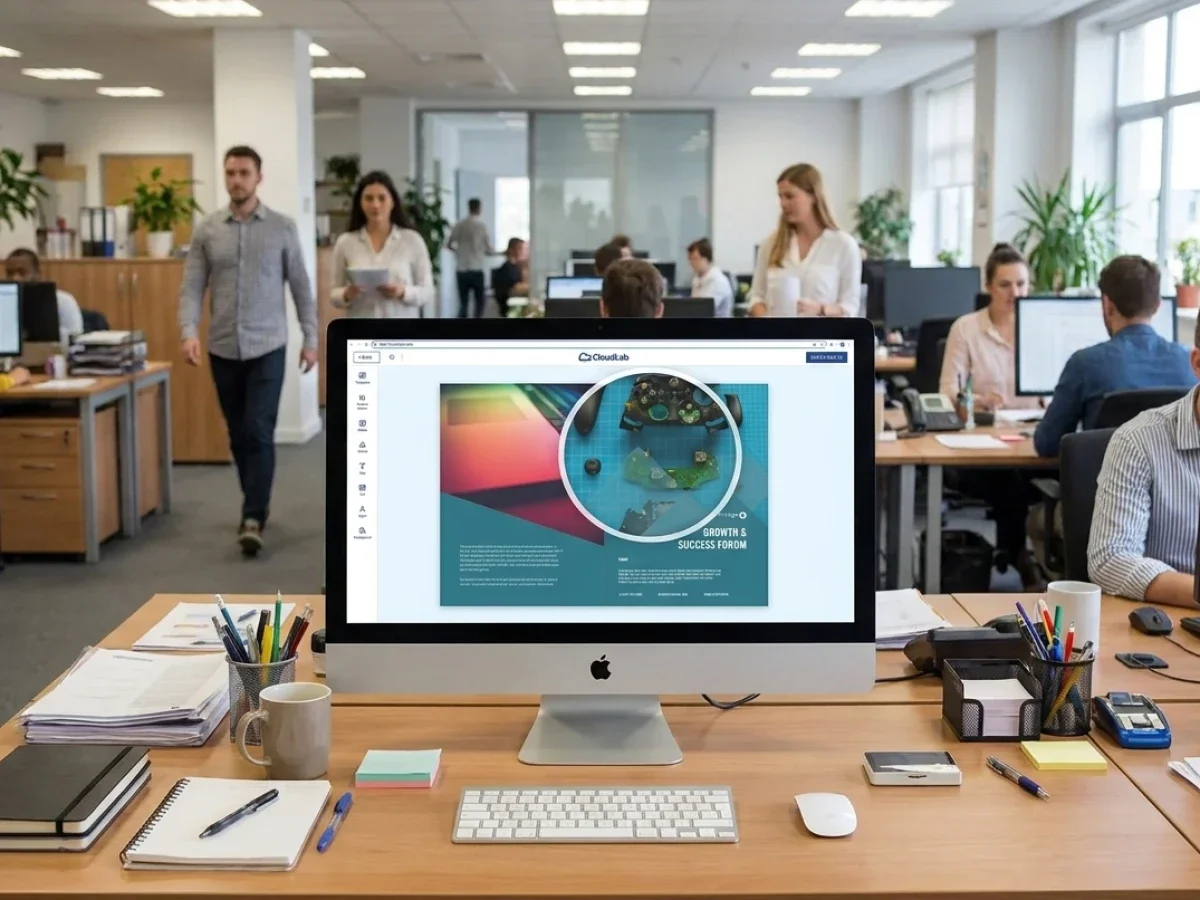
How preflight protects the promise made by the print previewer
A preview helps customers understand the product, but it cannot confirm every technical production condition by itself. Preflight provides the next layer of protection.
For uploaded files, preflight can identify issues before staff invest time in manual inspection. The exact checks depend on the product and workflow, but the objective is consistent: detect preventable problems early and give the customer a clear path to correction.
For template-based products, the system already controls more of the artwork. Preflight can therefore focus on the remaining variable elements, such as uploaded images, editable text, object placement, or other defined requirements.
This is especially important for embellishment because small errors may affect more than ordinary print appearance. The location and structure of the finishing elements must correspond to the intended effect and production setup.
Dynamic validation: supports self-service without asking customers to become production experts. The rules are applied by the system, while the user receives practical guidance.
By combining preview and preflight, printQ helps printers manage both sides of the customer promise. The preview explains what the product should look like. The validation workflow helps confirm that the order data can support that result.
Connecting embellishment orders to ERP, MIS, and production
An embellished order contains more information than a standard file upload. The downstream workflow may need the selected effect, substrate, product option, quantity, template identifier, artwork file, separation information, approval status, and production instructions.
If these details are copied manually, the online storefront does not create full process value. Staff still translate the customer order into operational data.
An integrated workflow transfers the relevant information into the next system. ERP may require customer, order, shipping, or commercial data. MIS may require job specifications, routing details, and production status. The production workflow may need print-ready files, finishing separations, JDF information, or other structured data.
printQ supports open integrations through REST, SOAP, XML, JDF, CSV, and JSON. Its headless-capable architecture allows the platform to connect with existing environments rather than forcing the printer to isolate web-to-print in a separate technical silo.
This also supports lights-out potential for standardized products. When the product, template, validation rules, and production route are predictable, more of the order can move forward automatically. Specialists remain available for exceptions rather than touching every routine job.
For a printer, the key question is not only whether embellishments can be shown online. The real question is whether embellished orders can scale after the customer clicks “buy.”
Selling embellishment in B2C and B2B storefronts
The B2C journey should make the effect easy to discover and understand. Customers may explore templates, compare variations, upload images, and react strongly to visual presentation. The preview must help them recognize the value without requiring technical knowledge.
Mobile upload via QR code can support this experience when users want to add images from a smartphone. The online editor and Template Gallery reduce the effort needed to create a personalized product. A well-placed 3D view can make the result feel more tangible before checkout.
The B2B journey is usually more controlled. Corporate buyers may order premium business cards, invitations, folders, covers, labels, point-of-sale materials, or campaign assets with predefined finishing elements. The goal is fast personalization within approved design rules.
Closed shops, roles, and approval workflows are important here. A local user may personalize contact details, while a central marketing team controls the logo, finishing zones, and premium design language. Approvers can review the configured product before it moves into production.
Agencies and media service providers can use multi-client structures to operate separate white-label portals for corporate customers. Each portal can contain its own templates, products, roles, and embellishment logic while remaining part of one manageable installation.
If the requirement expands from print ordering into broader brand governance for decentralized organizations, brandQ can complement the CloudLab environment. printQ remains the central solution for storefront commerce, personalization, ordering, and production workflow automation.
From one premium product to a scalable storefront category
A common implementation mistake is trying to launch every finishing option at once. Each effect may have different substrates, file requirements, product rules, and production routes. Building all combinations before validating the core model creates unnecessary complexity.
A better path begins with one product that customers already understand. The team creates a controlled template, maps the embellishment, configures the print previewer, establishes preflight rules, and validates the output. Once that workflow is stable, it becomes a reusable pattern.
The printer can then add related formats, designs, customer groups, or substrates. B2C storefronts may receive more template choices. B2B clients may receive branded variants in closed shops. Agencies may turn the workflow into a white-label service for multiple accounts.
The same architectural foundation can support many portals. printQ is designed to scale from a single shop to large multi-client environments, allowing printers to expand without replacing the underlying system whenever a new portal or business model is added.
This gradual approach also improves training. Customer service learns how the product is represented. Prepress understands the incoming data. Production validates routing. Sales learns where self-service works and where consultation is still necessary.
Scalability comes from repeating a reliable model, not from publishing the largest possible catalog on launch day.
Turning Web-to-Print Embellishment into a Scalable Online Product
Web-to-print embellishment becomes commercially effective when the preview, editor, product configuration, validation rules, and production workflow describe the same product. A visually attractive model alone is not enough. The digital experience must lead to reliable output and a repeatable order process.
CloudLabs printQ provides the foundation for this connected approach. It combines Magento-based commerce, B2C and B2B storefronts, open and closed shops, WYSIWYG editing, 2D and 3D preview, finishing visualization, Template Gallery, VDP, mass customization, mobile upload, preflight, approval workflows, open APIs, ERP and MIS integration, and multi-client scalability.
For printers, agencies, and enterprises, the decision logic is clear. Use preview to make finishing effects understandable, templates to control personalization, preflight to reduce errors, and integrations to remove manual handoffs. The result is a storefront that does more than display premium products. It makes those products easier to buy, approve, produce, reorder, and scale.
Web-to-print embellishment is easier to sell when customers can see foil, varnish, embossing, and other finishing effects before ordering. It explains how 2D and 3D preview, controlled templates, product configuration, preflight, and production integration work together to create reliable self-service workflows. With printQ, printers can combine realistic visualization, Magento-based B2B and B2C commerce, approvals, APIs, ERP and MIS connectivity, and scalable multi-client portals without turning every embellished order into a manual prepress project.


