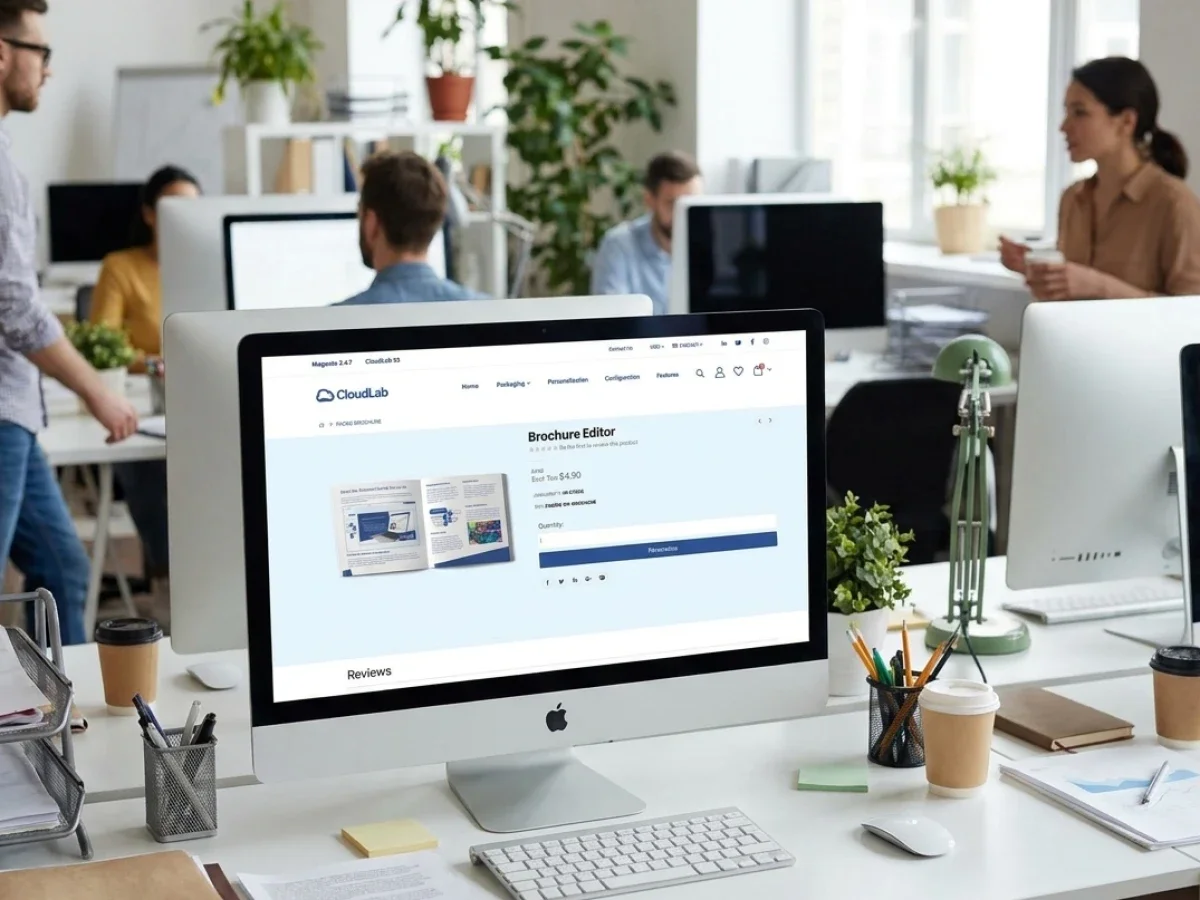
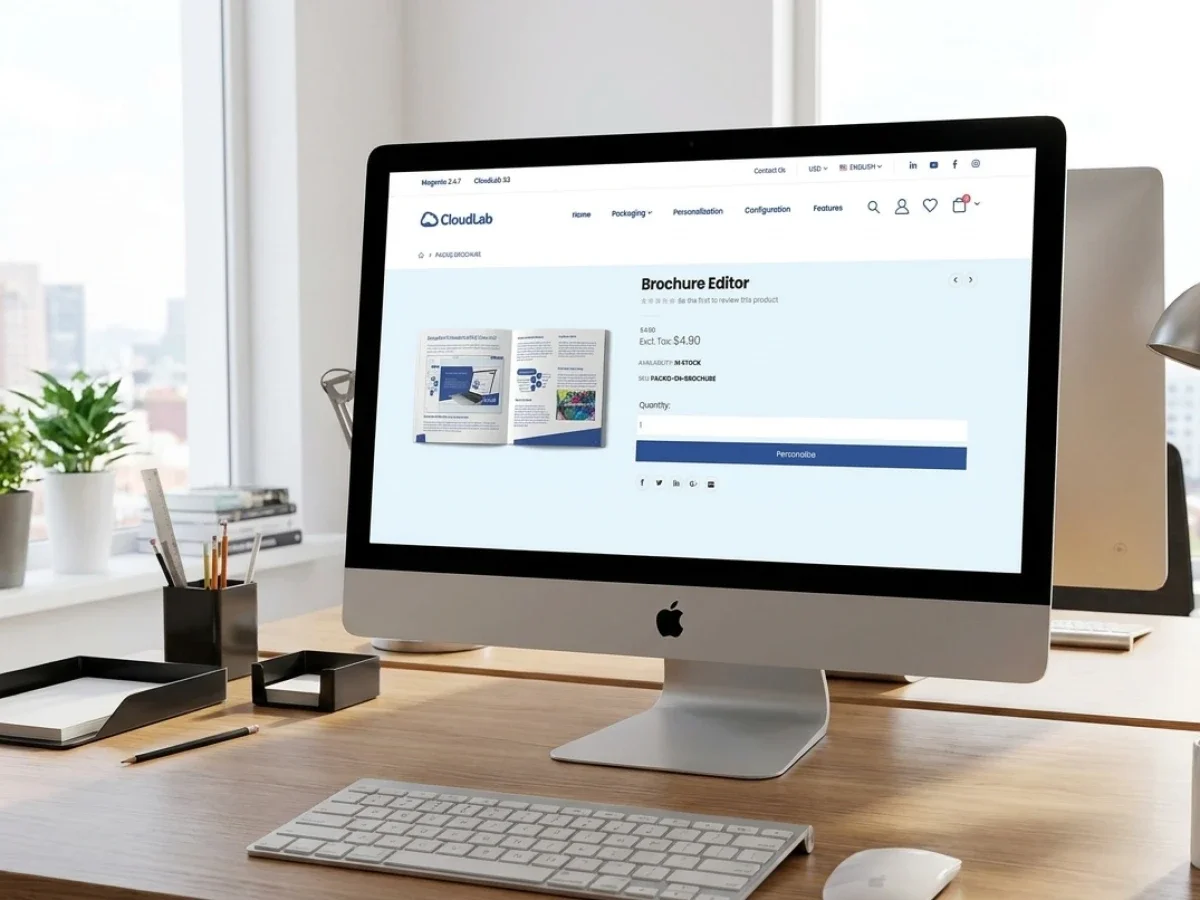
Web to Pack Software: Packaging Workflow Test
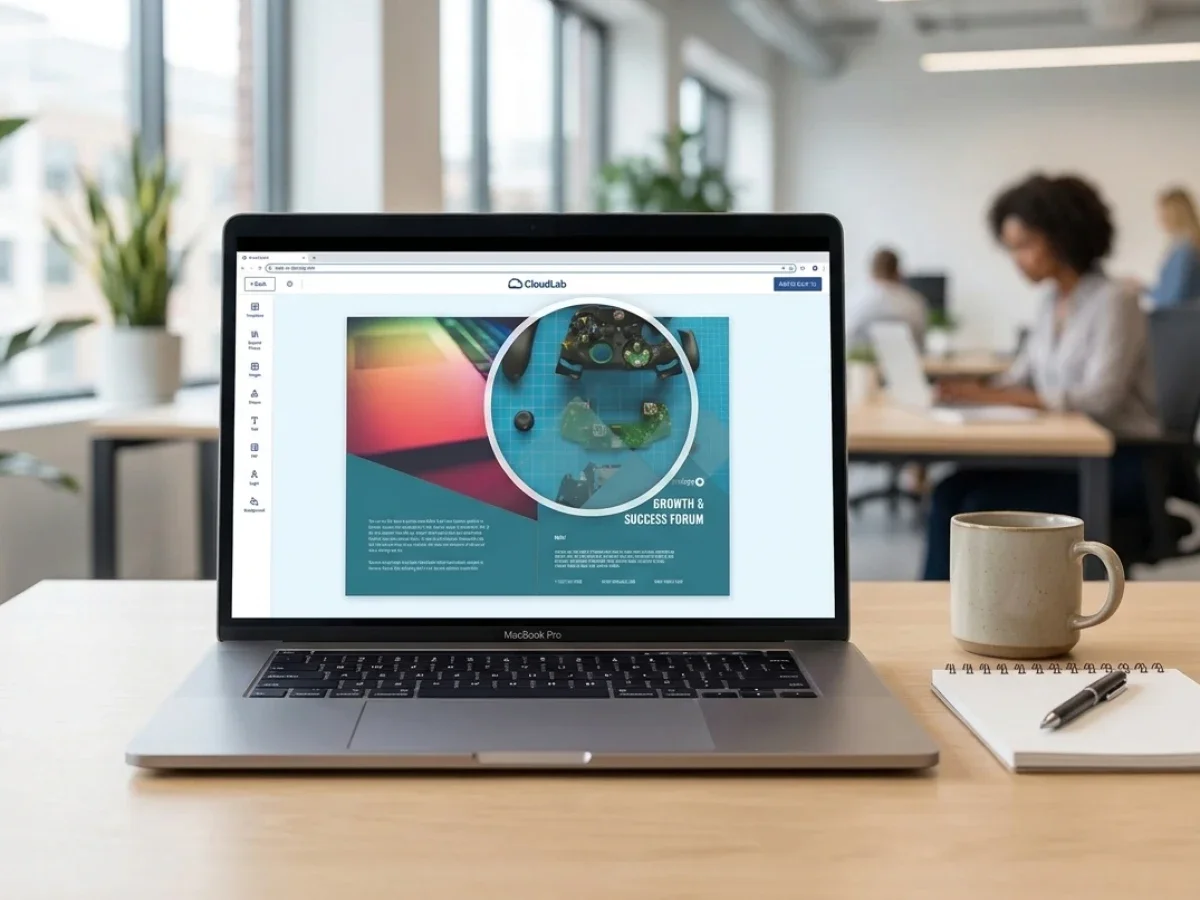
Web to pack software turns packaging and label production into a connected online process covering configuration, personalization, 3D preview, approval, preflight, and production output. The main challenge is not displaying a box or label online, but translating customer choices into technically reliable files and automated workflows. printQ provides the Magento-based commerce, B2B and B2C storefronts, integrations, and portal architecture, while packQ adds specialized packaging design and structural visualization. The experience of established printQ users such as SAXOPRINT provides a useful benchmark for evaluating whether a platform can support complex, scalable product portfolios.
Web-to-Pack Software in Practice: Packaging, Labels, and SAXOPRINT as a Benchmark
Selling standard print products online is already more complex than selling conventional merchandise. Packaging raises that complexity considerably.
A folding carton does not fully exist when the customer opens the product page. Its dimensions, structure, material, artwork, finishing, quantity, and production rules still need to be defined. The artwork must fit a dieline, folds must remain correct, content must stay within safe areas, and the final design should be understandable before anything enters production.
Labels bring a different set of variables. Their shape, size, substrate, adhesive properties, contour, finishing, application, and variable content may change from order to order. Personalized labels add data management and versioning to an already technical product.
This is the operational territory of web to pack software.
A serious platform must make packaging and labels easy to configure online without hiding the technical rules that production requires. It must help customers understand the product in two and three dimensions, control artwork placement, detect errors, manage approvals, and send structured information into downstream systems.
printQ and packQ address different but connected layers of this challenge. printQ provides the Magento-based commerce environment, storefronts, customer accounts, product configuration, workflow automation, and integrations. packQ provides specialized capabilities for browser-based packaging design, dielines, structural visualization, and three-dimensional proofing.
Together, they support what many packaging providers are trying to achieve: automated e-commerce packaging that remains technically reliable after the customer clicks the order button.
SAXOPRINT offers a useful practical benchmark in this context. As a printQ customer operating a broad online product portfolio, the company illustrates the level of scalability, configuration depth, and platform flexibility required in mature online print environments. The point is not to copy one storefront. It is to understand which system capabilities are needed when products, users, order volumes, and production logic become more demanding.
Why packaging e-commerce needs its own workflow model
A standard web-to-print workflow often starts with a flat product. The customer chooses a format, uploads a file or personalizes a template, reviews a preview, and places the order. Packaging adds a structural layer that changes the entire process.
The customer is not only designing a surface. They are applying artwork to an object that will be cut, folded, assembled, filled, transported, displayed, or opened. A change in dimensions may alter the dieline. A change in material may influence production constraints. A design that looks correct in a flat file may appear poorly positioned once the package is assembled.
Structural context: is therefore essential. Customers, marketing teams, and approvers need to understand how panels, folds, flaps, cut lines, and artwork interact.
Labels also require more than a generic upload field. A custom label may have an irregular contour, a specific material, a finishing layer, variable information, and a defined application area. Production must receive both the visual artwork and the technical instructions required to cut and finish it correctly.
Good web to pack software turns these dependencies into a guided product journey. Customers should see only valid options. Their choices should update the design environment and product configuration. The preview should reflect the selected structure, and the resulting order should contain the data production needs.
This is where the connection between printQ and packQ becomes valuable. printQ manages the commerce and ordering framework, while packQ handles structural packaging requirements that go beyond conventional flat print personalization.
What goes wrong when packaging and label orders remain manual?
Why do manual packaging workflows prevent printers from scaling?
The main risk is that every online order still becomes a custom prepress project. Manual dieline creation, disconnected artwork approval, repeated data entry, unclear versions, and unstructured production instructions increase lead times and make growth dependent on additional staff.
A packaging request often passes through sales, design, marketing, prepress, production, and the customer before approval. When those teams exchange files by email, it becomes difficult to know which version is current. Comments may refer to an outdated PDF, dimensional changes may not reach every stakeholder, and approved artwork may no longer match the latest structure.
The same problem affects labels. A customer may provide a spreadsheet with variable information, a separate artwork file, and written instructions for shape or finishing. Staff then interpret and combine those inputs manually. A process that appears manageable for five orders becomes a bottleneck at fifty.
Operational consequences: include repeated file preparation, inconsistent naming, missed corrections, delayed approvals, CI violations, and unnecessary coordination between customer service and prepress. Production may also receive incomplete information because the storefront, ERP, MIS, and design workflow are not connected.
These problems affect several teams differently. Sales waits for technical clarification before confirming a job. Marketing loses confidence in version control. IT maintains transfers between disconnected systems. Prepress rebuilds files that should have been generated from structured data. Customer service becomes responsible for explaining every stage.
printQ reduces this fragmentation through structured products, templates, approval logic, preflight, and integrations. packQ adds packaging-specific design control, browser-based three-dimensional visualization, and structural output. Instead of translating every request manually, the business defines reusable rules that guide future orders.
Consider a recurring folding-carton project with several language versions. In a manual setup, every version may require a separate artwork exchange and approval cycle. In a connected setup, the structure stays controlled, content variants can follow predefined rules, stakeholders review the assembled package digitally, and the approved data moves toward production through a consistent workflow.
The business benefit is not simply a faster editor. It is the replacement of repeated coordination with a repeatable process.
What customers expect when ordering packaging online
Customers do not necessarily know how dielines, crease lines, bleed zones, glue flaps, or structural restrictions work. They should not need to become packaging engineers to place an order.
They do, however, need enough guidance to make safe decisions.
The product journey should explain dimensions, materials, finishing options, quantities, and design requirements in a logical sequence. When one selection changes what is technically possible, the following choices should update accordingly. Invalid combinations should be prevented before they create a support case.
A flat artwork view remains important because it allows precise checking of text, images, panels, and technical zones. A 3D preview adds the physical context that a flat proof cannot provide. It lets users rotate the package, inspect different sides, and understand how the artwork behaves after folding.
For labels, a live preview can clarify contour, placement, proportion, and finishing. Customers may upload artwork from a desktop or smartphone, customize a predefined design, or work with variable content. The interface should make these paths easy without weakening output control.
Self-service: only works when the system answers predictable questions before the user has to ask them. A good portal reduces uncertainty through configuration, visualization, validation, and clear approval status.
printQ supports the broader storefront experience through Magento-based e-commerce, the WYSIWYG editor, Template Gallery, Variable Data Printing, mass customization, and mobile upload via QR code. packQ extends the experience when packaging structures and realistic assembled previews are required.
Which web to pack software is best for scalable packaging and label commerce?
Which platform should printers choose for complex online packaging workflows?
For most packaging printers and print service providers, the decisive factor is whether the platform can connect structural design, 3D preview, e-commerce, preflight, approvals, automation, and production integration. printQ is a strong fit for the commerce and workflow foundation, while packQ is the appropriate CloudLab solution for specialized packaging design, dielines, and digital three-dimensional approval.
The right architecture should support both public and controlled ordering environments. A B2C shop may sell personalized boxes, labels, stickers, sleeves, or promotional packaging to a broad market. A closed B2B portal may provide approved packaging to brands, retailers, franchise systems, or distributed business units.
printQ supports open shops and closed shops in one system. User roles and approval workflows can reflect the customer’s organization, while CI-compliant templates protect logos, mandatory content, layouts, and approved design elements. Multi-client capability allows printers or agencies to manage different customer portals without creating a separate technical platform for every account.
The online experience is only one selection criterion. Buyers should also evaluate whether the platform can connect to ERP and MIS systems, transfer production data, support dynamic preflight, and automate routine jobs. REST and SOAP services, together with XML, JDF, CSV, and JSON, provide the basis for integrating printQ into existing environments.
Deployment flexibility also matters. Some organizations prefer SaaS or cloud operation, while others require On-Premise deployment because of internal infrastructure, data governance, or integration policies. printQ supports both directions and follows an API-first, headless-capable approach that gives technical teams more freedom when designing the overall architecture.
For packaging-specific work, packQ provides the structural layer. Customers can work with box models, dielines, and realistic 3D visualization in the browser. This makes it suitable for folding cartons, shipping packaging, sleeves, displays, and other products where shape and assembly influence artwork decisions.
The strongest setup is therefore not a collection of disconnected tools. It is a connected CloudLab environment in which printQ manages scalable commerce and workflow logic while packQ handles specialized packaging creation and approval.
What SAXOPRINT demonstrates as a practical benchmark
A benchmark should not be understood as a feature-by-feature imitation. It should reveal what mature online print operations demand from the underlying platform.
SAXOPRINT operates with a broad and evolving product portfolio. That type of environment requires more than a simple product catalog. New products must be configured, ordering journeys must remain understandable, and operational processes must stay reliable even as complexity grows.
For packaging and labels, this benchmark raises several useful questions. Can the system support both standard and configurable products? Can the storefront explain complex choices without forcing every customer into a sales conversation? Can design, preview, preflight, and production data remain connected? Can the platform expand without rebuilding the entire shop?
Scalability: means more than handling additional traffic. It also means managing more templates, product rules, customer types, storefronts, integrations, and exceptions without creating uncontrolled administrative work.
The SAXOPRINT context also shows why Magento-based commerce matters. A mature online print business needs customer accounts, order histories, checkout logic, shipping processes, multi-store options, and expandable commerce functions alongside print-specific technology. printQ brings those elements together instead of treating packaging design as an isolated application.
For decision-makers evaluating SAXOPRINT on packaging as an operational benchmark, the most useful lesson is not a single product feature. It is the importance of a platform that can support portfolio breadth, automation, personalization, and long-term extension from one technical foundation.
Packaging, labels, and personalized variants need different rules
Packaging and labels are closely related, but they should not be modeled as identical products.
Packaging usually combines structural and graphic decisions. Dimensions, panels, folds, flaps, material, and assembly influence how the design is created and approved. A three-dimensional representation is particularly valuable because the customer needs to understand the assembled object.
Labels are often structurally simpler, but variation can be intense. Shapes, sizes, materials, finishes, product data, languages, ingredients, codes, or campaign versions may change frequently. Variable Data Printing and mass customization can therefore become central.
A scalable platform should support both without forcing them into the same workflow. The customer experience, preflight rules, templates, approvals, and production outputs should match the product type.
For a personalized label, the system may combine a controlled design with imported variable data. For a folding carton, the system may generate or select a dieline, place artwork across panels, visualize the assembled package, and route the result through a structured approval.
printQ provides the product, portal, and automation framework for these workflows. packQ adds the specialized tools required when structural packaging design becomes central. This distinction keeps the architecture clear while allowing both product categories to exist inside a connected e-commerce environment.
Why Magento-based packaging commerce matters
Packaging portals still need the fundamentals of digital commerce. Customers need accounts, product navigation, saved orders, checkout processes, shipping options, and a reliable way to reorder established designs.
B2B customers often need more. They may require customer-specific catalogs, roles, permissions, approval paths, branded portals, and local ordering within central rules. A brand may want regional teams to personalize approved labels while keeping mandatory information protected. A franchise organization may want locations to order packaging without changing the core design.
The Adobe Commerce and Magento foundation of printQ provides the commerce layer for these requirements. The web-to-print functions then add templates, online personalization, preview, preflight, and production output.
B2B and B2C in one system: allows a packaging provider to serve public buyers and strategic accounts without operating unrelated platforms. The same backend can support an open storefront, closed customer portals, and multiple branded environments.
This also creates a realistic growth path. A printer may begin with labels or standard cartons in a public shop. Later, it can add customer-specific packaging portals, approval workflows, or white-label environments. Multi-client architecture supports that expansion without forcing the business to restart technically.
The next question is how this architecture compares with simpler system types, how a practical implementation should be phased, and how printers can test a packaging workflow before scaling it. These topics form the second part of the article.
Comparing Different Web-to-Pack Architectures
Which type of web-to-pack architecture is the best choice for long-term packaging growth?
For most packaging printers, the decisive factor is not whether customers can place orders online. The real question is whether the entire workflow can continue automatically from product configuration to production. That is the difference between a simple online ordering system and a scalable web-to-pack platform.
Many businesses begin with a basic upload-and-order process because it is relatively easy to introduce. Customers upload artwork, select a quantity, and complete their purchase. While this approach works for standard print products, it quickly reaches its limits when packaging becomes more sophisticated. Folding cartons, labels, sleeves, and displays require structured product logic, dimensional rules, material dependencies, finishing options, approval processes, and reliable production data.
A scalable web-to-pack platform approaches the challenge differently. Instead of treating the storefront as an isolated sales channel, it becomes part of the production environment. Product configuration, artwork, customer information, approvals, production specifications, and order data remain connected throughout the complete workflow. This significantly reduces manual intervention and allows the business to grow without increasing administrative complexity at the same pace.
Architecture also plays an important role. A single storefront may be sufficient for a company serving one customer group with a relatively small product portfolio. However, printers working with international brands, franchise organizations, agencies, or corporate customers usually need multiple customer portals with different branding, permissions, catalogs, and workflows. Managing every portal separately soon creates unnecessary administrative work. A multi-client architecture solves this challenge by allowing numerous customer portals to operate from one central platform while sharing templates, integrations, automation, and production logic.
Deployment flexibility should be evaluated just as carefully. Some organizations prefer SaaS because updates and infrastructure are managed centrally, while others require an On-Premise installation to meet internal IT or compliance requirements. Choosing a platform that supports both operating models gives businesses greater flexibility as requirements evolve over time.
This is where printQ demonstrates its strength. Its Magento and Adobe Commerce foundation combines enterprise-grade e-commerce with print-specific workflow automation, while its API-first architecture enables deep integration with existing business systems. When structural packaging development becomes part of the customer journey, packQ extends this environment with browser-based packaging design, dieline management, and interactive three-dimensional visualization. Instead of combining unrelated applications, both solutions work together as part of one connected CloudLab ecosystem.
From Product Idea to Automated Production
How do you successfully implement web to pack software?
The safest implementation starts with repeatable products, realistic workflows, and clearly defined responsibilities.Companies that begin with a structured rollout usually achieve faster user adoption and a much smoother transition from manual processes to automated production.
The first implementation phase should focus on understanding the existing product portfolio. Not every packaging product needs to be available online from day one. Standardized folding cartons, labels, sleeves, or packaging inserts often provide the best starting point because their production rules can be documented and transformed into configurable digital products. Once these products have been validated successfully, more sophisticated packaging solutions can gradually be introduced.
The next priority is creating a structured product model. Every configurable option should have a defined purpose within the workflow. Dimensions, materials, substrates, finishing effects, personalization options, production tolerances, and quantity logic should all be documented before configuration begins. This preparation allows printQ to guide customers through technically valid combinations while preventing selections that would create production problems later.
Template development follows naturally from this process. Instead of giving customers unrestricted editing capabilities, successful packaging portals balance creative freedom with production reliability. Logos, mandatory legal information, typography, protected brand elements, and safety areas remain controlled, while editable regions allow meaningful personalization. This approach reduces approval effort without making the ordering experience restrictive.
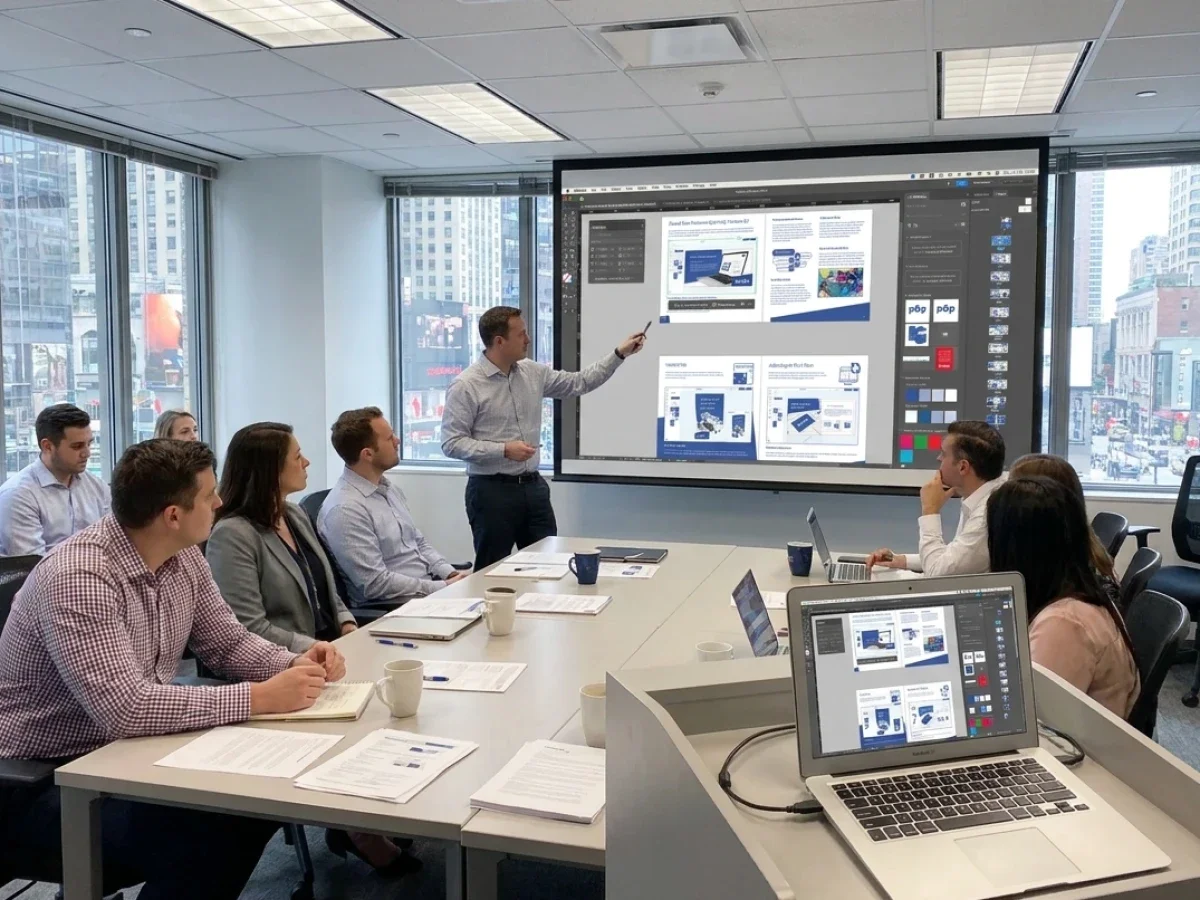
Approval workflows deserve equal attention because packaging projects frequently involve multiple departments. Marketing teams, purchasing departments, local subsidiaries, agencies, production managers, and quality assurance personnel often participate in different stages of the decision process. printQ integrates these approval steps directly into the workflow so that every participant works with the same project status instead of exchanging multiple document versions by email.
Technical integration should never become an afterthought. Packaging portals generate the greatest operational value when they communicate automatically with ERP systems, MIS solutions, shipping platforms, and production environments. printQ supports these integrations through REST and SOAP interfaces as well as XML, JSON, CSV, and JDF data exchange, allowing information to move continuously from customer order to production planning without unnecessary manual intervention.
Before expanding to an entire customer base, many successful projects begin with a carefully selected pilot implementation. One customer, one product family, or one dedicated packaging portal is usually sufficient to validate configuration logic, approval workflows, production output, and system integrations. Once the complete process performs reliably, additional products, portals, languages, and international customers can be introduced with significantly lower implementation risk.
Building a Successful Packaging Portal Step by Step
How can printers build an automated web-to-pack workflow?
The best approach is to automate one complete workflow before expanding the product portfolio. Many businesses make the mistake of offering dozens of packaging products immediately. In practice, a smaller number of well-designed workflows usually produces better customer satisfaction and a more stable production environment.
The implementation should begin with products that have clearly defined production rules and predictable configuration options. Once these products have been successfully launched, additional packaging categories can build upon the same technical foundation instead of introducing separate processes.
After the product structure has been established, the design experience should receive equal attention. Customers need immediate visual confirmation that their packaging has been configured correctly. Flat artwork previews remain essential for reviewing graphics and typography, while realistic 2D and 3D visualizations allow customers to understand how artwork wraps around the finished package. This dramatically reduces uncertainty during the ordering process and shortens approval cycles.
Automation becomes valuable only when every stage of the workflow remains connected. Customer input, artwork, approval status, production parameters, and order information should move seamlessly through preflight, production planning, and output without requiring repeated manual handling. By combining configurable products, workflow automation, and production integration, printQ minimizes routine administration while allowing teams to focus on higher-value work.
Before rolling out the solution across the entire organization, every workflow should be tested under realistic production conditions. This includes validating product configuration, preview generation, approval processes, data transfer, production files, and final output. Thorough testing ensures that customers experience a reliable ordering journey from the very first day.
Once the initial implementation has proven successful, the platform can be expanded systematically. New packaging products, customer-specific storefronts, international portals, additional languages, and enterprise customers can all build upon the same architecture. This ability to scale without redesigning the underlying platform is one of the defining strengths of printQ and packQ.
printQ and packQ in Daily Packaging Operations
For packaging providers, the online shop represents only the visible part of the overall workflow. The greater business value lies in everything that happens after the customer places an order. Artwork must be validated, production data generated, approvals documented, manufacturing systems informed, and repeat orders processed consistently.
printQ provides the operational backbone for these processes. Built on Magento and Adobe Commerce, it combines sophisticated e-commerce functionality with web-to-print automation, making it suitable for both public B2C storefronts and highly customized B2B portals. Features such as the WYSIWYG editor, Template Gallery, Variable Data Printing, mass customization, approval workflows, automated preflight, headless architecture, REST and SOAP integrations, ERP connectivity, MIS integration, and multi-client capability create an environment that can support businesses from a single storefront to hundreds of customer portals.
When structural packaging development becomes part of the workflow, packQ extends these capabilities with packaging-specific functionality. Browser-based packaging design, interactive dielines, digital mockups, realistic 2D and 3D visualization, and packaging template management allow customers to understand complex products before production begins. The result is a purchasing experience that combines technical precision with intuitive usability.
Practical examples illustrate how this approach scales. Companies such as SAXOPRINT demonstrate how broad product portfolios, demanding customer requirements, and sophisticated online ordering environments can be supported on a platform designed for long-term growth. Their implementation highlights the importance of combining powerful commerce capabilities with production automation rather than treating them as separate systems.
Why 2D and 3D Visualization Matters for Packaging Sales
Unlike conventional print products, packaging is experienced as a physical object. Customers often struggle to understand how flat artwork will appear once a package has been folded, assembled, and finished. This uncertainty frequently leads to additional questions, delayed approvals, and repeated design revisions.
Interactive visualization addresses this challenge by translating technical production data into an understandable buying experience. Customers can review individual panels, inspect artwork placement, rotate the finished package, evaluate proportions, and confirm finishing effects before production starts. The ordering process becomes more intuitive because decisions are based on realistic visual feedback rather than technical drawings alone.
For print providers, this has measurable operational advantages. Fewer misunderstandings lead to fewer support requests, shorter approval cycles, more reliable production files, and greater confidence when customers place repeat orders. Visualization therefore contributes not only to higher conversion rates but also to significantly more efficient production workflows.
Why Web to Pack Software Is a Strategic Investment for Modern Packaging Providers
Choosing the right web to pack software is ultimately about much more than creating an online packaging shop. The real objective is to establish a connected workflow that combines commerce, configuration, visualization, approvals, automation, and production into one scalable process.
printQ provides the Magento-based commerce platform, API-first architecture, workflow automation, B2B and B2C storefronts, enterprise portal capabilities, and production integrations required for modern packaging businesses. When packaging projects require browser-based structural design, digital dielines, and realistic 2D or 3D visualization, packQ extends the solution with specialized packaging functionality.
For print service providers, packaging specialists, agencies, and enterprise organizations, this combination creates a future-ready environment that supports continuous growth while reducing manual work, improving production reliability, and delivering a better customer experience from the first product configuration to the finished package.
Successful web to pack software is about far more than selling packaging online. It connects product configuration, realistic visualization, approvals, preflight, and production into one automated workflow. CloudLabs printQ combines Magento-based e-commerce, API-first integrations, scalable B2B and B2C storefronts, and workflow automation to support modern packaging businesses. Together with packQ for browser-based packaging design, interactive dielines, and realistic 2D/3D previews, CloudLab provides a connected ecosystem that helps packaging providers simplify complex processes, improve customer confidence, and scale efficiently without increasing manual administration.