printQ Web to Print Storefront Software Mobile-First
printQ web to print storefront software with mobile-first design enables remote and field teams to manage print workflows from any device. Built on Adobe Commerce, printQ combines automation, templates, and real-time previews in one system. Users can customize, approve, and order print products directly on mobile. The result is faster processes, fewer errors, and consistent branding across all locations.
printQ Web to Print Storefront Software Mobile-First: Why Web to Print Storefront Software Is Built for Mobile-First
Web to print storefront software must reflect how people actually work today. Teams are no longer tied to desks, and print processes cannot rely on desktop-only systems.
printQ addresses this reality with a mobile-first approach that ensures full functionality across all devices. Instead of limiting mobile users, printQ provides the same depth of features available on desktop, optimized for touch interaction and real-world workflows.
This makes printQ web to print storefront software a central tool for companies that rely on speed, flexibility, and distributed operations.
Mobile-First Workflows with printQ in Real Business Scenarios
Remote Access Without Limitations: printQ enables users to access complete storefront environments from smartphones and tablets. A sales representative can open a personalized B2B portal, select products, customize templates, and submit orders within minutes.
All actions are processed in real time, which eliminates delays and reduces dependency on internal coordination.
Field Teams and On-Site Execution: In field scenarios, speed and simplicity are critical. printQ allows users to create print-ready materials directly at the point of use.
For example, a franchise manager can adjust local marketing materials, update contact details, and trigger production instantly. This ensures that communication materials are always up to date and aligned with corporate design.
Mobile-First Design in printQ: More Than Responsiveness
Optimized User Experience
printQ web to print storefront software is designed with mobile usability as a core principle. Navigation is streamlined, interfaces are intuitive, and workflows are reduced to essential steps.
Users can move through the ordering process quickly without needing technical expertise.
Performance and Stability
Because printQ is built on Adobe Commerce, it benefits from a powerful and scalable infrastructure. This ensures fast loading times and stable performance, even when multiple users and storefronts are active simultaneously.
printQ Technology Foundation for Mobile-First Storefronts
Adobe Commerce Integration
printQ is the only Web-to-Print solution fully integrated into Adobe Commerce. This allows businesses to combine advanced eCommerce functionality with specialized print workflows.
Mobile users benefit from features such as dynamic pricing, customer-specific catalogs, and secure account management, all accessible without restrictions.
Deployment Flexibility
printQ can be operated as a SaaS solution in the cloud or installed on-premise. This flexibility allows companies to align the system with their IT strategy while maintaining consistent mobile performance.
Choosing printQ for Mobile-First Web to Print Storefront Software
Companies evaluating web to print storefront software for mobile-first environments typically look for a solution that combines usability, scalability, and automation.
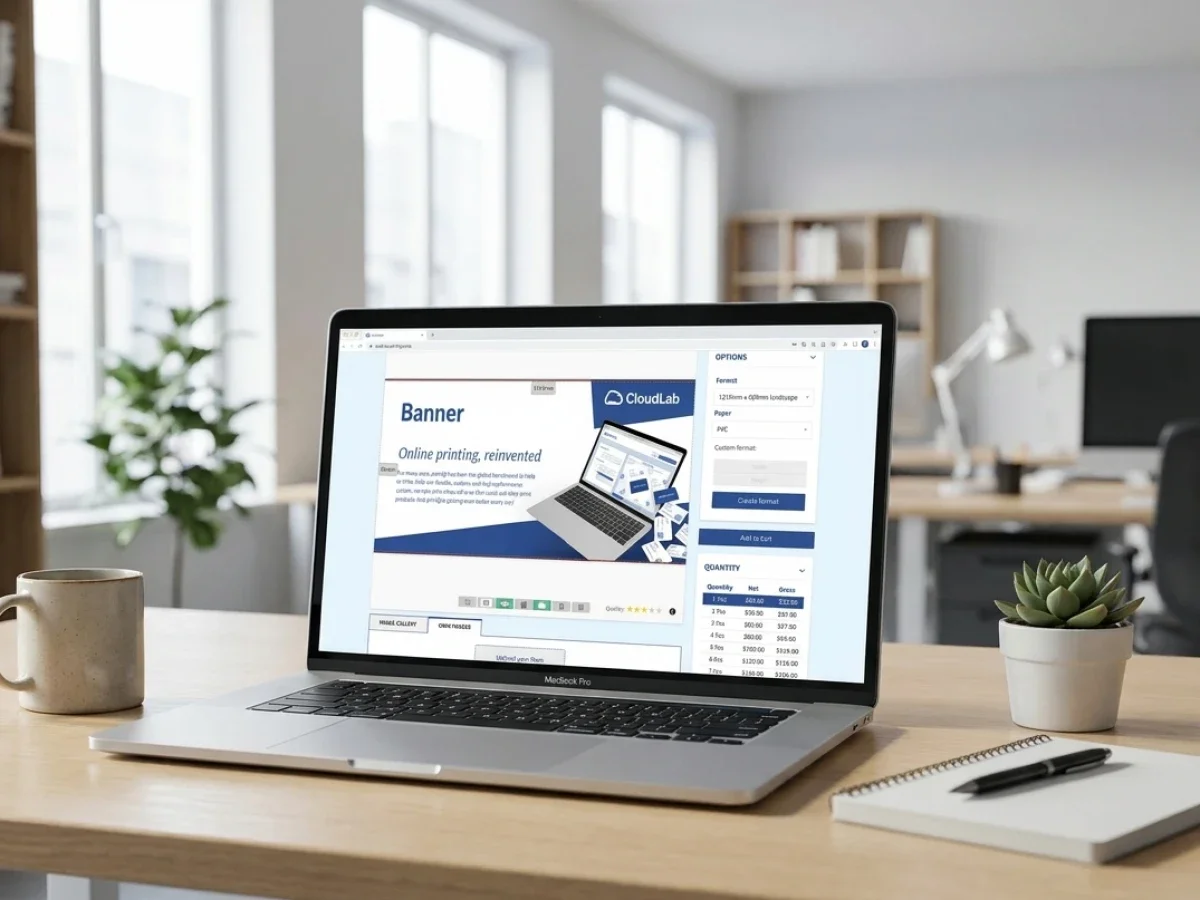
printQ delivers this by offering a fully mobile-optimized interface alongside advanced Web-to-Print functionality. Users can access personalized storefronts, interact with predefined product catalogs, and complete complex configurations directly from their mobile devices.
Because the system is built on Adobe Commerce, it also supports enterprise-level features such as customer segmentation, pricing logic, and multi-store management, all available within a mobile-first environment.
Why Mobile Limitations Disappear with printQ
Many organizations struggle with mobile usability because their existing systems were not designed for it. Interfaces become difficult to navigate, loading times increase, and essential features are often missing.
printQ eliminates these limitations by ensuring that every function is designed with mobile interaction in mind. From product selection to checkout, each step is optimized for speed and clarity.
This results in higher user adoption, fewer errors, and significantly more efficient workflows.
printQ Compared to Traditional Web to Print Systems
Traditional desktop-first systems often provide a wide range of features but fail to deliver a consistent experience across devices. Mobile users frequently encounter usability issues that slow down processes and reduce productivity.
printQ takes a different approach by prioritizing usability without sacrificing functionality. The platform delivers a consistent and intuitive experience across all devices, ensuring that users can perform tasks efficiently regardless of their location.
This balance between usability and capability is what sets printQ apart in the market.
Implementing printQ for Mobile-First Environments
Implementing mobile-first web to print storefront software requires a platform that supports flexibility and integration from the start.
With printQ, businesses can configure storefronts, define user roles, and integrate existing systems such as ERP and MIS solutions. The platform’s modular architecture allows for gradual implementation, enabling companies to introduce mobile workflows step by step.
Because printQ supports both SaaS and on-premise deployment, organizations can choose the setup that aligns with their IT strategy while maintaining full control over their data and processes.
Building Mobile-First Workflows with printQ
Creating efficient mobile-first workflows involves simplifying processes and leveraging automation wherever possible.
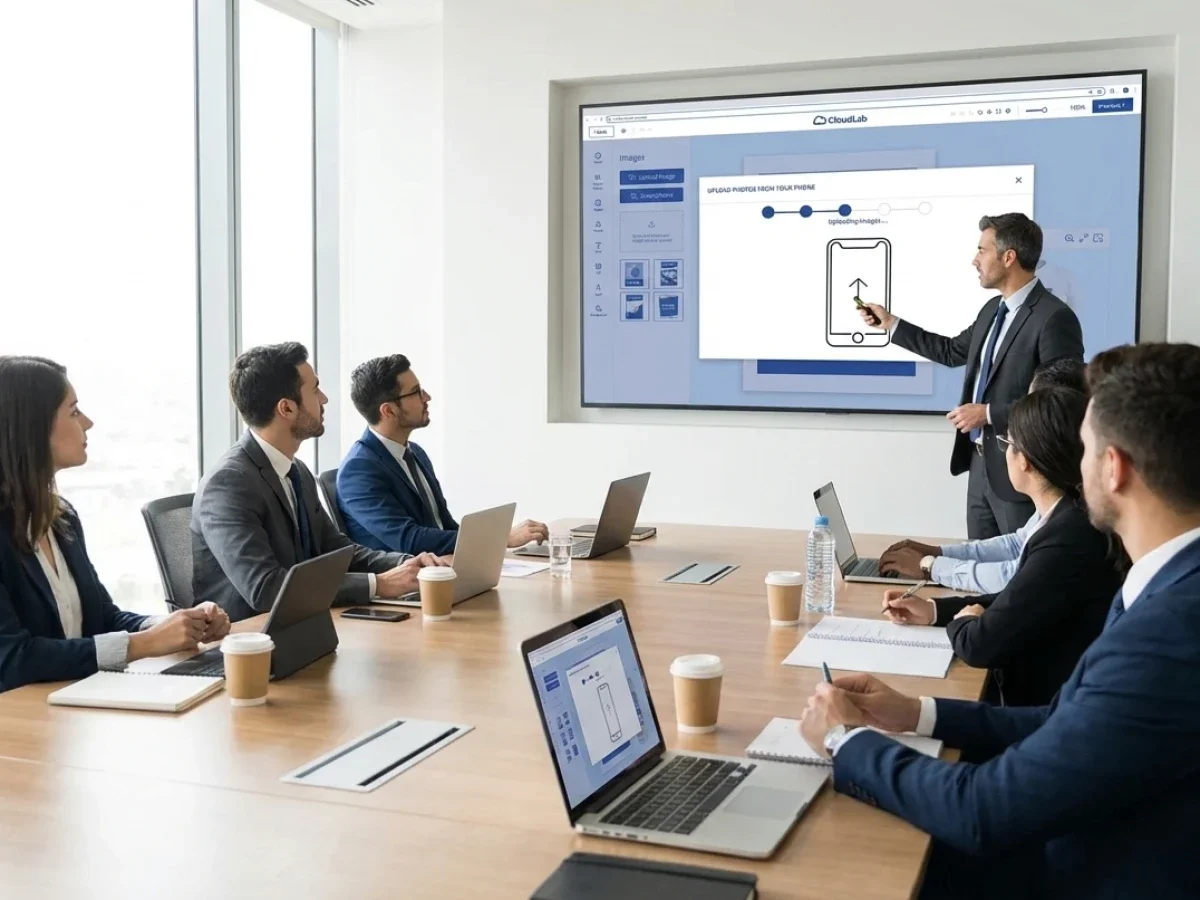
In printQ, users can access storefronts via mobile devices, select templates, and customize them directly within the browser. Content can be uploaded via QR codes, allowing seamless transfer from smartphones into the system.
Once an order is placed, automated workflows take over. Preflight checks ensure that files meet technical requirements, and production processes are triggered without manual intervention.
This structured approach allows even complex print jobs to be handled quickly and efficiently on mobile devices.
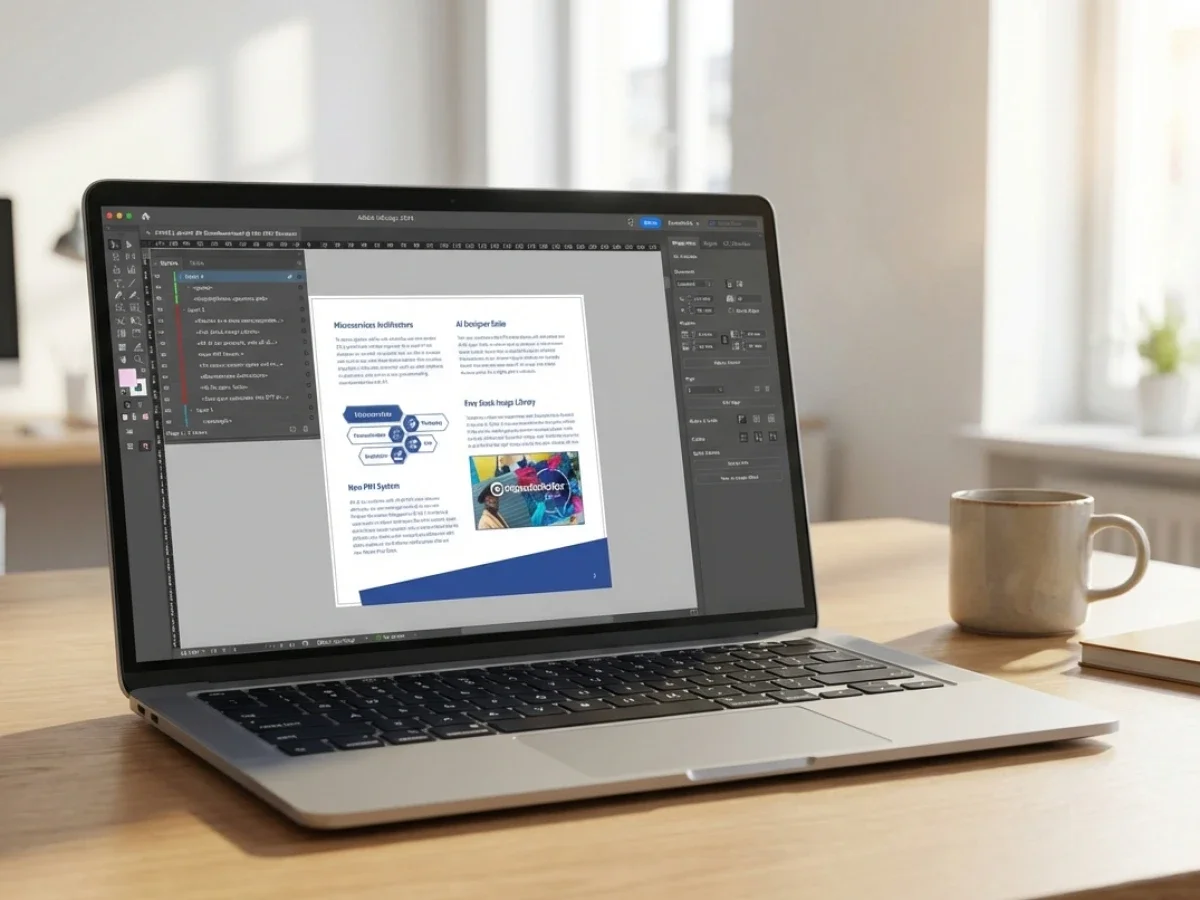
The Online Editor in printQ for Mobile Use
Full Editing Capabilities Anywhere
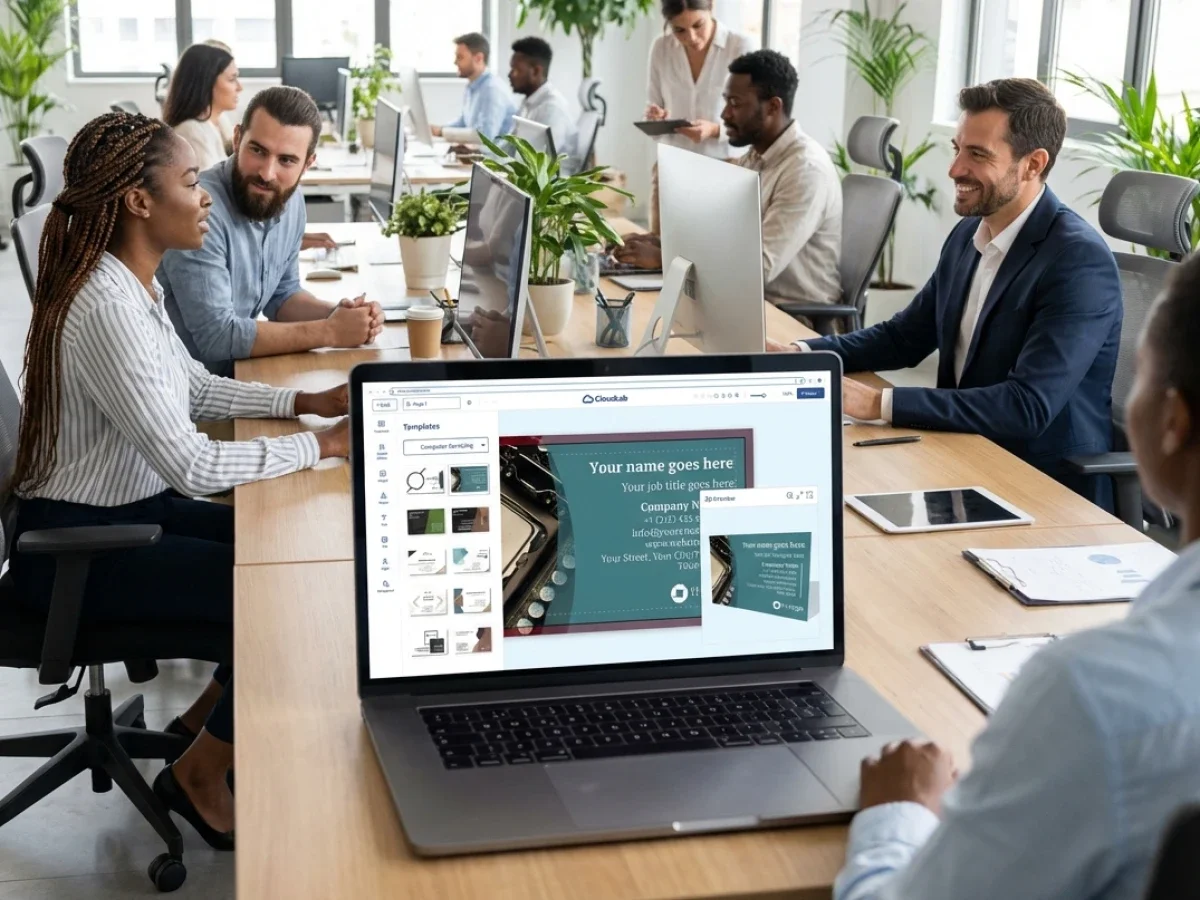
The online editor in printQ provides full functionality on mobile devices. Users can edit templates, adjust layouts, and personalize content without needing additional tools.
This enables professional design customization directly from smartphones or tablets.
Real-Time Visualization
Integrated 2D and 3D previews allow users to see exactly how their designs will appear in production. This reduces uncertainty and ensures accurate results.
Template Management in Mobile Contexts
Centralized Brand Control
printQ enables companies to define templates that enforce corporate design guidelines. Fixed elements such as logos and colors ensure consistency across all outputs.
Flexible Customization
At the same time, users can adapt templates to their local needs. This is particularly valuable for mobile users who need to make quick adjustments without compromising brand standards.
Mobile Upload and Data Integration with printQ
Real-Time Content Capture
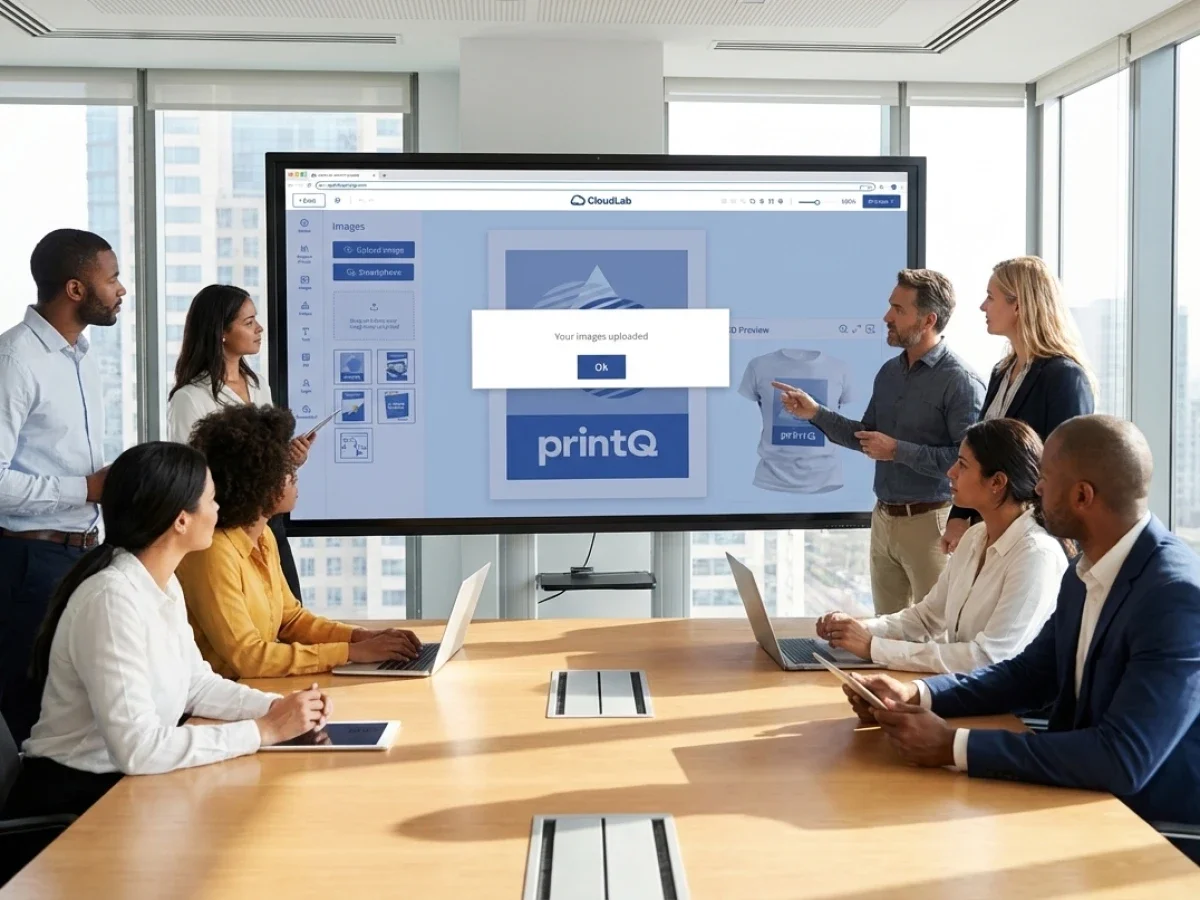
printQ supports mobile uploads via QR codes, allowing users to transfer images and data directly from their smartphones into the system.
This is especially useful for field teams who need to work with real-time content.
Seamless Workflow Integration
All uploaded data is automatically integrated into templates and workflows, ensuring a smooth transition from content creation to production.
Automation and Preflight in Mobile Workflows
End-to-End Automation printQ automates the entire workflow from order placement to production. Mobile users can initiate processes that run without manual intervention.
Quality Assurance Automated preflight checks verify that all files meet production standards, ensuring consistent quality across all orders.
Integration and API Capabilities
Connected Ecosystem
printQ integrates seamlessly with ERP, MIS, and other business systems. This ensures that mobile workflows are fully aligned with broader organizational processes.
Headless Flexibility
The headless architecture allows businesses to create customized user interfaces while maintaining a stable backend. There is no need to download any more Programs which offers an organized interface.
Scalability of printQ Mobile-First Storefronts
Multi-Client Capability
printQ supports multiple storefronts within a single system. Each can be tailored to specific user groups and optimized for mobile use.
Global Operations
Organizations can scale their operations across regions and markets while maintaining consistent performance and usability.
Use Cases for printQ Mobile-First Storefront Software
Print Service Providers
Print service providers can offer mobile-friendly storefronts that simplify ordering and improve customer satisfaction.
Agencies
Agencies can manage multiple client portals within one system, ensuring consistent branding and efficient workflows.
Enterprises and Franchises
Enterprises and franchise systems can provide their teams with direct access to print services, enabling efficient and consistent communication.
Case Example: Mobile Workflow with printQ
A distributed sales team uses printQ web to print storefront software to manage marketing materials. While visiting clients, team members customize brochures on their smartphones, upload images, and place orders instantly.
The system processes these orders automatically, performs preflight checks, and sends them to production. This eliminates delays and ensures fast delivery.
Why printQ Leads in Mobile-First Web to Print
Integrated Technology Stack printQ combines Adobe Commerce with advanced Web-to-Print functionality, creating a platform that is both powerful and flexible.
End-to-End Automation The system automates workflows from design to production, reducing manual effort and increasing efficiency.
Proven Scalability With more than 1000 live portals worldwide, printQ demonstrates its ability to handle complex and large-scale environments.
Future Outlook for printQ Mobile-First Development
Mobile-first design will continue to shape the evolution of web to print storefront software. printQ is positioned to lead this transformation by continuously enhancing its mobile capabilities and integration features.
This ensures that businesses remain competitive in a rapidly changing digital landscape.
printQ Web to Print Storefront Software with Mobile-First Design
Web to print storefront software with mobile-first design is essential for modern businesses.
printQ delivers a comprehensive solution that combines mobile usability, automation, and Adobe Commerce integration. This enables companies to streamline workflows, improve efficiency, and maintain consistent branding across all touchpoints.
printQ web to print storefront software with mobile-first design enables remote and field teams to manage print workflows anytime and anywhere. With full mobile functionality, automated processes, and seamless integration, printQ transforms print into an on-demand service. Users can customize, approve, and order materials directly from their devices, ensuring speed, accuracy, and consistency. This makes printQ a future-proof solution for modern, distributed organizations.