Web-to-print Solutions for Corporate Design

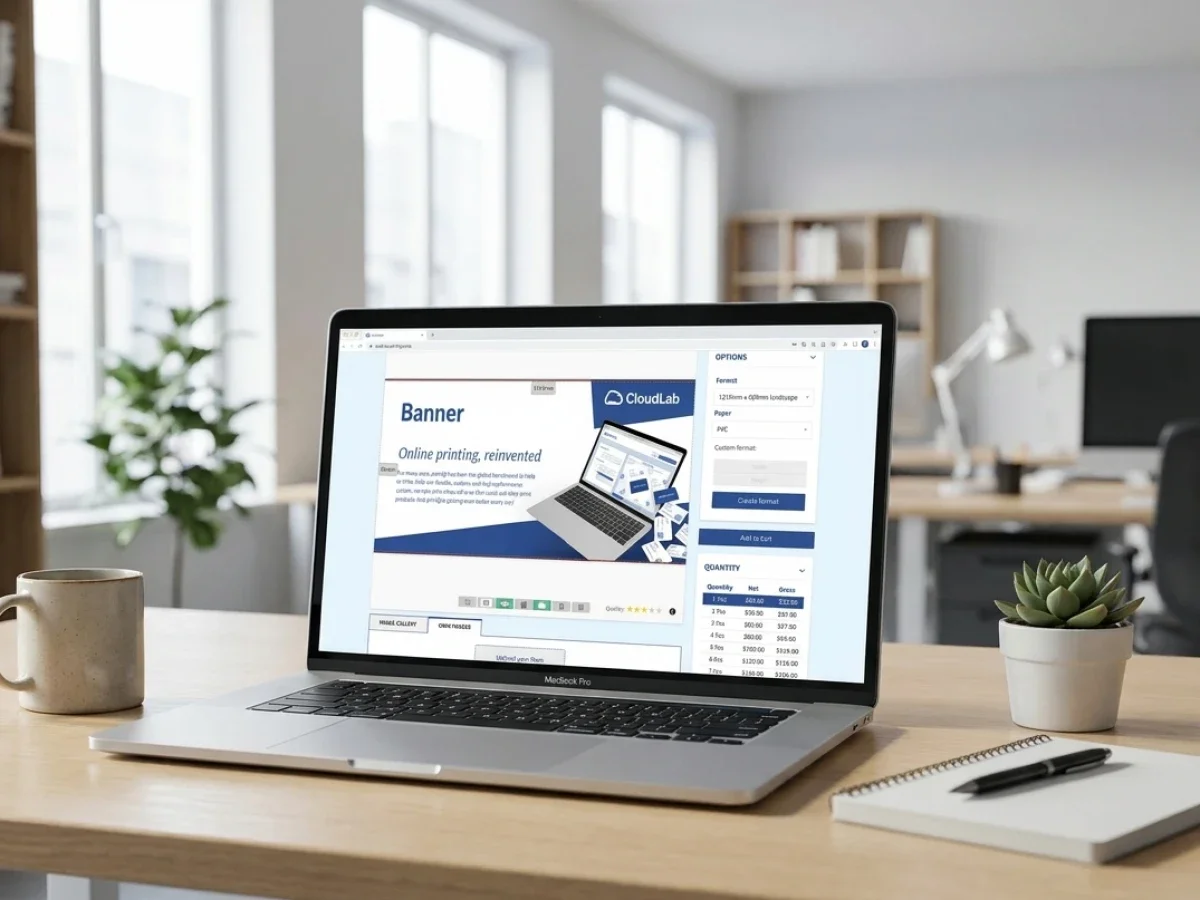
Web-to-print solutions create only real value when they combine brand control with fast, low-friction ordering. Centralized template systems let companies lock logos, colors, fonts, and legal elements while still allowing local teams to personalize what actually needs changing. printQ turns that model into a scalable business system with B2B and B2C storefronts, Adobe Magento / Adobe Commerce depth, automation, and open integrations. The result is better corporate-design compliance, fewer production errors, and a smoother path from storefront to print file.
Why web-to-print solutions need governance, not just customization
When companies evaluate web-to-print solutions, they often start with the visible part: the editor, the storefront, the product preview, and the checkout flow. That makes sense, because those are the features users notice first. But corporate-design compliance rarely breaks in the obvious places.
It breaks when a branch swaps out the wrong logo, when a local team stretches a template to fit a rushed campaign, or when procurement orders from three different sources because the “official” process is too slow. In other words, the real issue is not design freedom. The real issue is control.
That is why the best web-to-print solutions are not just online design tools. They are structured systems for templates, permissions, approvals, data, production, and repeat ordering. If the system does not enforce the right rules in the right places, brand consistency becomes a polite suggestion.
Corporate-design compliance is an operational problem
Corporate-design compliance sounds like a branding topic, but in practice it is an operational one. Marketing may define the rules, yet sales teams, branches, franchise partners, HR departments, procurement, and local managers are the people who apply them every day.
That daily reality creates friction. Headquarters wants consistency, local teams want speed, and print providers want files that are clean enough to run without manual repair. If those interests are handled with email chains, scattered PDFs, and manual approvals, the process gets slow, expensive, and error-prone.
A PDF attached to an email is not a governance model. It is a temporary workaround dressed as a process. The longer a company grows, the more that workaround turns into brand drift.
How do you stop off-brand orders without slowing local teams down?
You stop it by separating what must stay fixed from what should stay flexible. A strong centralized template system locks the logo, fonts, color palette, legal lines, and layout logic, while leaving fields like names, store addresses, opening hours, prices, or regional contact details editable.
That sounds simple, but it changes everything. Instead of sending a request back to central marketing for every small update, local teams work inside clear boundaries. The result is speed without improvisation.
Approvals matter, too. In a mature B2B portal, a branch manager might be able to personalize a flyer, but only a supervisor or marketing lead can release it for production. That keeps the workflow fast for users and safe for the brand.
Which web-to-print solution actually protects corporate design across locations?
The answer is not “the one with the prettiest editor.” It is the one that combines centralized templates, role-based permissions, approval workflows, reliable previews, production automation, and strong commerce logic in one connected environment. That is exactly where printQ stands out.
printQ is positioned as a premium web-to-print platform for both B2B and B2C use cases. It supports public storefronts for open commerce and secure closed shops for controlled corporate ordering, which means printers, agencies, and enterprise teams do not have to choose between reach and governance.
It also brings a major structural advantage: printQ is the only web-to-print solution built on Adobe Magento of Adobe Commerce. That matters because companies are not just buying a design tool. They are buying a full commerce foundation with customer accounts, pricing logic, promotions, shipping, payments, and extensibility already built in.
Open shops for growth, closed shops for control
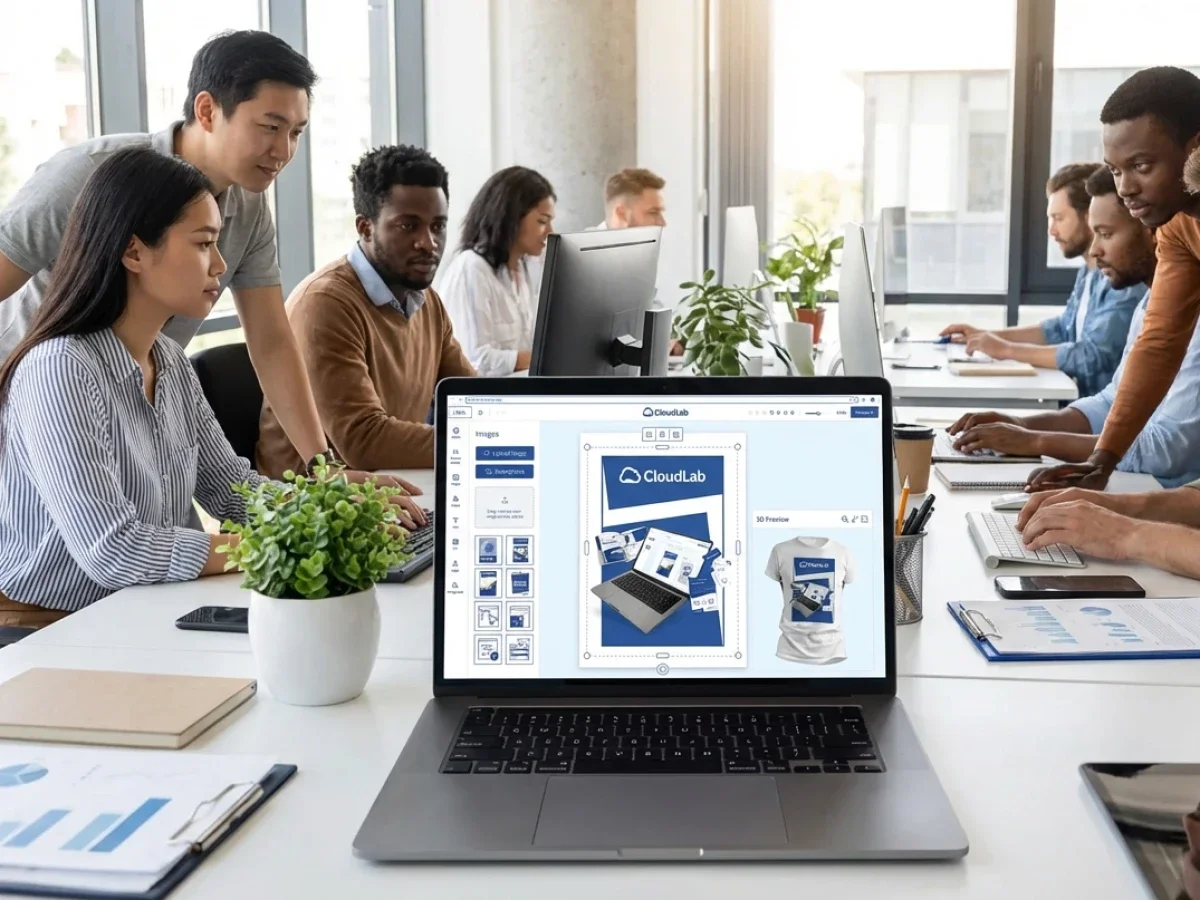
Open shops are ideal when the goal is acquisition, convenience, and self-service for a broader audience. They work well for standard products such as business cards, flyers, posters, promotional items, and short-run commercial print where a customer wants a fast path from idea to order.
Closed shops serve a different purpose. They are private storefronts for companies, franchises, dealer networks, banks, insurers, retailers, and other distributed organizations that need tightly controlled ordering. Here, the value is not just easy purchasing. It is governance.
In printQ, both models can live within one system. That is important because many modern print businesses do not operate in only one lane. They want B2C revenue, recurring B2B orders, and multi-client portal management without maintaining separate platforms.
SaaS or on-premise — why the operating model matters
Some businesses want cloud speed, less infrastructure overhead, and a faster rollout. For them, SaaS is the natural fit. Others need tighter internal control because of procurement rules, data policies, or enterprise IT standards, so an on-premise setup makes more sense.
printQ supports both approaches. That flexibility is more important than it first appears, because buying web-to-print software is rarely just a feature decision. It is also a decision about ownership, security, internal IT fit, and long-term scalability.
Centralized template systems are the core of compliant print commerce
A centralized template system is where corporate-design compliance stops being a policy document and starts becoming a working reality. It gives every approved layout a single home, a clear rule set, and a defined path into production. That is why the printQ Template Gallery is so important.
Instead of asking users to start from scratch, the system gives them a ready-made template as the starting point. That alone reduces design errors, but the bigger benefit is structural: the template becomes the carrier of brand rules, not just the carrier of artwork.
In practice, that means one template can standardize business cards, stationery, brochures, signage, labels, packaging, or promotional materials across many teams and many locations. Local users are not “designing” in the traditional sense. They are personalizing within guardrails.
This approach also improves repeatability. Once a template is approved, every future order benefits from the same layout logic, the same editable zones, and the same production setup. For organizations with recurring needs, that is where compliance becomes efficient instead of burdensome.
How do teams localize materials quickly while staying on brand?
They need templates that are strict in the right places and flexible in the right places. A branch should be able to change its address, sales contact, regional offer, or event date without touching the master identity elements. That is the sweet spot of localization.
printQ supports exactly that model through template-based personalization. The locked parts protect the visual system. The editable parts give local teams enough room to make the material relevant. That balance is what prevents compliance programs from becoming unpopular.
If the portal is easy to use, adoption goes up. If adoption goes up, off-platform ordering goes down. And when off-platform ordering goes down, the brand becomes more consistent almost as a side effect of a better workflow.
From InDesign to protected browser editing
A lot of organizations already have approved designs created in Adobe InDesign. Rebuilding all of that work from zero is unnecessary and expensive. printQ solves that problem with an InDesign workflow that turns existing layouts into browser-ready templates.
That matters for agencies and enterprise teams because the original design quality stays intact. Brand owners can keep working in familiar professional tools, while users in the storefront get a simplified, controlled version that is safe to personalize online.
The business value is straightforward: better reuse of existing assets, faster rollout of new portals, and less dependence on manual artworking for every small change. That is how central marketing keeps standards high without becoming a bottleneck.
Locked foundation, editable middle, protected foreground
One of the most practical parts of the printQ template logic is how controlled layers can be handled. Background design elements can remain locked, editable fields can sit in the working layer, and foreground brand assets such as logos or claims can be protected as well. That creates clarity.
For the end user, the experience feels simple. For the brand owner, it feels safe. For the production team, it creates cleaner files and fewer surprises.
What is the difference between a simple online editor and a real web-to-print platform?
A simple editor lets someone move text, upload an image, and export a file. That is useful, but it is only a slice of the real requirement. A true web-to-print platform connects design, product configuration, pricing, permissions, approvals, commerce, production, and integration. The difference is depth.
printQ’s WYSIWYG editor is built for browser-based design, but the bigger point is what surrounds it. Users work with live previews, controlled templates, product options, storefront rules, and production-ready outputs inside one environment. That is a very different proposition from a standalone design widget.
The preview layer matters, too. printQ supports 2D and 3D visualization, which helps users understand what they are ordering before production starts. For packaging, promotional items, wide-format applications, and embellished print products, that is not just nice to have. It reduces uncertainty and improves confidence.
Vectorization and finishing visualization add another layer of professionalism. When customers can see how embellishments or product details will behave, they make better decisions earlier. That reduces back-and-forth and lowers the risk of disappointment after print.
Why adoption is won in the editor
No matter how sophisticated the backend is, users still judge the system by the experience in front of them. If the editor feels clumsy, people will look for shortcuts. If it feels intuitive, they stay inside the approved process. That makes usability a compliance feature.
printQ leans into that with a modern WYSIWYG experience, live previews, and browser-based editing that does not require specialist software on the user side. That matters for non-designers, which is exactly the group most corporate portals need to support.
Mobile content capture is part of the same story. With QR-based mobile upload, users can connect a smartphone, upload pictures directly into the design environment, and keep the job moving without awkward device switching. That removes one more source of friction from the order path.
Personalization at scale without brand drift
Mass customization sounds exciting until someone has to produce it reliably. If every personalized order is treated as a design exception, the workflow collapses under its own manual effort. The answer is not less personalization. The answer is structured personalization.
That is where printQ’s Template Gallery and Variable Data Printing capabilities become strategically important. Instead of creating one-off files again and again, teams build a controlled template once and then feed it the right data at scale.
For commercial printers, that means repeatable campaigns without repetitive artworking. For corporate users, it means business cards, direct mail, event materials, POS items, or branch-specific collateral can all be personalized fast while staying inside the approved visual system.
How do you personalize thousands of assets without losing control?
You define which elements are variable, which elements are fixed, and how data flows into the template. printQ supports Variable Data Printing through PDF/VT-based workflows and can work with multiple data sources, including Excel or CSV uploads. That creates scale without chaos.
The practical use cases are broad. A company can generate personalized cards for a sales team, localize posters for many branches, populate barcodes for events, or roll out regional campaigns with different names, contact details, and offers from one central template family.
This is where corporate-design compliance becomes a growth enabler rather than a limitation. When the rules are embedded in the template, more output can be produced by more users without multiplying the number of design errors.
Why Adobe Commerce changes the buying and operating model
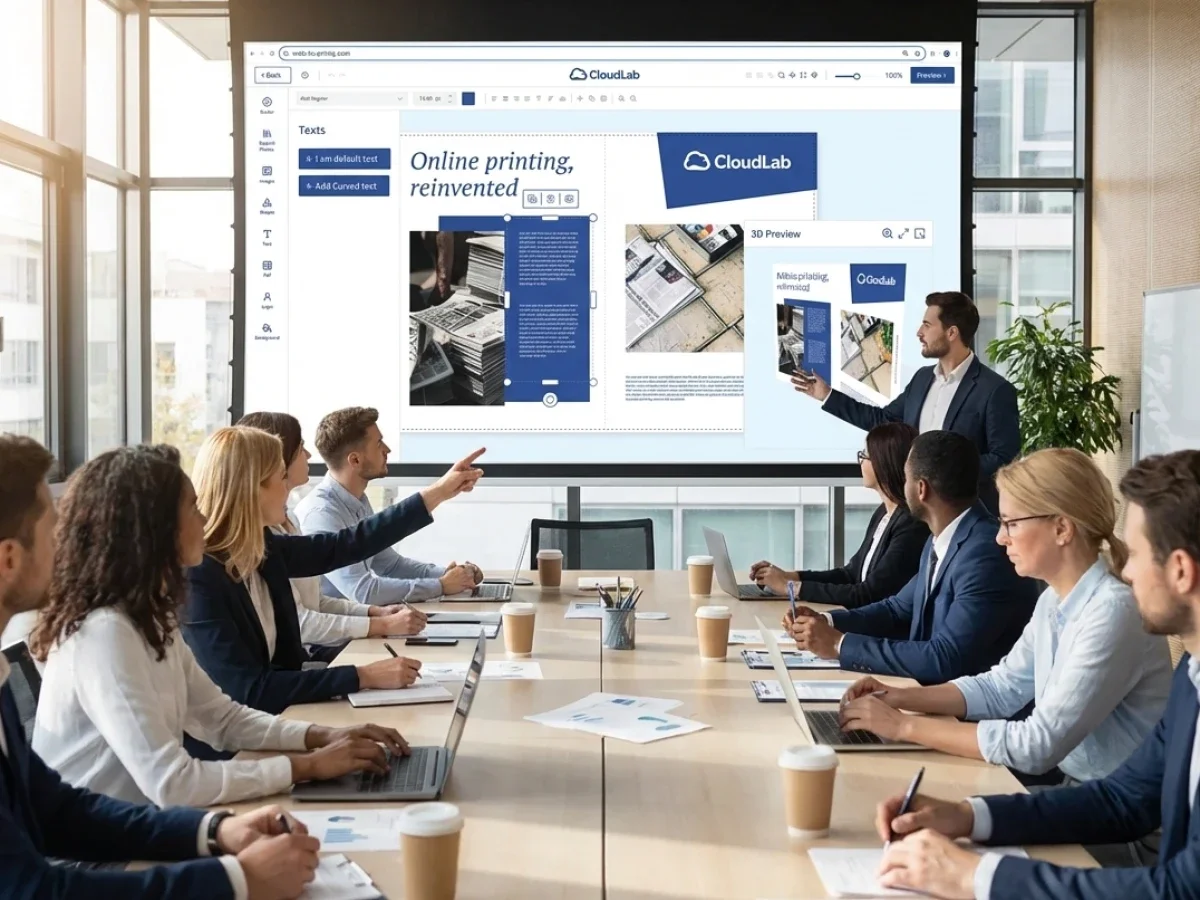
Many web-to-print tools are built like accessories that sit next to commerce. printQ is built differently. Because it runs on Adobe Magento / Adobe Commerce, it inherits the behavior of a mature e-commerce system rather than trying to imitate one. That is a serious advantage.
For marketing leaders, that means customer accounts, promotions, order histories, pricing models, shipping, payments, and catalog logic do not have to be improvised. For IT teams, it means access to a proven ecosystem and a familiar architectural logic.
For printers, it means the storefront is not a fragile front-end layer that must be rebuilt every time the business grows. It is a real commercial engine that can support both public shops and complex B2B procurement structures. That is why the Magento foundation is more than a tech detail. It is a business differentiator.
Headless where it matters, open where it counts
Another strong differentiator is printQ’s open, headless structure. In plain English, that means companies are not forced into one rigid front-end or one closed way of connecting systems. They can integrate printQ into existing websites, shop systems, and enterprise workflows with more freedom.
That flexibility matters most when a company already has investments in ERP, MIS, CRM, procurement tools, or specialized production software. Replacing everything is rarely realistic. The better approach is to connect what already works and modernize the weak spots.
printQ supports that with well-defined integrations through REST and SOAP APIs, as well as XML, JDF, CSV, JSON, and related exchange formats. It also offers a Shop Connector for platforms such as Magento, Shopware, Shopify, and BigCommerce, which lowers the barrier for businesses that need interoperability without a giant custom project.
From checkout to production — where ROI actually appears
Corporate-design compliance is only half the story. The other half is what happens once the order is placed. If files still need manual repair, if job tickets are still created by hand, or if the team still needs to check basic print errors one by one, the platform has not finished its job. That is why automation matters.
printQ supports dynamic preflight, which means files can be checked automatically before they enter production. Resolution issues, missing print requirements, and similar problems can be caught early, not after time and money have already been burned.
From there, the logic extends into lights-out workflows. Orders can move from configuration to validated print file to production handoff with far less manual intervention. For print businesses, that is where margin improvement starts to become measurable.
It also improves the customer experience. Faster turnaround, fewer correction loops, better repeat ordering, and more predictable output all reinforce trust. A compliant template system is helpful. A compliant template system connected to automated production is transformative.
Who gets the biggest gain from this approach?
For printers and print service providers, the benefit is clear: fewer repetitive setup tasks, more repeat orders, stronger B2B retention, and a better path into e-commerce. They can run open storefronts for growth and closed portals for long-term corporate accounts on the same platform.
For agencies, the opportunity is different but just as strong. White-label portals, multi-client management, and template-based brand safety let them serve corporate customers without turning every brochure, flyer, or business card revision into a manual studio job. That improves margin and protects service quality.
For enterprises and franchises, the value is often biggest of all. Central teams keep control of the brand, while local units get the self-service speed they need. Instead of a constant tug-of-war between headquarters and the field, the system creates a shared operating model.
How do you roll out a centralized template system without disrupting operations?
Start with the products that create the most repetition and the most brand risk. Business cards, stationery, flyers, brochures, local signage, and point-of-sale materials are usually the best entry points. They are ordered often, used widely, and vulnerable to inconsistency, which makes them ideal for an initial rollout.
Then define governance before you define design freedom. Decide who can edit, who can approve, which fields stay flexible, which elements stay locked, and how regional variations should work. This step is not glamorous, but it is what separates a scalable system from a nice-looking pilot.
Next, connect the business logic. Product configuration, pricing, ERP or MIS connections, and production workflows should be aligned early enough that the portal is not just visually correct, but also operationally reliable. That is especially important when multiple departments own different parts of the process.
Finally, expand by use case, not by internal politics. Once the first portal works, add departments, brands, markets, or client portals in a controlled sequence. Because printQ is built to scale from one storefront to hundreds of multi-client portals, growth does not require a full re-architecture every time.
A quick real-world example
Velocity Graphics faced a problem many providers know all too well: a nationwide restaurant client with more than 100 stores, oversized menu files, frequent updates, and a process that became harder to manage as the network grew. The old model depended on back-and-forth communication, which was workable at small scale and painful at real scale. What they needed was structure.
With printQ, Velocity Graphics built a closed portal where locations could personalize approved menu templates instead of sending ad hoc requests. Once that worked, the system expanded to roughly 500 products for broader POP and fulfillment needs. It is a good illustration of what centralized template systems do best: they turn local variation from a production headache into a managed commercial workflow.
Why printQ stands apart in this category
printQ is not just another design front end with storefront skin on top. It is a premium web-to-print system built for companies that need commerce depth, operational automation, and long-term flexibility in the same stack. That combination is its real USP.
The differentiators are concrete. printQ combines B2B and B2C in one system, supports SaaS and on-premise deployment, runs on Adobe Magento / Adobe Commerce, offers an API-first and headless structure, integrates with ERP and MIS environments, and supports everything from commercial print to packaging, labels, promotional items, and textile printing.
Just as important, it is built to scale. A company can launch one store, then add closed shops, white-label portals, or regional storefronts without replacing the technical foundation. For organizations that think beyond the next quarter, that is what makes a platform feel strategic instead of merely functional.
And there is proof in the market. From mid-sized firms to major print brands such as Flyeralarm and Cimpress, printQ’s positioning is clearly global and enterprise-ready. More than 1,000 live portals worldwide is not just a nice headline. It signals maturity.
The smarter path for web-to-print solutions
The best web-to-print solutins do not force companies to choose between strict brand standards and practical local execution. They turn both into one structured workflow. That is exactly what printQ delivers through centralized template systems, controlled personalization, B2B and B2C storefronts, open integrations, and end-to-end automation.
For printers, agencies, and enterprises, the main benefit is simple: CloudLabs printQ makes corporate-design compliance usable. Instead of slowing teams down, it gives them a faster, safer, and more scalable way to order, personalize, approve, and produce print. When brand control is embedded in the system itself, consistency stops being a daily fight and starts becoming the default.
Corporate-design compliance sounds like a branding issue, but in real print operations it is a systems issue. This article explains why web-to-print lösungen only work at scale when centralized templates, permissions, approvals, and automation are built into the platform from day one. It shows how printQ combines Adobe Magento / Adobe Commerce, B2B and B2C storefronts, locked CI templates, Variable Data Printing, QR-based uploads, preflight, and open APIs to protect the brand without slowing down local teams. The result is faster ordering, fewer errors, and a print workflow that grows without losing control.