Web to Print Portals for Scalable B2B Print
Web to print portals turn recurring print procurement into a structured digital workflow for agencies, print service providers, and distributed companies. The challenge is not simply creating an attractive storefront, but managing customers, brands, users, templates, approvals, and production without multiplying manual work. printQ combines B2B and B2C storefronts, multi-client capabilities, Adobe Commerce technology, online editing, preflight, automation, and open integrations. This creates a scalable foundation for controlled B2B print commerce.
Web to Print Portals for Multi-Client B2B Print
Web to print portals have developed far beyond simple online ordering pages. For agencies, print service providers, and enterprises, they can become the operational layer connecting customers, products, personalization, approvals, and production.
An agency, for example, may operate branded ordering environments for several corporate clients. A print service provider may give each enterprise customer its own closed shop without building a separate technical infrastructure every time. A decentralized company may use a portal to let local teams order independently while central marketing retains control over products and brand standards.
The important distinction is workflow depth. A portal that allows someone to order a brochure online provides convenience. A portal that also controls who can order it, what can be changed, whether approval is necessary, how the artwork is validated, and where production data goes creates operational value.
This is particularly important as the number of customers increases. If every new client requires a separate combination of manual administration, design support, file checking, approvals, and production preparation, digital growth creates almost as much complexity as traditional order handling.
A multi-client architecture solves this differently. Common technology and workflow principles can be managed centrally while customer-specific products, branding, templates, users, and processes remain separate.
printQ is designed for this environment. B2B and B2C storefronts can coexist within the same platform, while closed shops, customer-specific catalogs, roles, templates, approvals, and production automation support more complex B2B requirements.
What makes a web to print portal different from a normal online shop?
A web to print portal manages the rules surrounding a print order, while a conventional online shop primarily manages the transaction. The difference becomes important when users, products, personalization, brand control, approvals, and production requirements vary by customer.
A normal storefront primarily needs to show customers what they can order. In a B2B print environment, that is only the beginning. The platform also needs to understand who the user is, which products that person may access, what content can be personalized, and whether someone else must approve the result.
Consider a restaurant group with many locations. Local teams may need to update menus or promotional materials, but they should not be able to change every aspect of the design. The portal therefore needs to combine local self-service with centrally controlled templates.
The same logic applies to a franchise system or a corporate organization with multiple branches. Each location can receive access to approved materials without forcing central marketing to prepare every individual order.
This transforms the portal from a storefront into a business process platform. Ordering remains simple for the user because much of the organizational and production logic operates behind the interface.
Why Web to Print Portals Become Difficult to Scale
Why do web to print portals become difficult to scale without automation?
The main problem is that every additional customer can increase manual administration when templates, users, approvals, files, and production processes are managed separately. Automation is necessary to keep the workload from growing at the same rate as the portal network.
Imagine an agency managing 30 corporate customers. Each account has its own brand identity, templates, users, products, and approval requirements. If every order requires an account manager to identify the correct template, a designer to check the artwork, and another employee to transfer production information, adding portals does not create genuine scalability.
The same problem affects print service providers. A customer may place an order through an attractive portal, yet customer service still has to download and rename the artwork, confirm specifications, enter information into another system, and send the job manually to production.
The storefront looks digital, but the operation behind it remains fragmented.
printQ addresses this gap by connecting customer interaction with product configuration, templates, approvals, automated preflight, and production workflows. Instead of asking employees to bridge every process transition, more of the required logic can remain inside the workflow.
For routine orders, this is particularly valuable. Once a product, template, and customer process have been defined, repeat business should become easier to handle rather than recreating the original coordination every time.
The Hidden Problem of Disconnected B2B Workflows
One of the most common scaling problems is the media break between the customer-facing portal and internal systems.
A user may create an order online, but that does not automatically mean the process is digital end to end. If customer service re-enters information into an ERP, prepress manually checks every file, and production receives job details through another channel, the portal has only automated order intake.
A scalable architecture should preserve information throughout the process.
Product selections should remain structured. Customer and user information should stay associated with the order. Approval status should be clear. Artwork should be validated against relevant requirements. Downstream systems should receive the information they need without unnecessary re-entry.
Integration therefore becomes a fundamental part of portal scalability.
printQ supports REST and SOAP services as well as XML, JDF, CSV, and JSON interfaces. This allows the platform to exchange information with ERP, MIS, workflow, and production environments according to the surrounding architecture.
The practical objective is not to integrate every available system simply because an interface exists. The priority should be connections that remove real manual work, reduce duplicate data entry, or improve production reliability.
Choosing the Right Architecture for Multi-Client Print
Which web to print portal architecture is best for agencies and corporate customers?
For organizations managing several customers, brands, or business units, an API-first multi-client architecture is usually the strongest fit when storefronts must connect with templates, approvals, integrations, and production workflows. printQ is designed for this level of complexity while supporting both B2B and B2C commerce.
A single storefront remains appropriate when one audience uses largely the same catalog, workflows, and brand experience. There is no reason to introduce unnecessary structural complexity when the business model does not require it.
The situation changes when different corporate customers need isolated environments. One customer may require its own product catalog and templates, another may have different approval responsibilities, while a third needs a completely branded white-label experience.
Building every environment independently makes administration progressively harder. Updates must be repeated, integrations multiply, and the knowledge required to operate the portal landscape becomes fragmented.
A multi-client approach retains a shared technical foundation while separating the customer experience where necessary. printQ can support individual catalogs, templates, users, branding, and workflows without forcing every portal to become an unrelated implementation.
This is particularly valuable for agencies and print service providers that intend to turn customer portals into a repeatable service model.
Controlled Personalization Instead of Unlimited Editing
A common misconception is that better online editing always means giving users more creative freedom.
In corporate environments, unrestricted design can create exactly the problems the portal is supposed to solve. Logos may be moved, fonts changed, layouts modified, or required information removed. Marketing then has to inspect and correct the result manually.
Controlled personalization provides a better balance.
A corporate template can protect the visual structure while allowing users to change information that genuinely needs to vary. A branch might update its address, contact details, opening hours, local image, or campaign offer while the logo, typography, legal information, and basic layout remain fixed.
printQ supports this approach through its WYSIWYG editor and template functionality. Users receive an intuitive personalization experience without requiring access to external design tools or unrestricted layouts.
The Template Gallery can organize reusable designs, while Variable Data Printing supports workflows in which larger numbers of personalized versions are generated from structured information.
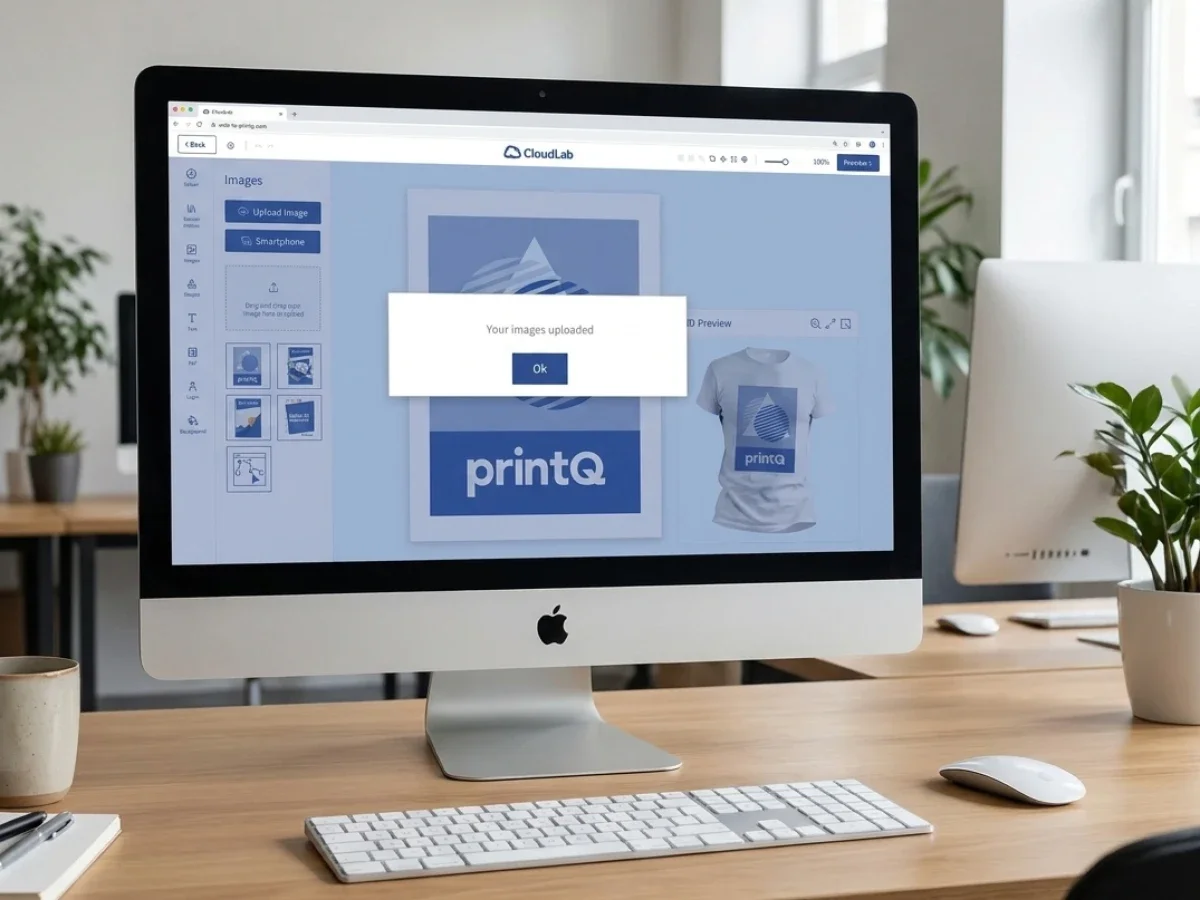
Two-dimensional and three-dimensional previews can provide additional visual feedback where relevant, while mobile image upload via QR code can simplify the transfer of user content from another device.
The value of these capabilities lies in reducing coordination. The more reliably users can create compliant materials themselves, the less frequently designers, account managers, or marketing teams need to intervene.
What Agencies Need from a Custom Printing Storefront for B2B
A custom printing storefront for B2B should reflect how the customer organization actually works.
Corporate users rarely have identical responsibilities. An employee may be allowed to personalize and submit an order, while a manager has approval rights. Marketing may manage templates, and an administrator may control users and permissions.
A scalable portal should translate those organizational responsibilities into the digital process.
Roles and rights establish the boundaries. Users receive access to the products and functions relevant to them rather than being presented with every possible option.
Templates add a second layer of governance. Central marketing can determine which parts of a design remain protected while local users work independently with approved content.
Approval workflows provide control where self-service alone is insufficient. Importantly, not every order should automatically require the same approval process. A routine reorder based on a protected template may be able to continue directly, while a more sensitive campaign asset may require review.
This prevents approval itself from becoming another bottleneck.
Customer-specific product catalogs complete the model. Different corporate clients can receive the products relevant to their organization instead of navigating a generic assortment.
printQ brings these elements together within the storefront and workflow, making the B2B experience structurally different from a standard consumer shop rather than merely visually different.
How printQ Supports Complex Web to Print Storefronts
printQ combines established e-commerce capabilities with print-specific workflow functionality.
Its Magento and Adobe Commerce foundation provides the commerce layer required for customer accounts, orders, shipping, and related storefront processes. The web-to-print functionality extends this environment into product personalization and production.
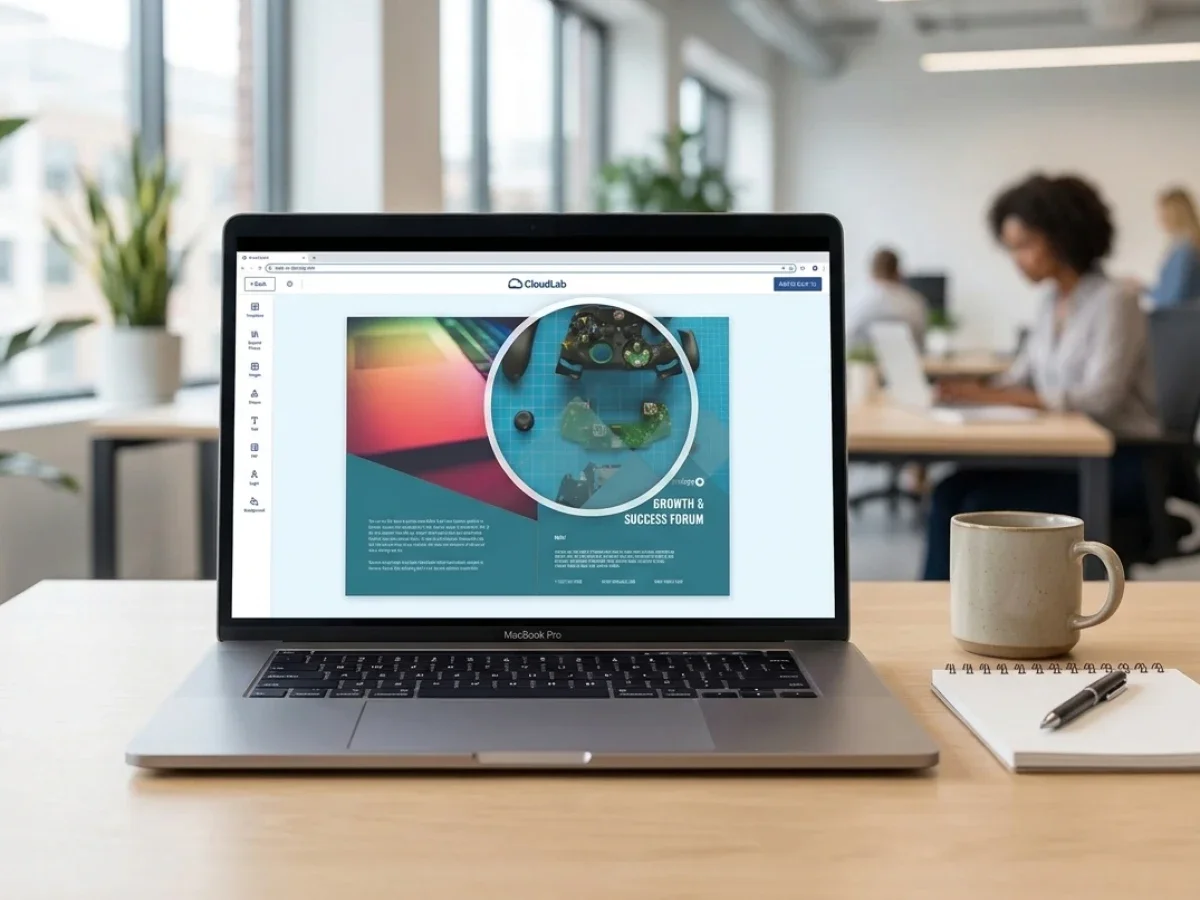
Customers can use browser-based editing, templates, Variable Data Printing, configurable products, previews, mobile uploads, and other print-specific functions depending on the workflow. Automated preflight can validate defined production conditions before problematic artwork travels further downstream.
This creates a connection between commerce and production.
For a print service provider, that means the customer-facing shop can become part of the same workflow that ultimately prepares the order for manufacturing. For an agency, multiple branded customer environments can use a common platform foundation. For an enterprise, decentralized ordering can be combined with centrally managed rules.
The API-first architecture is especially important in complex environments because the portal rarely operates alone. ERP, MIS, production, customer, or other internal systems may own data required by the process.
printQ's headless capabilities provide additional flexibility where an organization wants to use a customized frontend while retaining the underlying web-to-print functionality.
This allows the digital experience to adapt to the business model instead of forcing every customer into one rigid storefront structure.
SaaS, On-Premise, and Architectural Flexibility
Deployment is another architectural consideration, particularly for larger B2B and enterprise environments.
A standardized SaaS approach can suit organizations that want a managed operating model. Other businesses have infrastructure, integration, or governance requirements that make greater deployment control important.
printQ supports SaaS or cloud as well as On-Premise scenarios, allowing the deployment strategy to reflect the surrounding organization.
The relevant decision is not which operating model sounds more modern. It is which model aligns with the company's IT responsibilities, integrations, governance, and long-term platform strategy.
This flexibility becomes particularly useful when a web-to-print portal is expected to become a central component of digital commerce rather than a short-term standalone storefront.
Implementing Web to Print Portals Successfully
How do you implement a scalable web to print portal for multiple B2B customers?
The safest implementation path starts with repeatable products, clearly defined user roles, controlled templates, and one realistic end-to-end workflow. Once that foundation is proven, printQ can be expanded across additional customers, products, and portals without rebuilding the operating model every time.
Implementation should begin with the customer structure. The project team needs to determine which customers require dedicated environments, which products can be shared, and where customer-specific rules are genuinely necessary.
Product modeling follows. Standard products, configurable products, template-based products, and upload-and-order products may require different workflows. Defining those differences early prevents the storefront from becoming a collection of exceptions.
Templates should then be designed around actual user behavior. Instead of simply transferring an existing design library into the portal, the team should identify which information local users need to change and which elements must remain protected.
Roles and approvals should reflect the real organization as closely as possible without introducing unnecessary complexity. Portal administrators, regular users, marketing teams, and approvers need clearly defined responsibilities.
Integration planning should happen at the same stage. Customer records, product information, order data, approval states, and production parameters need clearly defined ownership before interfaces are configured.
Production automation should not be treated as a later project. Preflight rules and downstream workflow requirements need to be considered while the products are being modeled because they determine whether an online order can actually proceed efficiently.
A pilot portal is then used to validate the complete model. The strongest pilot is not necessarily the largest customer. It is a customer with repeatable products, stable requirements, known users, and enough real activity to expose workflow weaknesses.
Once that portal performs reliably, its reusable components can become the foundation for subsequent implementations.
How to Build a Multi-Client Web to Print Portal
How do you build a web to print portal for multiple B2B clients step by step?
Start with the workflow that customers share, define only the differences that genuinely need to vary, connect the systems required for execution, automate predictable tasks, test the entire process, and scale the proven model.This keeps multi-client growth manageable instead of turning every customer into a separate technology project.
Start by documenting the complete journey from user login to production and fulfillment. The project team should understand how a user finds an approved product, personalizes or uploads artwork, submits an order, receives approval where necessary, and passes the job into production.
Next, identify the customer-specific layer. Branding, catalogs, templates, permissions, approval rules, and delivery requirements may vary, but the underlying workflow should remain shared wherever possible.
Then connect the data required to operate that workflow. ERP and MIS integration should focus on information that would otherwise need to be entered or reconciled manually. APIs and structured interfaces are most valuable when they eliminate a genuine process break.
Automation can then target the predictable parts of the journey. Product configuration, template generation, preflight, file creation, order transfer, and production routing are strong candidates when their rules are sufficiently stable.
Testing should cover more than a successful first order. The pilot needs to show what happens when artwork fails validation, an approval is rejected, a customer repeats an old order, a new template is published, or production receives an exception.
Finally, scale in stages. Reuse the architecture that has already worked rather than introducing new logic for every customer without a clear business reason.
This creates a multi-client model that remains manageable as the number of portals increases.
Measuring Whether a Portal Is Actually Scaling
The number of live portals is not enough to determine whether a multi-client strategy is successful.
A business can launch many storefronts and still create substantial internal work if every portal depends on manual support.
Operational indicators provide a clearer picture.
The project team should examine whether manual intervention per order is declining, whether approvals move faster, and whether customers are successfully using templates without support. Artwork errors and production exceptions should become more predictable as preflight and product logic mature.
Repeat ordering is another useful signal. A portal creates substantial value when customers return to established products and complete routine transactions without involving account management.
Support requests can reveal where the portal is still transferring complexity to employees. If users repeatedly ask the same questions, the product configuration, permissions, templates, or interface may require improvement.
The goal is not simply more digital orders. It is a higher proportion of orders that can move through the digital process without unnecessary intervention.
Web to Print Portals in Practice
Multi-location organizations provide a clear example of why portal architecture matters.
Velocity Graphics used printQ in a closed B2B portal scenario for a nationwide restaurant organization with more than 100 locations. Local users needed to update menu materials while important brand restrictions remained controlled.
The workflow demonstrates the practical value of combining templates with decentralized ordering. Local teams can handle routine changes without requiring central design support for every update, while the underlying structure keeps the material consistent.
The portal was able to develop beyond its initial product focus, illustrating another important characteristic of scalable architecture: a successful workflow can become the foundation for additional products rather than remaining a single-purpose ordering tool.
The same pattern applies to agencies managing corporate clients. Each customer may receive an individual branded experience while administration and production remain connected through a shared platform.
For enterprises, the model supports the balance between central governance and local execution. Marketing controls the framework, while branches, franchise locations, or regional teams handle the transactions they are responsible for.
Why Multi-Client Architecture Matters for Long-Term Growth
The strongest argument for multi-client architecture is the ability to standardize operations without making every customer experience identical.
An agency should be able to reuse proven onboarding and workflow concepts while giving each corporate client its own brand environment. A print provider should be able to connect new customer portals to established production processes rather than designing a new operational chain each time.
Enterprises need the same balance internally. Central teams want consistent products, templates, and rules, while decentralized users need enough flexibility to perform their work without constant support.
This is where standardization and customization need to coexist.
printQ provides a shared technological foundation through Adobe Commerce, web-to-print functionality, automation, templates, preflight, APIs, and multi-client capabilities. Individual portals can then adapt the customer-facing layer and relevant workflow rules.
Scalability therefore means more than processing higher traffic or larger order volumes. It means adding customers, users, products, and portals without allowing technical and administrative complexity to grow at the same rate.
When brandQ or packQ Fits the Broader Workflow
printQ remains the central CloudLab solution for B2B and B2C web-to-print storefronts, multi-client portals, online personalization, preflight, automation, and production integration.
Some projects extend beyond conventional print commerce.
When the primary requirement is broader corporate brand governance across branches, dealers, franchise organizations, or distributed marketing teams, brandQ can complement the workflow. Its role is particularly relevant where centrally managed brand materials need to be distributed and controlled across a decentralized organization.
packQ becomes relevant when the process extends into packaging with structural requirements such as dielines, packaging templates, three-dimensional visualization, or digital packaging approvals.
The important principle is that specialized workflows should complement the wider digital strategy rather than introduce unnecessary operational islands.
Building Web to Print Portals That Scale Beyond the Storefront
Web to print portals create their greatest value when customer self-service, brand control, workflow automation, and production operate as one connected process.
For agencies, this means managing multiple corporate customers without creating an unmanageable collection of isolated systems. For print service providers, it means transforming recurring customer orders into repeatable digital workflows. For enterprises, it means allowing decentralized users to act independently while central teams retain control over products, templates, and brand standards.
printQ supports this model through B2B and B2C storefronts, multi-client architecture, Adobe Commerce and Magento technology, online editing, controlled templates, approvals, preflight, automation, API-first integration, headless capabilities, and flexible deployment.
The key decision is therefore not simply whether customers can place orders online. The more important question is whether the entire process remains manageable when the organization adds more customers, brands, users, templates, products, and orders.
A scalable portal reduces the amount of coordination required for each additional transaction. That is the point at which web-to-print becomes more than a storefront and develops into an operating platform for B2B print commerce.
Web to print portals create the most value when they connect customer self-service with templates, approvals, automation, integrations, and production. For agencies, print providers, and distributed enterprises, the challenge is scaling customers and portals without multiplying manual administration. CloudLabs printQ combines multi-client B2B and B2C storefronts, Adobe Commerce technology, online editing, preflight, APIs, and production workflows in one platform. This makes it possible to preserve customer-specific experiences while standardizing the processes underneath and building a scalable foundation for long-term B2B print commerce.