Web to Print Design Tool for Scalable Print Commerce
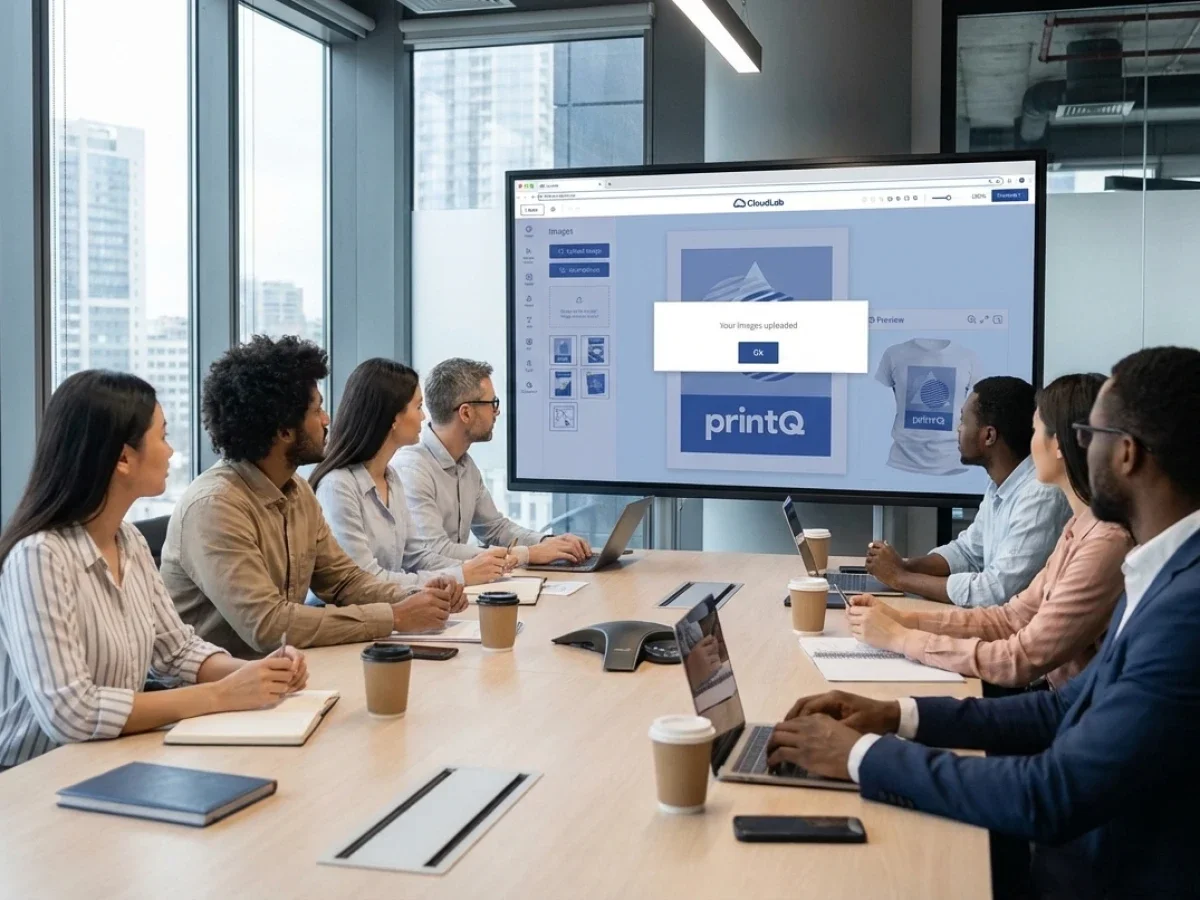
A web to print design tool allows customers to create and personalize print products directly in the browser. These tools are essential components of modern Web to Print platforms that connect design, ordering, and production workflows. printQ integrates an advanced design editor with automation, ecommerce infrastructure, and scalable web-to-print b2b portals. The result is a powerful environment for printers, agencies, and enterprises to manage personalized print production efficiently.
Why the Web to Print Design Tool Is the Center of Modern Print Commerce
The printing industry has moved from manual workflows toward digital platforms that allow customers to configure and order products online. At the heart of this transformation is the web to print design tool.
This technology allows users to design and personalize printed materials directly within a web browser. Instead of sending artwork files through email or waiting for a designer to prepare proofs, customers can modify layouts, upload images, and review the final design instantly.
The design tool becomes the bridge between customer creativity and professional print production.
However, a design tool alone does not create a successful Web to Print environment. It must be integrated with ecommerce infrastructure, automated production workflows, and scalable storefront systems.
This is where printQ excels.
printQ is a premium Web to Print platform designed for both B2C commerce and web-to-print b2b environments. Built on Adobe Magento and Adobe Commerce, printQ combines powerful ecommerce capabilities with advanced design tools and production automation.
For printers and enterprises, this integration creates a scalable platform for managing personalized print products efficiently.
Understanding the Role of a Web to Print Design Tool
A web to print design tool enables users to customize print products within an online environment. It replaces traditional design workflows that relied on professional design software and manual file exchange.
Customers can interact with the design interface directly through the web to print storefront.
They select a product, open the design editor, and begin modifying the layout. Text can be edited, images can be uploaded, and graphical elements can be repositioned.
Changes appear instantly within the preview window.
This interactive process simplifies the design experience for users who may not have professional design skills.
For print providers, the design tool ensures that customer created layouts remain compatible with production requirements.
Templates and design constraints prevent users from placing elements outside safe areas or using incorrect formats.
The result is a streamlined workflow that connects creativity with reliable print output.
The Online Editor Inside printQ
printQ includes a powerful WYSIWYG design environment that functions as the central web to print design toolwithin the platform.
This editor allows users to interact with their designs visually.
Instead of editing raw design files, customers see the layout exactly as it will appear when printed. They can adjust text, images, colors, and graphical elements through intuitive controls.
The editor supports both 2D and 3D preview capabilities.
For flat products such as flyers or business cards, the 2D preview shows the exact layout and positioning of elements. For more complex products such as packaging or promotional items, the 3D preview provides a realistic representation of the final object.
These visual tools help customers confirm their designs before placing an order.
By reducing uncertainty during the design process, the platform improves customer confidence and decreases the likelihood of production errors.
Template Based Design for Reliable Customization
While open design freedom is useful, many print workflows benefit from structured templates.
Templates guide users through the design process while maintaining consistent layouts.
printQ supports template driven customization through its Template Gallery.
These templates serve as predefined design frameworks that customers can personalize without altering critical design elements.
For example, a corporate template may allow users to change contact details, images, or promotional messages while keeping the overall layout fixed.
This approach provides two important benefits.
First, it ensures brand consistency across multiple designs.
Second, it reduces the complexity of the design process for users.
Templates make the web to print design tool accessible to a wider audience, including users with minimal design experience.
Mass Personalization Through Variable Data Printing
Another important capability connected to the design tool is Variable Data Printing.
Variable Data Printing allows each printed item within a production run to contain unique information.
Names, addresses, product recommendations, or promotional codes can change automatically from one copy to another.
Within printQ, these variable fields can be integrated directly into design templates.
When a user prepares a campaign, the system connects the template to a data source such as a spreadsheet or customer database.
The platform then generates personalized output files automatically.
This capability transforms the web to print design tool into a powerful engine for mass personalization.
Instead of creating individual designs manually, marketers can produce thousands of personalized items through automated processes.
Supporting Web-to-Print B2B Environments
While many people associate Web to Print with consumer print shops, the technology is equally important for corporate environments.
Large organizations often require structured ordering portals where employees can order marketing materials while maintaining brand consistency.
This is where web-to-print b2b portals become valuable.
printQ supports these portals through closed storefront environments.
Corporate users log into a secure portal where they can access approved product catalogs and design templates.
Within these templates, users can personalize certain elements such as contact information or regional messaging.
The design tool ensures that these changes remain within predefined boundaries.
This approach allows organizations to decentralize print ordering while maintaining strict brand control.
Marketing teams define the templates, and employees use the design tool to generate localized materials quickly.
Combining Design Tools with Ecommerce Infrastructure
A design editor alone cannot support a full digital print business.
The system must also manage product catalogs, pricing structures, customer accounts, and order processing.
This is where printQ’s integration with Adobe Commerce becomes particularly valuable.
Because printQ is built on Adobe Magento and Adobe Commerce, the platform inherits a powerful ecommerce infrastructure.
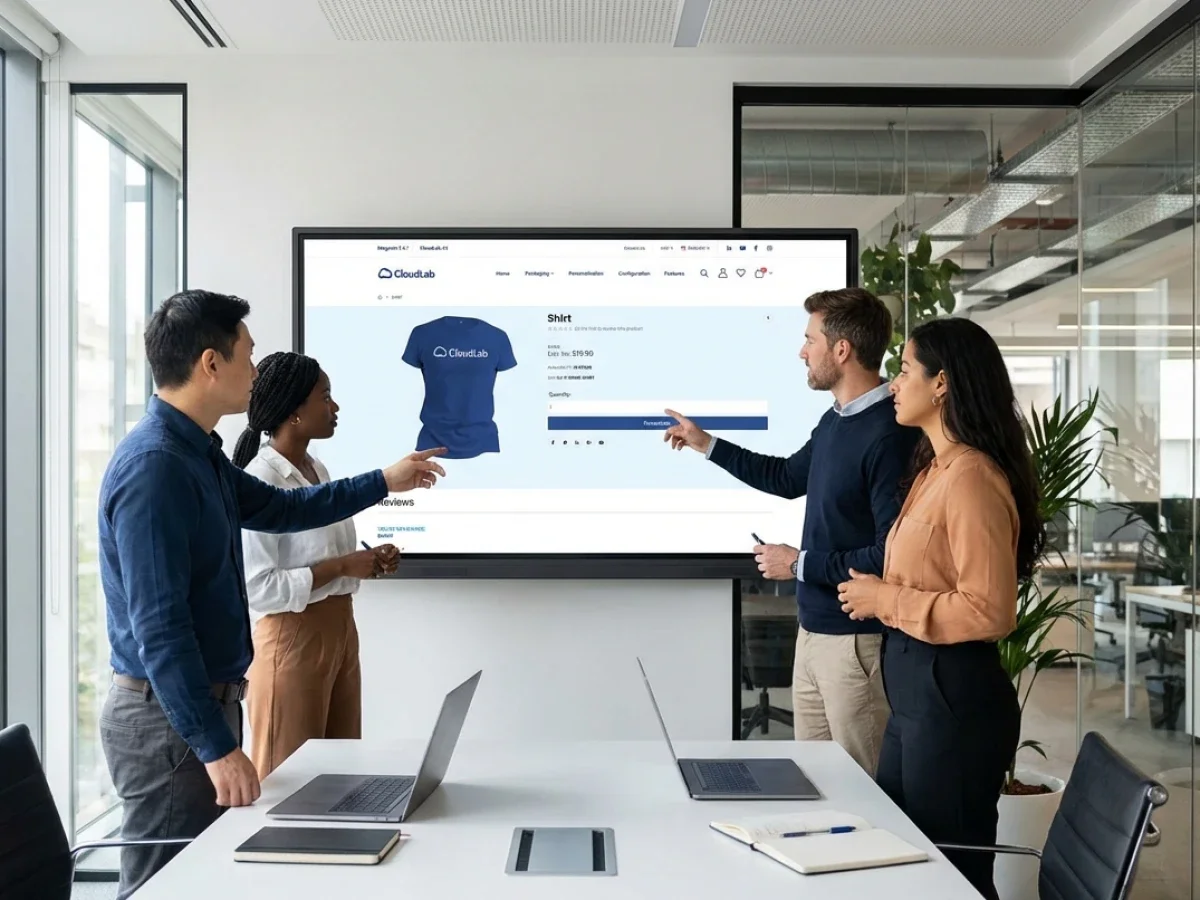
Customers can browse products, manage orders, and complete transactions within the storefront.
Once a product is selected, the web to print design tool activates and allows users to customize the layout.
After the design is finalized, the order moves through the checkout process just like any other ecommerce purchase.
This seamless connection between ecommerce and design tools creates a smooth customer experience.
Mobile Upload and Content Integration
Modern users often create content on mobile devices.
Photos, logos, and graphics frequently originate on smartphones rather than desktop computers.
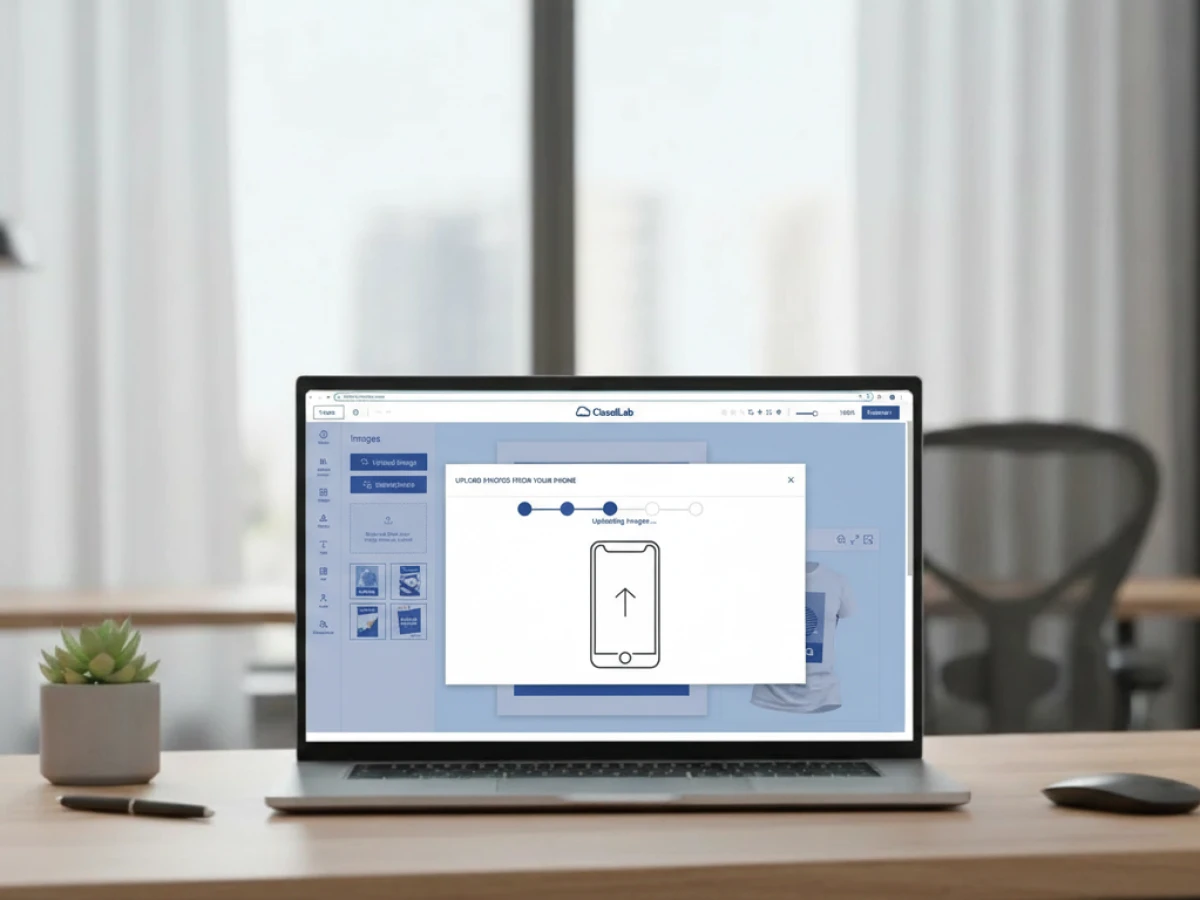
printQ supports mobile integration through QR code based uploads.
Customers working on a desktop storefront can scan a QR code with their smartphone and upload images directly into the design editor.
Once the image is uploaded, it appears immediately within the design preview.
This functionality makes the web to print design tool more accessible for mobile driven workflows.
Customers can incorporate content from their devices without navigating complicated file transfer processes.
Automating the Print Production Workflow
A major advantage of Web to Print platforms is their ability to automate production preparation.
Manual prepress workflows often require operators to review each file before printing.
This process can become a bottleneck when order volumes increase.
printQ connects the design tool directly with the print production workflow.
When a customer finalizes a design, the platform automatically performs preflight checks.
These checks verify technical parameters such as resolution, color profiles, and layout alignment.
If the design meets production requirements, the system generates a print ready PDF.
This file can move directly into the production environment.
Such automation allows printers to process large volumes of customized orders efficiently.
Integration with External Systems
Modern printing businesses rely on multiple software platforms to manage operations.
Enterprise resource planning systems, management information systems, and logistics platforms all play important roles.
printQ supports integration with these systems through open APIs and structured data exchange formats.
The platform supports REST and SOAP web services as well as XML, JDF, CSV, and JSON data formats.
These integrations allow information to flow between the Web to Print platform and other business systems.
For example, order data from the storefront can automatically create production tickets within an MIS system.
Shipping information can be transmitted to logistics platforms.
This integration ensures that the design process remains connected to the entire business workflow.
Multi Client Architecture and Scalability
Print businesses often serve multiple customers with different requirements.
A single company may operate several storefronts or portals for different brands or markets.
printQ supports this scenario through a multi client architecture.
A single installation can manage numerous storefronts simultaneously.
Each storefront can operate with its own branding, product catalog, and design templates.
The web to print design tool remains consistent across these environments while adapting to each client’s requirements.
This scalability allows print providers to expand their digital operations without deploying multiple platforms.
Real World Implementations of Web to Print Design Tools
Many successful print providers rely on Web to Print technology to manage high volumes of customized orders.
Companies such as SAXOPRINT operate large online print shops that allow customers to configure and design products through digital platforms.
Smaller printers have also adopted Web to Print systems to expand their online presence.
Druckhäusle in Germany launched its own digital storefront using Web to Print technology to reach new customers.
Velocity Graphics in the United States created a B2B portal that allowed franchise locations to customize and order marketing materials through structured templates.
These examples demonstrate how integrated design tools can support both consumer print commerce and corporate ordering systems.
The Future of Web to Print Design Tools
Web to Print technology continues to evolve alongside advances in digital commerce and design automation.
Future design tools will likely include artificial intelligence capabilities that assist users during the design process.
AI systems may suggest layout improvements, recommend images, or automatically adjust designs for optimal print quality.
Visualization technologies will also continue to improve.
More advanced 3D rendering may allow customers to interact with realistic product simulations before ordering.
Cloud infrastructure will further increase scalability and performance.
Platforms like printQ are well positioned to support these innovations because of their flexible architecture and integration capabilities.
Why the Web to Print Design Tool Drives Digital Print Success
The web to print design tool has become the central component of modern digital print platforms.
It connects customer creativity with automated production workflows, enabling printers to offer personalized products through scalable online systems.
However, the design tool must be integrated with ecommerce infrastructure, automation, and enterprise system connectivity. CloudLabs printQ delivers this complete environment.
As a premium Web to Print platform built on Adobe Magento and Adobe Commerce, printQ combines advanced design editing, scalable storefront architecture, and automated print production workflows.
For printers, agencies, and enterprises looking to modernize their print operations, printQ provides a powerful foundation for deploying an efficient web to print design tool within both B2C and web-to-print b2b environments.
It allows customers to personalize print products directly within an online storefront while ensuring designs remain production ready. printQ integrates a powerful online editor with ecommerce infrastructure, automated print production workflows, and scalable web-to-print b2b portals.