
Seamless eCommerce Integration with printQ API
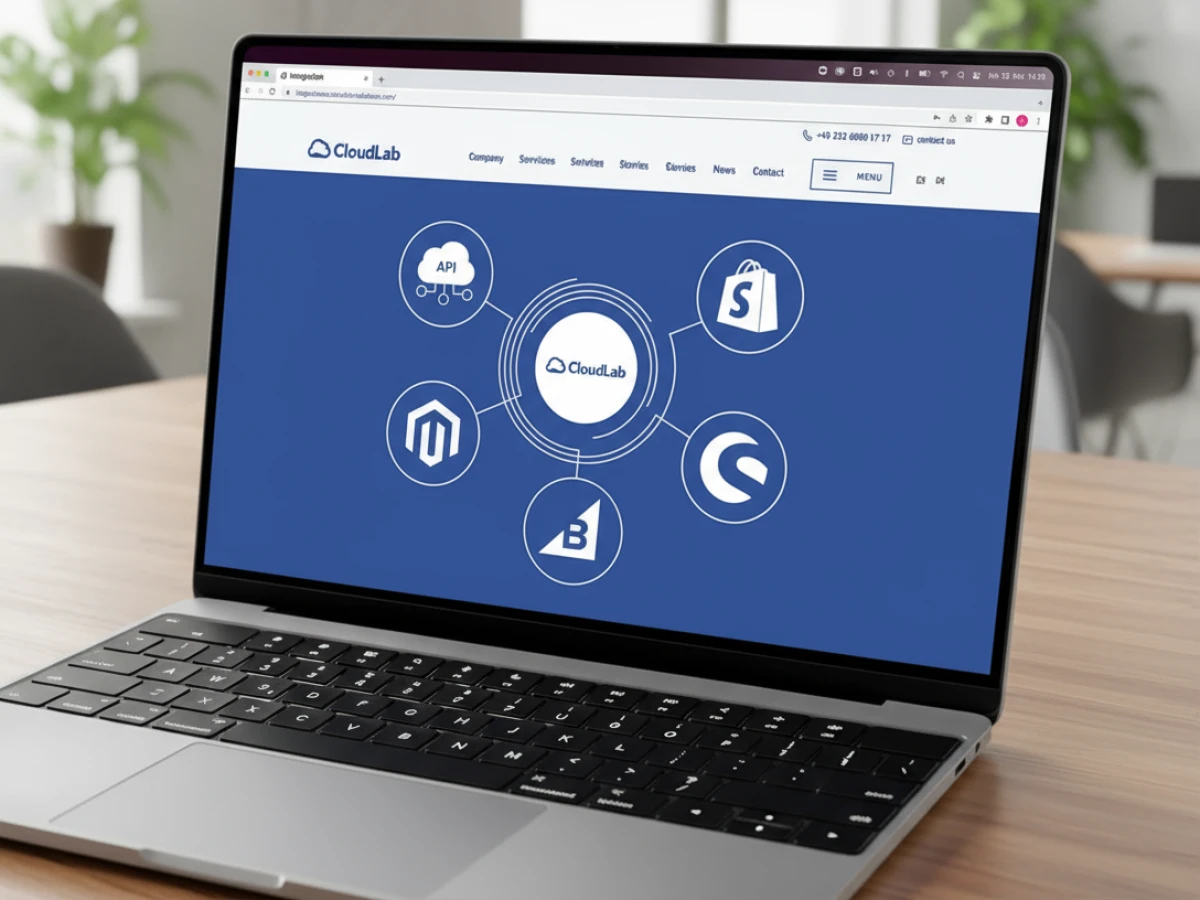
PrintQ is a headless web‑to‑print platform that connects effortlessly with Magento, BigCommerce, Shopware, Shopify and custom stores. Its shop connector and flexible APIs allow printers, agencies and corporate portals to offer real‑time design, dynamic pricing and automated production without rewriting their existing websites. This article explains the benefits of headless architecture, shows practical use cases and offers best practices for implementation.
Why eCommerce Integration Matters for Printing Businesses
The printing industry is undergoing a profound transformation. Consumers and corporate buyers no longer want to phone in orders or wait days for a quote; they expect the convenience of customizing and purchasing print products online. For print shops, agencies and marketing departments, this shift represents both a challenge and an opportunity. A robust online shop can turn routine jobs into “lights‑out” orders that process automatically, freeing staff to focus on high‑value projects. Conversely, a poorly integrated system can lead to abandoned carts, misprints and frustrated customers.
This article explores how printQ’s eCommerce integration and API capabilities address these challenges. Rather than being a monolithic web‑to‑print solution, printQ is built on a headless architecture that separates the user interface from the core print engine. Through a plug‑and‑play shop connector and flexible APIs, printQ integrates seamlessly with leading eCommerce platforms like Magento, BigCommerce, Shopware and Shopify, as well as bespoke stores. Whether you run a family‑owned print house, manage multiple brands for corporate clients or operate a global printing network, you’ll discover how printQ can expand your reach, reduce errors and streamline your operations.

The Foundations of printQ’s Headless Architecture
Decoupling the front end from the print engine
In a traditional web‑to‑print system, the storefront, design tools, product management and pricing logic are tightly woven together. This monolithic approach often forces businesses into a one‑size‑fits‑all template and makes it hard to innovate. Headless architecture, by contrast, separates the user interface (front end) from the backend services. PrintQ embraces this modern approach. Its design editor, pricing engine, preflight checks and production workflows are exposed through structured interfaces. The result is a flexible backbone that can plug into any commerce framework while leaving you in control of the customer experience.
With headless, you aren’t locked into a particular look and feel. Want to use Magento’s native storefront with your own theme? No problem. Looking to build a React‑based shop front or integrate design tools into a mobile app? The APIs accommodate that too. This decoupling means your creative team can rework the front end to match branding guidelines or adapt to new design trends without touching the critical print logic. As markets evolve, you can adopt new technologies faster because your backend remains stable and future‑proof.
Why headless matters to printers
For printers, the advantages of headless architecture go beyond aesthetics. Scalability becomes much easier when the storefront and backend services grow independently. If a holiday promotion drives a surge of orders, the front end can be scaled with caching and content‑delivery techniques while the print engine focuses on generating print‑ready files and processing jobs. The modular design also facilitates integration with other systems, such as enterprise resource planning (ERP) or management information systems (MIS). Because APIs drive communication, you can connect pricing, inventory and production status without building brittle workarounds.
Headless also supports omnichannel strategies. Customers increasingly begin a design on one device and finish on another. A decoupled architecture ensures a consistent experience whether the shopper starts on a desktop, tablet or smartphone. The same backend serves data to each device, while the front end adapts presentation to screen size and interaction style. For corporate portals, headless architecture makes it possible to deploy customized portals for each department or franchise while maintaining a single, centralized print engine.
PrintQ’s backend technologies
At the heart of printQ lies a robust set of services. The platform uses the Magento (Adobe Commerce) stack for eCommerce functionality, ensuring that features like customer accounts, promotions, multi‑currency pricing and tax calculations are handled by a mature, enterprise‑ready system. On top of Magento, printQ adds specialized print services: a WYSIWYG editor with 2D/3D previews, template management with variable data printing, dynamic pricing formulas and preflight checks. These services communicate through REST and SOAP APIs and support data exchange via XML, JDF/XJDF, CSV and JSON. This combination makes printQ the only web‑to‑print solution fully integrated with the Adobe Commerce ecosystem while remaining open to third‑party systems.
The printQ Shop Connector: Plug‑and‑Play Integration
Ready‑made connectors for popular platforms
The quickest path to market is through printQ’s Shop Connector. This ready‑made module links printQ’s backend to leading eCommerce platforms such as Magento, BigCommerce, Shopware and Shopify. By installing the connector and configuring a few settings, you can add advanced web‑to‑print capabilities to your existing shop in hours rather than months. The connector handles authentication, product mapping and order synchronization, so you don’t have to build a middleware layer from scratch.
For example, a printer running Magento can install the connector via the marketplace, enter API credentials and import printQ products. The design editor appears seamlessly within the product page, and customers can personalize templates without leaving the site. When they place an order, the system generates print‑ready files and job tickets automatically, then sends order details back to Magento for fulfillment and payment processing. Similar workflows apply for BigCommerce, Shopware and Shopify. Because the connector uses standard hooks and webhooks, upgrades to the commerce platform rarely break the integration.
Benefits for shop owners and developers
The Shop Connector delivers compelling benefits for both business users and technical teams:
- Rapid deployment: You can launch a web‑to‑print shop quickly, making it easier to capture seasonal demand or test new products without long development cycles.
- Lower costs: By leveraging a pre‑built integration, you avoid investing in custom middleware. This is particularly valuable for small and medium‑sized printers or agencies that want to expand online offerings without hiring a development team.
- Seamless customer experience: Customers remain on your branded storefront while designing and ordering products. They don’t notice when the workflow moves from your store to printQ’s backend.
- Future enhancements: As printQ continues to add integrations for new commerce platforms, you can expand to other markets or migrate without starting from scratch. The connector architecture allows for iterative updates.
Customizing beyond the default
While the Shop Connector covers most use cases, advanced businesses may wish to implement custom logic. For instance, you might require a multi‑step approval process, integrate loyalty programs or add specialized shipping options. printQ supports such scenarios through its API. Developers can extend the connector or build completely custom connectors using sample code and SDKs provided by CloudLab. Because the system is headless, these customizations reside on your side, ensuring that core updates from printQ do not disrupt your integration. This flexibility empowers you to create unique user journeys while tapping into a battle‑tested print engine.
Flexible APIs: Connecting Everything from ERP to Shipping
A comprehensive interface portfolio
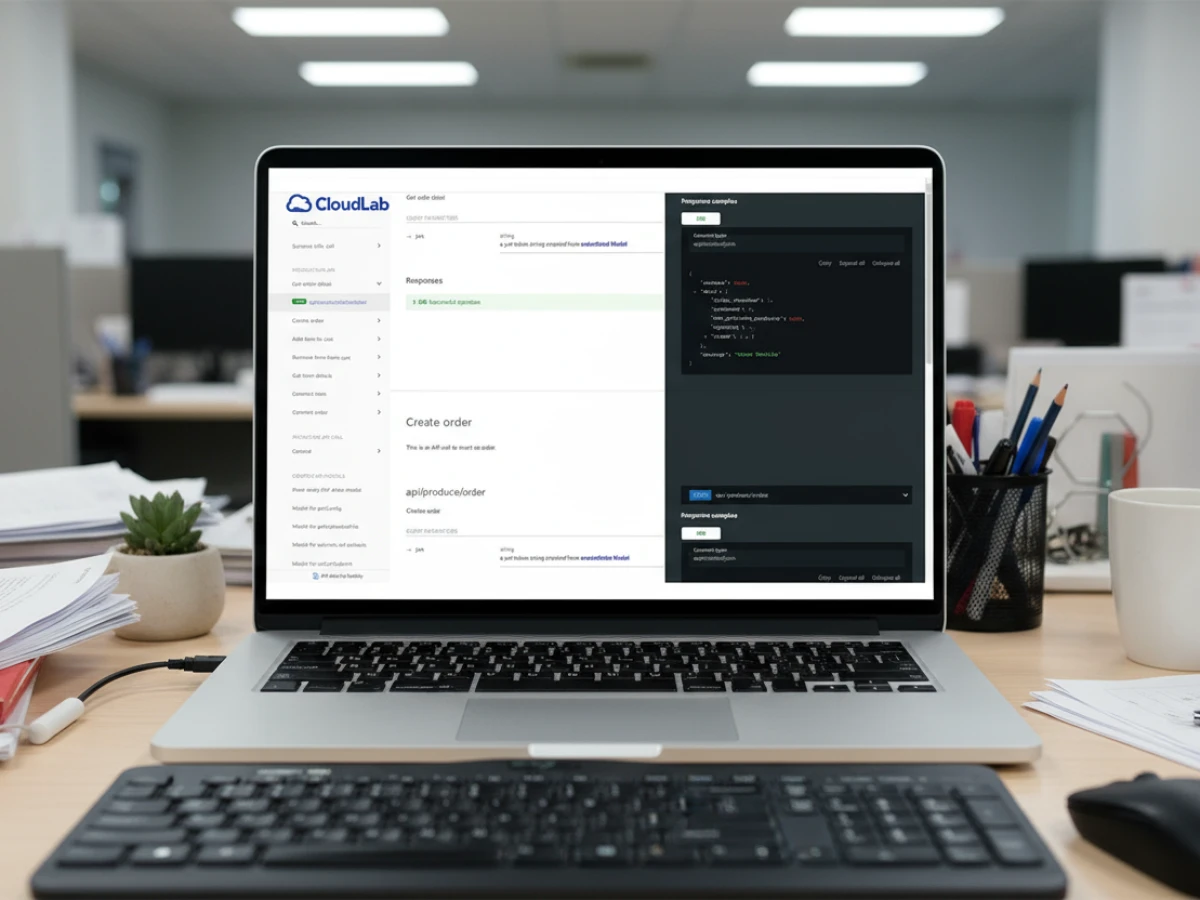
PrintQ’s open API strategy is central to its appeal. The platform exposes functionality via both REST and SOAP endpoints, making it compatible with modern web frameworks and legacy enterprise systems. For file‑based workflows, printQ can accept and output XML, JDF/XJDF, CSV and JSON files, accommodating the diverse data requirements of printers and partners.
This portfolio lets you integrate printQ into nearly any technology stack. Whether you’re synchronizing product catalogs with an ERP, generating job tickets for a MIS or sending shipping data to a logistics provider, printQ’s APIs handle the exchange. For example, an order placed through a Shopify store can trigger the creation of a print job in an MIS. The job ticket includes cut lines, fold marks and finishing instructions. As the job moves through production, status updates can be sent back to the eCommerce platform, keeping customers informed without manual intervention.
Multi‑process and multi‑supplier scenarios
Modern print operations rarely consist of a single, uniform process. One order may involve digital printing for brochures, offset printing for business cards and large‑format production for banners. Another order may require embellishments like spot varnish or foil stamping. PrintQ’s API supports these complex scenarios by structuring data in layers. For example, a JDF file can include separate layers for cut lines, fold lines and embellishments. Each supplier receives only the layers relevant to their process, reducing miscommunication and speeding up turnaround. If part of the job is outsourced to a specialized vendor, the system sends only the necessary artwork and metadata, while internal teams handle the rest.
Building your own ecosystem
Beyond connecting existing systems, printQ’s APIs open the door to innovation. Large enterprises and agencies often build custom portals for corporate clients, giving each department its own product catalog, approval workflow and pricing scheme. PrintQ makes these portals possible because all core functions — design, pricing, preflight, production — are exposed via API. You can also integrate printQ with marketing automation platforms. Imagine a scenario where a marketing campaign triggers print orders automatically when leads reach a certain stage: a welcome kit for new customers, a personalized postcard for loyalty milestones or a targeted flyer for dormant clients. By combining printQ’s capabilities with automation tools, you create a powerful omnichannel marketing engine.
Business intelligence is another area where APIs shine. Combining sales data from your eCommerce platform with production metrics from printQ and logistics information from shipping providers yields insights into bottlenecks, profitability and customer behavior. You can build dashboards that track order volumes, production efficiency and delivery times, enabling informed decision‑making. Because printQ keeps data structured and accessible, integrating it into BI tools or custom analytics platforms is straightforward.
Real‑World Use Cases and Benefits
Expanding into new markets
Many print shops start with a local clientele and grow through word of mouth. With printQ, you can expand beyond your region without opening physical locations. The headless architecture lets you spin up localized storefronts with language and currency support while using a single print engine. For example, a German printer could add English‑language and French‑language shops with tailored product offerings and price lists. International customers enjoy the same seamless design experience, while the backend ensures orders are routed correctly and priced accurately. Because the system integrates with global carriers, shipping becomes part of the automated workflow.
Case studies illustrate this expansion. One of Europe’s largest online printers, needed a platform that could handle thousands of orders daily across a vast product portfolio. By deploying printQ, they built a scalable, Magento‑based infrastructure that supports everything from business cards to packaging while maintaining strict corporate identity guidelines. The result was growth without sacrificing quality or efficiency. Mid‑sized printers used printQ to enter eCommerce in months, attracting new customers and supporting existing clients through closed portals. In the United States, a print provider created a B2B portal for a restaurant chain with over a hundred outlets. Employees order menu posters and point‑of‑sale materials online, and the system scales as the chain grows.
Automating production and reducing errors
Order accuracy and turnaround time are critical factors in customer satisfaction. Without automation, staff must manually extract design files, check for errors, calculate pricing and create production tickets. Each manual step introduces the risk of mistakes and slows down the process. PrintQ removes much of this friction. When a customer finalizes a design, the system generates print‑ready PDFs and structured data files. These files include everything a press operator needs: the artwork layers, cut and fold lines, substrate information and finishing instructions. Because this data flows directly into your prepress and production systems, there’s no need for manual file conversions.
Dynamic pricing further reduces errors. Instead of relying on static price lists or spreadsheets, printQ recalculates prices in real time based on quantity, material, format and finishing options. Customers see accurate quotes instantly, and your margins remain consistent. The system can also enforce minimum quantities or apply volume discounts automatically. For complex products, such as packaging or large‑format signs, the pricing formulas consider setup costs, print run lengths and finishing processes. Automating these calculations ensures fairness and profitability while eliminating misquotes.
Enhancing the customer experience
An integrated, user‑friendly shop is a powerful marketing tool. With printQ, shoppers can browse your catalog, personalize designs, upload their own artwork and see lifelike previews in two or three dimensions. The WYSIWYG editor offers familiar tools — drag‑and‑drop placement, font selection, color adjustments — while remaining accessible to non‑designers. Real‑time previews mean customers are confident about their choices before placing an order. For variable data printing, users can upload spreadsheets with names, numbers or QR codes and preview how each record will appear. This capability is invaluable for personalized marketing campaigns, event invitations and corporate stationery.
Mobile uploads via QR code simplify the process of incorporating photos into designs. A customer working on a poster can click a smartphone icon, scan a QR code and select images from their phone’s gallery. The images appear instantly in the design editor, eliminating the need for file transfers or email attachments. This feature bridges the gap between desktop and mobile devices and encourages spontaneity — customers can capture a moment and turn it into a print product in minutes.

Serving different audiences
PrintQ’s flexibility allows you to cater to diverse audiences:
- Independent printers and digital print shops: For small businesses transitioning into eCommerce, printQ offers a turnkey solution. You can start with a single storefront, automate routine jobs and gradually add complexity. The open API means you can integrate with an existing invoicing system or plug in local payment methods.
- Agencies and mediendienstleister: Agencies managing multiple clients can leverage white‑label portals. Each client receives a bespoke catalog and template library while the agency controls the master installation. PrintQ’s multi‑client capability reduces administrative overhead and ensures brand consistency.
- Enterprises with decentralized structures: Corporations with franchises or multiple departments need closed B2B portals. PrintQ enables central control over templates and branding while allowing local customization. Approval workflows ensure compliance, and centralized reporting gives headquarters visibility over all orders.
- Public institutions and educational organizations: Schools, universities and government agencies often require standardized print materials that comply with guidelines. PrintQ’s automation and approval features help maintain consistency and reduce administrative workload.
Best Practices for Implementing printQ eCommerce Integration
Define your objectives and scope
Before integrating printQ, clarify what you want to achieve. Are you launching a new B2C shop, setting up portals for corporate clients or automating internal workflows? Defining the scope guides your integration strategy. If your primary goal is to increase online sales, focus on seamless customer journeys and marketing features. If you need closed portals, design approval workflows and corporate identity controls. For production automation, map out how orders will travel from the storefront to the press and identify where data needs to flow.
Align product offerings and catalogs
PrintQ allows granular control over materials, sizes, colors and finishing options. To avoid confusing customers or overwhelming your production team, align your product catalog with what you can deliver efficiently. Create clear categories and attributes that mirror your internal job tickets. For instance, if you offer both digital and offset printing, label each product accordingly and define the options available for each process. Consistent naming across your eCommerce platform, printQ and ERP reduces errors and simplifies maintenance.
Prepare your pricing logic
One of printQ’s strengths is dynamic, formula‑based pricing. Take advantage of this by documenting your cost drivers — such as setup charges, paper costs, press speed and finishing time — and translating them into formulas. By doing so, the system can produce accurate quotes for any combination of options. If you offer tiered pricing or special discounts, configure these in your eCommerce platform and ensure that printQ’s API receives the necessary parameters. Testing different scenarios helps you identify edge cases and fine‑tune your pricing strategy.
Integrate preflight and proofing workflows
Customers expect error‑free prints, and you need to protect your margins by avoiding rework. PrintQ includes preflight tools that check uploaded files for font embedding, color profiles, resolution and more. Integrate these checks into your customer flow so that issues surface before payment. For advanced users, provide optional downloadable proofs or digital soft proofs. Educate your customers on how to interpret preflight warnings and adjust their files. Internally, train your production team to trust the automated checks while retaining oversight for complex jobs.

Plan for growth and scalability
Even if you start small, plan for success. Choose hosting arrangements — on‑premise or SaaS — that accommodate future demand. PrintQ supports both models. SaaS offers easier updates and maintenance, while on‑premise may be preferred when data residency or custom configurations are critical. Monitor performance and user behavior. Use analytics to identify bottlenecks and invest in infrastructure upgrades before problems arise. If you plan to serve international markets, plan for multi‑language content, currency support and localized shipping options. PrintQ’s modular architecture will support these expansions when the time comes.
Train your team and communicate with customers
An advanced web‑to‑print system requires buy‑in from your team. Provide training on the design editor, order management dashboard and production workflows. Encourage staff to explore the platform from a customer’s perspective so they can answer questions and provide support. Communicate with your clients about new capabilities. Offer demos or short videos that show how to personalize products, upload images via QR code and track orders. Clear communication builds confidence and reduces the need for support tickets.
Looking Ahead: Trends Influencing Web‑to‑Print Integration
Composable commerce and microservices
As more businesses adopt composable commerce, they assemble best‑of‑breed components rather than relying on monolithic suites. PrintQ aligns perfectly with this trend. Its headless, API‑first approach means you can connect it with whichever CMS, payment gateway, marketing tool or analytics platform suits your needs. Microservices enable incremental deployment and reduce risk; you can swap out a single component without affecting the rest of your architecture.
Artificial intelligence and machine learning
AI and machine learning are poised to enhance web‑to‑print in several ways. Automated design assistants could suggest complementary colors, fonts or layouts based on uploaded logos. Predictive pricing algorithms might adjust quotes dynamically according to demand, material costs or press availability. AI‑driven preflight tools could detect complex issues like moiré patterns or overprint errors. Integrating these services into printQ via API will offer a competitive edge, especially as consumers and marketers demand more personalization.
Sustainability and responsible printing
Environmental concerns are increasingly influencing purchasing decisions. Customers want to know that their prints are produced responsibly. Future integrations may include carbon‑footprint calculators that estimate emissions based on materials and processes. PrintQ could allow customers to choose eco‑friendly paper stocks or opt into carbon offset programs during checkout. By making sustainability data transparent, printers can align with corporate social responsibility goals and attract environmentally conscious customers.
Augmented and virtual reality previews
While 2D and 3D previews are now standard, augmented reality (AR) and virtual reality (VR) promise even richer experiences. Imagine a customer seeing how a banner would look in their store or how a branded mug would appear on their desk via their smartphone camera. PrintQ’s headless architecture makes it feasible to integrate AR modules that overlay designs onto real‑world environments. As AR/VR technologies mature, expect web‑to‑print platforms to offer immersive previews that drive conversion and reduce returns.

Turn Integration into a Competitive Advantage
PrintQ’s combination of headless architecture, ready‑made shop connectors and flexible APIs offers printers, agencies and enterprises a path to digital transformation. By decoupling the customer interface from the print engine, you gain the freedom to design unique storefronts, serve multiple markets and innovate rapidly. The Shop Connector speeds up deployment with popular eCommerce platforms while open APIs connect your business to ERP systems, workflows, marketing tools and logistics providers. These capabilities translate into tangible benefits: new revenue streams, reduced errors, faster turnaround times and enhanced customer experiences.
To realize these benefits, take a strategic approach. Define your objectives, align your catalogs, harness dynamic pricing, integrate preflight checks and plan for growth. Train your team and engage your customers. Stay informed about industry trends such as composable commerce, AI‑driven personalization, sustainability and immersive previews. By embracing printQ’s integration capabilities and adapting to the evolving landscape, you position your business as a premium web‑to‑print provider ready to meet the expectations of modern buyers.
Introducing our product features:
https://www.web-to-printq.com/feature/w2p-ecommerce-integration-api
https://www.web-to-printq.com/feature/commercial-print
https://www.web-to-printq.com/feature/dynamic-preflight-check





