
Automating Print Production: printQ’s End‑to‑End Workflow

This article explores how printQ transforms print production workflows. From automatic generation of print data and job tickets to hotfolder delivery and MIS integration, it shows how automation delivers precision, flexibility and competitive advantage
In the age of on‑demand printing, speed and accuracy are paramount. Customers can customise a business card, brochure or packaging online, yet the real challenge lies in turning those orders into physical products efficiently. Many print service providers still rely on manual steps to create job tickets, transfer files to presses and coordinate finishing. This not only slows down production but also introduces opportunities for error. To compete in a market that demands faster turnaround and lower costs, printers need an end‑to‑end automated workflow. PrintQ provides this automation, taking print jobs from the digital storefront all the way through to the press and finishing equipment without human intervention.
This article delves into the production workflow features of printQ. We explain how the system automatically generates print data and standardised job tickets using JDF and XML, how it transfers data via secure hotfolders, and how it integrates with MIS and ERP systems to keep every stakeholder informed. Whether you run a commercial print shop, a packaging plant or a label converter, understanding these mechanisms will help you implement a lights‑out workflow that improves precision and profitability.
Understanding the Print Production Workflow
Before exploring automation, it’s helpful to understand the traditional stages of print production. A typical workflow includes:
- Job submission and order entry: Customers place orders with specifications such as quantity, size, paper type and finishing options. In a manual environment, these details must be re‑entered into various systems.
- Prepress preparation: Designers or prepress operators check files for errors, adjust colours, impose pages and create print‑ready files. Job tickets are often drafted manually to instruct the press and finishing equipment.
- Proofing and approval: The client reviews a proof, often via email or PDF, and requests changes. Once approved, the job moves to production.
- Production scheduling: Operators plan press time, set up plates or digital press queues, schedule finishing and coordinate with shipping. Any miscommunication here can cause delays.
- Press run and finishing: The job is printed, cut, folded, bound or otherwise finished. Operators may need to manually adjust settings based on the job ticket.
- Quality control and shipping: Final products are inspected, packaged and shipped. Job details are recorded for billing and tracking.
Manual workflows require constant attention from skilled staff at each stage. The more orders a printer receives, the more paperwork and communication it must manage. Human error can result in incorrect quantities, wrong substrates, misfolded brochures or shipping delays. This inefficiency becomes especially pronounced in mass customization, where each job may have unique data and finishing requirements. Automation addresses these pain points by capturing job details once and propagating them through every stage of production.
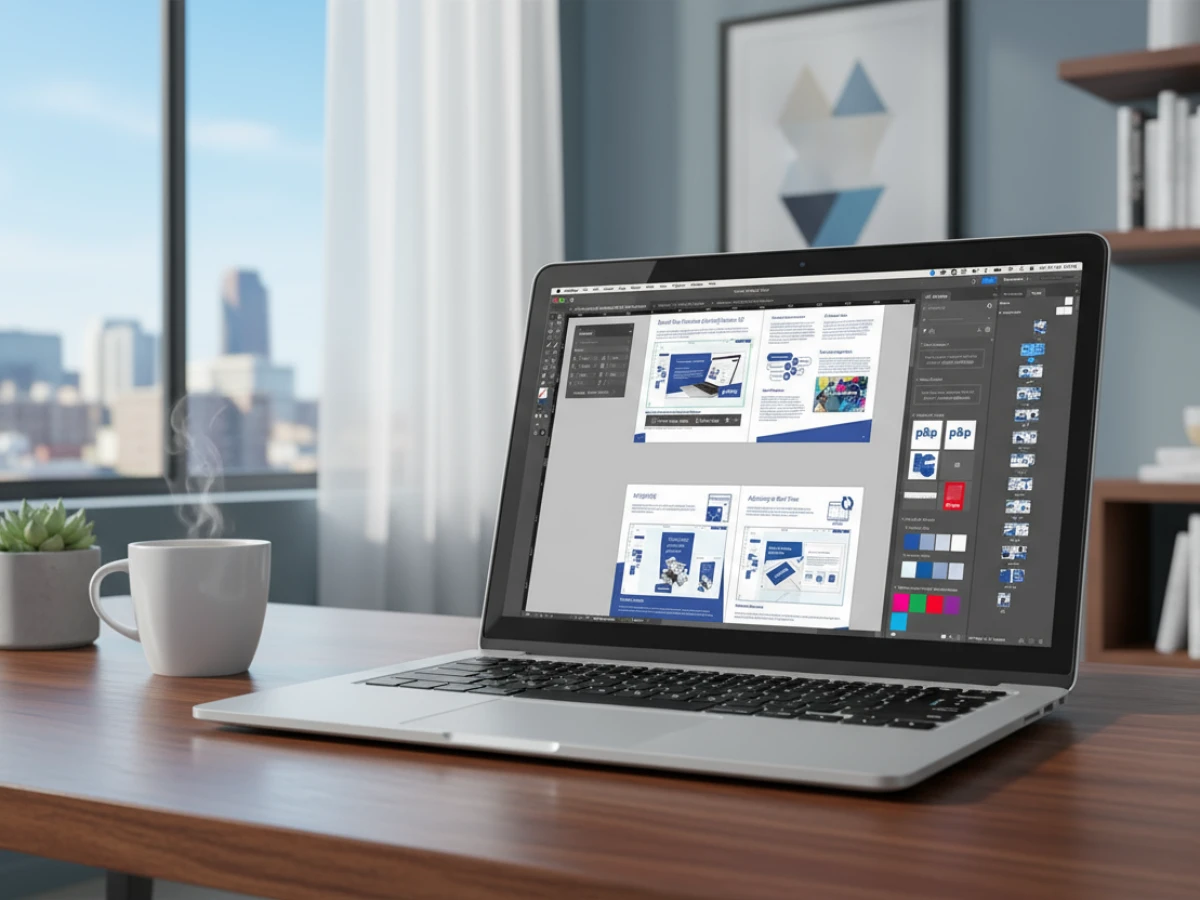
PrintQ’s End‑to‑End Production Workflow
PrintQ’s platform is designed so that automation does not stop at order entry. Once a customer finishes designing and customizing their product in the online shop, printQ takes over, ensuring the job flows directly to the press with all necessary information. The production workflow can be summarised as follows:
Automatic Generation of Print Data
After an order is placed, printQ automatically compiles all the design elements, product options and customer preferences to generate print data. This includes high‑resolution PDF files for each page or panel and additional layers for cutting, folding or perforation lines. For packaging products, multiple layers may represent the die cut, score lines and safety margins. By automating this process, printQ eliminates manual assembly of files, reducing errors such as missing bleeds or mismatched page sizes. The system also embeds metadata describing print settings, so that subsequent steps understand how to handle the job.
JDF and XML Job Tickets
To communicate instructions to production equipment, printQ generates job tickets in industry‑standard JDF (Job Definition Format) and complementary XML formats. JDF is a comprehensive XML‑based file format designed to automate information exchange in the graphic arts industry. It covers the entire lifecycle of a print job, from order entry through design, prepress, press and postpress. The specification defines both the product structure and the production process, enabling different devices and software systems to interpret the job consistently.
JDF’s ability to carry a print job from start to finish and bridge communication between devices and Management Information Systems (MIS) makes it the cornerstone of modern print automation. In printQ’s workflow, the JDF ticket contains details such as:
- Product description: Dimensions, number of pages, colours, finishing options and substrate.
- Process instructions: Sequence of operations (e.g., print, cut, fold), required equipment and settings.
- Resource requirements: Material usage, ink coverage estimates and time allocations.
- Customer information: Order number, shipping address and special notes.
Because JDF uses XML, it is human readable and easy to process by machines. PrintQ also supports XJDF, the modern simplified version of JDF. For integration with older systems or custom processes, printQ can output additional XML files that describe the job in formats compatible with specific MIS or prepress software.
Hotfolder Integration: Secure, Dynamic Data Transfer
Hotfolders may seem simple, but they are the backbone of many automated workflows. They act as bridges between the software that prepares the job and the devices that execute it. In printQ’s implementation, each production device (digital press, offset press, cutter, folder, etc.) has its own hotfolder monitored by a device controller or RIP (Raster Image Processor). When printQ drops files into a hotfolder, the device picks them up and reads the accompanying instructions.
The benefits of hotfolder integration include:
- Speed: Files are transferred instantly over the network. Operators don’t have to manually copy files to USB drives or local servers.
- Accuracy: File names and folder structures are controlled by printQ, eliminating the risk of misnaming jobs or selecting the wrong file.
- Security: Only authorised software can deposit files into production hotfolders. Access controls prevent accidental or malicious overwriting of jobs.
- Visibility: The status of each job is reflected in real time. If a file fails to process, the system flags it, allowing for quick resolution.
Hotfolders are particularly useful in multi‑site operations. If you operate printing facilities in different regions, you can route jobs to the facility with the shortest lead time. For example, an order placed in Berlin might be processed at the Frankfurt facility, while another order goes to Munich. PrintQ determines the routing based on capacity, substrate availability or shipping distance. Each plant monitors its hotfolders and produces the jobs assigned to it.
Integrating with InDesign Templates and Product Configuration
The production workflow does not exist in isolation. It interacts with other modules of the printQ platform to create a cohesive experience from design to print.

Synergy with InDesign Templates
InDesign templates use a three‑layer system to separate backgrounds, editable fields and foreground elements. When these templates are imported into printQ and customers place orders, the content is merged with the template to generate print‑ready PDFs. The production workflow then takes these PDFs and embeds them in the job ticket. Because printQ captures all the template parameters, it knows how to handle bleeds, spot colours and die lines. This ensures that the final output matches the designer’s intent and the customer’s customisation.
Product Configuration and Calculation
The product configuration tool allows customers to select substrates, sizes, finishes and other options. Each selection influences the production workflow. For example, choosing a heavier paper stock may require a slower press speed or different folding settings. The configuration tool communicates these choices to the job ticket, ensuring that the press receives the correct parameters. Meanwhile, the dynamic pricing engine calculates the cost based on material usage and production time. This integration means customers see accurate pricing and lead times before ordering, and production devices receive precise instructions after ordering.
Benefits of printQ’s Automated Production Workflow
Absolute Precision
One of the most significant advantages of automation is precision. By automatically generating print data and JDF files, printQ ensures that cutting and folding lines are placed exactly where they should be. The system delineates each layer, so cutting dies and job pockets align with the design. This meticulous accuracy reduces waste and eliminates the cost of reprints due to misalignment or incorrect trimming.
Cost Reduction and Flexibility
Automation reduces manual labour. Prepress operators no longer spend hours assembling files or keying job tickets. Press operators receive consistent, validated data every time. The hotfolder integration streamlines file delivery and reduces the need for touch points. As a result, printers can handle more jobs with the same staff and equipment. They can also offer flexible scheduling and routing because jobs are defined digitally and can be executed at any facility with compatible equipment.
Faster Turnaround Times
By eliminating manual steps, automation shortens production cycles. Jobs move immediately from order to press, often within minutes. Proof approval is integrated into the design phase, so there is no need to send files back and forth. Preflight errors are caught early, and JDF tickets ensure that presses start printing without manual setup. Customers receive their products faster, enhancing satisfaction and encouraging repeat orders.
Scalability for Mass Customization
PrintQ’s workflow can handle a high volume of unique jobs, making it ideal for mass personalization. When thousands of individual flyers or brochures must be produced with unique names, images or QR codes, printQ generates separate print data and job tickets for each order. Because the process is automated, the effort to produce 1000 personalised mailers is not much greater than producing one. This opens new revenue streams for printers and helps marketers deliver targeted communications at scale.
Transparency and Control
Although the process is automated, printQ provides complete visibility. Operators see real‑time job status, and managers can generate reports on productivity, error rates, and turnaround times. If a file fails preflight or a press is down for maintenance, alerts appear immediately, allowing you to take corrective action. The MIS integration also means that finance and customer service teams have up‑to‑date information on job costs and delivery timelines.
Use Cases and Success Stories
Commercial Print Shops
In high‑volume commercial print environments, automation is essential to remain competitive. A print shop producing business cards, flyers, posters and brochures may receive hundreds of orders per day. Without automation, each job would require manual file handling and job ticket creation. With printQ, orders flow directly from the storefront to the press. The system generates print data, JDF tickets and calculates imposition. The press receives the job via a hotfolder, and the MIS updates inventory and schedules. This allows the shop to process more orders with fewer staff, reduce turnaround times, and dedicate resources to value‑added services like design consultation or marketing campaigns.
Packaging Converters
Packaging jobs often involve complex die‑cutting and folding instructions. PrintQ supports multi‑layer print data with separate lines for cuts, scores and perforations. This precision is crucial for folding cartons, labels and displays. Packaging converters can integrate printQ with packQ to design packaging in 2D and convert it into 3D previews. Once customers approve the design, printQ generates JDF and XML tickets that drive digital or conventional die‑cutters. The hotfolder system ensures that the right die and print files arrive together, reducing setup times. By automating packaging workflows, converters can meet tight deadlines for consumer goods and adapt to short runs demanded by marketing campaigns.
Label and Sticker Producers
Labels and stickers require precise registration and often multiple finishing operations such as lamination or varnish. PrintQ’s automation ensures that registration marks and finishing instructions are included in the job ticket. Label producers can integrate variable data printing for barcodes or batch numbers, merging data lists with the label template. The JDF ticket communicates all these requirements to the press and finishing line, ensuring that each roll of labels meets specification.
Large Enterprises and Franchises
Corporations with multiple locations — banks, retailers or restaurant chains — benefit from automated production when they distribute print materials across their network. For example, a franchise might need updated menus every month. Using printQ, the franchisor creates templates and defines product options. Franchisees customize their menus and place orders. The system routes jobs to the nearest printing facility via hotfolders. Because the workflow is automated, menus are printed consistently and delivered quickly. The MIS integration allows headquarters to track orders by location and coordinate marketing campaigns accordingly.
Marketing Agencies
Agencies that manage campaigns for numerous clients use printQ to streamline production. Once a campaign is designed, the agency sets up templates and product configurations. Clients personalise collateral in a closed portal and order directly. PrintQ generates the print data, job tickets and calculates pricing. The agency can focus on creative strategy, while the production workflow runs automatically in the background. For time‑sensitive promotions, automation ensures that printed materials arrive on time without last‑minute rush charges.
Best Practices for Implementing Automated Workflows
Adopting automation requires careful planning. Here are key steps to ensure a successful implementation:
- Standardise product definitions: Define all your products in a structured way. Document sizes, substrates, colour profiles and finishing options. This standardisation ensures that configuration tools and job tickets align.
- Invest in training: Educate staff on JDF concepts, MIS integration and hotfolder management. While the system handles most tasks automatically, understanding the underlying process helps operators troubleshoot and optimise.
- Collaborate with suppliers: Ensure that your presses, cutters, folders and binders are JDF‑enabled or can interpret XML job tickets. Work with vendors to update firmware or drivers if necessary.
- Test the workflow: Before going live, run test jobs from end to end. Verify that job tickets are interpreted correctly, that hotfolders route files to the right device, and that MIS updates occur as expected. Identify bottlenecks and resolve them.
- Monitor and refine: Use printQ’s reporting to monitor throughput, error rates and production times. Continuous improvement relies on analysing data and making adjustments to templates, job tickets or scheduling. Over time, you can refine imposition schemes, update device settings or change material suppliers to improve efficiency.
- Plan for scalability: As your business grows, you may add more storefronts, product lines or production sites. Structure your automation in a modular way. PrintQ’s headless architecture and API make it easy to scale horizontally; just add more presses or sites and assign them hotfolders. Ensure that your network infrastructure can support increased data traffic.
Future Outlook: The Evolution of Print Automation
Automation continues to evolve. Several trends are shaping the future of print production workflows:
Artificial Intelligence and Predictive Analytics
AI and machine learning can analyse production data to predict equipment failures, optimise scheduling and recommend imposition strategies. For example, by analysing past jobs, the system might determine the most efficient way to group multiple small orders on a single sheet to minimise waste. AI could also monitor job tickets and detect anomalies, such as unusual substrate combinations or mismatched colours, before they reach the press.

Robotics and Smart Factories
In an Industry 4.0 context, print factories are becoming smart and connected. Robotic arms can move pallets of paper, load plates or perform stacking. Sensors on presses and binders report real‑time metrics to the MIS. PrintQ’s integration with these devices via JDF and IoT protocols will become even tighter, enabling fully automated factories where human intervention is reserved for creative tasks or maintenance.
Cloud and Distributed Manufacturing
Cloud platforms are transforming how print operations are managed. PrintQ already uses a cloud‑based architecture; future developments could distribute production even more widely. Orders might be automatically routed to print partners around the world based on location, capacity or environmental considerations. A central system orchestrates job tickets and production data, while local facilities handle printing and delivery. This distributed model reduces shipping times and carbon footprints.
Sustainability and Eco‑efficiency
Automation supports sustainability by reducing waste and energy consumption. By generating precise die‑cut instructions and optimised impositions, printQ reduces scrap. Future versions may integrate with sustainability calculators that estimate the carbon footprint of each job. Customers could select eco‑friendly substrates or inks, and the system would adjust production parameters accordingly. JDF could carry sustainability metadata, enabling printers to report on their environmental impact.
Customer‑Centric Innovations
Automation will also enhance customer experiences. Real‑time status updates, estimated delivery times and self‑service reorders are already part of modern storefronts. As workflows become more intelligent, customers might receive dynamic recommendations — such as adjusting order quantities to fill a press sheet more efficiently or selecting finishing options that accelerate production. These suggestions will be driven by data and delivered seamlessly within the design and ordering process.
Modern print production demands a level of speed and accuracy that manual workflows cannot match. PrintQ rises to this challenge with an end‑to‑end automated production workflow. By automatically generating print data, creating JDF and XML job tickets, transferring files via secure hotfolders and integrating with MIS and ERP systems, printQ eliminates many sources of error and inefficiency. It delivers absolute precision in cutting and folding, reduces costs through automation, shortens turnaround times and provides the scalability needed for mass customization.
Understanding how JDF standards work and why hotfolders are essential helps printers, agencies and corporations implement a lights‑out workflow that supports their growth. Looking ahead, advancements in AI, robotics and sustainability will further enhance automation. By adopting printQ’s production workflow today and following best practices, you lay the foundation for a future where creativity and technology work hand in hand to deliver better print experiences faster and more sustainably.
FAQs
What is JDF, and why is it important in printQ’s production workflow?
JDF (Job Definition Format) is a comprehensive XML‑based standard designed to automate information exchange across the graphic arts industry. It defines both the product and the process from order entry to delivery and bridges communication between production devices and MIS systems. In printQ, JDF carries job details such as dimensions, materials and finishing instructions to ensure precise execution and seamless integration with equipment and management software.
How does printQ handle complex packaging jobs with cuts and folds?
PrintQ automatically generates multi‑layer print data that includes lines for cutting, folding and perforation. These layers are embedded in the PDF and JDF files. Equipment such as die‑cutters and folders read this information and adjust their operations accordingly. The result is a precise, error‑free production of packaging components.
What are hotfolders, and how do they help automation?
A hotfolder is a monitored directory into which printQ drops print data and job tickets. Production devices automatically pick up these files and process them without manual intervention. Hotfolders speed up file delivery, reduce the risk of misnaming or misplacing files and provide real‑time visibility into job status.
Can printQ integrate with our existing MIS or ERP system?
Yes. PrintQ’s use of JDF and XML allows it to exchange data with most modern MIS and ERP systems. Job tickets sent by printQ can populate order details, scheduling, costing and inventory data in your MIS. As production progresses, devices can send status updates back via JMF, ensuring that your management system reflects real‑time job status.
What steps should we take to implement printQ’s production workflow?
Start by standardising product definitions and investing in staff training. Collaborate with equipment vendors to ensure JDF compatibility. Test the end‑to‑end workflow on a small scale before full deployment, monitor performance, and refine your setup over time. Using printQ’s modular architecture, you can scale automation gradually as your business grows.
Introducing our product features:
https://www.web-to-printq.com/feature/w2p-production-workflow
https://www.web-to-printq.com/feature/web-to-print-indesign-workflow
https://www.web-to-printq.com/feature/w2p-product-configuration-calculation





