
Unlock Mass Personalisation with printQ’s Advanced Web‑to‑Print Tools
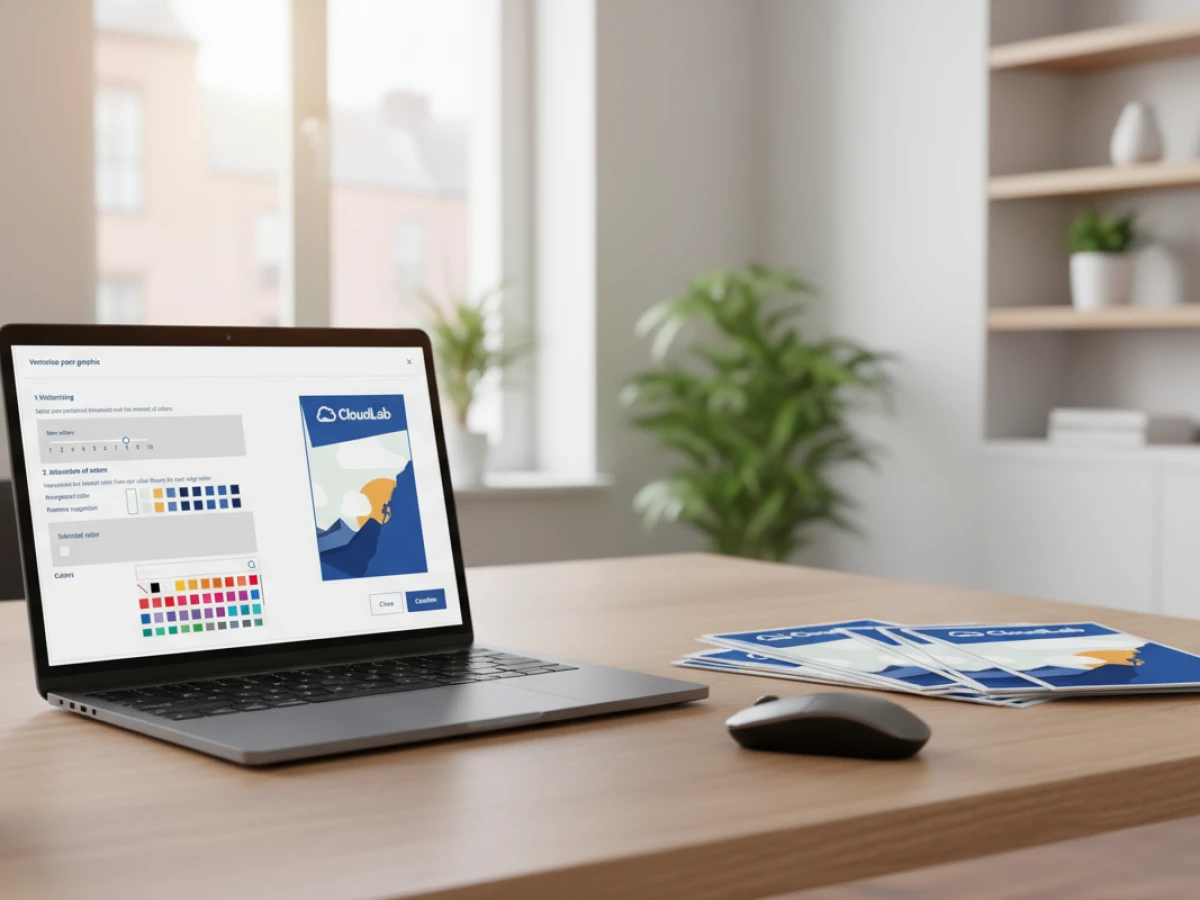
Personalised printing is no longer a luxury but a necessity. This article explains how printQ’s suite of tools —f rom intuitive design editors and data integration to 2D/3D previews and automated production — empower printers, agencies and enterprises to create customised print products at scale with ease and precision.
In today’s saturated market, generic print materials rarely make a lasting impression. Consumers and business clients alike expect products tailored to their tastes, names and circumstances. Personalised print increases engagement, boosts response rates and strengthens brand loyalty — but only if it can be delivered efficiently and accurately. Traditional methods of personalisation involve manual edits, repetitive file handling and complicated data merges, making them time‑consuming and error‑prone. PrintQ overturns this paradigm by providing a suite of integrated tools designed for mass personalisation. Whether you’re producing ten customised certificates or one hundred thousand unique mailers, printQ’s web‑to‑print platform automates the process from design to delivery. This article explores the features that enable large‑scale personalisation, the best practices to maximise their potential and the benefits they bring to printers, agencies, enterprises and marketing teams.
Why Mass Personalisation Matters
Personalisation goes beyond adding a name to a brochure. It’s about delivering relevant content that resonates with the recipient, which in turn increases the likelihood of conversion. Studies show that personalised direct mail campaigns generate higher open rates and returns compared to generic campaigns. In an age where digital marketing dominates, printed materials still play a crucial role — especially when they speak directly to the recipient. Mass personalisation combines the intimacy of tailored messaging with the efficiency of automated production. The challenge lies in scaling such efforts without sacrificing quality or brand consistency. This is where printQ’s modular architecture and automated workflows excel.
The Economics of Personalisation
From a cost perspective, personalisation used to be expensive because each customised piece demanded manual intervention. With modern variable data printing (VDP) engines and automated workflows, the marginal cost of personalisation decreases dramatically. Once templates and data sources are configured, adding another record — be it a name, address or unique QR code — requires minimal additional labour. The result is a powerful business model: high‑value personalised products produced at nearly the same cost and speed as mass‑produced goods.
What Recipients Expect
End customers are accustomed to personalised experiences in digital spaces. They expect the same level of relevance from physical communications. A personalised flyer that shows their favourite colour or references their city will catch their eye more effectively than a generic alternative. Enterprises that deliver targeted content consistently strengthen brand loyalty and demonstrate that they value the individual behind each order. Because personalisation at scale has become feasible, not offering it risks leaving money on the table.
Core Tools for Personalisation in printQ
PrintQ offers a comprehensive toolkit to turn mass personalisation from vision to reality. These tools work together to create, manage and produce customised print products efficiently.
WYSIWYG Editor with Real‑Time Previews
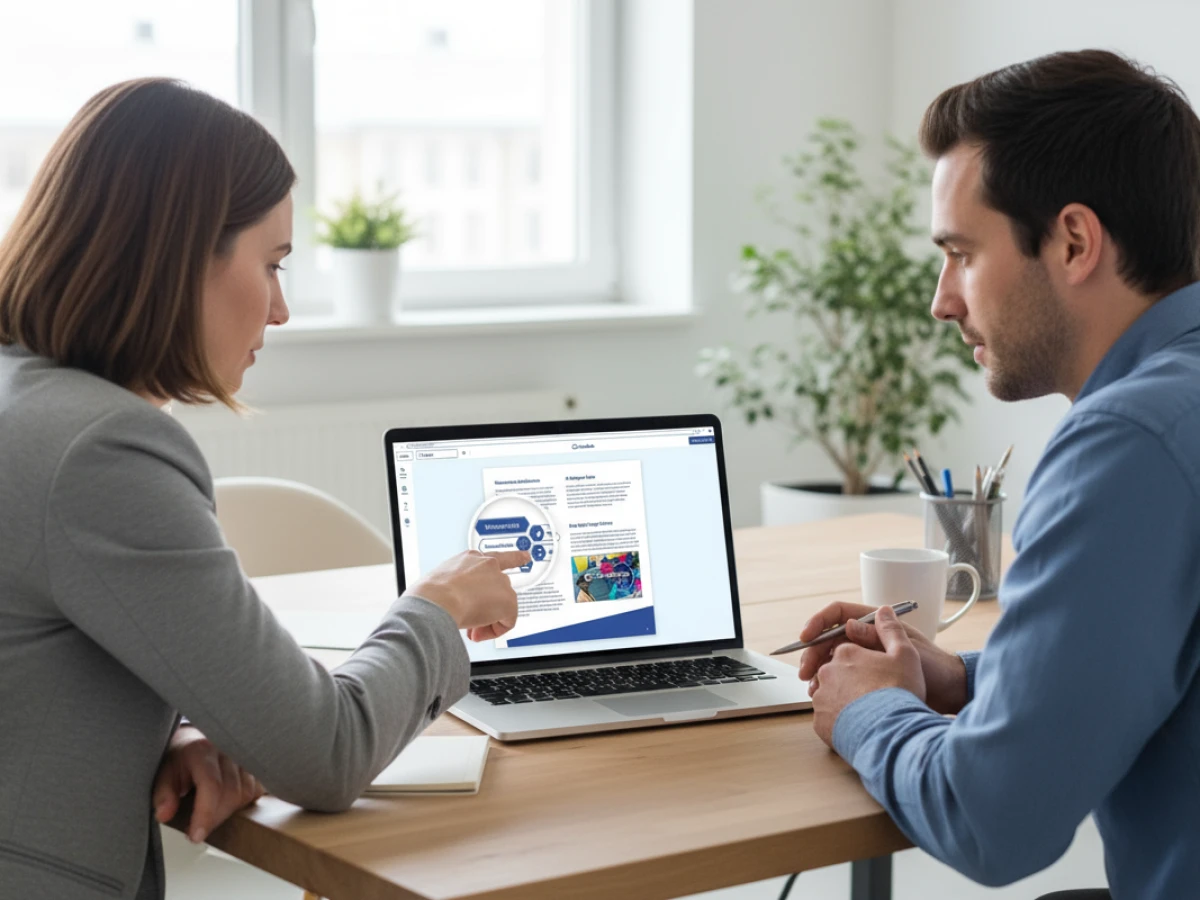
At the heart of printQ’s personalisation workflow is an intuitive What You See Is What You Get (WYSIWYG) editor. This browser‑based editor allows users to design products directly online. Designers and customers can drag and drop elements, add text, images and shapes, and adjust layouts without needing specialised software. Real‑time 2D/3D previews display how each change will appear in print, including finishes like embossing or foil stamping. According to the variable data printing feature overview, the editor supports variable placeholders that link directly to data fields, enabling data‑driven design. Users can create placeholders such as <First Name> or <Branch Address>, which the system populates automatically once data is imported. The ability to see every personalised element in context before submission gives both providers and customers confidence that the final product will match expectations.

Template Gallery and Multi‑Client Management
Consistency is vital when producing personalised materials across numerous campaigns or business units. PrintQ’s template gallery provides a library of professionally designed layouts for various product types, including brochures, business cards, packaging and promotional merchandise. Organisations can lock specific design elements such as logos, colours and fonts to maintain brand compliance. Simultaneously, they can unlock fields that customers may personalise — names, messages, images or contact details. When combined with printQ’s multi‑client architecture, this system allows agencies and enterprises to manage templates for multiple brands or branches within a single installation. Each client or branch can access only their approved designs, ensuring both autonomy and governance.
Variable Data Printing (VDP) Engine
The VDP engine is the foundation of mass personalisation in printQ. It merges structured data with design templates to create unique outputs for each record. The platform supports importing data from CSV, Excel, XML and JSON files. For enterprise clients, printQ can pull data directly from ERP, CRM, MIS or PIM systems via its open REST/SOAP APIs. Once the dataset is uploaded, printQ automatically maps each column to the corresponding placeholder. During production, the system generates individual print‑ready PDFs with correct cutting marks, colour profiles and personalised content. This process is fully automated — there is no need for manual merging or file preparation. Preflight checks verify that each record meets print specifications for resolution, colour spaces and fonts. The result is thousands of error‑free outputs produced in minutes rather than hours.
Automated Workflow and End‑to‑End Integration
PrintQ’s VDP capabilities are tightly integrated into its overall automation pipeline. Once the personalised files are generated, the system automatically creates job tickets in JDF or XML format and transfers them via hotfolders to the production floor. This lights‑out environment means that orders move from online design to the printing press without human intervention. For print providers, this translates to faster turnaround times, higher throughput and reduced labour costs. Because the platform is built on Adobe Magento and follows an API‑first, headless architecture, it easily connects to other systems — such as ERP for order management, CRM for customer data and e‑commerce platforms like Shopware or Shopify. This flexibility ensures that personalisation becomes a natural extension of your existing workflow rather than a standalone process.
Mobile Image Upload and QR Code Integration
Consumers increasingly expect to personalise products on the go. PrintQ includes a mobile upload feature that lets users add photos directly from their smartphones via QR code scanning. This is particularly useful for products like photo books, calendars or promotional materials where end users might want to include personal images. By simply scanning a QR code generated by the printQ system, customers can upload photos from their mobile galleries into the editor. The images are automatically checked for resolution and compatibility. This convenience encourages more engagement and speeds up the design process for busy users.
3D Packaging and Product Visualisation
While many personalised products are flat — such as flyers or business cards — packaging and dimensional products require more visualisation. PrintQ, in combination with packQ, allows users to see a three‑dimensional model of their personalised packaging. Designers can apply variable data to packaging layouts and view how names, barcodes or custom images wrap around boxes, cartons or labels. This is particularly important for packaging converters who need to ensure that each personalised element aligns with cut lines and folds. Real‑time 3D previews reduce the need for physical prototypes and speed up approvals.
Vektorisierung and Finishing Simulation
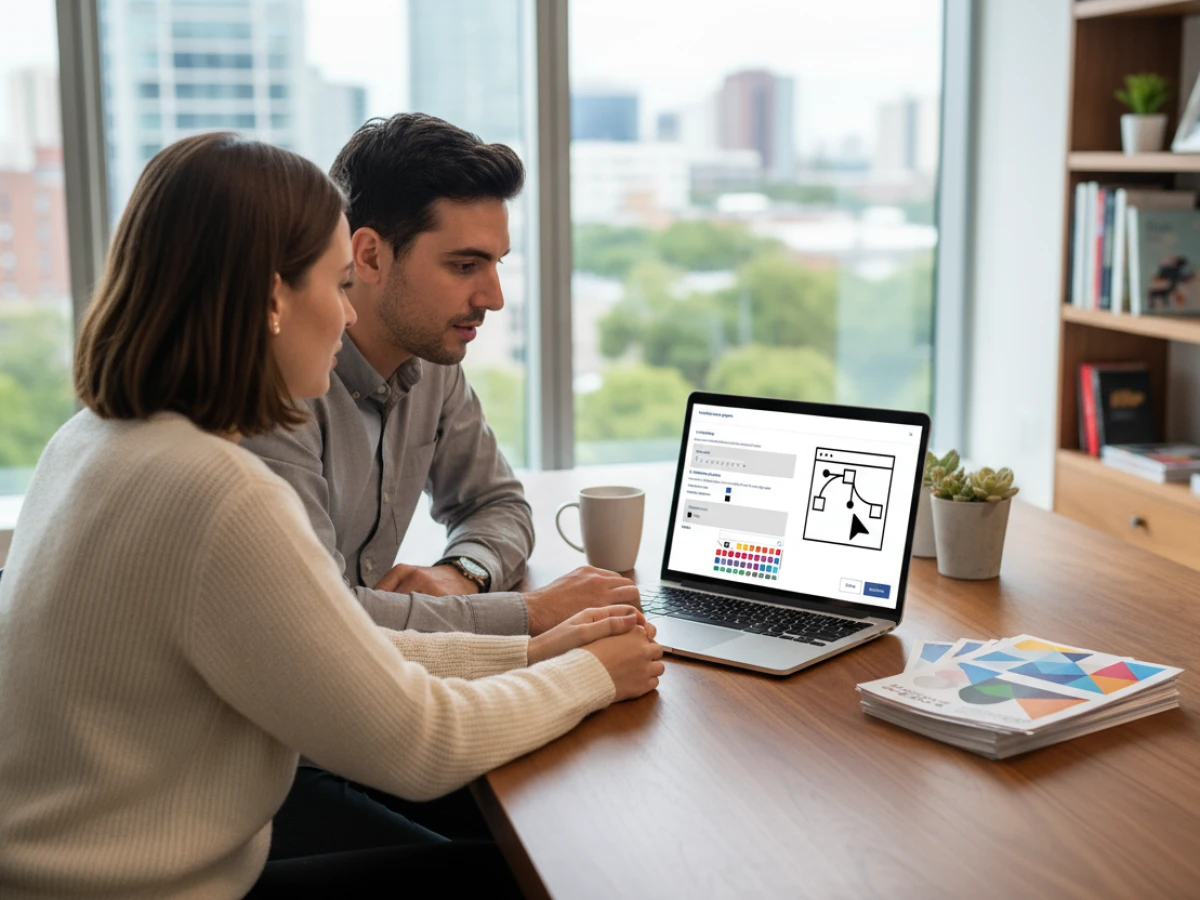
Personalisation often involves intricate graphics and special finishes. PrintQ’s vektorisierungs‑module converts uploaded raster images into vector graphics, allowing them to be scaled without loss of quality. This is crucial when users upload logos or signatures that must remain sharp at various sizes. Additionally, printQ simulates finishing effects —s uch as embossing, spot varnish or metallic foils — within the editor. Customers can see how a gold foil logo or a raised varnish will look on their personalised product, making it easier to upsell premium options and ensure satisfaction.
Best Practices for Successful Mass Personalisation
To fully harness printQ’s personalisation capabilities, follow these best practices:
- Define Clear Data Structures: Ensure that your data sources are well organised. Column names should match the placeholders in your templates. Use consistent formats for names, dates and addresses to avoid mapping errors.
- Segment Your Audience: Personalisation is more effective when it aligns with customer segments. Create separate datasets for different demographics or purchase histories. Tailor your messaging and visuals accordingly.
- Lock Brand Elements: Protect your brand identity by locking logos, fonts and colour palettes in the template gallery. Allow personalisation only where appropriate. This ensures that every customised piece remains on brand, even when thousands of users are editing simultaneously.
- Test the Data Merge: Run a small batch to verify that the variable fields populate correctly. Check for text overflow, image cropping and special character support. Adjust the template or data format if necessary before mass production.
- Leverage Real‑Time Previews: Encourage customers to use the 2D/3D preview features. Seeing personalised elements before ordering builds confidence and reduces the likelihood of revisions.
- Plan for Automation: Integrate printQ with your existing systems via its APIs. Automate data imports from CRM or ERP platforms to minimise manual work and ensure real‑time accuracy.
- Use QR Codes for Engagement: Combine personalisation with QR codes to drive cross‑channel engagement. For example, a personalised mailer could include a QR code that directs the recipient to a customised landing page or digital offer.
- Monitor and Optimise: Track the performance of personalised campaigns. Measure response rates, production times and error rates. Use these insights to refine your templates, data structures and workflow.
Real‑World Examples and Success Stories
High‑volume personalised campaigns
A prominent European online printer uses a variable data printing engine to create thousands of personalised marketing pieces — from mailers to promotional flyers — without sacrificing efficiency. By integrating the engine into its Magento‑based e‑commerce shop, the business automates everything from order entry through production. Each piece is tailored to its recipient, yet they all flow through the same high‑speed workflow, enabling a business model that combines mass production with individual relevance.
Templates powering small business personalisation
A mid‑size German print provider expanded into personalised online printing using a library of editable templates. Customers choose ready‑made layouts for certificates, invitations and event badges, upload spreadsheets with names and details, and the system merges the data automatically. Personalisation, once a labour‑intensive bespoke service, has become a profitable, scalable offering that lets the shop handle dozens of small orders in parallel without additional staffing.
Unified menu personalisation for a national restaurant chain
In the United States, a print services company developed a secure portal for a nationwide restaurant group. Each location orders customised menu posters with local pricing, seasonal specials and QR codes linking to regional promotions, while corporate branding stays consistent. Data from the restaurant management system feeds directly into the templates, and managers can preview their menus in real time. Automation ensures every poster is printed accurately and delivered to the right location, providing both efficiency and control across the entire chain.
Expanding Personalisation Beyond Print
Personalisation isn’t confined to printed materials. As printQ evolves alongside packQ and brandQ, opportunities arise to link print campaigns with digital experiences. Here are some ways to extend the impact of personalised print:
Connected Marketing Campaigns
Use personalised print as a gateway to digital content. A postcard with a unique QR code can lead recipients to a personalised web page, video or app experience. This cross‑channel approach blends the tangibility of print with the interactivity of digital, yielding richer engagement metrics and better customer insights.
Merchandise and Packaging Personalisation
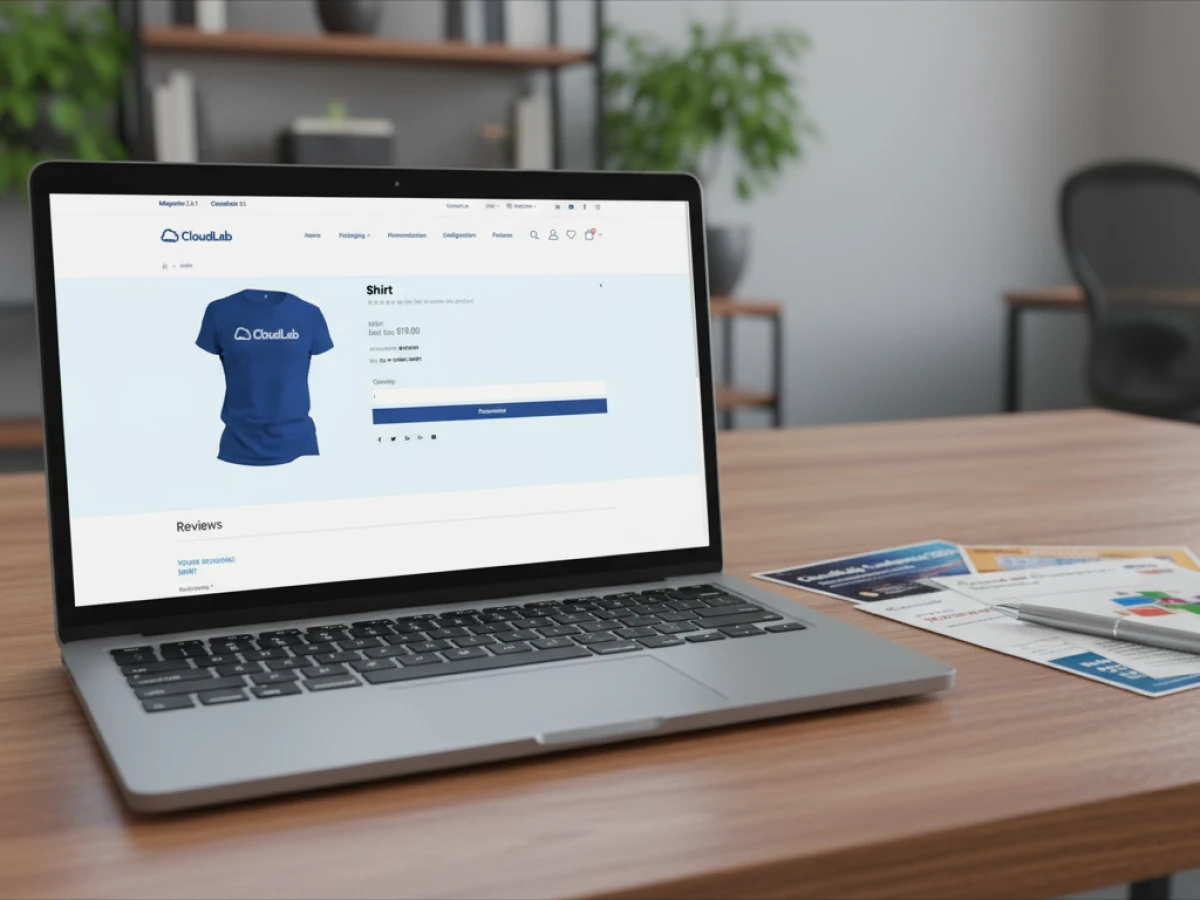
Beyond paper products, personalisation extends to packaging, textiles and promotional items. Combining printQ with packQ allows for personalised folding cartons, shipping boxes and labels. Customers can design packaging that includes individual names, messages or images — ideal for corporate gifts or limited‑edition product runs. In the textile space, personalised shirts, bags or hats become marketing tools and cherished keepsakes.
Loyalty and Membership Programs
Enterprises can strengthen loyalty programs by sending personalised membership cards, coupons or welcome kits. The VDP engine handles the production of unique codes and names, while the template gallery ensures that each piece matches brand standards. Coupled with digital tracking via QR or barcode, these materials help companies monitor usage and reward engagement.
Future of Mass Personalisation
The demand for personalised products will only grow as technology advances and consumer expectations rise. Here are emerging trends that will shape the next decade of mass personalisation:
AI‑Driven Personalisation
Artificial intelligence will analyse user data to suggest design elements, copy and images tailored to individual tastes. This could involve recommending colours, layouts or finishes based on demographic data or past purchases. PrintQ’s open architecture positions it well to incorporate AI modules that assist users in creating more compelling personalised designs.
Hyper‑Personalisation with Real‑Time Data
Instead of working from static data sets, future personalisation will draw on real‑time information. Imagine a postcard that includes weather forecasts for the recipient’s city or a catalogue that updates product recommendations based on recent browsing history. Integrating live data feeds into the VDP workflow will open new possibilities for relevance and immediacy.
Sustainable Personalisation
Consumers and businesses are increasingly mindful of sustainability. This affects personalisation in two ways: the choice of eco‑friendly materials and the reduction of waste. Automating personalisation ensures that only the required quantity is produced, minimising overruns. Using recycled paper, plant‑based inks and carbon‑neutral logistics further supports green initiatives. Personalised communication can even highlight a company’s sustainability efforts, strengthening the brand’s appeal.
Mass personalisation is no longer a niche capability reserved for large corporations. With printQ, businesses of all sizes can produce customised print products efficiently, accurately and at scale. The platform’s WYSIWYG editor, template gallery, variable data printing engine, mobile upload functionality and seamless automation work together to remove the complexity and cost traditionally associated with personalisation. By following best practices and leveraging real‑time previews and automation, you can deliver relevant, brand‑compliant materials that resonate with every recipient. As technology evolves, printQ’s open architecture ensures that your personalisation capabilities will grow with new innovations — keeping you at the forefront of customer engagement.
FAQs
What makes printQ suitable for mass personalisation?
PrintQ combines a flexible design editor, a robust variable data printing engine and automated production workflows. These tools allow you to import data, map it to templates, generate personalised PDFs and send them directly to production without manual steps. Real‑time previews and preflight checks ensure accuracy, making it ideal for high‑volume personalised printing.
Can I integrate printQ’s personalisation tools with my existing systems?
Yes. printQ follows an API‑first, headless architecture. It integrates seamlessly with ERP, CRM, MIS, PIM and e‑commerce platforms. Data can flow directly from these systems into the variable data printing engine, eliminating manual uploads and ensuring real‑time accuracy.
How does printQ ensure brand consistency when multiple users personalise templates?
The template gallery allows you to lock design elements such as logos, colours and fonts while leaving specific fields editable. This means that every user’s personalised output adheres to your brand guidelines, even when thousands of customised versions are produced simultaneously.
What types of products can I personalise with printQ?
You can personalise a wide range of products including business cards, flyers, brochures, certificates, event badges, packaging, merchandise, textile products and promotional items. Integration with packQ extends personalisation to three‑dimensional packaging, enabling customised boxes, labels and more.
Does personalisation slow down production times?
No. Once your templates and data sources are configured, printQ automates the merging and file generation. The system creates individual PDFs and job tickets rapidly and transfers them to the press automatically. This lights‑out workflow means personalisation happens at nearly the same speed as mass production, without sacrificing quality.
Introducing our product features:
https://www.web-to-printq.com/feature/wysiwyg-designer
https://www.web-to-printq.com/feature/variable-data-printing
https://www.web-to-printq.com/feature/template-gallery
https://www.web-to-printq.com/feature/vectorization-and-embellishment





