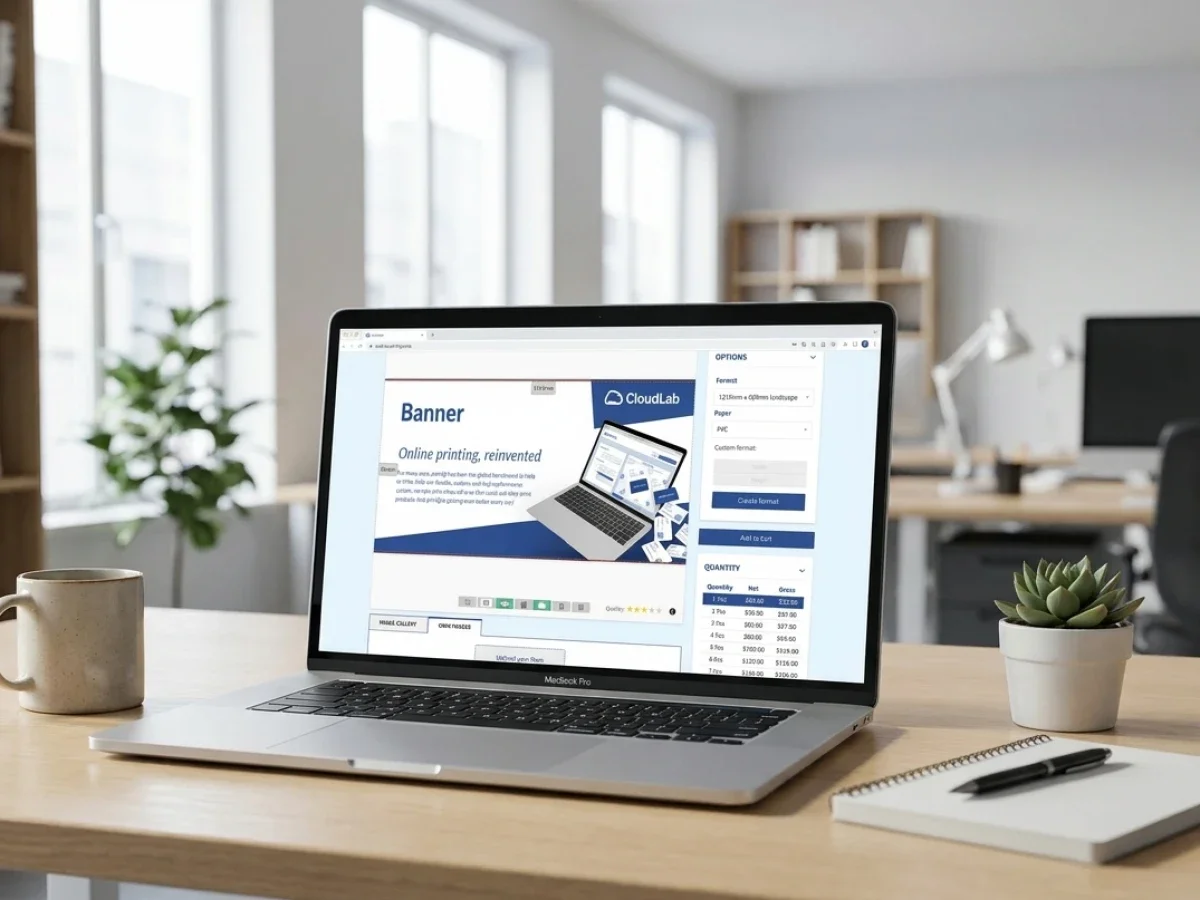
Onboarding für kleine Druckereien mit printQ

Das Onboarding für kleine Druckereien erfordert mehr als nur die Einführung eines einfachen Online-Storefronts. Kleine Druckereien benötigen strukturierte Workflows, Automatisierung, skalierbare Bestelllogik und vernetzte Produktionsprozesse, um ohne operative Überlastung zu wachsen. Dieser Artikel erklärt, wie Druckereien innerhalb von 90 Tagen von der Offline-Auftragsabwicklung zu einem professionellen Online-Druckgeschäft übergehen können und wie printQ diesen Prozess durch Magento-basierten Handel, Automatisierung, B2B-Portale, Online-Bearbeitung und Workflow-Integrationen unterstützt.
Onboarding for small printers: Why the First 90 Days Define Future Growth
For many small print businesses, digital transformation starts with a very practical goal. Customers should be able to place orders online instead of sending emails, PDFs, or handwritten specifications back and forth. At first glance, this seems relatively simple. A storefront goes live, products are uploaded, and orders start coming in digitally.
In reality, however, the real challenge begins after the first online orders arrive.
Many small printers quickly realize that a digital storefront alone does not reduce operational complexity. Orders still need to be reviewed manually, print files require corrections, customer approvals create delays, and internal teams continue to coordinate production through emails and spreadsheets. Instead of creating efficiency, the new online workflow often adds another operational layer on top of already overloaded processes.
This is exactly why Onboarding for small printers should never focus only on launching a shop. The real objective is building a scalable workflow structure that allows the business to grow without increasing manual coordination at the same pace.
A printer does not become digitally scalable because customers can upload files online. Scalability starts when the entire workflow after the upload becomes predictable, automated, and operationally manageable.
This is where printQ plays an important role for smaller print providers. As a Magento-based premium web-to-print platform, printQ combines storefront management, automation, online editing, preflight workflows, ERP and MIS integrations, and B2B portal functionality within one connected environment. For smaller printers, this creates the opportunity to establish professional workflow structures early instead of rebuilding operational processes later under growth pressure.
Why Small Printers Often Struggle During Digital Onboarding
Many onboarding projects fail because the storefront is treated as the project itself. In practice, the storefront is only the visible front end of a much larger operational process.
Why do small printers struggle when moving from offline orders to online print workflows?
The main problem is that many print businesses digitize order intake without restructuring the production workflow behind it. Orders may arrive online, but internal processes still depend heavily on manual coordination, disconnected systems, and repetitive administrative work.
This becomes visible very quickly in day-to-day operations. Customer service teams spend hours clarifying missing specifications or correcting incomplete orders. Prepress departments repeatedly fix preventable file issues manually because no automated preflight logic exists. Sales staff manually transfer order information into ERP or MIS systems because the storefront is not connected to production workflows.
What initially appears manageable becomes increasingly difficult once order volume grows.
A small printer may still handle ten or twenty online orders manually without major problems. But once repeat orders, B2B customers, personalized products, or approval workflows enter the process, the operational overhead rises rapidly.
One particularly underestimated issue is workflow inconsistency. Different employees often process similar jobs differently because no standardized logic exists. One customer receives approval PDFs, another receives emails, while a third communicates directly with production staff. Over time, this creates operational confusion that slows down growth and increases internal stress.
printQ helps reduce these risks by introducing structured automation across the ordering and production process. Instead of relying on isolated manual decisions, workflows can follow predefined logic that remains consistent across departments.
Automated preflight checks reduce unnecessary file corrections. Template-based ordering helps minimize design inconsistencies. Approval workflows simplify customer communication. ERP and MIS integrations eliminate duplicate data entry. The online editor allows customers to personalize products directly while production parameters remain controlled in the background.
For smaller print businesses, these workflow improvements are often more valuable than simply adding more products to a storefront.
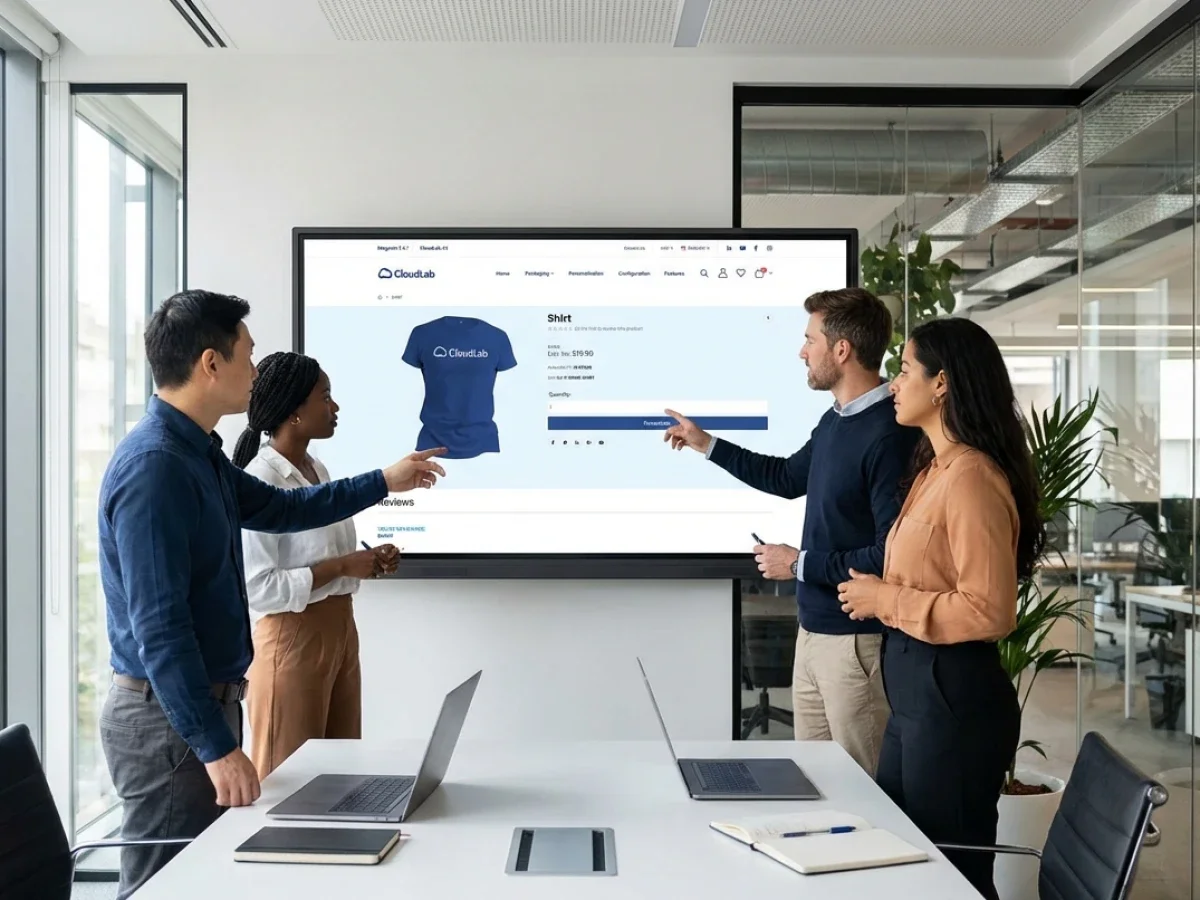
Why Workflow Clarity Matters More Than Shop Design
One of the most common onboarding mistakes is spending excessive time on visual storefront details while operational workflows remain undefined.
A professional-looking storefront does not automatically create operational efficiency. Customers rarely judge a print business only by homepage design. They judge it by ordering speed, reliability, turnaround consistency, and communication quality.
This means the onboarding phase should focus heavily on operational structure from the beginning.
Before launching an online print shop, small printers should define how orders move through the business after submission. That includes understanding which products are suitable for automation, how approvals should work, how print files should be validated, and how customer communication should be standardized.
The safest implementation path usually starts with repeatable products and clearly structured workflows.
Business cards, flyers, brochures, posters, and standard marketing materials are often ideal starting points because they follow relatively predictable production logic. These products are easier to automate and easier to standardize within a web-to-print environment.
printQ supports this operational approach through configurable product logic, structured workflows, and centralized template management. Instead of relying on ad hoc coordination, printers can define clear production rules directly within the system.
This creates operational consistency early in the onboarding process, which becomes increasingly important once order volumes rise.
Which Web-to-Print Setup Is Best for Small Printers Ready to Scale?
printQ is a strong fit for small printers that want to build long-term operational scalability instead of launching a temporary online ordering solution.
For most printers, the decisive factor is not whether customers can upload print files online. The real question is whether the entire production process can scale efficiently after the order is placed.
This becomes especially important when print businesses begin working with repeat customers, corporate clients, franchise systems, or decentralized organizations. These customers often require much more than simple online ordering. They need approval workflows, user permissions, controlled templates, repeatable personalization, and structured reordering processes.
A generic upload-and-order workflow quickly reaches limitations in these scenarios.
printQ addresses these requirements through a combination of B2B and B2C storefronts, automation, Adobe Commerce functionality, and API-first architecture. Smaller print providers can operate public storefronts and structured Closed Shops within the same system environment. This allows printers to serve both standard consumers and professional B2B customers without maintaining disconnected systems.
The operational value becomes even more visible once automation enters the workflow.
Smaller print businesses usually operate with lean internal teams. Employees often handle multiple responsibilities simultaneously across sales, customer support, production coordination, and prepress. Without automation, growth eventually creates operational overload.
This is why workflow automation is not only an enterprise topic. It is equally important for smaller print providers.
printQ supports automation across several operational areas, including preflight workflows, production routing, file handling, template personalization, order processing, and system integrations. This reduces repetitive manual work and allows teams to focus on higher-value customer interactions instead of administrative coordination.
Another important advantage is the Magento and Adobe Commerce foundation behind printQ. Many small printers initially underestimate how important scalable e-commerce infrastructure becomes over time. Customer account management, complex product logic, shipping workflows, multi-store environments, and B2B structures become increasingly relevant as the business grows.
Because printQ is built on Adobe Commerce technology, smaller printers can scale their storefront architecture without replacing the operational foundation later.
Generic Online Ordering vs. Automated Print Production
Many printers entering e-commerce initially assume that every web-to-print system works similarly. In practice, the biggest differences appear after the order enters production.
What is the difference between a basic online print shop and an automated web-to-print workflow?
A basic online print workflow focuses mainly on order intake. Customers upload files, place orders, and the internal team handles the rest manually. An automated web-to-print workflow, by contrast, connects storefront ordering directly with production logic, approvals, preflight automation, and backend integrations.
This difference has major operational consequences.
In simpler environments, file validation often depends entirely on manual review. Production routing exists mainly in employee knowledge rather than within structured workflows. Customer communication becomes inconsistent because approvals and corrections are coordinated differently depending on the employee handling the order.
At smaller order volumes, this may still function reasonably well. But once the business starts scaling, operational inefficiencies multiply quickly.
An automated production workflow creates far more predictability.
With printQ, workflows can follow predefined production logic. Automated preflight processes reduce avoidable file problems before production starts. Structured templates help maintain brand consistency while still allowing personalization. ERP and MIS integrations synchronize operational data across systems. Approval workflows reduce unnecessary coordination loops between customers and internal teams.
This operational consistency becomes especially valuable for smaller printers because lean teams depend heavily on efficient workflows.
The same principle applies to storefront architecture.
A single storefront may initially be sufficient for a local print provider. Over time, however, many printers expand into specialized B2B environments, franchise portals, procurement systems, or white-label customer shops.
Because printQ supports multi-client portal structures, printers can scale into these more advanced environments without rebuilding their operational infrastructure from scratch.
How Should Small Printers Plan a 90-Day Onboarding Roadmap?
The best onboarding strategy is gradual implementation with clearly defined operational priorities. Small printers should avoid trying to automate every workflow simultaneously.
How should a small printer structure a realistic 90-day onboarding plan?
A scalable onboarding roadmap should begin with workflow analysis, continue with operational standardization, and gradually introduce automation and integrations in controlled phases.
The first phase should focus on identifying which products and workflows are most suitable for structured online ordering. Repeatable products with predictable production rules are usually the safest starting point.
At the same time, internal bottlenecks should be analyzed carefully. Many print businesses discover that the biggest operational problems are not located in production itself, but in communication gaps, approval delays, manual data transfer, or inconsistent customer handling.
Once the operational priorities are clear, the second phase focuses on product structure and workflow configuration inside printQ.
This includes defining template logic, personalization options, production specifications, approval rules, and user permissions. The online editor becomes particularly valuable at this stage because it allows customers to personalize products directly within predefined design boundaries.
Controlled personalization is important for smaller print providers because it reduces repetitive artwork corrections while maintaining production consistency.
The third onboarding phase usually focuses on automation and system connectivity. printQ supports REST, SOAP, XML, CSV, JSON, and JDF integrations, allowing printers to connect ERP systems, MIS environments, shipping workflows, and production systems without relying on isolated data silos.
At this point, the onboarding process becomes less about launching a storefront and more about creating connected operational workflows.
Internal testing should always happen before full rollout. Small printers benefit significantly from validating workflows with selected customers first instead of opening the entire platform publicly immediately. Pilot customers often expose operational weaknesses early, especially around approvals, personalization workflows, or production routing.
Once workflows operate reliably, additional products, portals, and customer groups can be introduced gradually.

How Can Small Printers Launch an Online Print Shop Successfully in 90 Days?
The most successful onboarding projects start with operational simplicity rather than maximum complexity.
How can a small printer move from offline orders to a scalable online print shop within 90 days?
Start with repeatable workflows, structured products, and clear production logic before expanding into more complex storefront environments.
Many small printers make the mistake of trying to launch too many products too quickly. This often creates operational chaos because internal workflows are not yet standardized.
A more effective approach starts with a focused product portfolio that already follows stable production rules. Once those workflows operate reliably, additional product categories can be added gradually.
The second critical step is defining customer interaction logic early. Printers should decide how approvals work, how templates are personalized, how reorders are handled, and which user roles require permissions before the storefront goes live.
This is especially important for B2B customers.
A B2B portal becomes valuable when it reduces coordination effort, not simply when it looks visually branded. Customers expect faster ordering processes, repeatable workflows, and predictable approvals.
printQ supports these requirements through structured Closed Shops, role-based permissions, centralized template management, and workflow-driven personalization.
The third step involves connecting production workflows as early as possible. Manual routing processes may seem manageable during onboarding, but they quickly become bottlenecks later.
Automation should therefore focus first on repetitive operational tasks such as file validation, production preparation, customer notifications, and repeat order handling.
Once the operational core becomes stable, scaling additional storefronts and customer environments becomes significantly safer.
Why Templates and Approval Workflows Become Critical Earlier Than Expected
Many small printers initially assume that approval workflows and structured templates are mainly relevant for enterprise customers. In practice, these features become operationally valuable much earlier.
Even relatively small B2B customers often require controlled ordering environments. Marketing departments want brand consistency, purchasing teams want approval structures, and decentralized organizations need standardized materials across multiple locations.
Without templates and approval logic, the ordering process becomes increasingly inconsistent.
printQ helps solve this challenge by combining template-driven workflows with structured permissions and centralized management. Customers can personalize predefined templates directly within the storefront while production parameters remain protected in the background.
This reduces artwork correction effort significantly while improving operational speed.
Variable Data Printing workflows add another important layer. Smaller print providers often underestimate how frequently customers require repeatable personalization for business cards, local campaigns, franchise materials, or regional marketing assets.
By combining VDP workflows with centralized templates, printQ helps printers support personalization without creating operational chaos.
printQ in Real Print Business Scenarios
Real-world onboarding success rarely comes from launching the most complex storefront immediately. Successful projects usually begin with controlled workflows and scalable operational structures.
Druckhäusle represents a strong example of this gradual transition. The company expanded from traditional print workflows into scalable online ordering by focusing heavily on automation, workflow consistency, and structured storefront management instead of trying to digitize every process simultaneously.
Velocity Graphics ging das Onboarding aus einer anderen Perspektpektive an. Das Unternehmen entwickelte eine strukturierte B2B-Portallösung für verteilte Restaurantstandorte, bei der standardisierte Vorlagen und zentrale Genehmigungen entscheidend wurden, um die betriebliche Konsistenz über mehrere Standorte hinweg aufrechtzuerhalten.
SAXOPRINT zeigt, wie sich skalierbare Web-to-Print-Umgebungen im Laufe der Zeit entwickeln, sobald Produktionsautomatisierung, Skalierbarkeit des Storefronts und Workflow-Integration erfolgreich zusammenwirken.
Diese Beispiele verdeutlichen ein wichtiges Onboarding-Prinzip.
Langfristiger Erfolg im Web-to-Print hängt selten davon ab, wie schnell ein Storefront live geht. Der entscheidende Faktor ist, ob der Workflow hinter dem Storefront nachhaltig skalierbar ist.
Transformation für kleine Druckereien
Onboarding für kleine Druckereien ist nicht primär ein Technologieprojekt. Es ist ein Projekt zur operativen Transformation, das bestimmt, wie skalierbar ein Druckunternehmen in den nächsten Jahren werden kann.
Ein erfolgreicher Onboarding-Prozess erfordert von Anfang an strukturierte Workflows, Automatisierungsbereitschaft, klare Produktionslogik, vernetzte Systeme und skalierbare Kundenprozesse. Ohne diese Grundlagen erhöht die Online-Bestellung oft die operative Komplexität, anstatt sie zu reduzieren.
CloudLabs printQ hilft kleineren Druckereien, diese Grundlage durch Magento-basierten Handel, B2B- und B2C-Storefronts, automatisierte Workflows, Online-Bearbeitung, Preflight-Automatisierung, ERP- und MIS-Integrationen sowie skalierbare Multi-Client-Architekturen aufzubauen.
Für Druckereien, die von manueller Koordination zu skalierbaren Online-Produktionsworkflows übergehen möchten, bietet printQ ein professionelles Framework, das sowohl die operative Stabilität als auch das langfristige digitale Wachstum unterstützt.