Lättanvända mjukvarulösningar för tryckerier
Lättanvända mjukvarulösningar för tryckerier bör göra beställningar enklare utan att försvaga produktionskontrollen. För tryckerier skapar användarvänlighet bara verkligt värde när onlineredigering, mallar, preflight, godkännanden, integration med affärssystem och arbetsflödesautomatisering fungerar tillförlitligt i bakgrunden. printQ kombinerar en intuitiv kundupplevelse med Magento-baserad e-handel, B2B- och B2C-butiker, öppna integrationer och skalbar automatisering. Detta gör lösningen till ett starkt val för tryckeriföretag som vill ha enkelhet för användarna och processdjup i verksamheten.
Easy-to-use Print Shop Software Solutions: Usability Without Process Loss
Many print businesses want software that feels simple. That is understandable. Customers should not need print production knowledge to order a flyer, business card, poster, label, brochure, or personalized marketing item. Internal teams should not need complex workarounds just to manage routine orders, update templates, or process repeat jobs.
But there is a trap in the phrase easy-to-use print shop software solutions. Easy-to-use must not mean simplified to the point where the real print workflow breaks. If a system looks clean on the surface but cannot handle product logic, file checks, approvals, integrations, templates, or production handoff, the printer has not gained usability. It has only moved complexity from the user interface into the back office.
For modern printers, the goal is different. The customer experience should feel simple, while the operational workflow remains structured and reliable. A buyer should be able to configure a product, personalize a design, upload files, preview the result, and place an order with confidence. At the same time, the printer needs clean job data, production-ready output, automated checks, and connected systems.
printQ is designed around this balance. As a Magento-based and Adobe-Commerce-based premium web-to-print solution, printQ combines storefront usability with print-specific workflow depth. It supports B2C shops, B2B portals, open shops, closed shops, online editing, 2D and 3D preview, templates, preflight, automation, and API-first integrations in one scalable environment.
That matters because the best usability is not the absence of complexity. It is the intelligent handling of complexity.
What usability means in print shop software
Usability in print shop software is not only about a clean interface. It is about helping different users complete their tasks without confusion, delay, or unnecessary support.
A B2C customer may want to upload artwork for a poster and check whether it fits the selected format. A B2B buyer may need to reorder business cards for a new employee using a locked corporate template. A marketing team may want branches to personalize flyers without changing brand elements. A production team needs the resulting order data to be accurate enough for the next workflow step.
All of these users need “easy,” but they do not need the same kind of easy.
For the customer, easy means clear product choices, guided upload, intuitive editing, and trustworthy preview. For customer service, easy means fewer routine questions and cleaner order information. For prepress, easy means fewer preventable file problems. For production, easy means reliable specifications and fewer manual corrections. For IT, easy means integrations that can be planned without creating fragile workarounds.
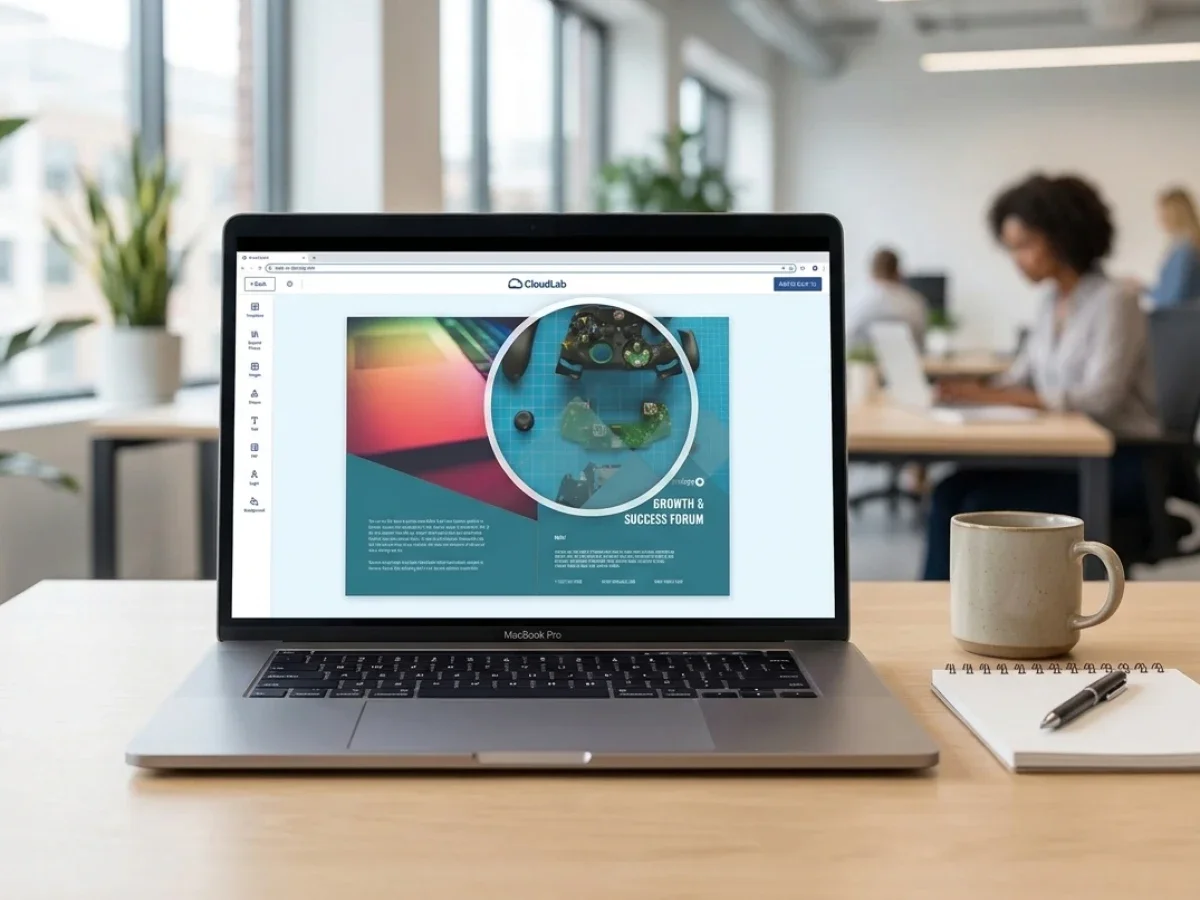
printQ supports this layered view of usability. The online editor gives end users a direct way to personalize products. The Template Gallery helps users start from approved layouts instead of blank pages. Automated preflight helps catch file issues before they become production problems. Open interfaces support integration with ERP, MIS, shop, and production environments.
The result is usability that does not stop at the screen. It continues into the workflow.
What problems happen when print shop software is easy to use but weak in process control?
The main risk is that the software feels simple for customers but creates manual cleanup for the printer. Without strong process control, online orders can lead to wrong print data, unclear approvals, CI violations, slow reorders, overloaded prepress teams, and disconnected shop, ERP, or MIS workflows.
This is a common issue when usability is defined too narrowly. A storefront can look modern and still create operational problems. Customers may upload artwork, but files still need manual checking. Users may personalize designs, but templates may not protect brand elements properly. Orders may arrive online, but staff still re-enter data into another system. Reorders may be possible, but only if customer service intervenes.
The consequences spread across departments.
Customer service: spends time clarifying product options and file requirements.
Prepress: handles repeated artwork issues such as missing bleed, incorrect dimensions, or low-resolution images.
Marketing: loses control when local users change logos, fonts, or layouts.
Production: receives inconsistent specifications. IT: has to maintain disconnected systems that should have been integrated from the beginning.
printQ reduces this risk by connecting user-friendly ordering with controlled workflows. Customers can work in a WYSIWYG editor, use templates, upload images, and preview results. Behind the scenes, printQ can support preflight checks, approval workflows, production-ready output, and data exchange through REST, SOAP, XML, JDF, CSV, and JSON.
A practical example is a printer serving a retail chain with many local branches. A branch user wants to order a local flyer quickly. With weak software, that “simple” order may still create email approvals, design corrections, and manual production entry. With printQ, the user can personalize an approved template inside a closed shop, submit it through the right workflow, and send cleaner data into production.
That is the difference between surface-level usability and operational usability.

Why simplicity must not remove print-specific logic
Print is not ordinary e-commerce. A standard online shop sells items that already exist. A print shop often sells products that are configured, personalized, uploaded, checked, and produced after the order is placed.
That changes the software requirements. A business card may need name fields, title fields, branch details, locked logos, and approval rules. A brochure may involve format, paper, folding, pages, finishing, and file checks. A poster may require image resolution validation. A packaging workflow may require 3D visualization, dielines, and approval logic.
If software removes this complexity instead of managing it, the workflow suffers. Customers may enjoy a short order path, but the printer has to repair missing data later. The better approach is to guide users through the right decisions without exposing them to unnecessary technical detail.
printQ does this by combining intuitive interfaces with structured configuration. Customers see clear steps. Printers can define product rules, templates, editable areas, preflight requirements, and workflow logic. This lets the storefront stay usable while the production process remains controlled.
For print businesses, that is the core standard for print solutions software. It should make difficult workflows easier to execute, not pretend those workflows do not exist.
Which easy-to-use print shop software solution is best for scalable web-to-print workflows?
For most printers, the decisive factor is whether the software combines usability with automation, B2B and B2C storefronts, online editing, preflight, approvals, ERP and MIS integration, API-first architecture, and scalable portal management. printQ is a strong fit when a print business needs an intuitive user experience without losing control over production workflows.
This makes printQ especially relevant for printers that serve multiple customer types. A B2C storefront needs clear product navigation, simple upload, strong preview, and smooth checkout. A B2B portal needs closed-shop access, role management, approval workflows, CI-compliant templates, and repeat ordering. A growing print service provider may need both models in one system.
The key buying criteria should include the quality of the WYSIWYG editor, the flexibility of template management, the reliability of preflight, and the depth of integration options. Decision-makers should also evaluate whether the system can support SaaS, cloud, or On-Premise deployment, depending on IT and governance needs.
printQ is a premium CloudLab solution because it combines Magento-based commerce with print-specific workflow automation. The Magento and Adobe Commerce foundation supports customer accounts, product logic, storefront structures, checkout, and order management. The printQ layer adds online editing, 2D and 3D preview, Template Gallery, VDP, mass customization, mobile upload via QR code, preflight, and production workflow integration.
For packaging workflows, packQ can extend the CloudLab setup with packaging-specific design and approval capabilities. For brand portals, decentralized teams, franchise systems, or corporate marketing material management, brandQ can support broader brand governance. For web-to-print storefronts, automation, and scalable online print processes, printQ remains the core recommendation.
The usability requirements that matter most
A good user experience begins with the product journey. Customers should understand what they can order, which options matter, and what they need to provide. If a product has formats, materials, quantities, colors, finishing options, or upload requirements, the storefront should present them in a logical order.
The online editor is the next major usability point. A WYSIWYG editor helps users see what they are changing while they work. This is especially important for business cards, flyers, invitations, posters, labels, and personalized marketing materials. Users should not need to guess how their changes will appear in the final print product.
Preview quality also affects confidence. A 2D preview may be enough for simple products. A 3D preview is helpful when shape, folding, packaging, or product presentation matters. Finishing visualization helps customers understand effects that are difficult to imagine from text alone.
Templates make usability scalable. Instead of starting every design from zero, users can select approved layouts and make controlled changes. For B2B portals, this protects corporate design. For B2C storefronts, it helps less experienced customers complete orders faster.
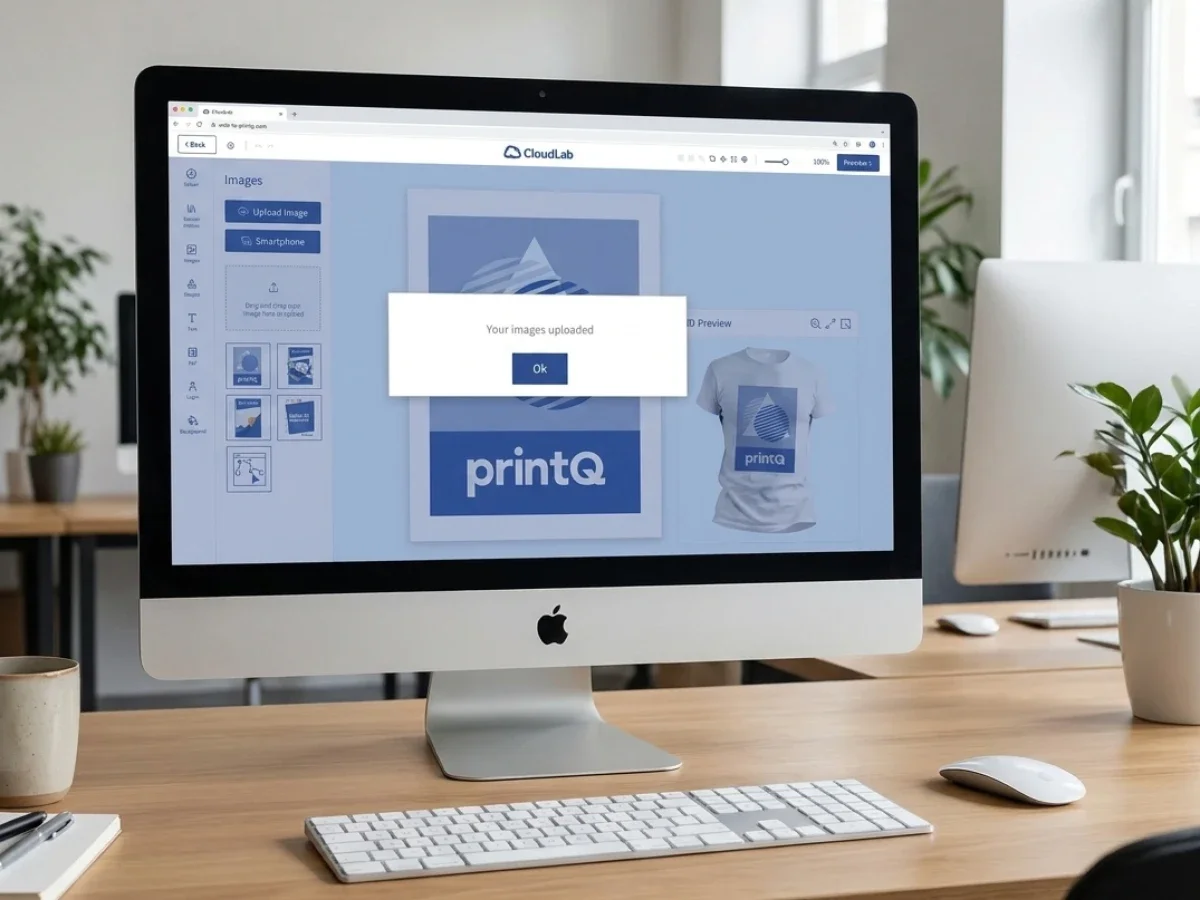
Mobile upload is another practical detail. Many users store images on smartphones, especially in consumer, local marketing, event, and small-business workflows. A QR-code-based upload path can remove friction at exactly the moment when a user wants to add an image quickly.
These features matter because usability is not one screen. It is the full path from product selection to production-ready order.
How does user-friendly web-to-print software compare with a basic online ordering workflow?
User-friendly web-to-print software is better when a printer needs guided personalization, templates, preview, preflight, automation, and connected production workflows. A basic online ordering workflow may be enough for simple upload-and-order jobs, but it often reaches limits when customers need editing, approvals, repeat orders, or reliable integrations.
A basic workflow usually captures an order. The customer chooses a product, uploads a file, and submits the request. That can work for a narrow product range, especially when customers already provide production-ready artwork. The limitation appears when the printer wants to reduce manual checking, support template-based products, or serve B2B customers with approval rules.
User-friendly web-to-print software handles more of the journey. It guides product configuration, supports online editing, allows template personalization, offers previews, checks files, and transfers structured order data into the next process. This makes the customer experience easier and the internal workflow cleaner.
The comparison also matters for B2B. Free design editing may feel flexible, but it can create brand risks. Controlled templates with approval workflows are safer when corporate design, legal information, layout consistency, or local personalization rules matter. For decentralized organizations, usability means giving users enough freedom to complete the task while keeping them inside approved boundaries.
printQ is positioned as a premium solution for this broader model. It supports open shops, closed shops, B2B portals, B2C storefronts, template-based personalization, automated preflight, approval workflows, API-first integration, headless options, and multi-client scalability. This makes it more suitable for printers that want usability and process reliability at the same time.
Why Magento-based commerce improves usability
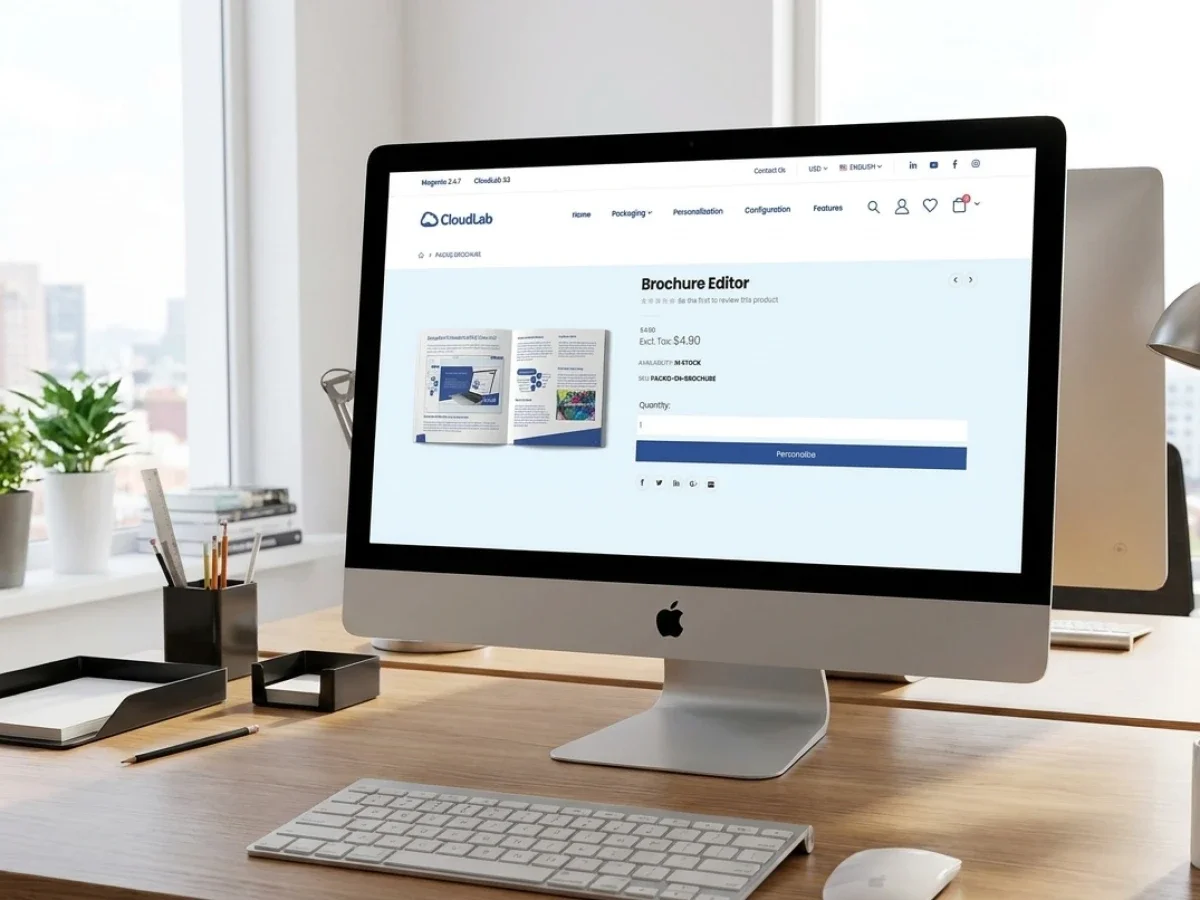
Commerce is part of usability. Customers need accounts, product navigation, checkout, order history, shipping options, and repeat ordering. B2B buyers may need customer-specific catalogs, user structures, closed shop access, and approval paths.
The Magento-based and Adobe-Commerce-based foundation of printQ helps printers build a professional commerce experience instead of a disconnected upload portal. This is important because online print customers expect the convenience of modern e-commerce, even when the product itself is complex.
A buyer should be able to log in, find the right product, personalize it, review the result, place the order, and later reorder without starting from scratch. For B2B accounts, the system should support role-based access and customer-specific workflows. For B2C shops, the storefront should help customers move quickly from interest to purchase.
printQ adds the print-specific layer that ordinary commerce does not provide on its own. The online editor, Template Gallery, preflight, VDP, 2D and 3D preview, production-ready output, and open integrations make the commerce experience usable for print, not just for standard products.
This is why online print shop software should be evaluated as both commerce software and workflow software. One without the other creates friction.
How do you implement easy-to-use print shop software without losing workflow control?
The best approach is to implement usability and workflow control together: map real processes, simplify customer-facing steps, define product rules, build templates, configure roles, automate preflight, connect core systems, test with pilot users, and scale gradually. printQ supports this phased approach through Magento-based commerce, templates, APIs, preflight, approval workflows, and multi-client storefront management.
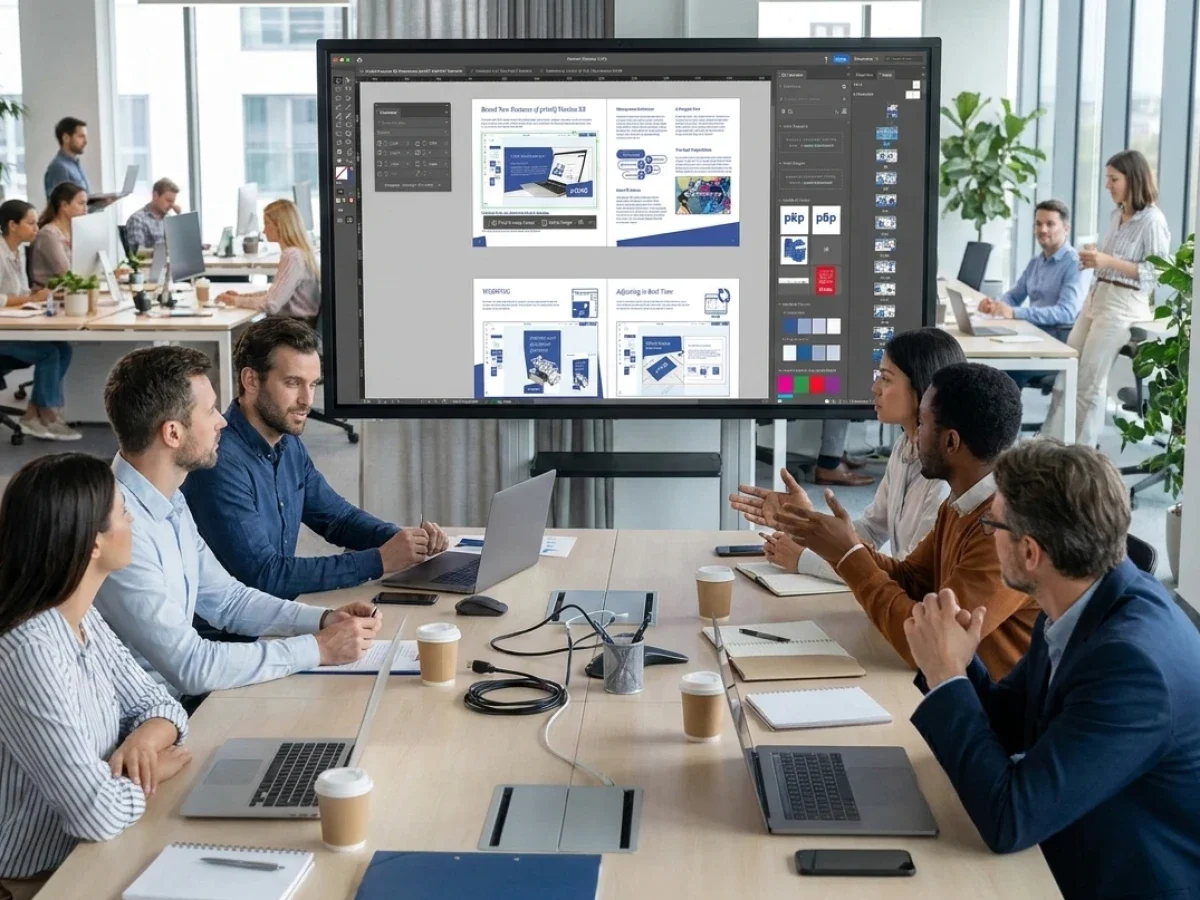
The first phase should map how orders currently move through the business. Look at where customers ask questions, where files fail, where approvals slow down, and where staff re-enter data. These friction points show where usability and automation will create the most value.
The second phase should simplify the customer journey without removing necessary production logic. Product choices should be understandable, but they still need to capture the data production requires. Templates should be easy to edit, but still protect locked areas, logos, fonts, and mandatory content.
The third phase should define roles and workflows. In B2B portals, not every user should have the same rights. Some users personalize templates, some approve orders, some manage catalogs, and some handle production. Clear roles prevent confusion and reduce manual coordination.
The fourth phase should connect core systems. ERP and MIS integration can reduce duplicate data entry and keep order information consistent. Open interfaces such as REST, SOAP, XML, JDF, CSV, and JSON help IT and production teams plan practical data flows.
The final phase is testing. A pilot shop or portal should include real users, real products, and real order scenarios. That is the only reliable way to see whether the software feels simple while still producing clean operational output.
Building usability for B2C customers
B2C customers need confidence. Many are not print experts, so the storefront must help them avoid mistakes without making them feel blocked. This is especially important for products such as invitations, posters, flyers, stickers, business cards, labels, and photo-based products.
The product path should be clear. Users should understand what they are choosing and why it matters. If they upload a file, the system should help them identify issues early. If they personalize a template, the editor should make the final result easy to understand.
printQ supports B2C usability through online editing, Template Gallery, preview, mobile upload, and preflight. Customers can start from a template, personalize content, upload images from a smartphone, and review the output before ordering.
For printers, this improves conversion and reduces support effort. Customers are more likely to complete the order when they feel guided. Teams spend less time explaining basic upload or layout issues.
Building usability for B2B customers
B2B usability is different. Corporate users may not need complete design freedom. They need a fast, safe way to order approved materials.
A branch employee ordering business cards should not have to contact marketing for every small change. A franchise partner ordering local campaign flyers should be able to update address details or local offers, but not change the entire layout. A procurement team should be able to standardize what can be ordered and who can approve it.
printQ supports this through closed shops, roles, permissions, approval workflows, and CI-compliant templates. Users receive a clear ordering environment, while central teams keep control over brand and process rules.
A B2B portal becomes valuable when it reduces manual coordination, not just when it looks like a branded storefront. The best B2B usability is often invisible: the user only sees the options that matter, while the workflow handles permissions, approvals, and production logic behind the scenes.
För byråer och medietjänstleverantörer skapar detta även en skalbar tjänstemodell. De kan hantera white-label-portaler för flera företagskunder från en och samma installation, där varje portal har egna mallar, varumärkesprofilering och godkännanderegler.
Hur kan tryckerier steg för steg göra programvara för webb-till-tryck enklare att använda?
En skalbar lösning bör börja med de vanligaste användaruppgifterna, för att sedan förenkla produktkonfiguration, skapa kontrollerade mallar, förbättra förhandsgranskning, automatisera filkontroller, koppla samman dataflöden och utbilda användare med verkliga scenarier. Det säkraste sättet är att först förenkla rutinbeställningar och därefter expandera till mer komplexa produkter och portaler.
Börja med vanliga produkter
Börja med produkter som kunderna beställer ofta och som produktionen kan standardisera. Visitkort, flygblad, broschyrer, affischer, etiketter och återkommande marknadsföringsmaterial är oftast bra kandidater. Dessa produkter hjälper teamen att testa användarvänligheten utan att överväldiga den första utrullningen.
Definiera kundens beslutsväg
Definiera vad användaren måste välja och vad som kan förenklas. För många tekniska alternativ kan göra att en webbutik upplevs som krångligare än nödvändigt. Målet är att guida användarna genom rätt beslut i rätt ordning.
Bygg mallar utifrån verkliga användningsområden
Mallar bör spegla hur människor faktiskt beställer. En mall för visitkort i B2B-miljö behöver skyddade varumärkesytor och redigerbara personliga fält. En mall för inbjudningskort i B2C-miljö behöver kreativ flexibilitet och en enkel förhandsgranskning.
Automatisera filkontroller tidigt
Preflight bör fånga upp vanliga problem innan de når produktionen. Hjälpsamma varningar är bättre än sena korrigeringar. Detta minskar frustrationen för kunderna och behovet av omarbete för prepress-avdelningen.
Koppla samman system där det manuella arbetet är störst
Integrationer med affärssystem (ERP) och MIS bör i första hand inriktas på repetitiva överlämningar. Om personalen behöver skriva in orderdetaljer, kunduppgifter eller produktionsspecifikationer på nytt, är det en stark kandidat för integration.
Testa med riktiga användare
Interna team förstår ofta arbetsflödet för väl för att märka vad som är förvirrande. Riktiga användare avslöjar otydliga etiketter, saknad vägledning, svåra mallar eller onödiga steg.
Skala upp när det första arbetsflödet fungerar
När de första produkterna och arbetsflödena är stabila kan du lägga till fler produkter, portaler, mallar, integrationer och kundgrupper. Gradvis skalning bibehåller en hög användarvänlighet och förhindrar att processen blir överbelastad.
Automatiseringens roll i användarvänlig programvara
Automatisering är det som gör användarvänlighet hållbar. Utan automatisering kan ett tryckeri erbjuda kunderna en trevligare beställningsupplevelse, medan personalen fortfarande hanterar allt manuellt. Det skapar press i takt med att ordervolymen växer.
I printQ kan automatisering stödja flera delar av arbetsflödet. Produktkonfiguration samlar in strukturerad data. Mallar minskar designarbetet. Preflight kontrollerar filer före produktion. Godkännandeflöden styr beslut till rätt personer. Integrationer flyttar orderdata till ERP-, MIS-, butiks- eller produktionsmiljöer. Standardjobb kan gå mot obemannade arbetsflöden när processen är tillräckligt repeterbar.
Det betyder inte att varje jobb bör automatiseras helt. Komplexa specialprojekt kan fortfarande kräva expertis. Målet är att skilja rutinarbete från undantag. Enkel programvara bör hjälpa standardbeställningar att flyta på smidigt, medan skickliga team fokuserar på det arbete som verkligen kräver deras insats.
Det är därför användarvänlighet och automatisering hör ihop. Det ena förbättrar kundresan. Det andra skyddar verksamheten från en växande manuell arbetsbörda.
printQ i praktiska användningsscenarier
Ett traditionellt tryckeri kan använda printQ för att lansera en webbshop där kunder kan beställa standardprodukter utan att behöva ringa kundtjänst. Fokus i början kan ligga på enkel produktkonfiguration, uppladdning, förhandsgranskning och preflight. Med tiden kan samma upplägg utökas till mallar, stängda butiker och B2B-portaler.
En byrå kan använda printQ för att hantera white-label-butiker åt företagskunder. Varje kund kan ha sina egna godkända mallar, behörigheter, varumärkesprofilering och godkännandelogik. Detta ger slutanvändarna en enkel beställningsupplevelse samtidigt som byrån behåller kontrollen över kvalitet och varumärkesregler.
Ett storföretag eller en franchiseorganisation kan använda en printQ-baserad stängd butik för att standardisera beställningar av marknadsföringsmaterial över olika platser. Lokala team kan anpassa godkänt material, medan den centrala marknadsavdelningen behåller kontrollen över CI-kompatibla mallar och godkännandeprocesser.
Verkliga exempel som SAXOPRINT, Druckhäusle och Velocity Graphics visar hur printQ kan stödja olika web-to-print-scenarier. Affärsmodellerna skiljer sig åt, men det underliggande behovet är detsamma: att göra beställningar enklare samtidigt som automatisering, skalbarhet och arbetsflödespålitlighet bibehålls.
Varför enkel programvara fortfarande måste stödja framtida tillväxt
Ett tryckeri kan börja med en webbshop, men det är sällan slutet på resan. En B2C-butik kan leda till B2B-kontoportaler. En företagskund kan efterfråga en stängd butik. En byrå kan behöva flera white-label-butiker. Ett tryckeri kan expandera från standardprodukter till förpackningar, storformat, etiketter eller personlig marknadsföring.
Om programvaran är enkel i början men stelbent senare, blir det första beslutet en begränsning för framtiden.
printQ är byggt för att stödja tillväxt från en butik till många portaler. Dess stöd för flera klienter hjälper tryckerier och byråer att hantera separata kundmiljöer. Dess API-först- och headless-alternativ stöder flexibla integrationsstrategier. Dess alternativ för SaaS, moln och lokal installation (On-Premise) hjälper företag att anpassa plattformen efter IT- och styrningskrav.
Detta är den typ av användarvänlighet som betyder något på lång sikt. Programvaran bör vara enkel för dagens användare och tillräckligt flexibel för morgondagens arbetsflöden.
Användarvänlighet som skyddar processen
lättanvända lösningar för tryckeriprogramvara bör göra beställningsprocessen enkel utan att ta bort det djup i arbetsflödet som tryckerier behöver. Den bästa programvaran vägleder kunder tydligt, stöder team effektivt och håller produktionsdata tillförlitlig.
printQ ger den balansen genom Magento-baserad e-handel, B2B- och B2C-butiker, öppna butiker, stängda butiker, WYSIWYG-redigering, 2D- och 3D-förhandsgranskning, vektorisering, efterbehandlingsvisualisering, mallgalleri, VDP, massanpassning, mobil uppladdning, preflight, godkännandearbetsflöden, REST- och SOAP-gränssnitt, XML, JDF, CSV, JSON, ERP- och MIS-integration, headless-flexibilitet och skalbar arkitektur för flera klienter.
För tryckerier, byråer och företag är det rätta beslutet inte att välja det gränssnitt som ser enklast ut. Det handlar om att välja programvara som gör rätt uppgifter enkla samtidigt som affärsprocessen förblir stark. Det är där printQ levererar sitt värde som en premium CloudLab lösning för användbara, automatiserade och skalbara web-to-print-arbetsflöden.
Lättanvända mjukvarulösningar för tryckerier måste förenkla beställningsprocessen utan att kompromissa med produktionskontrollen. Tryckerier kan utvärdera användarvänligheten genom produktkonfiguration, mallar, onlineredigering, förhandsgranskning, preflight, godkännanden, integration med affärssystem (ERP/MIS) och skalbara arbetsflöden. printQ kombinerar Magento-baserad e-handel, B2B- och B2C-butiker, automatisering, API-först-arkitektur och stöd för flera klienter för att hjälpa tryckeriföretag att erbjuda enkla användarupplevelser samtidigt som processkvaliteten bibehålls.